

For real estate agencies
Marketing built around the photo you already have
Kamply is a Mac app that designs the listing post with you, then hands you the file.
The longer description
The photo goes in as shot, graded but never restaged.
Finished work, built in the app.
Every piece here was built in Kamply at the size it ships. Sample brands are labelled as such.

 1 / 6
1 / 6 1 / 5
1 / 5 1 / 8
1 / 8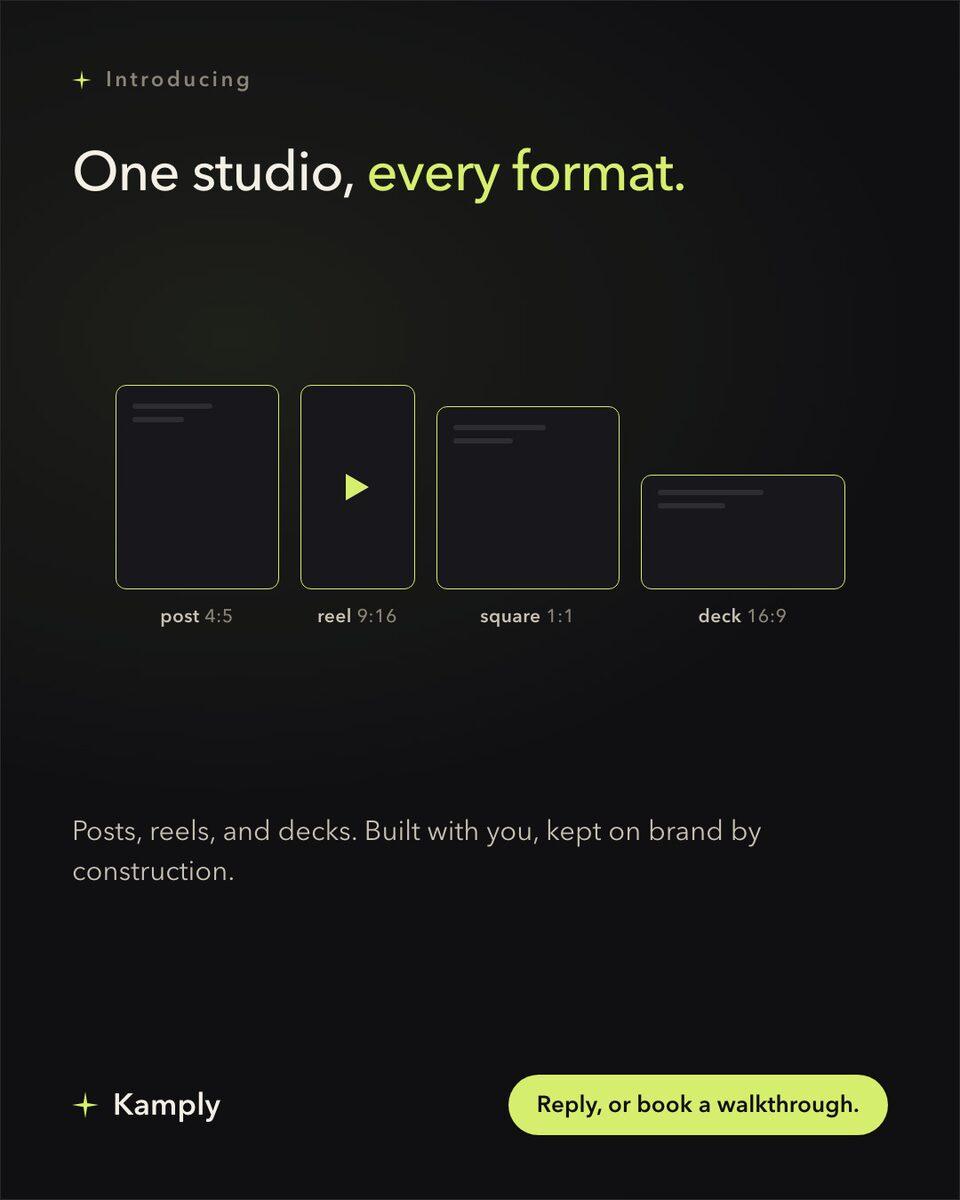
Sample brands from the app’s library
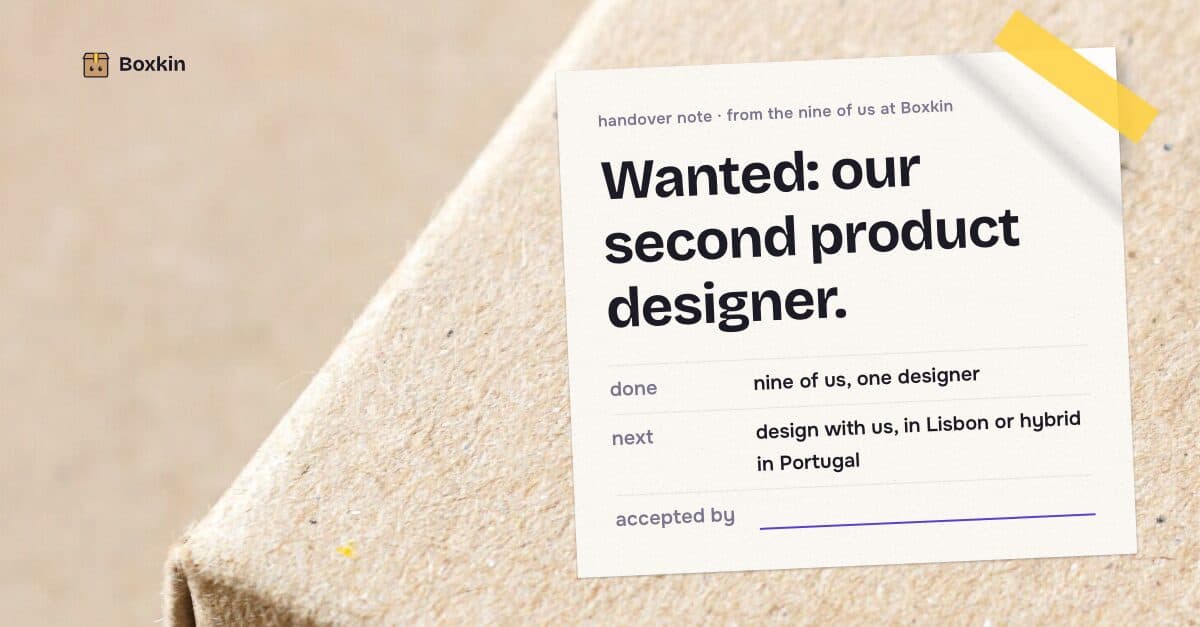
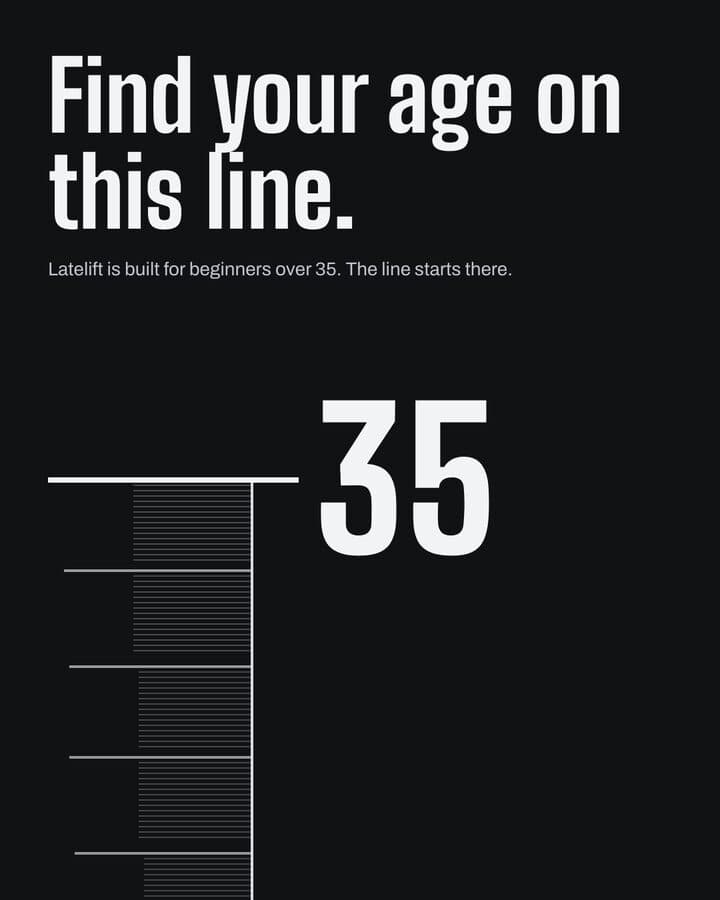
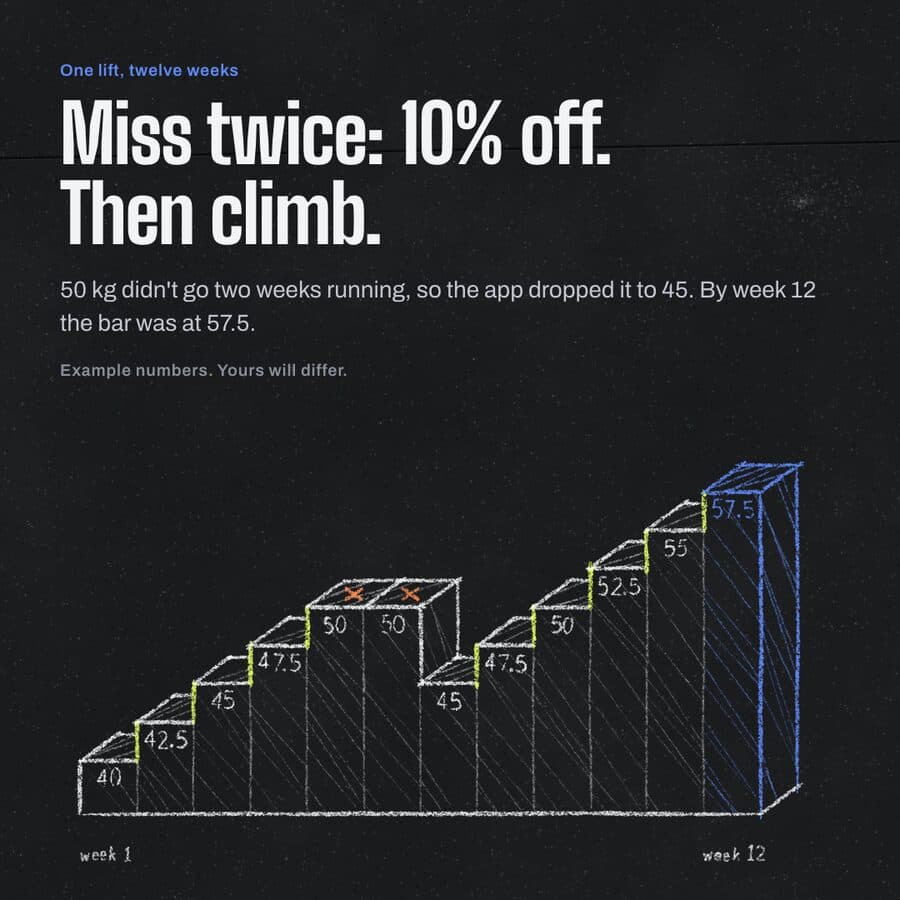
Darnfold, Boxkin, Woofstead and Latelift are invented brands, so every figure in their work is fictional.
 sample brand
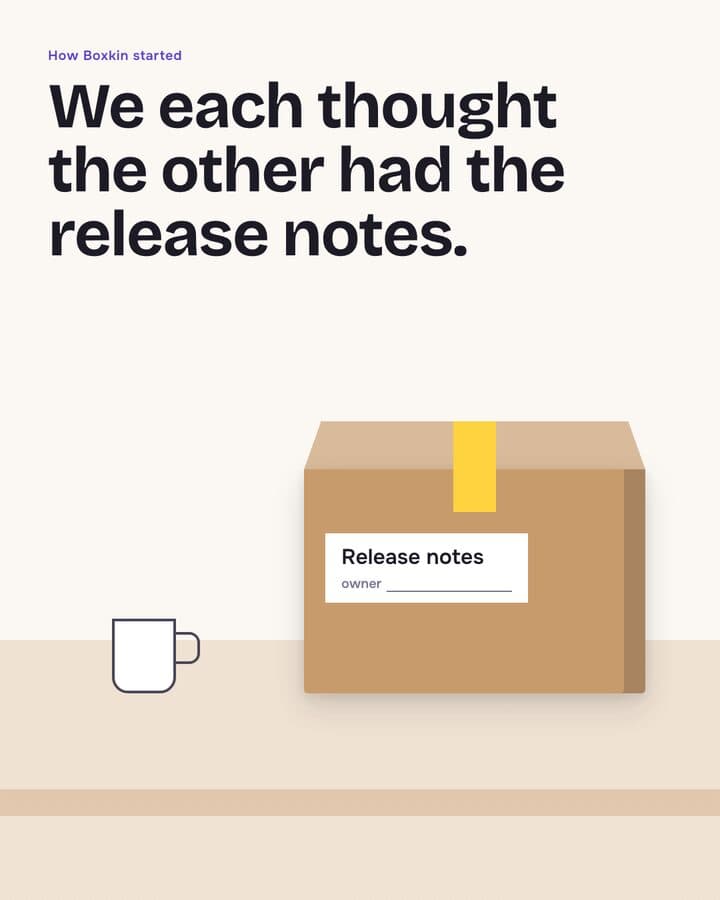 sample brand1 / 6
 sample brand1 / 5
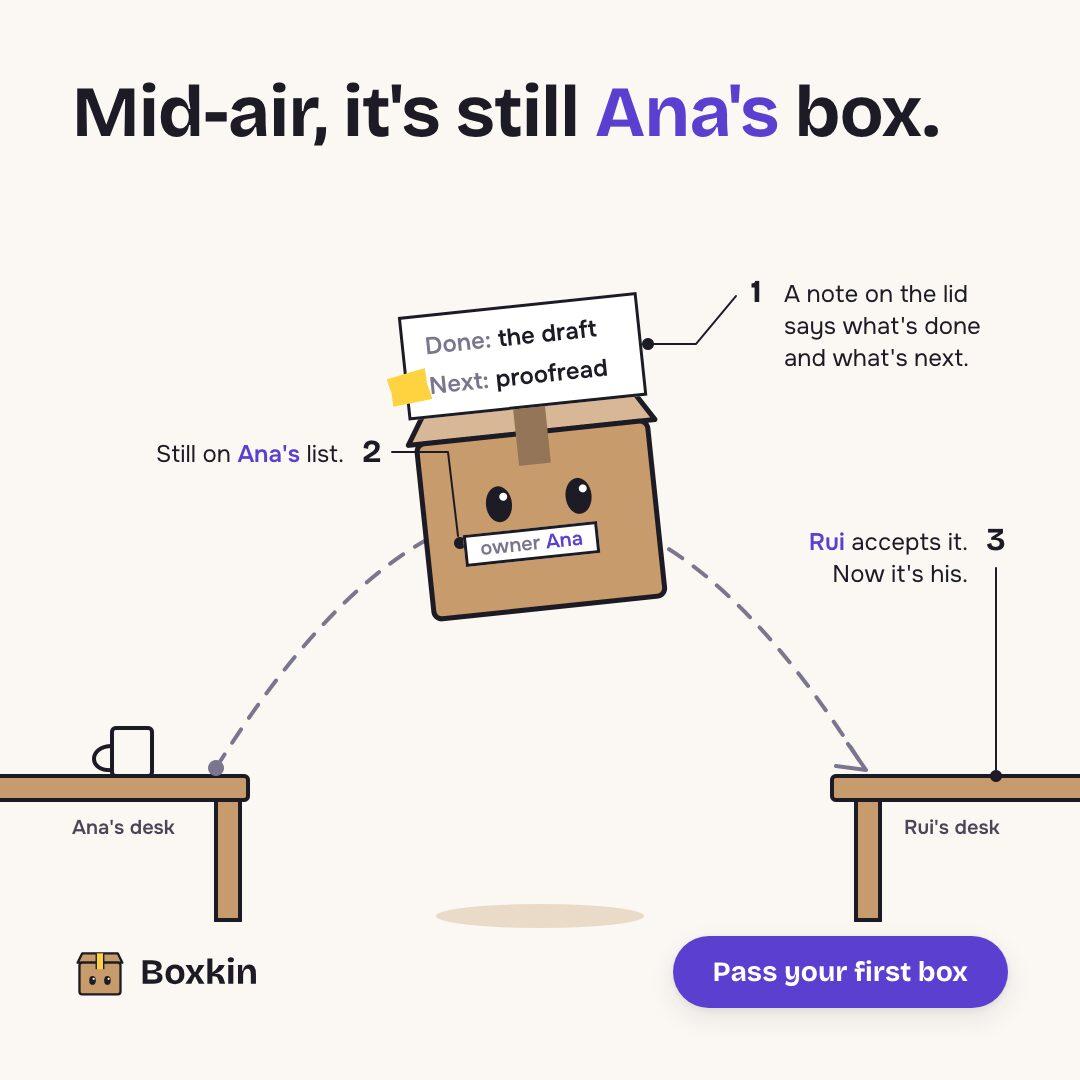 sample brand
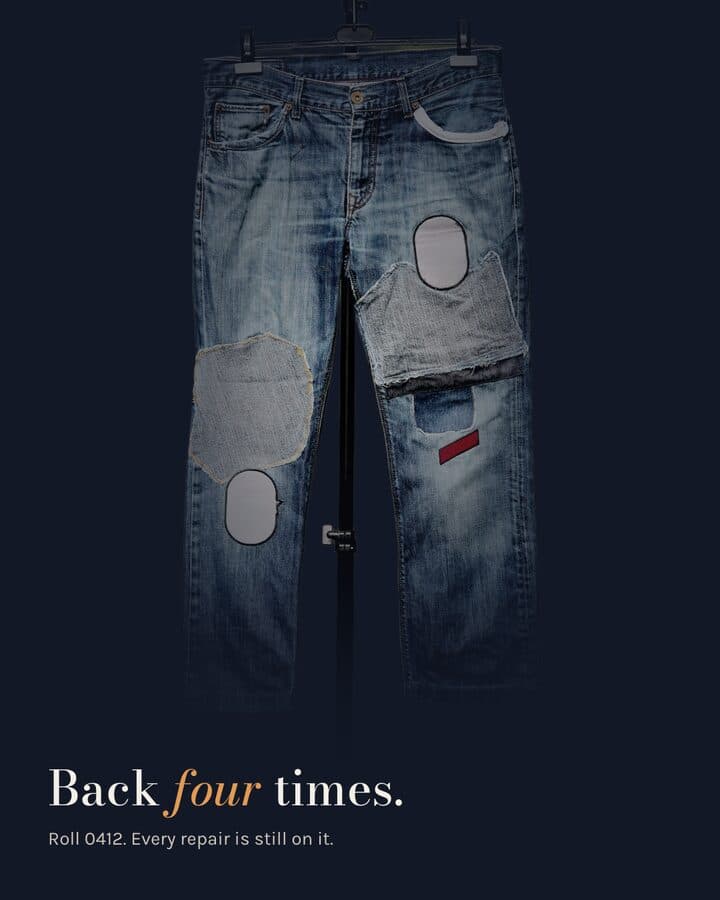 sample brand1 / 5
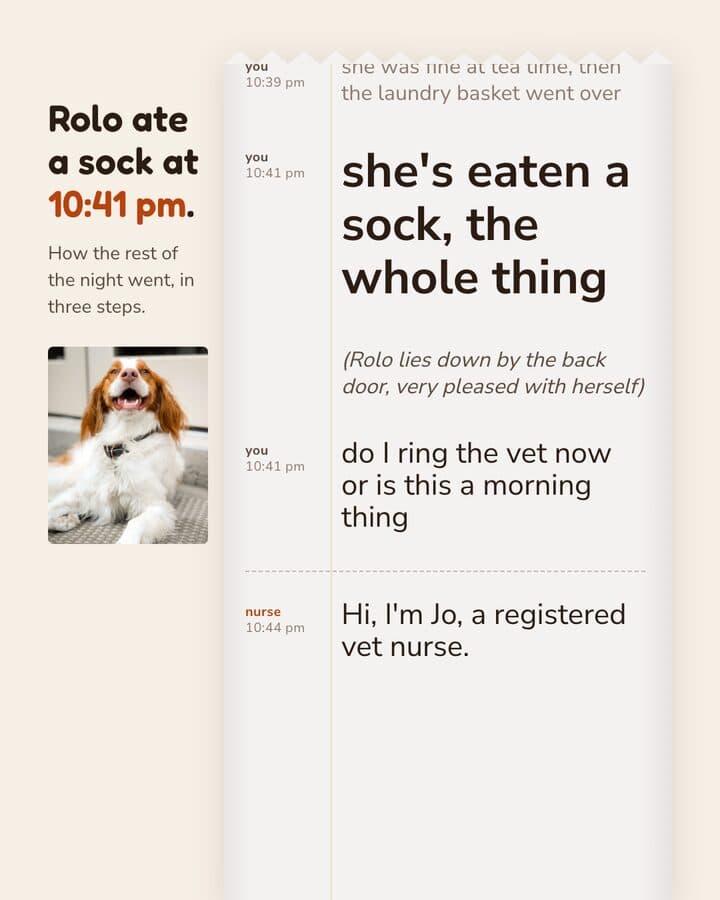 sample brand1 / 5
 sample brand
 sample brand
 sample brand1 / 5
 sample brand1 / 4
 sample brand1 / 4
 sample brand1 / 3
 sample brand1 / 4
 sample brand1 / 3
 sample brand1 / 3
 sample brand1 / 3
 sample brand1 / 4
 sample brand1 / 4
What you publish, drawn at its real size.
- 4:51080 × 1350 pxNew listing announcement4:5 post, 1080x1350Embeds the real listing photo, grades it, lays out price and address.
- 4:51080 × 1350 pxRoom-by-room carouselMulti-slide carousel, 4:5One photo per slide, same tokens throughout, PNG or PDF export.
- 1:11080 × 1080 pxJust sold or under offer1:1 post, 1080x1080New brief, the sold photo embedded, labelled variants back for approval.
- 9:161080 × 1920 pxOpen house notice9:16 post, 1080x1920Date, time and address set in your type, exported as PNG.
- 9:161080 × 1920 pxListing reel9:16 reel, MP4Voice-over-timed or music-timed. One timed build took about an hour, in June 2026.
A listing photo cannot be restaged
The photo you have is the photo you have.
The rule in full
The room was shot once, the light was what it was, and nothing in the frame can be moved after the fact. Kamply is built to respect that. When a real shot exists it has to be embedded, and building or faking a scene is blocked by its own rules. What it does to the photo is limited and honest. It grades the colour so a warm kitchen and a grey exterior sit together in one carousel, removes a background when you need a cutout, and lays the card around the image using the type, colour and logo it derived from your agency's website and a short interview.
Embeds the real photo or screenshot, grades it, and places it at the exact export size.
Will not build, fake or mock up a product image or an app screen. Missing the shot means shooting it, not generating it.
Three steps, in that order.
The same order every time, whatever you hand it.
Set up your agency's look once
About 10 minutes, per Kamply's setup guide. Kamply reads your website and asks a short set of questions, then writes down your colours, fonts, voice and logo. Every post after that references what it wrote down.
Hand it the listing
Address, price, the details you want on the card, and the photos from the shoot. It interviews you until the brief is complete, with no blanks left, and locks it before anything gets designed.
Pick a variant and approve it
It comes back with V1, V2 and so on, never a single take. Preflight checks have to pass before a file is called done, and you approve at named stops. Export PNG or PDF, or an MP4 for a reel, and upload it yourself.
What it actually does
Kamply is a Mac desktop app with Claude sitting next to a gallery of your work.
What it does, in detail
You give it the listing details and the photos, it interviews you until the brief has no blanks, then it comes back with labelled variants: a 4:5 announcement, a room-by-room carousel, a 9:16 reel timed to voice-over or music. The photos are embedded as shot and colour graded, never rebuilt, and the type, colour and logo come from the tokens it derived at setup. The plan covers the app and the tool accounts; Claude Code or Codex CLI is your own subscription.
Do not buy it for this
Kamply does not publish, schedule or post anything, and it does not connect to ad accounts.
What it leaves to you
If a listing goes live on Tuesday and you need the post to go out with it, someone on your team still has to upload the file at the right moment.
Questions from this industry.
If yours isn't here, ask it in the walkthrough. The form below reaches a human.
Can Kamply post my listings to Instagram or Facebook?
No. Kamply makes the file and exports it. You upload it yourself, on your own schedule, through whatever tool your agency already uses.
Will it touch up or stage the photos?
No. It embeds the real shot and grades the colour so a set of photos reads as one piece. Building or faking a scene is blocked by its own rules.
How does it know our agency's look?
Onboarding derives colour tokens, typography, voice and logo from your website plus a short interview. Setup takes about 10 minutes, per Kamply's setup guide, and every later post references those tokens.
Can two agents on the same team use it?
Each person needs a Mac on Apple silicon running macOS 11 or later, and the files stay on that person's own Mac. There is one plan: $69 a month, or $499 a year, with no free plan or trial. Larger teams can book a walkthrough for the Enterprise lane.
Does it tell me which listings performed best?
No. Kamply has no analytics and no performance reporting. It makes the file; what the post does after you upload it happens outside the app.

Bring one brief to the walkthrough.
We build the first direction with your brand during the walkthrough.