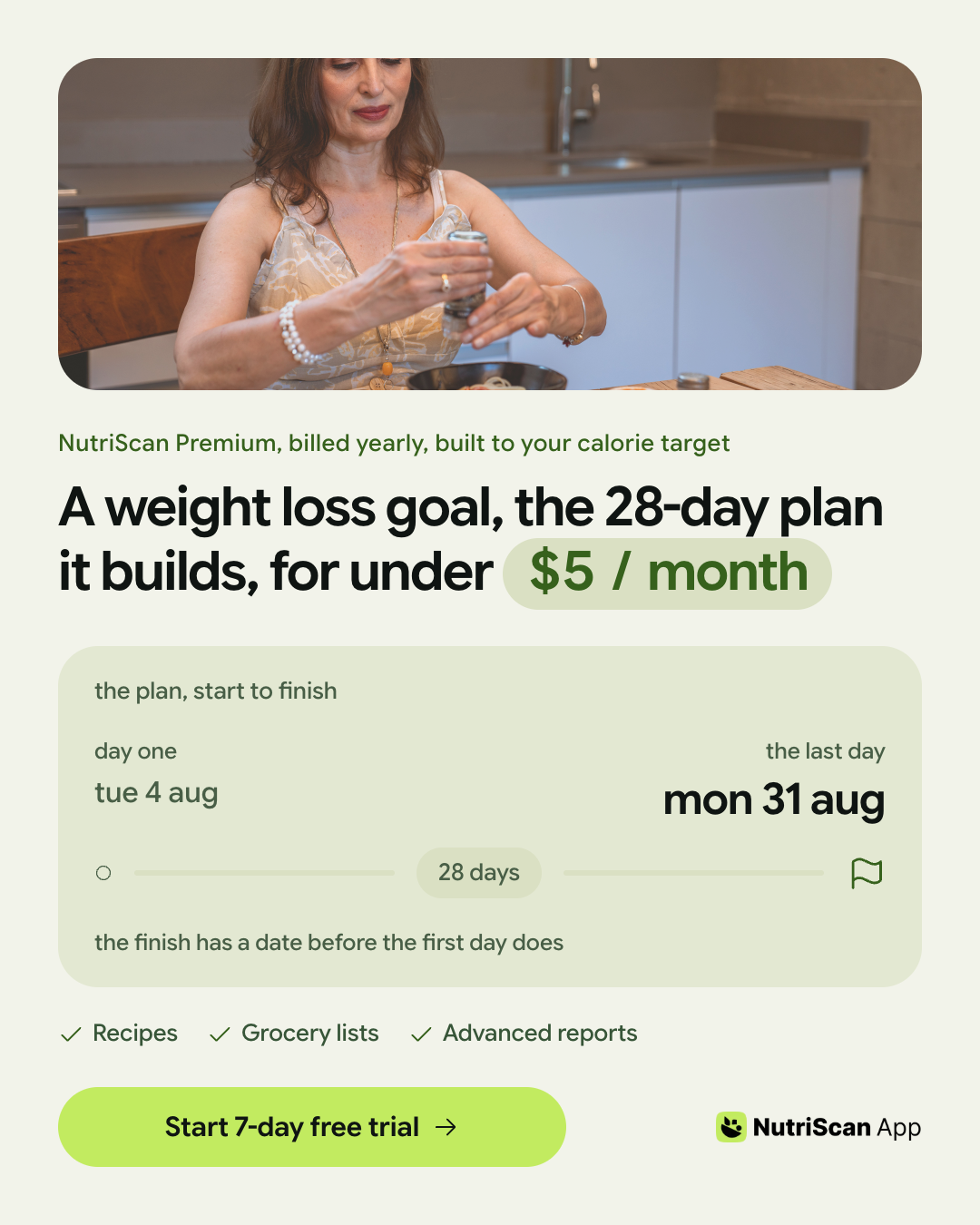
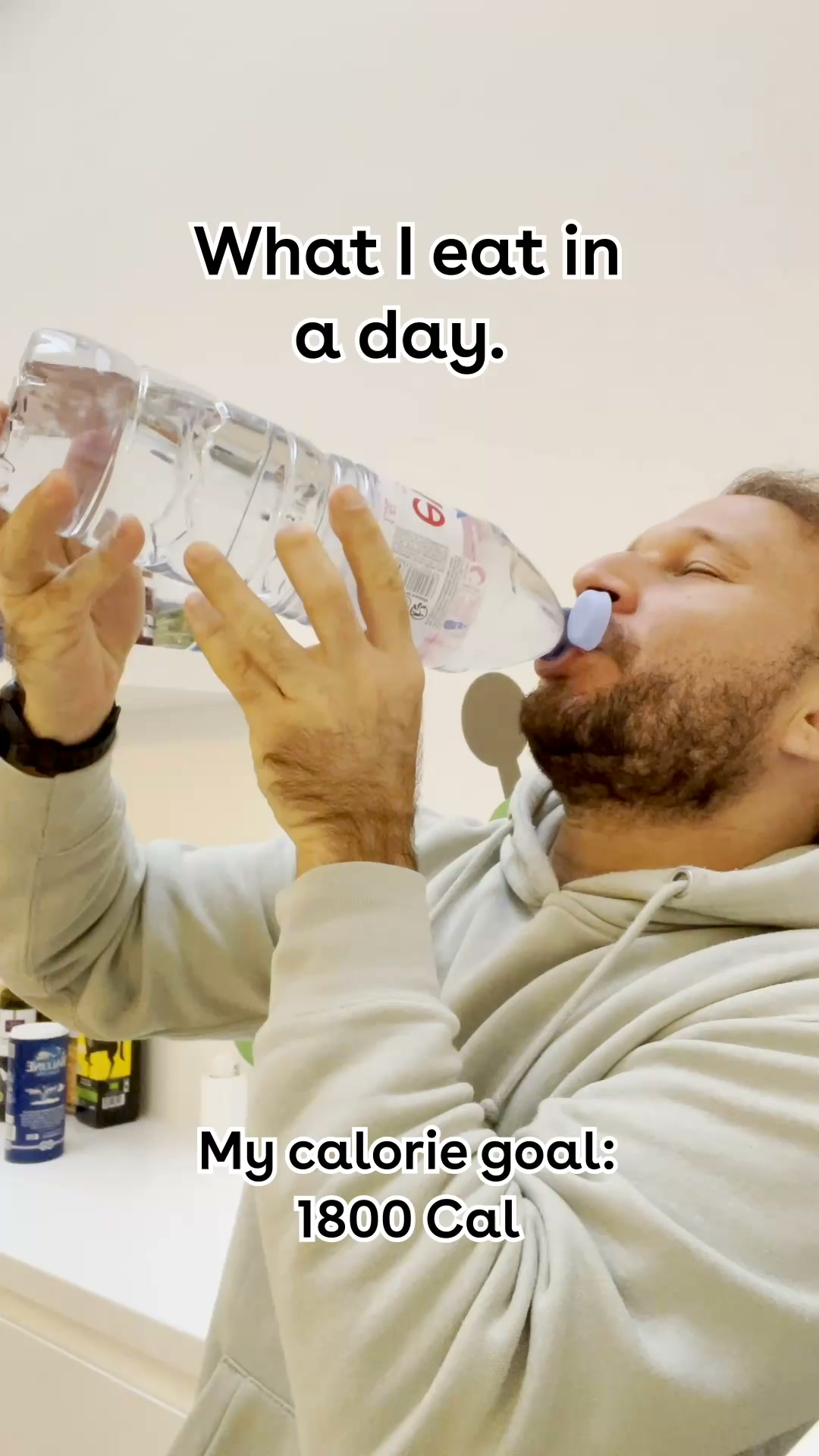
NutriScan
Health and fitness
17 ads22 reviews29 August 2026
Free tool, 20 runs a day
Paste a competitor's website. Kamply reads its live ads and public reviews, then writes the brief, so you know what they're testing, what customers repeat and where your opening is before you make a thing.
Inside a finished report
These are real published reports, not samples: each one is a run of this tool, read from the public ad libraries and review sites on the date it names. Search the directory, or read the NutriScan brief below and open the rows behind it.
Health and fitness
17 ads22 reviews29 August 2026

Media and entertainment
89 ads195 reviews29 August 2026

Health and fitness
60 ads178 reviews29 August 2026

Media and entertainment
15 ads220 reviews29 August 2026

Health and fitness
70 ads160 reviews29 August 2026
Health and fitness
63 ads160 reviews29 August 2026

Health and fitness
40 ads160 reviews29 August 2026

Health and fitness
40 ads160 reviews29 August 2026

Health and fitness
30 ads160 reviews29 August 2026

Health and fitness
25 ads160 reviews29 August 2026

Health and fitness
19 ads160 reviews29 August 2026

Healthcare
41 ads122 reviews29 August 2026
Loading the published reports
Source transparency
Public pages change, block requests and sometimes have no matching company. The report keeps those gaps visible rather than filling them with guesses.
Meta Ad Library
Active ads, copy, formats and run dates
LinkedIn Ad Library
Advertiser pages and creative context when available
Google Ads Transparency
Public advertiser and campaign context
Trustpilot
Public review pages and ratings
Google Play
Reviews visible on the public app listing
G2
Public product review pages when a match exists
Capterra
Public software review pages when accessible
525 published reports · 6638 ads read · 8170 reviews read
You open the Ad Library and scroll the same creative forty times across placements.
You skim a review page, remember three complaints, and lose which product they were about.
Then you brief a post from memory, and the memory is mostly the loudest ad.
The evidence exists. It is public. It is spread across six sites that were never built to be read together.
A Competitor Intel report reads them in one pass: every active ad with its run dates, the sixty newest reviews with their ratings, and one brief that says what the company promises, what its customers repeat, and where the gap between the two is.
Every quote links to the page it came from, so you can check it before you build on it.
The brief a senior strategist would hand you, built only from public evidence.
What a report does
Every active creative in the public ad libraries, with its format, copy, destination and how many days it has run.
The newest reviews from G2, Capterra, Trustpilot and the app stores, grouped into the praise, complaints and requests that recur.
One brief sets what the ads claim beside what the reviews say, and names the opening between them.
Each row keeps its source link. Nothing in the brief rests on a line you cannot open yourself.
The report lands in your inbox with an unguessable link. Your team reads it without signing in.
Sign in with Google, paste a website, and the run finishes in about a minute. No card, no source list hidden from you.
Inside the reports
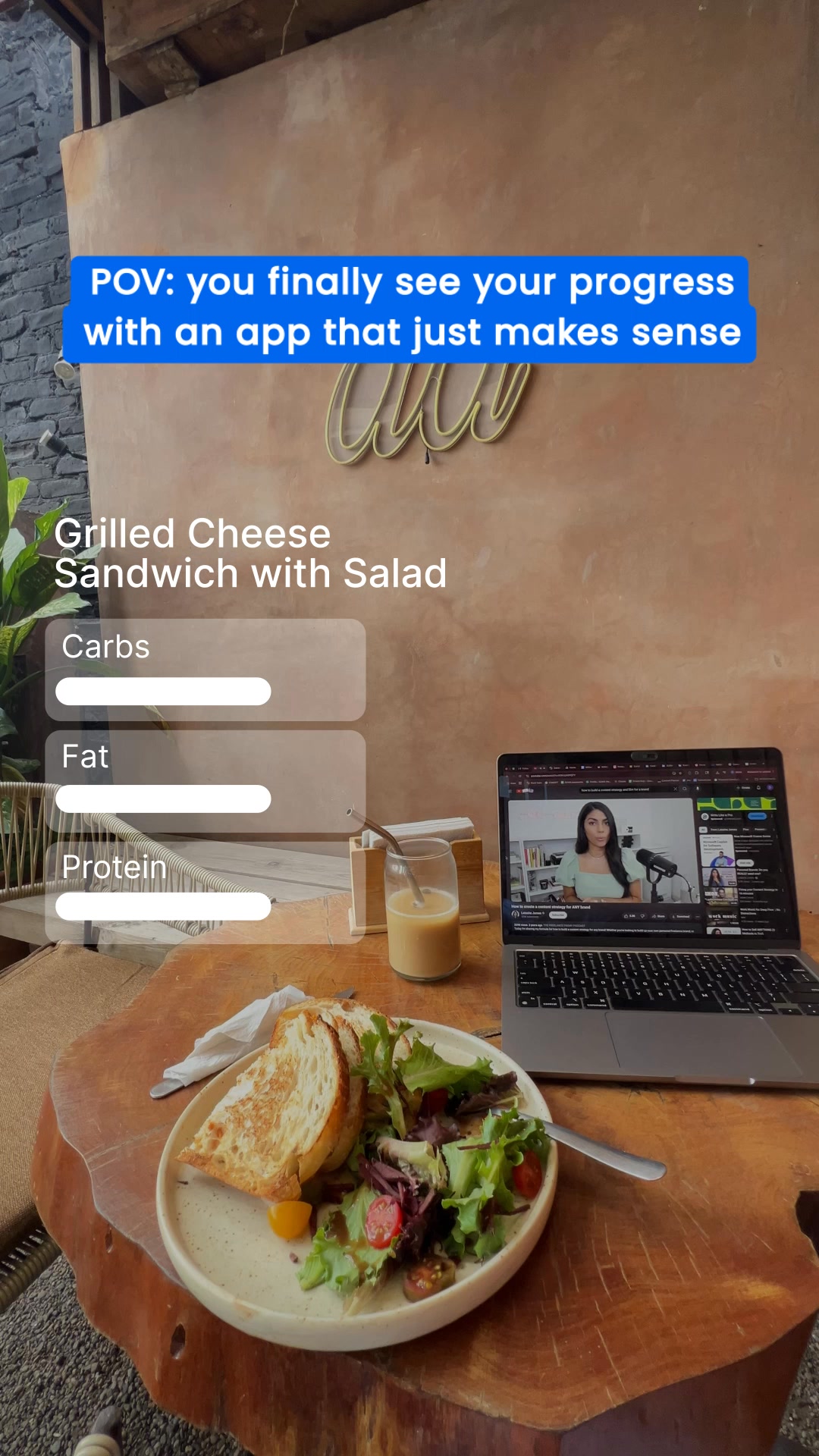
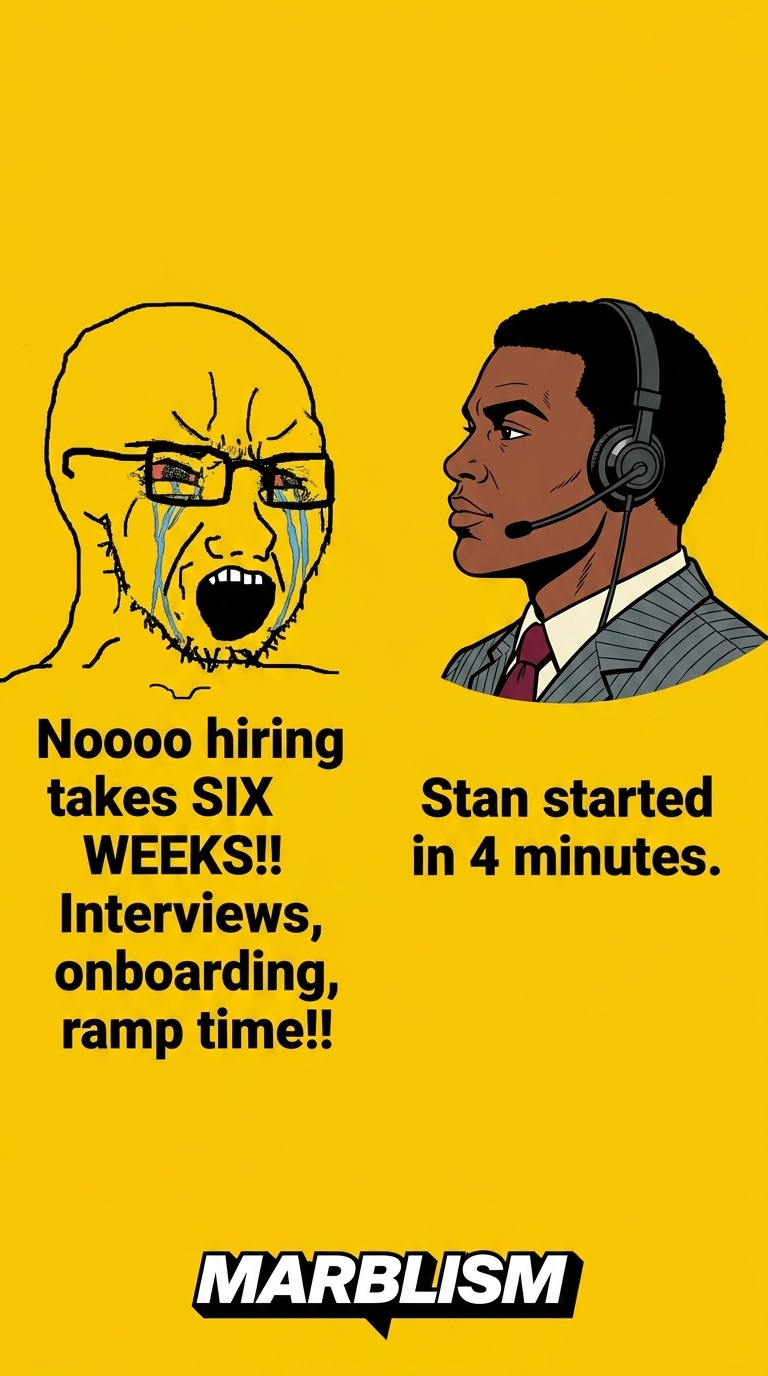
Every tile is a live ad read into a published report, with the brand it belongs to. Open one to see the rest of that company's creatives, and what its customers say.
How it works
01
The site, not the name: several companies share a name, and the resolver records which public identity each source matched.
02
The run is counted per person, 20 a day, and the report needs an address to land in. Sign-in hands back nothing but your email.
03
About a minute later. The link is unguessable, needs no sign-in to read, and lives for 14 days.
What it costs
Competitor Intel
Free
Kamply for Mac
One plan
$69 a month or $499 a year. Founding rates until 15 October 2026.
The Mac app with the marketing crew that turns a brief like this one into posts, carousels and reels in your own brand, with the same gates on its own work.
If yours isn't here, ask it in the walkthrough. The form below reaches a human.
Public pages: the Meta Ad Library for ads, and G2, Capterra, Trustpilot and the Google Play listing for reviews. The report names every source it read, links the page each row came from, and says which sources returned nothing. Google Play is read from the public listing page, so it carries the reviews printed there rather than the full store history.
The other four tools on this site do their whole job in your tab. This one cannot. A browser cannot fetch g2.com from your own page, and there is no key on the client to fetch it with, so the run happens on our Worker. That is also why it asks you to sign in and why the count is capped.
Nothing. A run spends a fixed number of scrape credits and one model call on our account, which is why it asks for a Google sign-in, runs a verification check, and caps you at 20 runs a day. Nothing is charged and no card is asked for.
Two reasons. The report is emailed to you when the run finishes, so there has to be an address to send it to. And the 20 runs a day are an allowance for a person, not for a browser, which a signed-out visitor cannot be counted as. Sign-in is Google through Cloudflare Access, the same one the app and the billing page use, and it hands back nothing but your email address.
Fourteen days. The link is unguessable rather than protected, so anyone you send it to can read it without signing in, and after fourteen days it is deleted.
It includes the useful part of an ad spy tool: public creative, copy, formats, destinations and run dates. It also reads public customer reviews and turns both evidence streams into one decision brief, so you can compare what a company promises with what customers actually repeat.
The report records active status and run dates when the public ad library exposes them. Public libraries change what they publish by country and advertiser, so every row keeps its source link and the report avoids inventing fields a source did not provide.
No. It reads public ad libraries and public review pages only. It does not sign in to a competitor account, access private campaigns, buy audience data or collect a visitor's browsing history.
The report marks that source as not read and keeps the rest of the evidence. A source failure does not become a zero, and the summary is instructed to use only rows the run actually stored.
No. Competitor Intel is a web tool and the finished report opens in any modern browser. Kamply is the separate Mac app for turning approved ideas into finished campaign files.
Paste one competitor. The brief is in your inbox in about a minute, with every quote linked to its page.
The other four tools finish inside your browser with no account and no upload: the reel cost calculator, content volume planner, social image resizer and the hook builder.