

Kamply for macOS · Apple silicon
Download Kamply for Mac. Keep the work yours.
Get the latest signed and notarized desktop build.
Checking the latest signed release…
You pay for Claude Max or ChatGPT Pro ($100+ a month). Kamply runs on it; AI usage is not included. See pricing



Install guide
Three clear steps from DMG to desktop.
The file lands in Downloads, Kamply moves into Applications, and the guided setup prepares your first ordinary workspace.
- 01MarketingOS-…-arm64.dmgApple silicon disk image
Open the DMG
Find the downloaded file in Downloads. Its name ends in arm64.dmg.
- 02
 Applications
Move it to Applications
Drag Kamply onto the Applications folder, then eject the disk image.
- 03
Open Kamply and sign in
Confirm the first launch, sign in, and follow the setup guide.
The file keeps its earlier name; the app inside is Kamply.
Apple silicon (M1 or newer) · macOS 11 or later · Signed and notarized · Automatic updates after install
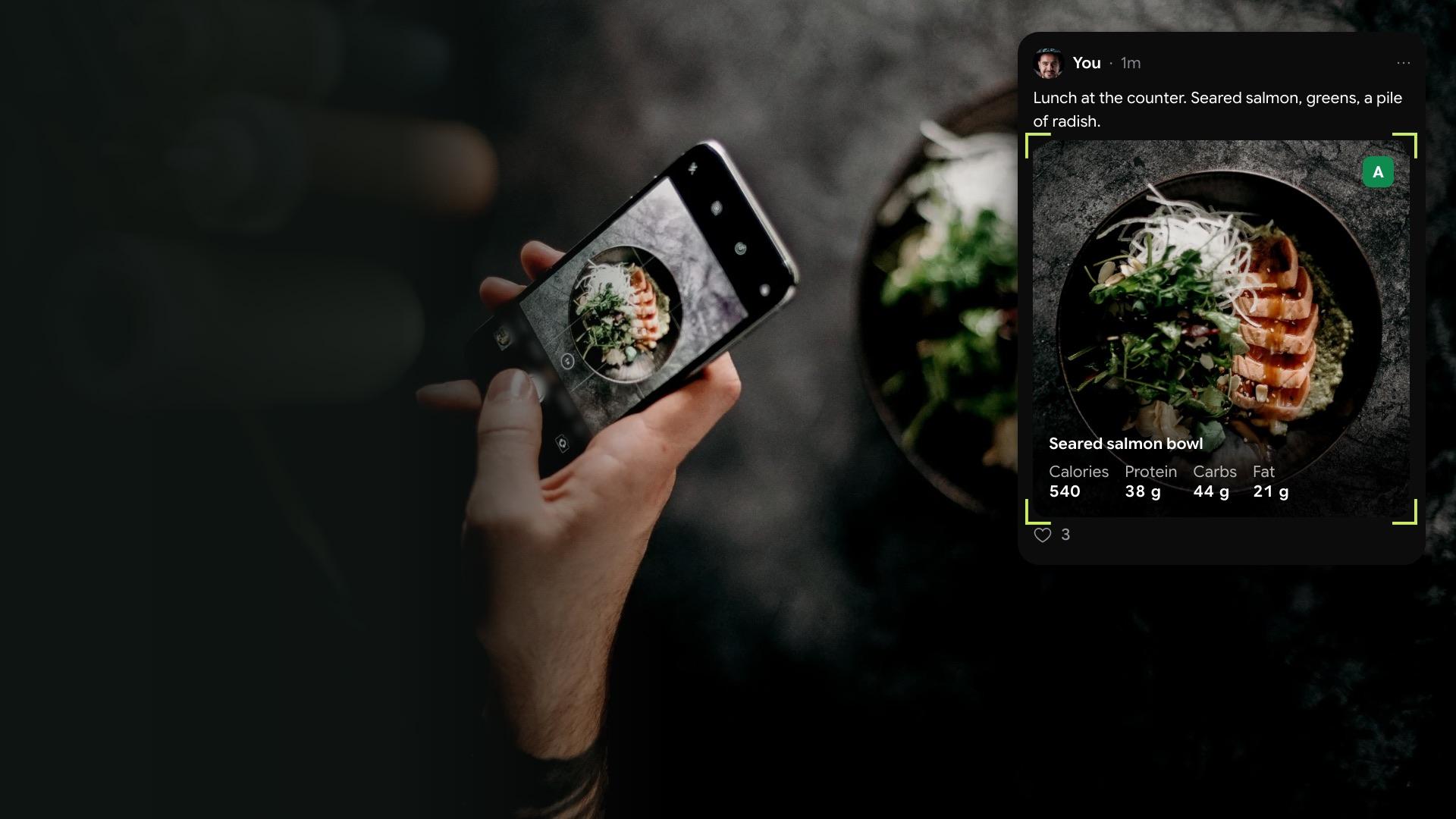
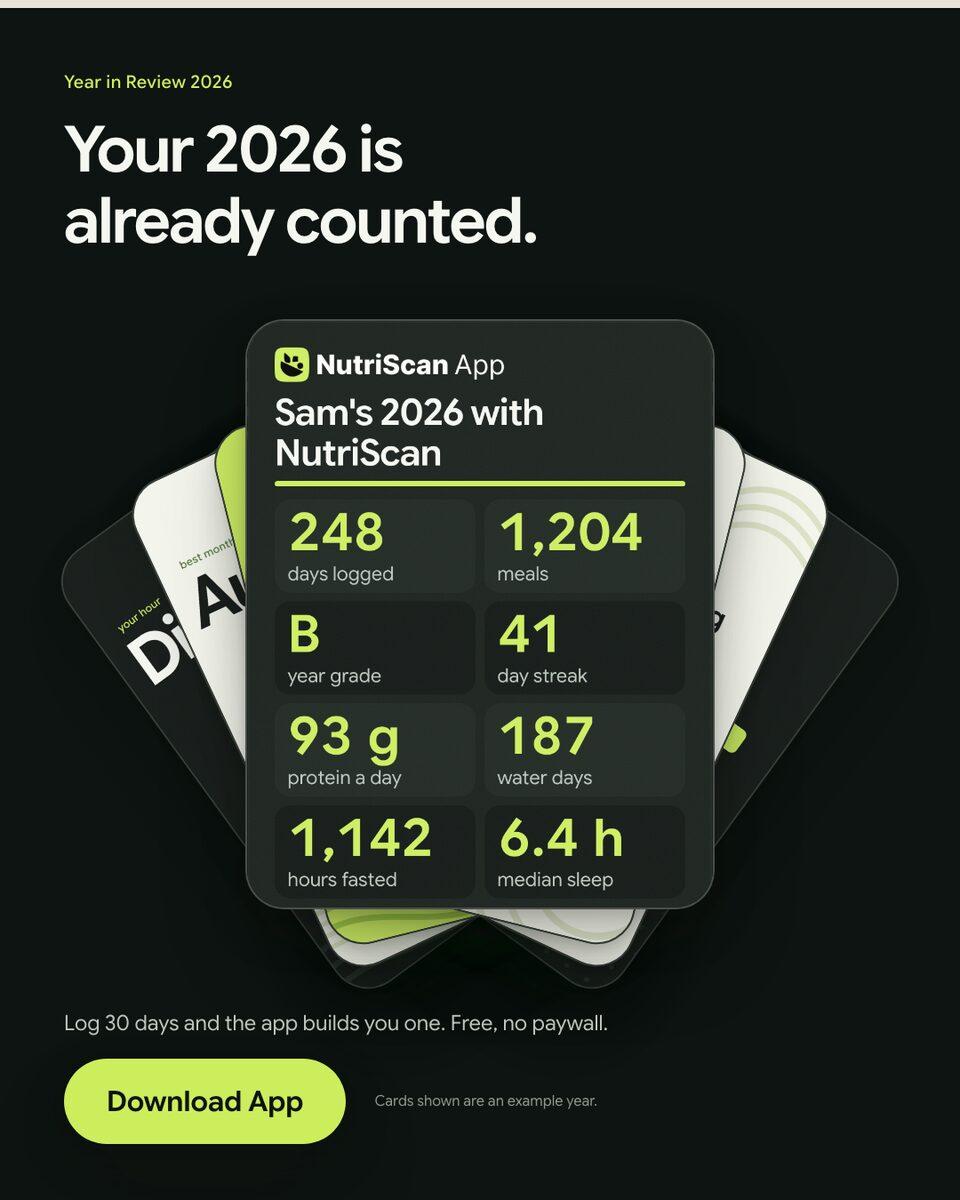
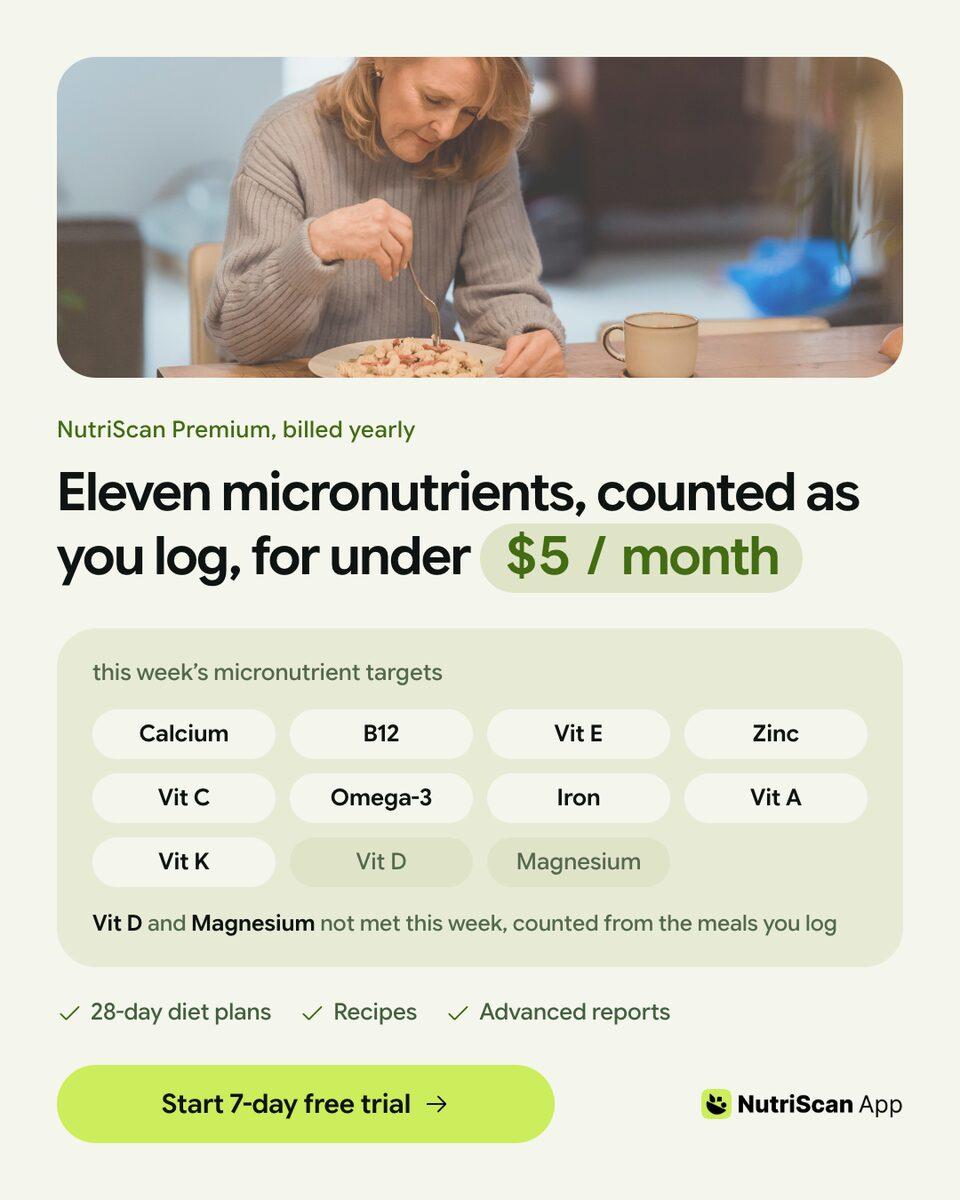
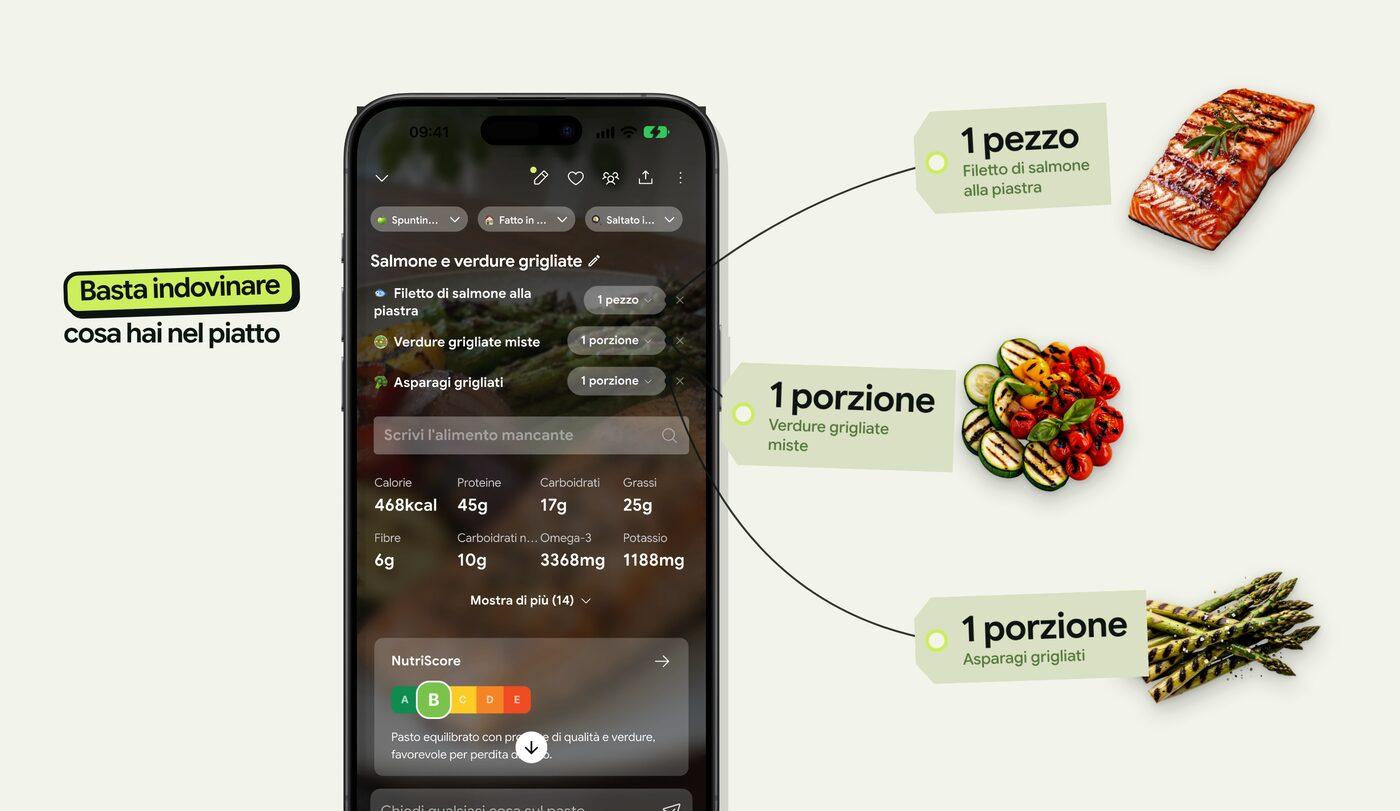
Finished work, built in the app.
Every piece here was built in Kamply at the size it ships. Sample brands are labelled as such.


 1 / 6
1 / 6 1 / 5
1 / 5 1 / 8
1 / 8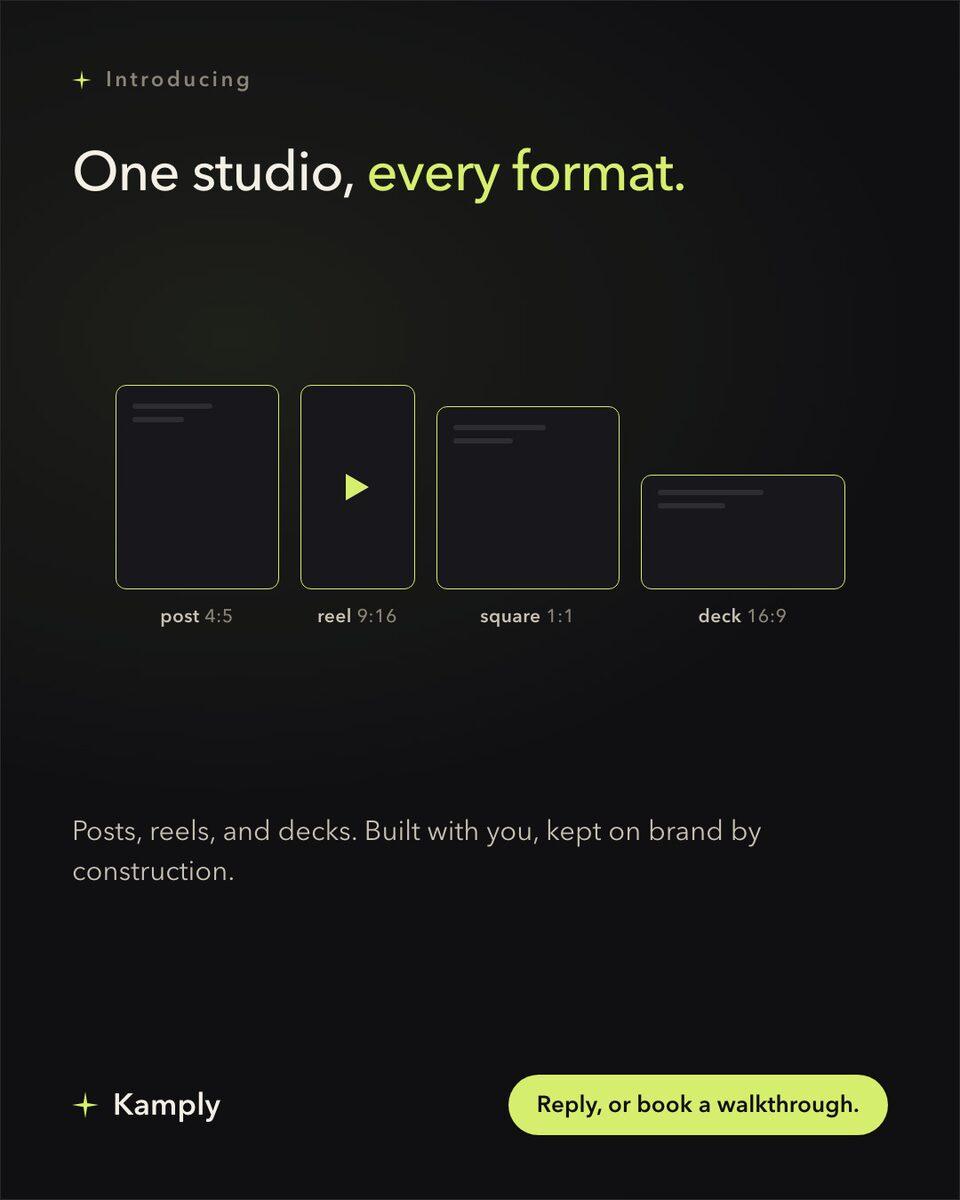
Sample brands from the app’s library
Darnfold, Boxkin, Woofstead and Latelift are invented brands, so every figure in their work is fictional.
 sample brand
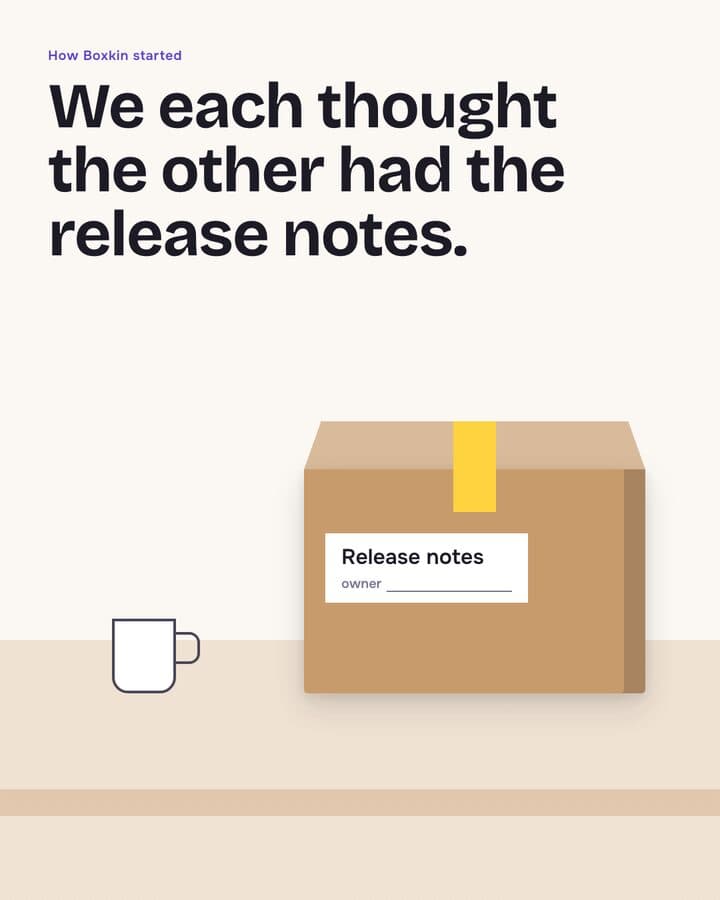 sample brand1 / 6
 sample brand1 / 5
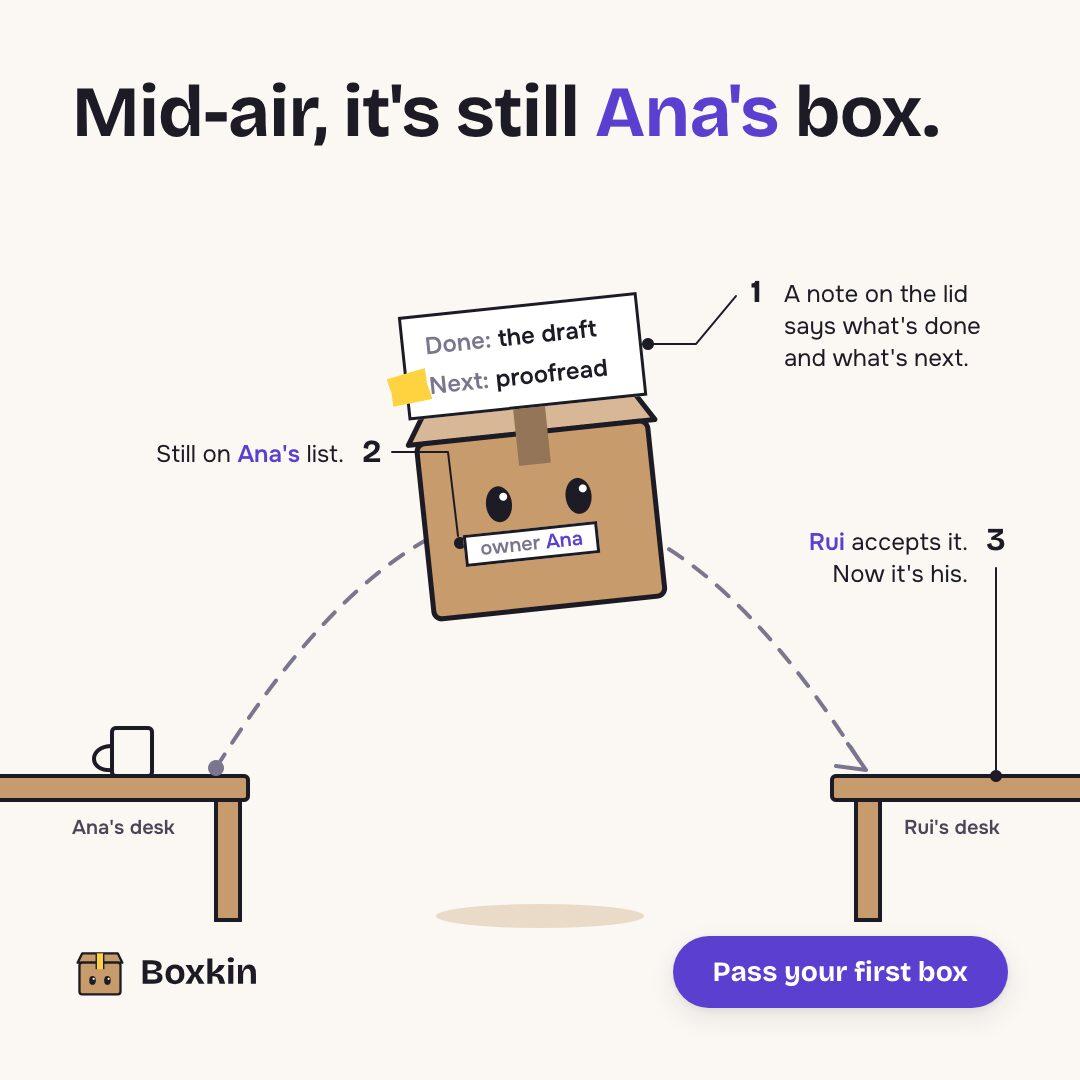 sample brand
 sample brand1 / 5
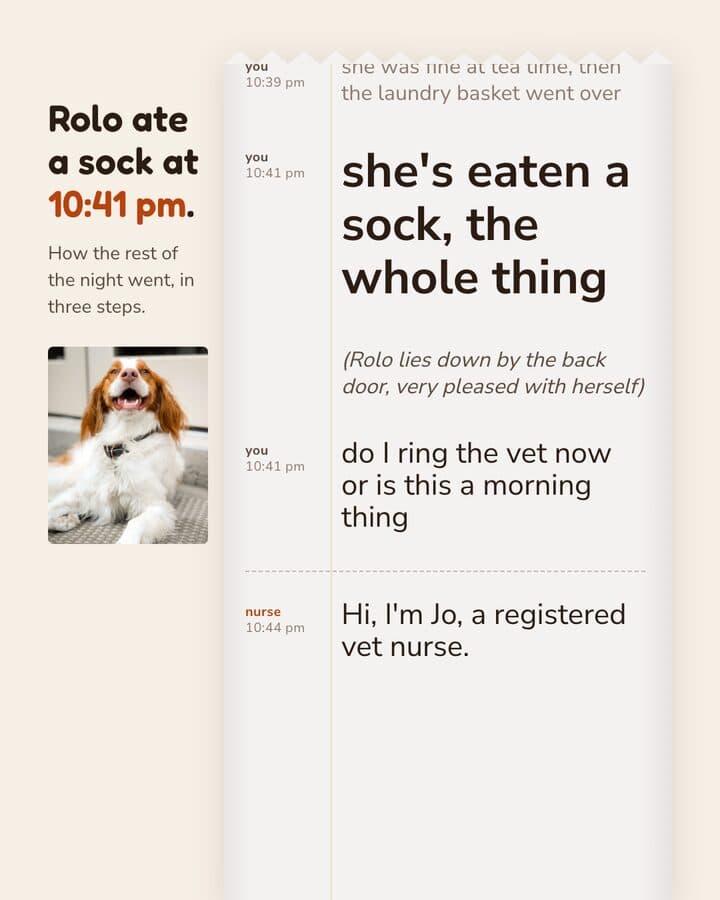 sample brand1 / 5
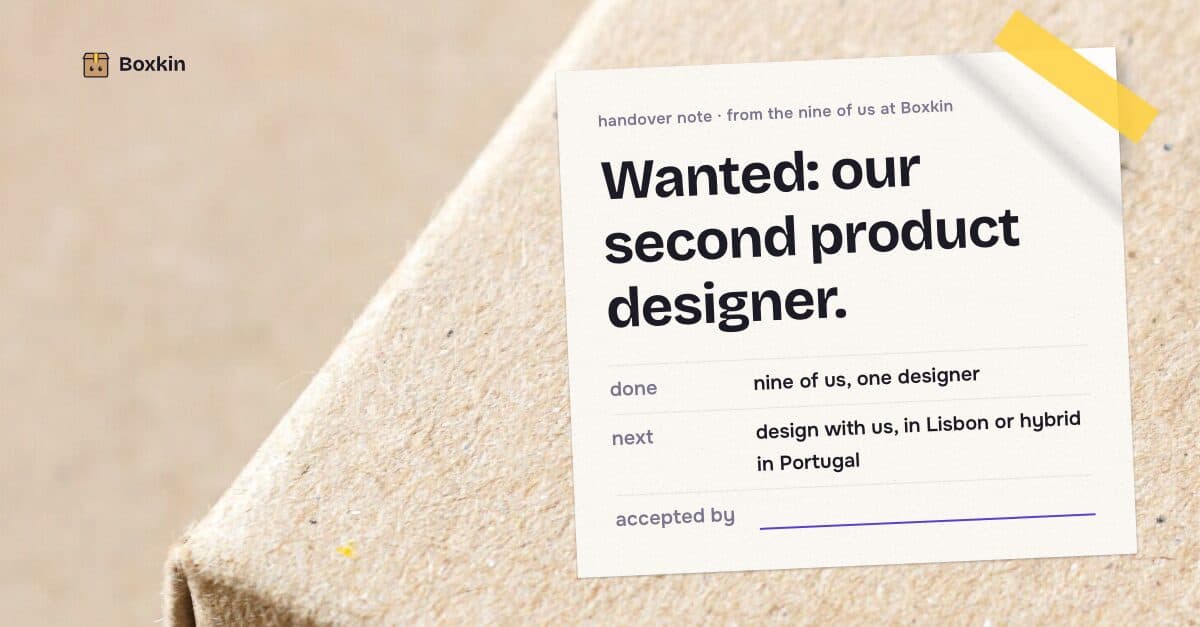 sample brand
 sample brand
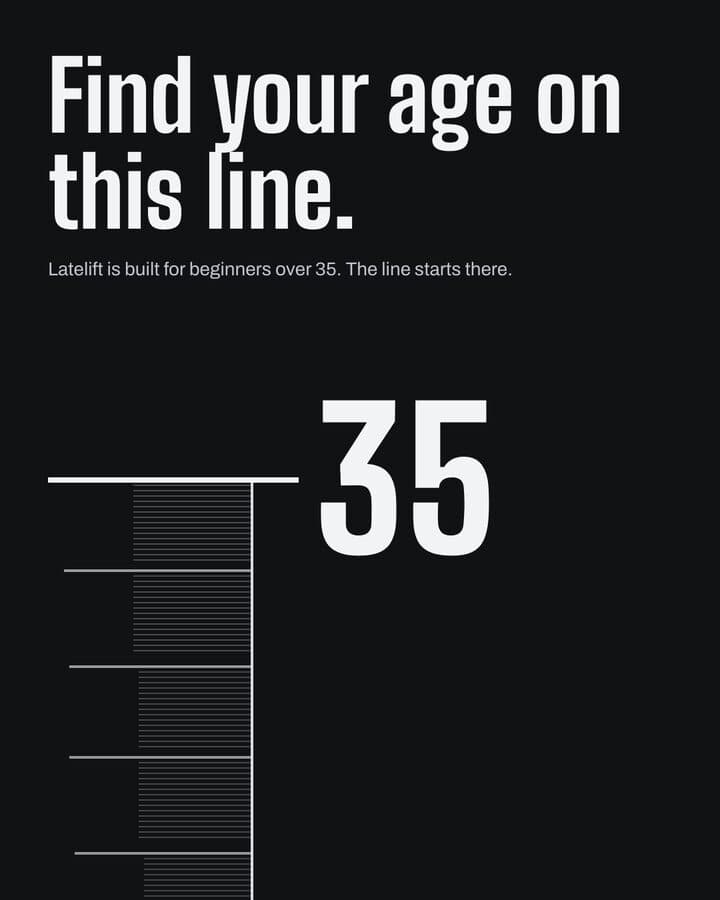 sample brand1 / 5
 sample brand1 / 4
 sample brand1 / 4
 sample brand1 / 3
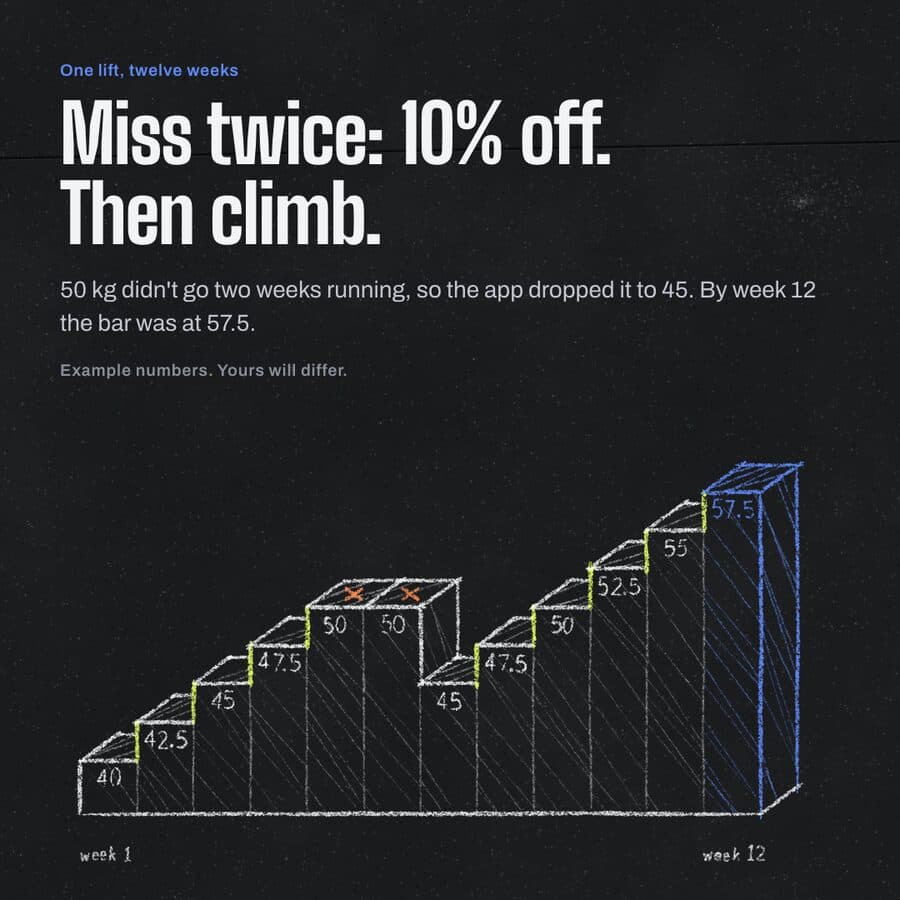 sample brand1 / 4
 sample brand1 / 3
 sample brand1 / 3
 sample brand1 / 3
 sample brand1 / 4
 sample brand1 / 4
First-launch trust
Know what your Mac will do next.
Kamply uses the normal macOS install path.
Verified before release
Developer ID signing and Apple notarization, checked by macOS on first open.
Current after install
Kamply downloads newer signed releases in the background.
A release trail you can inspect
Read the public release repository whenever you want to verify what shipped.
Download questions, answered before install.
Compatibility, first launch, fallback download, and updates, without making you hunt through release notes.
Which Macs can run Kamply?
The current public build is for Apple silicon Macs (M1 or newer) running macOS 11 or later. There is no Intel build in the release feed today.
What if the download does not start automatically?
Use the Download Kamply button in the release panel. Automatic download runs only on the live site from a desktop Mac and only once per release per browser session; mobile, localhost, and other computers stay manual.
Will macOS warn me when I open Kamply?
macOS may ask you to confirm the first launch. Public Kamply builds are signed with a Developer ID and notarized by Apple before release.
How do Kamply updates work?
After installation, Kamply checks the same public GitHub release feed and downloads newer signed releases in the background.
Do I need my own Claude or Codex subscription?
Yes. Claude Code and Codex CLI both run inside Kamply, and either one is your own plan. Kamply's plan covers the app and the tool accounts it provisions, not AI usage. That is $69 a month for Kamply plus your own Claude or Codex plan from $100 a month, so from $169 a month in total.