

Kamply for mobile app studios
Vertical creative for mobile app studios
Kamply is a Mac app with a crew that builds your launch reels, feature posts and update carousels.
The longer description
Kamply is a Mac app with a crew that builds your launch reels, feature posts and update carousels beside you. Every app screen it places on a device is a screenshot you supply.
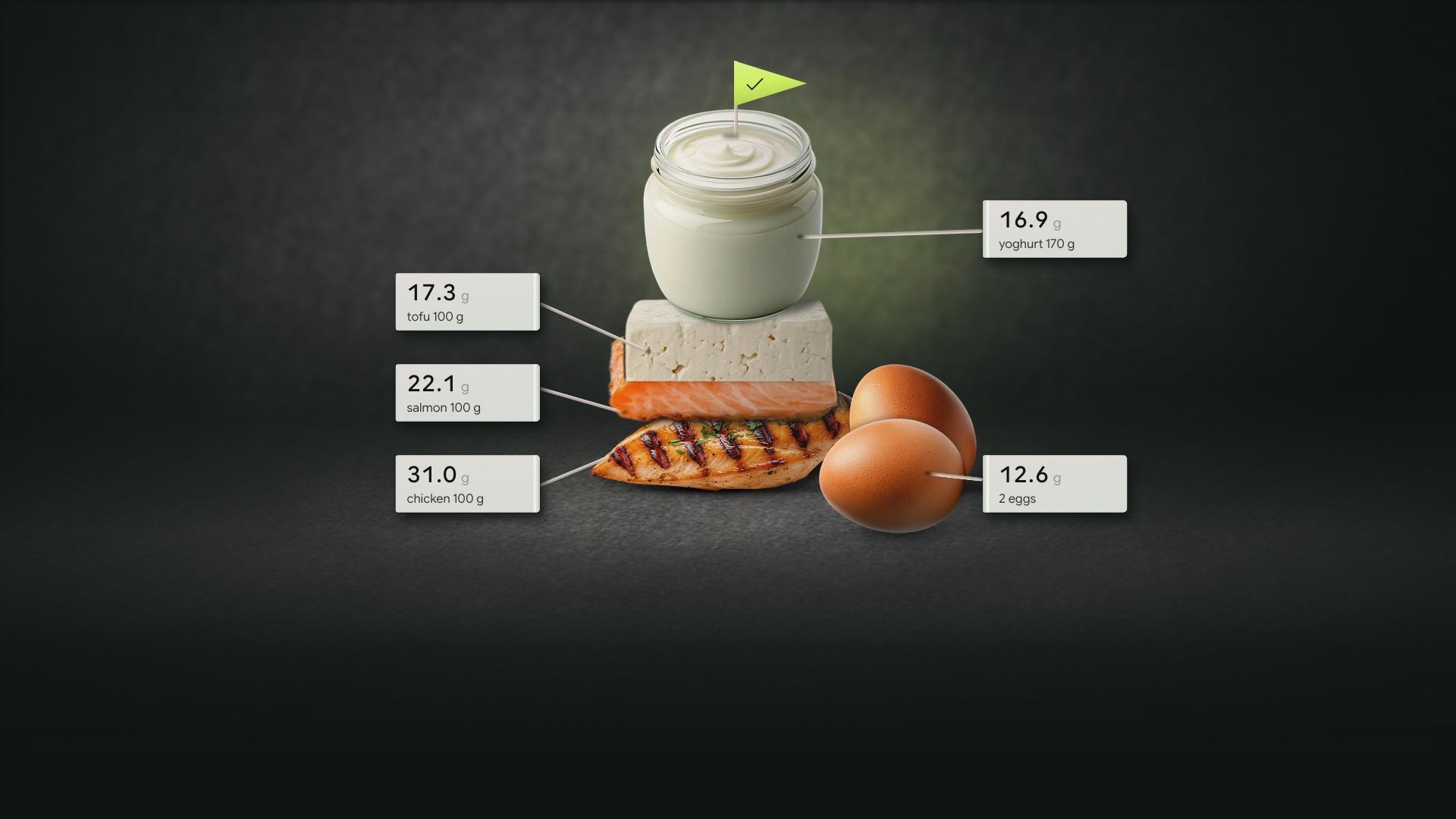
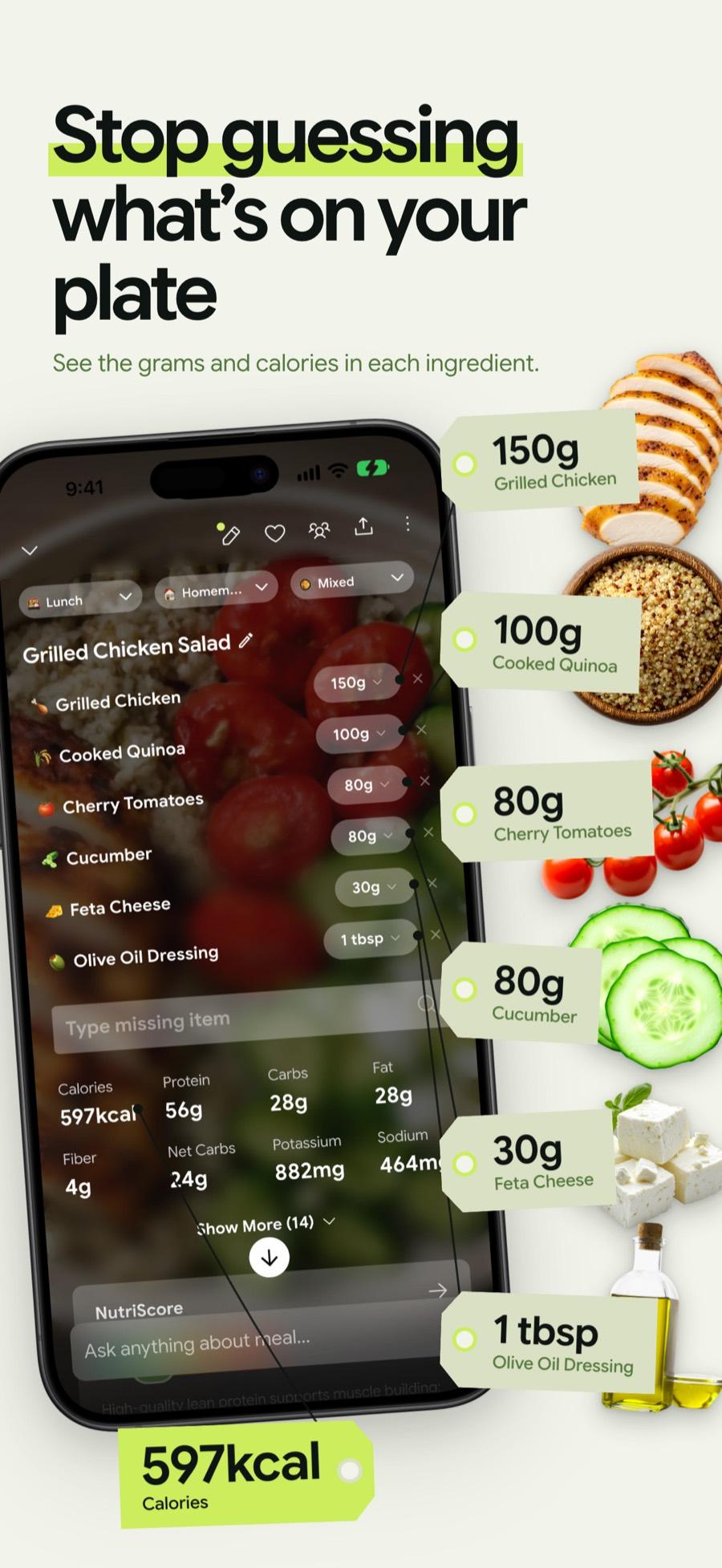
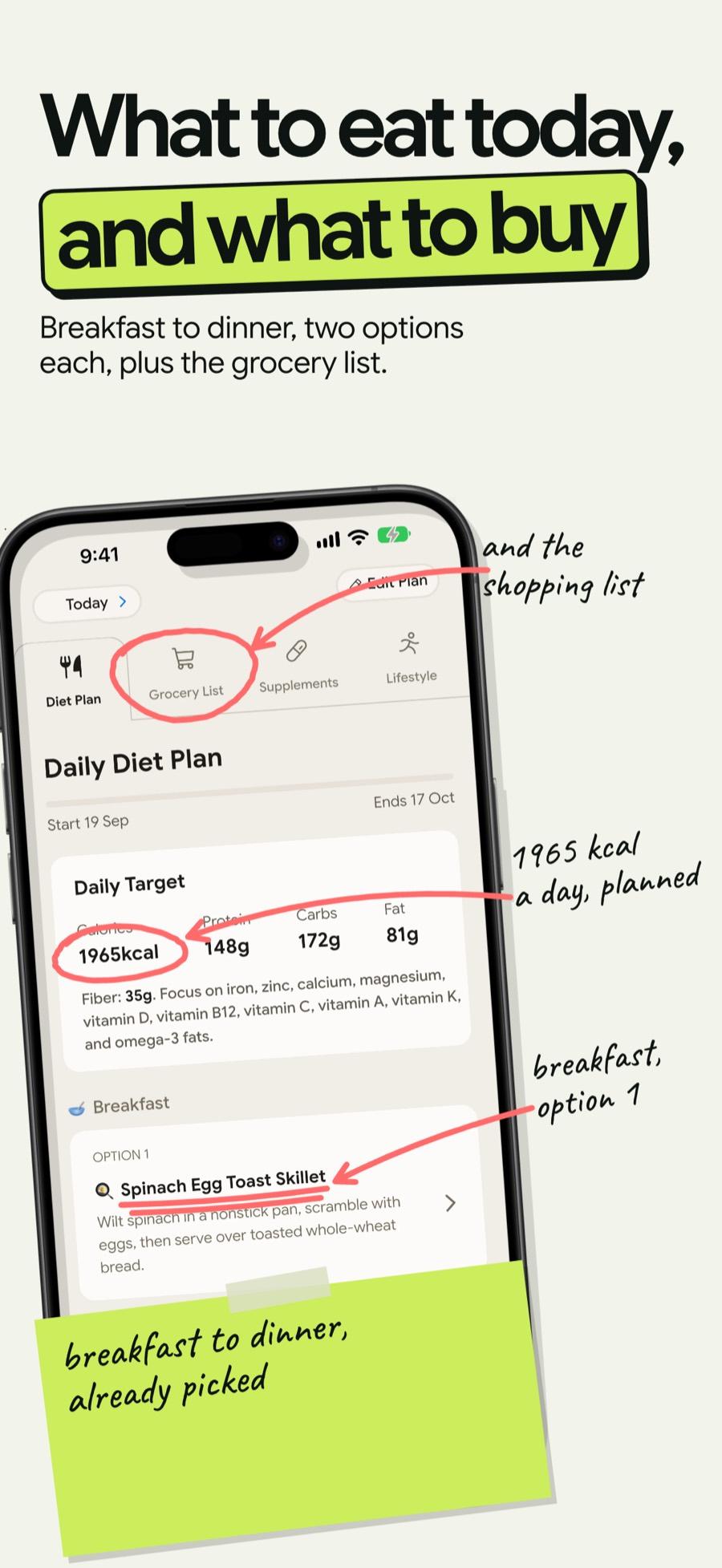
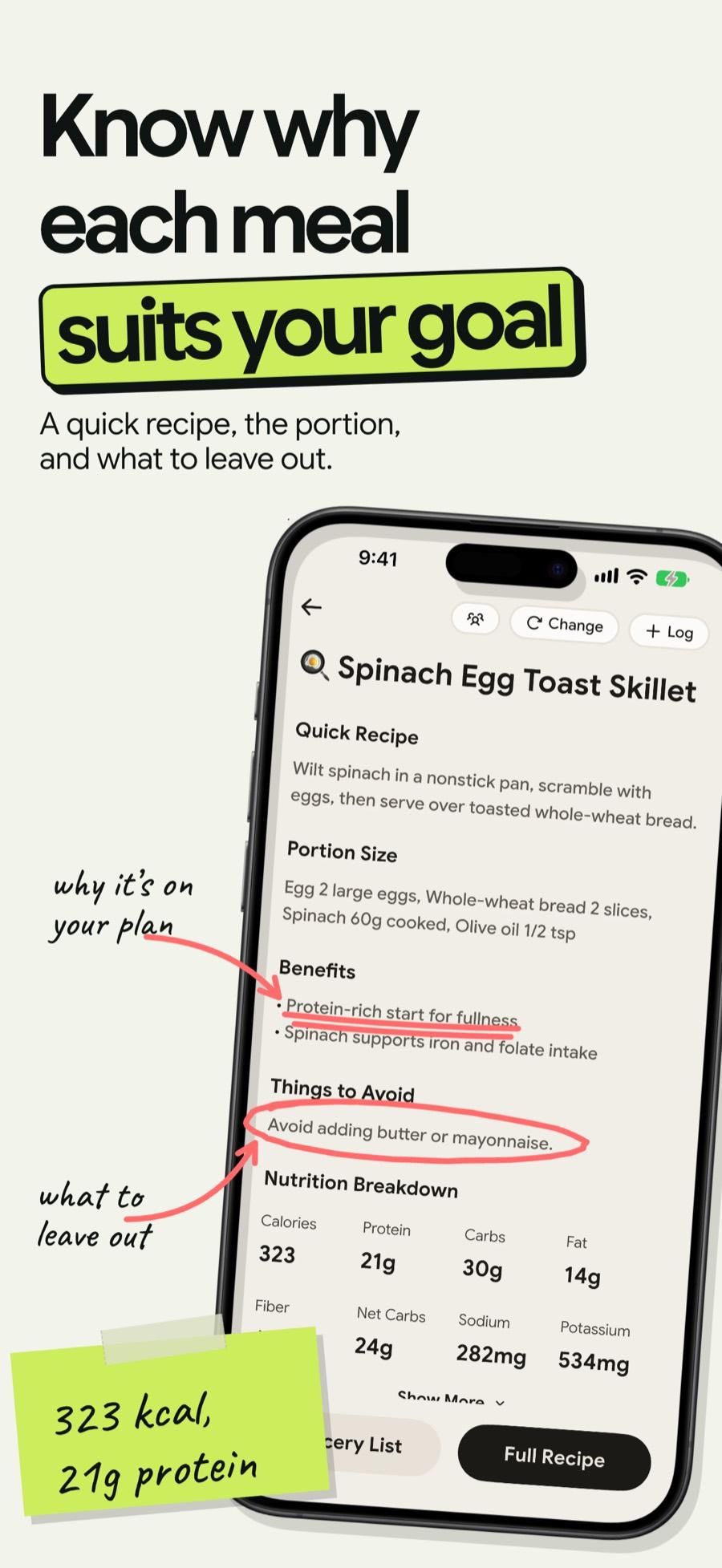
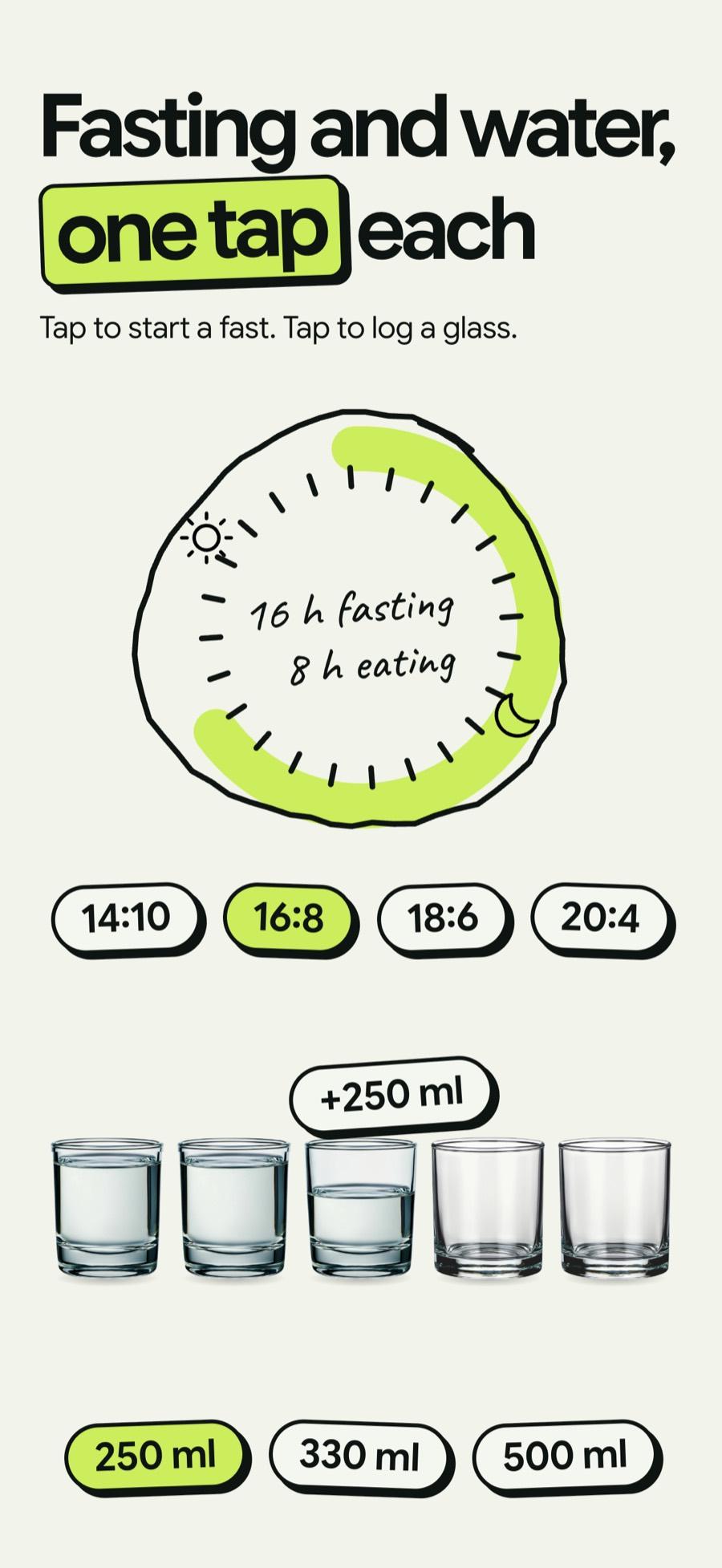
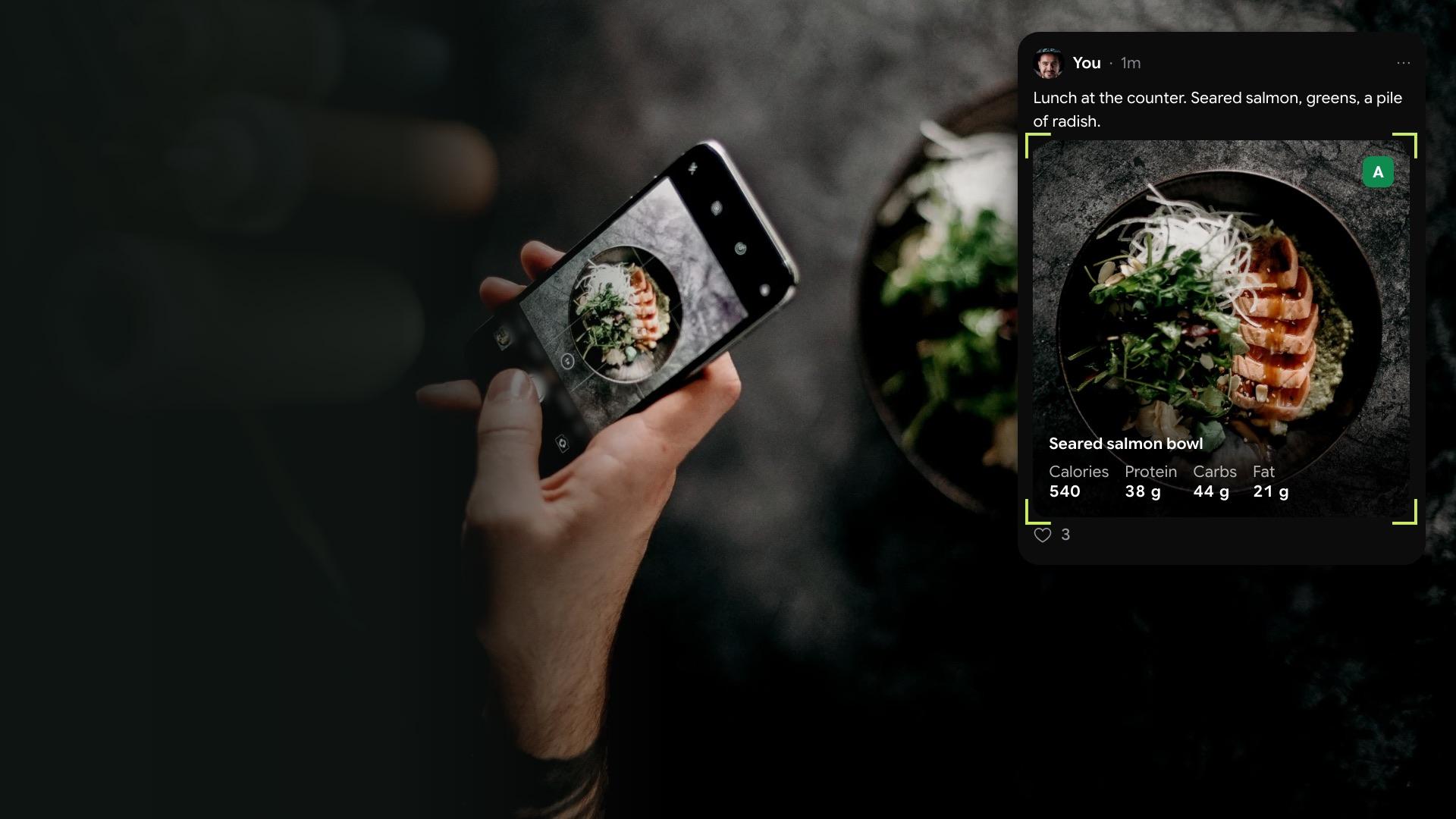
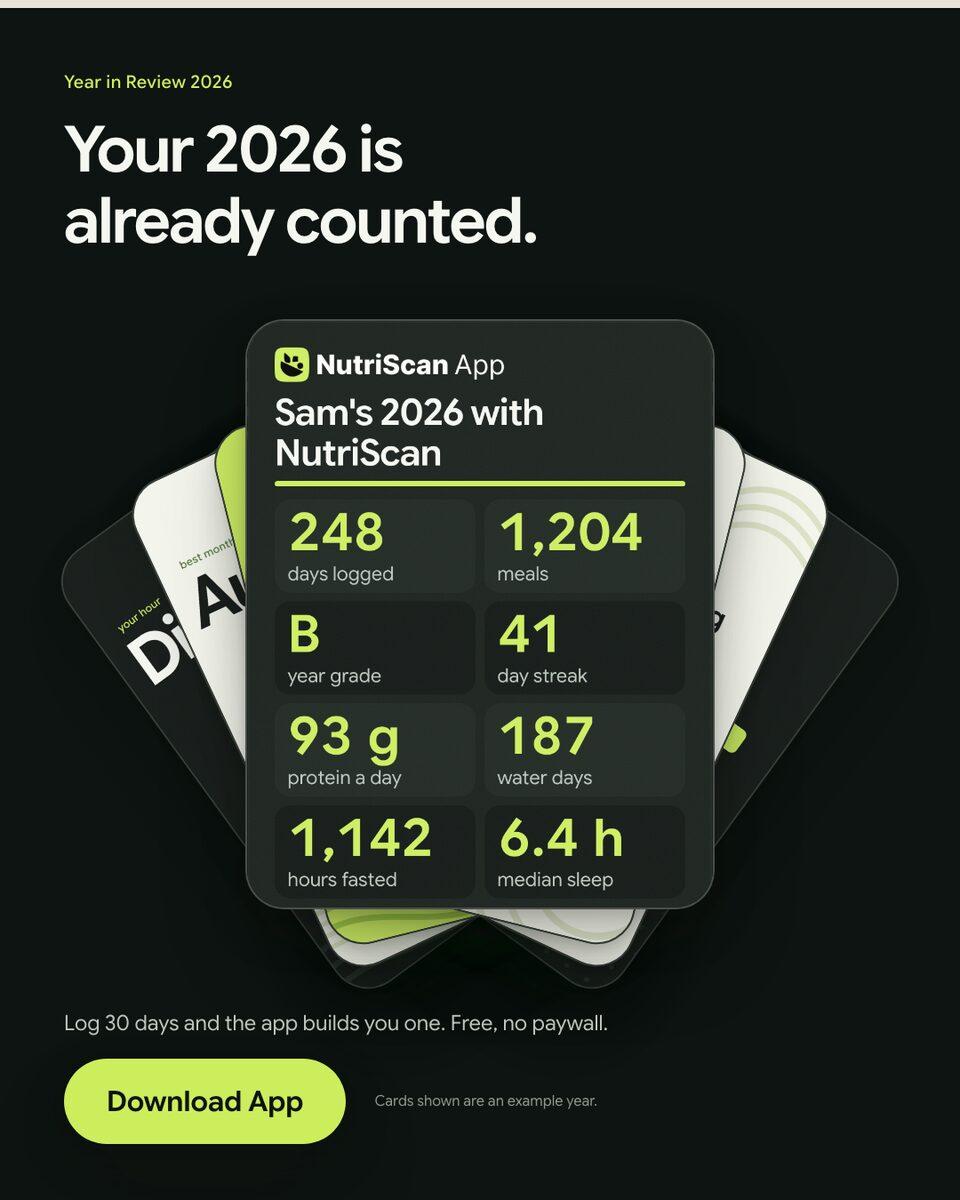
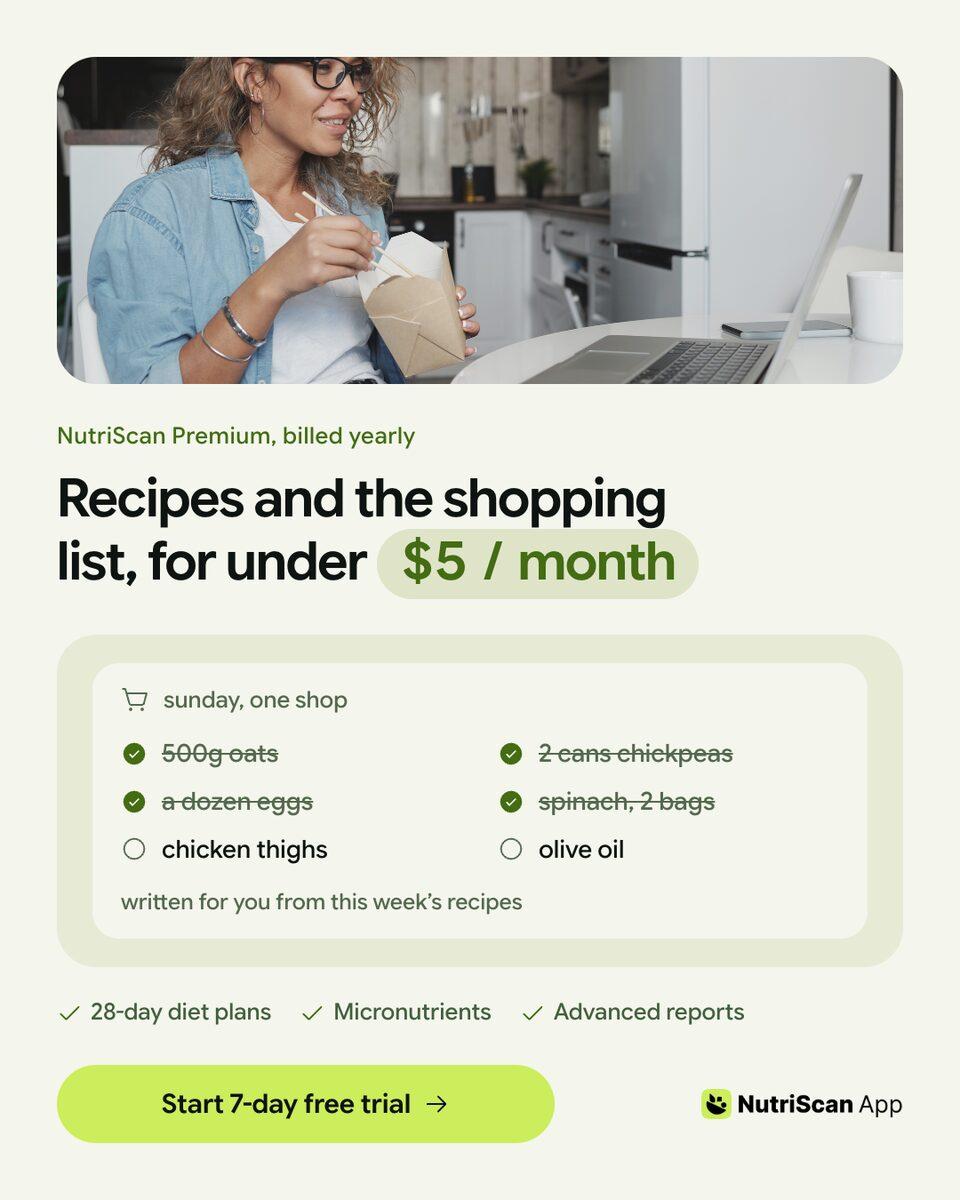
Finished work, built in the app.
Every piece here was built in Kamply at the size it ships. Sample brands are labelled as such.
 1 / 6
1 / 6 1 / 5
1 / 5 1 / 8
1 / 8Sample brands from the app’s library
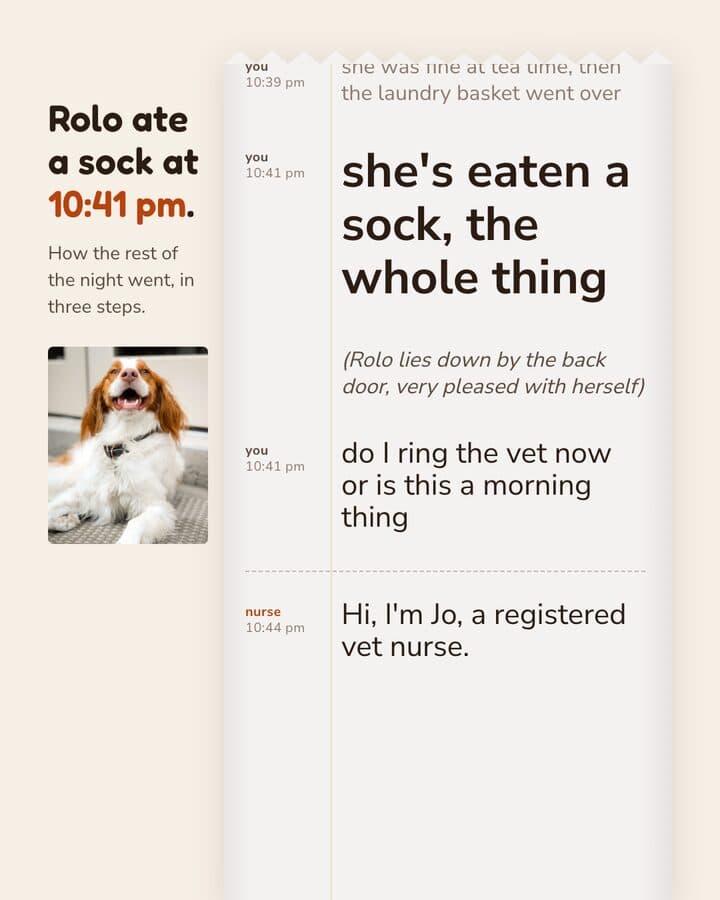
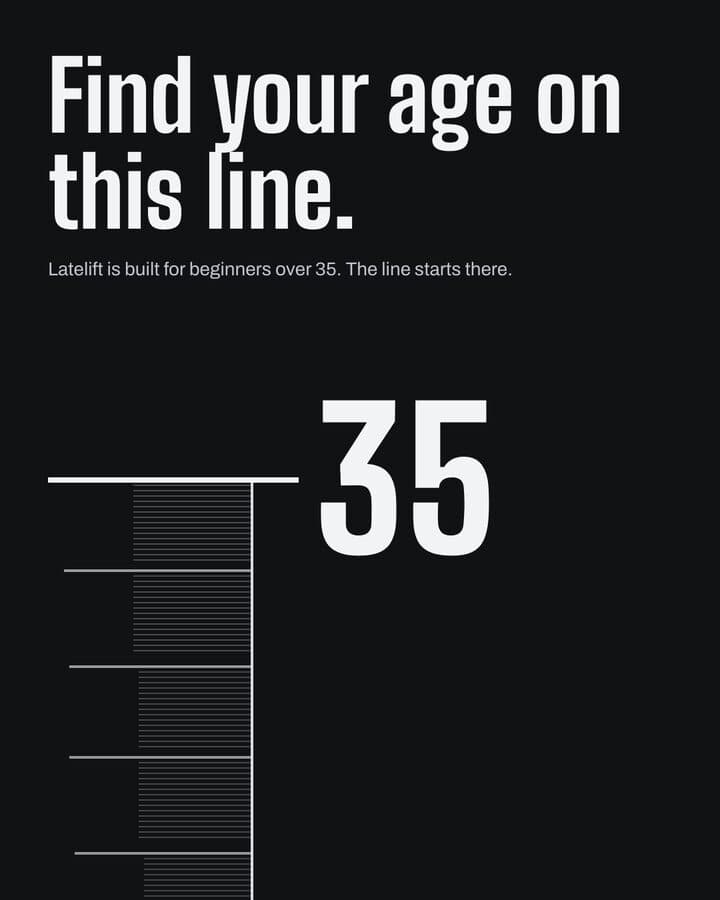
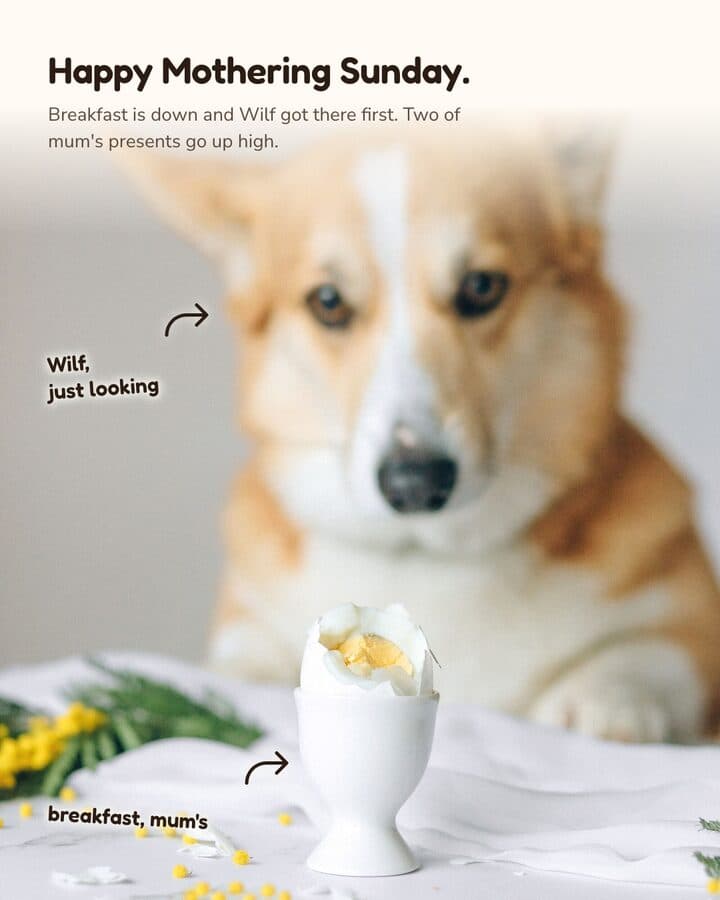
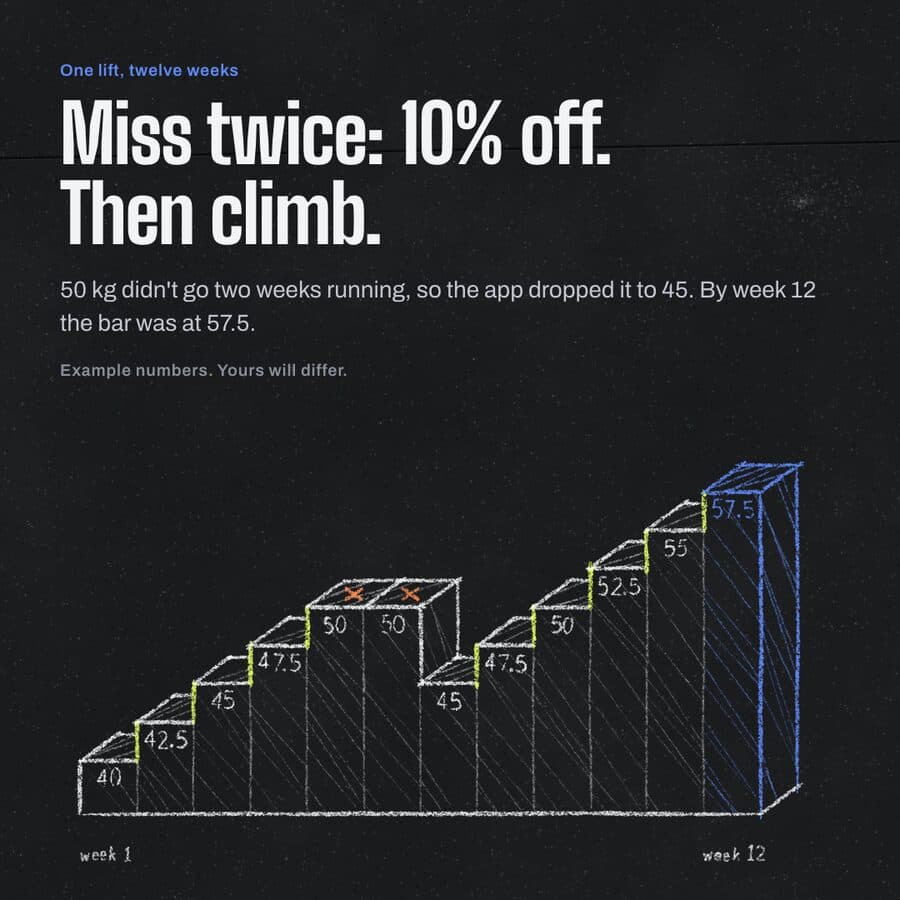
Darnfold, Boxkin, Woofstead and Latelift are invented brands, so every figure in their work is fictional.
 sample brand1 / 5
 sample brand1 / 5
 sample brand1 / 5
 sample brand1 / 4
 sample brand1 / 3
 sample brand1 / 4
 sample brand1 / 3
 sample brand1 / 4
What you publish, drawn at its real size.
- 4:51080 × 1350 pxLaunch or update announcement4:5 post, 1080x1350, PNGLocks a brief on what shipped, then proposes labelled variants.
- 9:161080 × 1920 pxFeature walkthrough reel9:16 reel, MP4Voice-over-timed or music-timed, built around screenshots you supply.
- 9:161080 × 1920 pxVertical feature frames9:16 mockup, 1080x1920, PNGEach frame carries a screenshot you supply; a faked app screen is blocked.
- 1:11080 × 1080 pxRelease notes carousel1:1 carousel, 1080x1080, PDFMulti-slide, one idea per slide, exported as PDF or PNG.
- no fixed ratioInvestor or press deckPresentation deck, PDFUses the brand tokens set at onboarding, so the deck matches the posts.
A screenshot has to be the actual screen
App marketing is judged against the app.
The rule in full
If the frame in your reel shows a button that is not in the build, someone notices on the first download. Kamply enforces this on itself: app UI on a device screen must be a real screenshot, and building, faking or mocking an interface is forbidden. When you hand it captures from the current build, it composes around them. When you have no capture for a screen, it asks instead of drawing one.
Embeds the real photo or screenshot, grades it, and places it at the exact export size.
Will not build, fake or mock up a product image or an app screen. Missing the shot means shooting it, not generating it.
Three steps, in that order.
The same order every time, whatever you hand it.
Onboard the brand once
Kamply reads your site and asks a short set of questions, then derives colour tokens, typography, voice and logo. About 10 minutes, per Kamply's setup guide. Every deliverable after that references those tokens, so a reel and a store frame made months apart still match.
Brief the release, not the design
You describe what shipped and who it is for. Kamply grills the gaps and writes the brief down with no TBD fields left. Then it proposes labelled variants instead of handing you one take you have to argue with.
Approve, export, upload
Preflight gates block a deliverable that fails its own checks, and you approve at named stops. Out come PNG, PDF and MP4 files on your Mac. Posting them to your feeds and your store listing is your job, not Kamply's.
What it actually does
Kamply is a Mac desktop app with Claude sitting beside a live gallery of your work.
What it does, in detail
It interviews you, locks a written brief, proposes labelled variants, and runs hard preflight checks before anything is called done. For an app studio that means launch posts, feature reels, release carousels and decks, built at exact ratios around screenshots you supply from the build, with the files kept on your own machine. The plan covers the app and the tool accounts; Claude Code or Codex CLI is your own subscription.
Do not buy it for this
Kamply does not connect to ad accounts, buy or manage placements, or report on how a creative performed.
What it leaves to you
Kamply does not connect to ad accounts, does not buy or manage placements, and reports nothing on how a creative performed. If you need install numbers back from every variant to run a user acquisition loop, this is the wrong tool. It makes the files and stops there.
Questions from this industry.
If yours isn't here, ask it in the walkthrough. The form below reaches a human.
Can Kamply upload assets to the App Store or Play Console?
No. Kamply makes files on your Mac: PNG, PDF and MP4. You upload them yourself in the store console. Kamply does not publish or schedule anything.
Does it size assets for every device listing slot?
It exports at three ratios: 4:5 (1080x1350), 1:1 (1080x1080) and 9:16 (1080x1920). Anything outside those three is not something Kamply produces, so plan store-facing work around the 9:16 frame and resize elsewhere if a slot demands another size.
How does it handle screens that are still in progress?
It asks you for a real capture. There is no path where it renders an approximation of your UI, because its own rule blocks a faked app screen from being placed on a device.
How long does a launch reel take?
One timed reel build took about an hour, in June 2026. Setting Kamply up the first time takes about 10 minutes, per its setup guide. Those are the only two timings we publish.
Do we get one output or a choice?
A choice. Kamply proposes labelled variants (V1, V2 and so on) at a named stop, you pick or redirect, and preflight gates block anything from being called done before you approve it.

Bring one brief to the walkthrough.
We build the first direction with your brand during the walkthrough.