

Kamply for e-commerce brands
Use the real product shot, never a mock-up of it
You already have the photography and the catalogue.
The longer description
Kamply builds the drop posts, the sale carousels and the reels around those files, at exact platform sizes, on your own brand tokens.
Finished work, built in the app.
Every piece here was built in Kamply at the size it ships. Sample brands are labelled as such.
Sample brands from the app’s library
Darnfold, Boxkin, Woofstead and Latelift are invented brands, so every figure in their work is fictional.
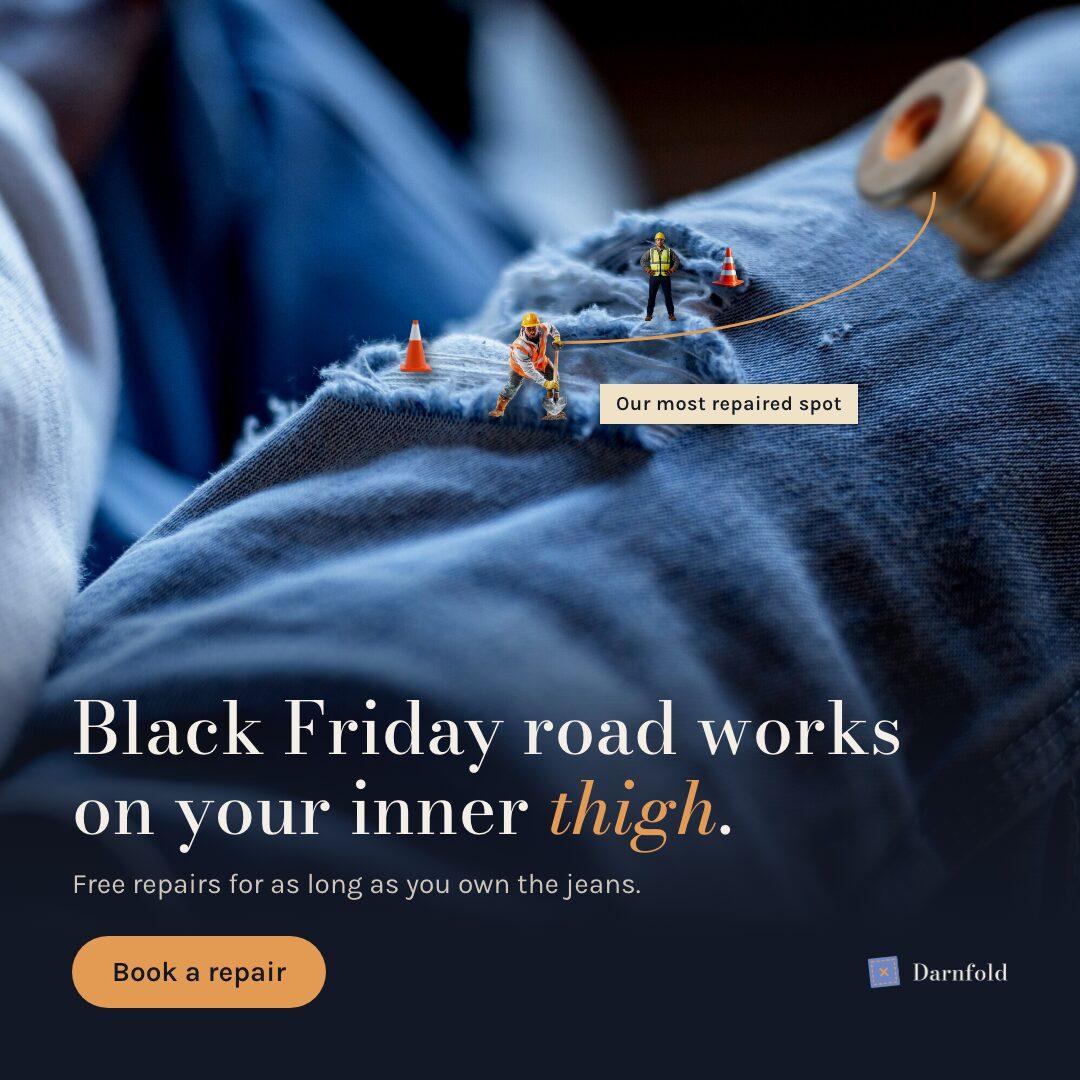 sample brand
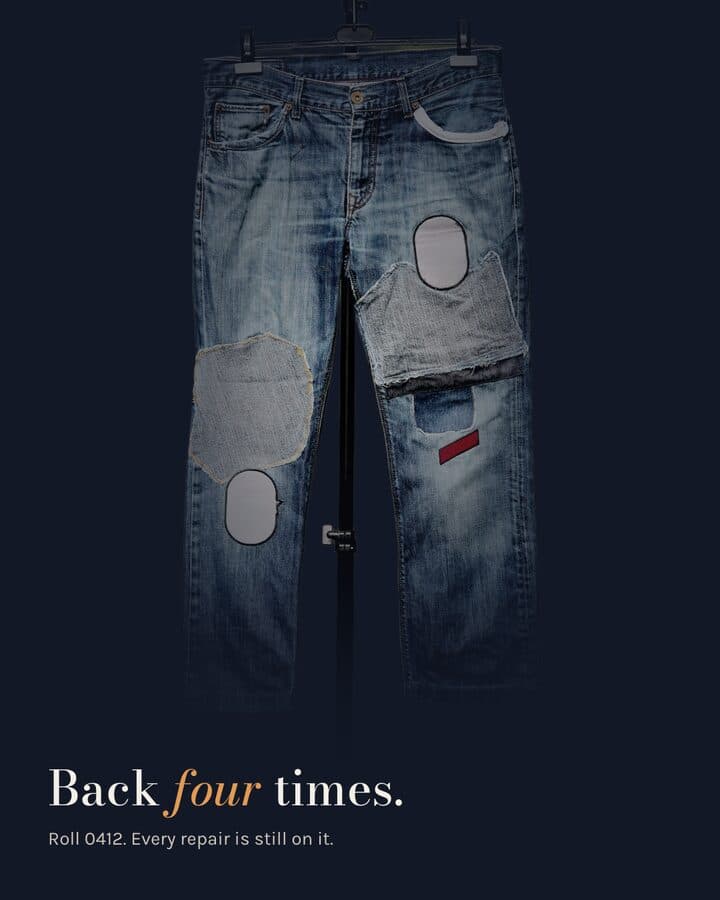 sample brand1 / 5
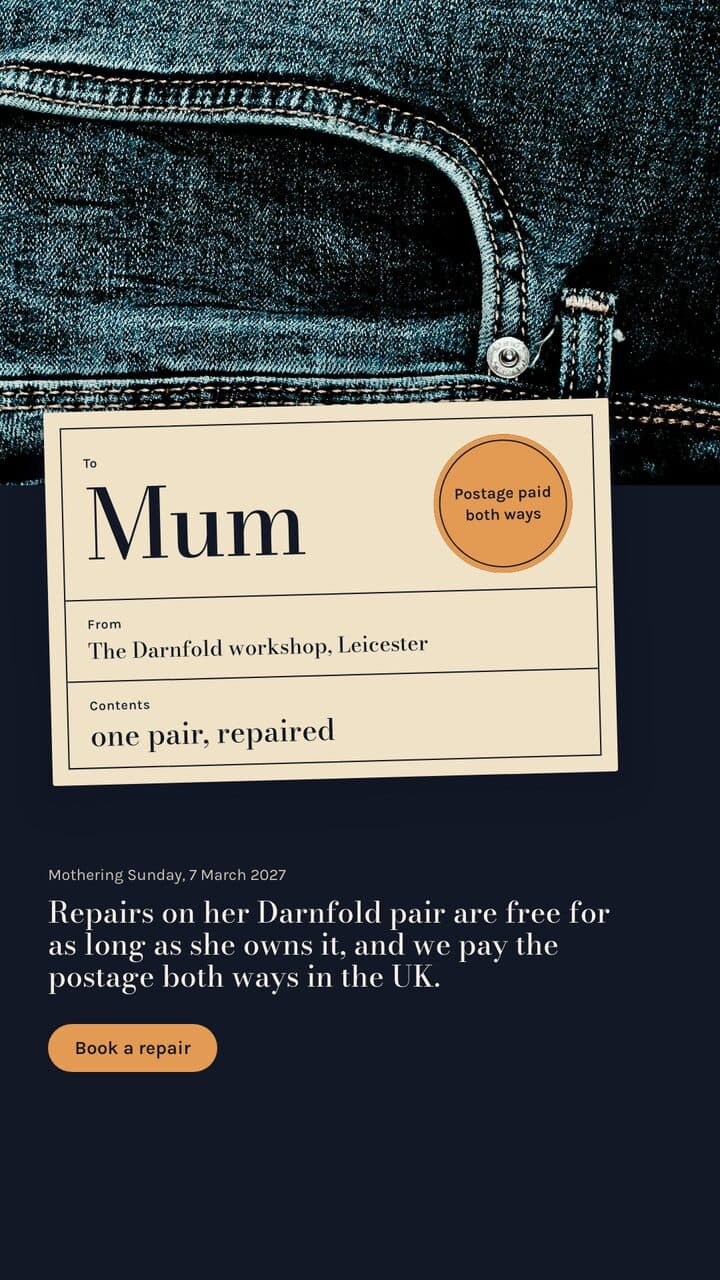 sample brand
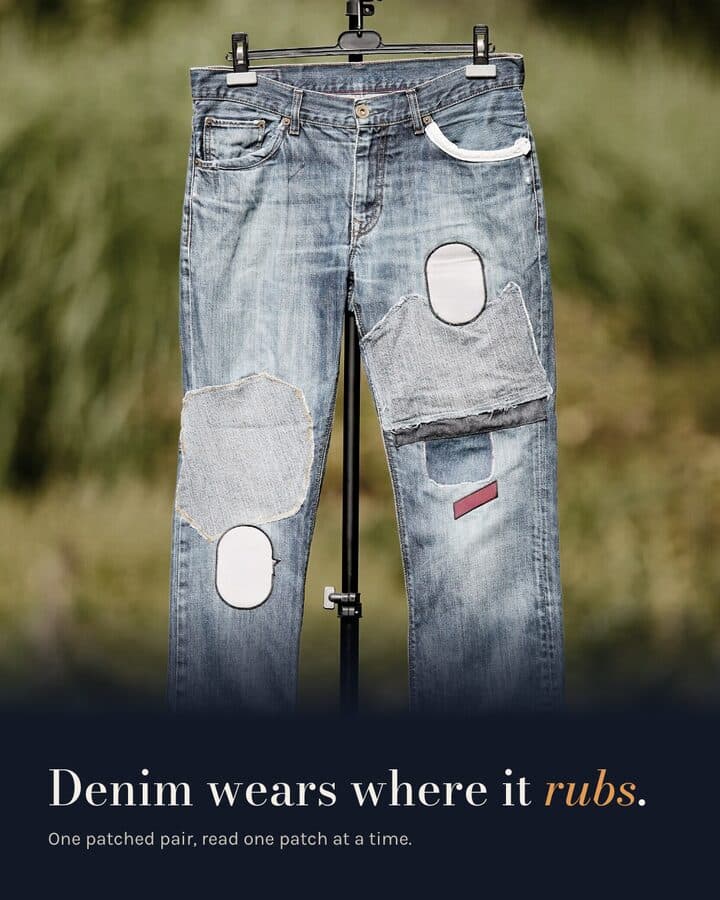 sample brand1 / 4
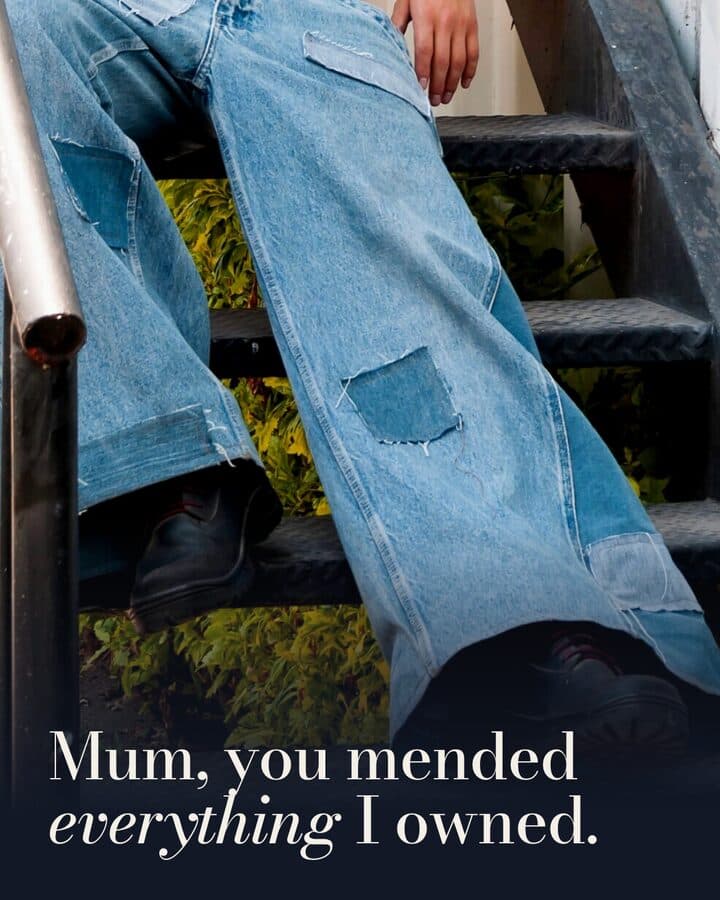 sample brand1 / 3
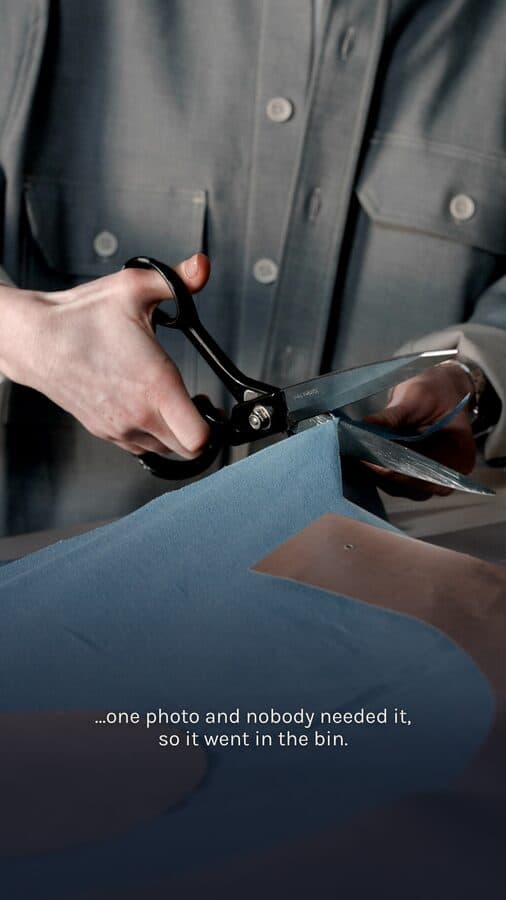 sample brand1 / 4
What you publish, drawn at its real size.
- 4:51080 × 1350 pxNew drop announcement4:5 post, 1080x1350, PNGYour hero shot embedded whole, headline set on your brand tokens.
- 4:51080 × 1350 pxProduct carouselMulti-slide carousel, 4:5, 1080x1350, PNGOne product shot per slide, backgrounds cut out where you want them.
- 9:161080 × 1920 pxSale or seasonal reel9:16 reel, 1080x1920, MP4Music-timed or voice-over-timed. One timed build took about an hour, in June 2026.
- 1:11080 × 1080 pxBack in stock post1:1 post, 1080x1080, PNGLabelled variants from one locked brief, your new shot embedded.
- no fixed ratioSeasonal campaign batchCampaign batch, PNG and PDFOne brief for the season, several posts built against it in a run.
A product photo has to show the product
The picture in a shop post is a picture of the thing someone is about to buy.
The rule in full
The picture in a shop post is a picture of the thing someone is about to buy, so an invented or redrawn version of it is simply the wrong image. Kamply enforces that as a rule on itself: when a real shot of the product exists, that shot gets embedded, and building, faking or mocking up a product image is forbidden. The same rule covers app screens, which have to be real screenshots. What it will do to your photo is grade the colour and cut the background out, then place it at the exact platform size.
Embeds the real photo or screenshot, grades it, and places it at the exact export size.
Will not build, fake or mock up a product image or an app screen. Missing the shot means shooting it, not generating it.
Three steps, in that order.
The same order every time, whatever you hand it.
Onboard the brand once
Kamply reads your site and asks a short set of questions, then derives your colour tokens, typography, voice and logo. Setup takes about 10 minutes, per the setup guide, and every deliverable after that references those tokens.
Lock the brief for the drop
It interviews you before it designs anything: which product, which shots, which sizes, what the offer is. The brief is written down with no TBD fields left in it, so the variants that come back are answering the question you actually asked.
Pick a variant, approve, upload
You get labelled options (V1, V2 and so on), not one take. Hard preflight checks block a file from being called done, and you approve at named stops. Then you export the PNG, PDF or MP4 and post it yourself.
What it actually does
Kamply is a Mac desktop app with Claude sitting next to a gallery of your work.
What it does, in detail
You point it at the shots you already have, it interviews you, locks a written brief, and comes back with labelled variants: post mockups at 4:5, 1:1 and 9:16, multi-slide carousels, and finished MP4 reels timed to a voice-over or to music. Export is PNG and PDF for stills, MP4 for reels, and the files stay on your Mac. The plan covers the app and the tool accounts; Claude Code or Codex CLI is your own subscription.
Do not buy it for this
Kamply makes the file and stops there.
What it leaves to you
It does not connect to your ad accounts, does not schedule or publish to any channel, and reports nothing about how a post performed, so if you were hoping to run paid social or read results in the same place, this is not that tool.
Questions from this industry.
If yours isn't here, ask it in the walkthrough. The form below reaches a human.
Can it generate a product image if I do not have a good shot?
No, and it will not try. When a real shot exists it has to be embedded, and faking or mocking up a product image is blocked by its own rules. If you have no usable photo of the item, shoot it first. Kamply can cut out the background and grade the colour once you have one.
Does it connect to Shopify or my product catalogue?
No. There is no store integration and no public API. You bring the photos and the product details into the workspace on your Mac, and Kamply builds from those files.
Will it schedule the drop for me?
No. Kamply does not publish, schedule or post anything to any channel. It hands you the finished file at the exact platform size and you upload it.
How does it keep a whole season of posts looking like one campaign?
Brand onboarding derives your tokens once, and every later deliverable references them. A campaign batch builds a set of related posts in one run against a single locked brief, so the drop posts, the sale carousel and the reel share the same rules rather than being re-decided each time.
What does it cost, and can I try it first?
One plan: $69 a month or $499 a year, plus an Enterprise lane that books a walkthrough. There is no free plan and no trial. It runs on Apple silicon Macs on macOS 11 or later, with no Windows or web version.

Bring one brief to the walkthrough.
We build the first direction with your brand during the walkthrough.