

Choose your pace. Keep the whole studio.
One plan, the full Mac app, billed monthly or yearly.
Founding pricingNew subscriptions pay more after October 15, 2026 at 11:59 PM UTC.
Monthly
$69a month
The steady default. Renews month to month.
- The Mac app, every format
- Stock photos, voice and cutouts included
- Competitor ad reports
Yearly
Save $329$828$499a year
$329 less than twelve months of monthly.
- The Mac app, every format
- Stock photos, voice and cutouts included
- Competitor ad reports
Enterprise
Priced at the walkthrough
Against your team’s real volume and approval chain.
- Everything in the Kamply plan
- Approval stops walked through live
- Quality gates your team can audit
Tick the box above to continue to checkout.
You’ll sign in with Google, then pay through Polar. Cancel anytime from your account page.
After you subscribe
- 1
Sign in with Google
Checkout asks for a Google sign‑in first. The same sign‑in opens your account page.
- 2
Pay through Polar
Polar takes the charge and sends the receipt and invoices.
- 3
Download Kamply for Mac
A signed, notarized build for Apple silicon Macs on macOS 11 or later.
- 4
Sign into Claude Code or Codex in the app
Both run inside Kamply. That subscription stays yours, billed by its provider.
Every interval holds the same Kamply.
Choose by how long the work lasts. Nothing drops out when you choose a shorter commitment.
Bought one at a time, the 9 priced jobs below come to $253 a month, each figure read from the vendor’s own page. The plan is $69 a month and holds all of it, plus every other ticked row.
| What you get | Kamplyevery interval | Bought on its own |
|---|---|---|
| Jobs you would otherwise buy a tool for | ||
Every active creative for a domain, with its copy, run dates and landing page, into a report a brief can cite. | In the plan | |
Rated rows with the source URL on each, summarised into themes you can quote. | In the plan | |
4:5, 1:1 and 9:16 stills and reels on your tokens. Kamply builds the files; the ad account is still yours to run. | In the plan | |
Whisper word timestamps become the cut list; captions sit clear of the platform UI. Edited-footage reels only. | In the plan | |
ElevenLabs takes are committed once; every cut in the reel is derived from the transcript, never typed in. | In the plan | |
Music beds cut to the beat, sound effects on cue Generated act tracks crossfaded to the reel's length, ducked under the voice; each effect placed at its plan frame. | In the plan | $17.99a month Epidemic Sound, Creator USD from Epidemic's own post of 2026-04-01; its pricing page shows local currency. Vendor page |
BiRefNet matte to ProRes 4444, or a keyed and despilled green screen. Runs on your Mac. | In the plan | |
Exact platform pixels, the visual at least 60 percent of every slide, one HTML file per ratio you can open and read. | In the plan | |
Stock photos, footage and cutouts, with provenance kept Pexels and Unsplash for photos, Vecteezy for transparent cutouts; the file name keeps the ID. | In the plan | $7a month Vecteezy, Pro Region-priced; $14 is quoted in the US. Pexels and Unsplash are free. Vendor page |
A local matte in 2 to 6 seconds; a halo against your field fails the gate. | In the plan | |
| The rest of the plan | ||
Rendered on your Mac with Remotion, which is free to license under four people. | In the plan | Comes with the plan |
Colour grading on stills and footage, matched to your field The same slope, offset and power on a photo and on a clip. | In the plan | Comes with the plan |
Device mockups from real screenshots A real frame from the kit, the screen placed by measurement, never a drawn phone. | In the plan | Comes with the plan |
Decks and guides as paged documents, PDF export Built like a post on the same tokens, one page per slide. | In the plan | Comes with the plan |
Brand onboarding from your site plus a short interview Colour, type, voice and logo as tokens every deliverable references. About ten minutes, per Kamply's setup guide. | In the plan | Comes with the plan |
The interview comes first; two variants a round; a mix takes the next number. | In the plan | Comes with the plan |
Hard quality gates, and a person who approves by name Preflight refuses unfinished work; nothing ships without your yes. | In the plan | Comes with the plan |
Tool accounts provisioned for you: stock, voice, background removal, intel Sign in and start. Cancel and the files are still yours. | In the plan | Comes with the plan |
Bring your own agent subscription. Plain files: brief, brand, gates. | In the plan | Comes with the plan |
| Not in the plan | ||
Publishing or scheduling Kamply hands you files. Posting them is your job. | Not included | Not something Kamply sells |
Analytics or reporting No dashboards; the platforms keep those. | Not included | Not something Kamply sells |
Translation or dubbing Posts in another language are written fresh, never machine-translated; the app runs in six languages. | Not included | Not something Kamply sells |
AI-generated footage or images Real stock and your own shots; generated imagery is rejected by rule. | Not included | Not something Kamply sells |
A web app, a mobile app or a public API A signed Mac app for Apple silicon, macOS 11 or later. | Not included | Not something Kamply sells |
| The 9 priced jobs, bought separately | $253a month | |
| Kamply, monthly | In the plan | $69a month |
| The difference, every month | $184 less than the 9 tools bought separately |
Jobs you would otherwise buy a tool for
Every active creative for a domain, with its copy, run dates and landing page, into a report a brief can cite.
In the plan$59a month for ForeplayForeplay Basic. One user, unlimited saves, Discovery and Spyder. Vendor page
Rated rows with the source URL on each, summarised into themes you can quote.
In the plan$59a month for AppbotAppbot Small. Five review sources, one user. Vendor page
4:5, 1:1 and 9:16 stills and reels on your tokens. Kamply builds the files; the ad account is still yours to run.
In the plan$39a month for AdCreative.aiAdCreative.ai cheapest paid plan. Checked 2026-08-26 for the compare pages. Vendor page
Whisper word timestamps become the cut list; captions sit clear of the platform UI. Edited-footage reels only.
In the plan$24a month for DescriptDescript Hobbyist. Ten hours of transcription a month. Vendor page
ElevenLabs takes are committed once; every cut in the reel is derived from the transcript, never typed in.
In the plan$22a month for ElevenLabsElevenLabs Creator. 121,000 credits, about two hours of voice. Vendor page
- Music beds cut to the beat, sound effects on cue
Generated act tracks crossfaded to the reel's length, ducked under the voice; each effect placed at its plan frame.
In the plan$17.99a month for Epidemic SoundEpidemic Sound Creator. USD from Epidemic's own post of 2026-04-01; its pricing page shows local currency. Vendor page
BiRefNet matte to ProRes 4444, or a keyed and despilled green screen. Runs on your Mac.
In the plan$15a month for RunwayRunway Standard. 625 credits a month, Green Screen included. Vendor page
Exact platform pixels, the visual at least 60 percent of every slide, one HTML file per ratio you can open and read.
In the plan$9.99a month for Adobe ExpressAdobe Express cheapest paid plan. Checked 2026-08-26 for the compare pages. Vendor page
- Stock photos, footage and cutouts, with provenance kept
Pexels and Unsplash for photos, Vecteezy for transparent cutouts; the file name keeps the ID.
In the plan$7a month for VecteezyVecteezy Pro. Region-priced; $14 is quoted in the US. Pexels and Unsplash are free. Vendor page
A local matte in 2 to 6 seconds; a halo against your field fails the gate.
In the planremove.bg: no USD price publishedremove.bg Lite. Shown in local currency only; no USD figure to print. Vendor page
The rest of the plan
Rendered on your Mac with Remotion, which is free to license under four people.
In the plan- Colour grading on stills and footage, matched to your field
The same slope, offset and power on a photo and on a clip.
In the plan - Device mockups from real screenshots
A real frame from the kit, the screen placed by measurement, never a drawn phone.
In the plan - Decks and guides as paged documents, PDF export
Built like a post on the same tokens, one page per slide.
In the plan - Brand onboarding from your site plus a short interview
Colour, type, voice and logo as tokens every deliverable references. About ten minutes, per Kamply's setup guide.
In the plan The interview comes first; two variants a round; a mix takes the next number.
In the plan- Hard quality gates, and a person who approves by name
Preflight refuses unfinished work; nothing ships without your yes.
In the plan - Tool accounts provisioned for you: stock, voice, background removal, intel
Sign in and start. Cancel and the files are still yours.
In the plan Bring your own agent subscription. Plain files: brief, brand, gates.
In the plan
Not in the plan
- Publishing or scheduling
Kamply hands you files. Posting them is your job.
Not included - Analytics or reporting
No dashboards; the platforms keep those.
Not included - Translation or dubbing
Posts in another language are written fresh, never machine-translated; the app runs in six languages.
Not included - AI-generated footage or images
Real stock and your own shots; generated imagery is rejected by rule.
Not included - A web app, a mobile app or a public API
A signed Mac app for Apple silicon, macOS 11 or later.
Not included
- The 9 priced jobs, bought separately
- $253
- Kamply, monthly
- $69
- The difference, every month
- $184 less
Rows are ordered by what the standalone tool costs, highest first, on monthly billing as shown on each vendor’s page on 2026-08-29. Each of those tools does more than the one job it stands in for here, and the sum counts only the rows with a published figure.
Not sure which pace? Two answers settle it.
The arithmetic is shown with the recommendation, so you can check it.
Your recommendation
Answer both questions and it appears here, with the math that produced it.
Billing questions, answered straight.
The mechanics behind the subscribe button.
Can I cancel anytime?
Yes. Your account page shows the subscription and cancels it in two clicks, and Polar confirms by email. You keep access until the period you already paid for ends.
What happens to my work if I stop paying?
Nothing is deleted. The app pauses new AI work until you renew; everything already made stays on your Mac as ordinary files you keep.
What does founding pricing mean?
The current rates ($69 a month or $499 a year) hold for subscriptions started by October 15, 2026 at 11:59 PM UTC. After that cutoff new subscriptions pay more; existing subscribers keep the rate they signed up at.
Is there a free trial?
No. The walkthrough is the try-before-you-buy: bring one brief, watch the first direction get built on your brand, and keep the files.
Do I need my own Claude or Codex subscription?
Yes. This plan covers the Mac app and the tool accounts it provisions: stock imagery, voice, background removal, competitor intel. The AI agent, Claude Code or Codex CLI, runs inside the app on your own plan. That is $69 a month for Kamply plus your own Claude or Codex plan from $100 a month, so from $169 a month in total.
How many people can use one subscription?
One Kamply subscription covers one brand. Each person who runs the app signs in with their own Claude or Codex plan.
Can I get a refund?
No. Payments are not refunded. You can cancel any time from your account page and keep access until the paid period ends.
Who charges my card?
Polar is the seller. It works out local tax at checkout from your country and sends the invoice.
Why do I sign in with Google before paying?
The subscription attaches to your Google account and the Mac app uses the same sign-in, so the purchase follows you into Kamply with no license keys to manage.
Finished work, built in the app.
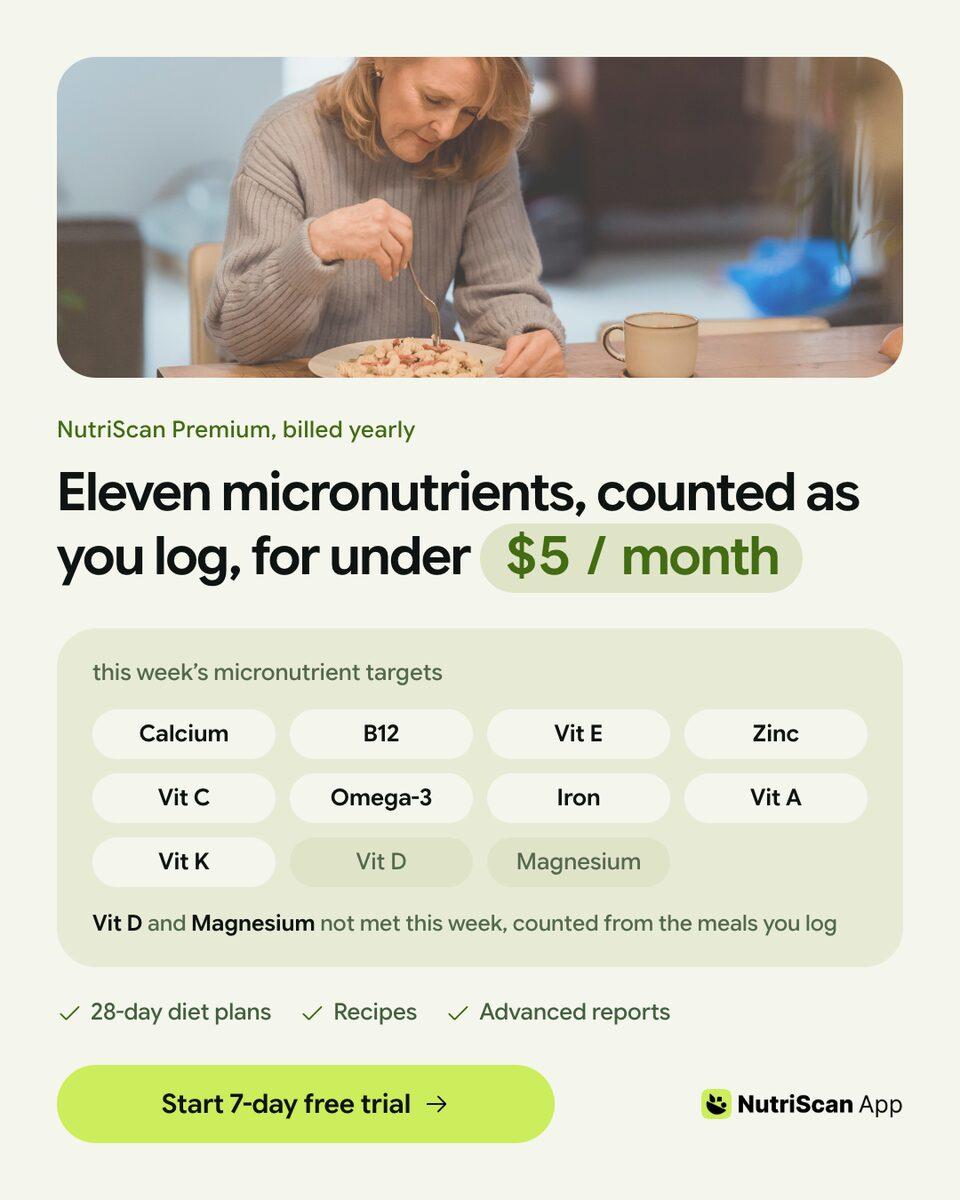
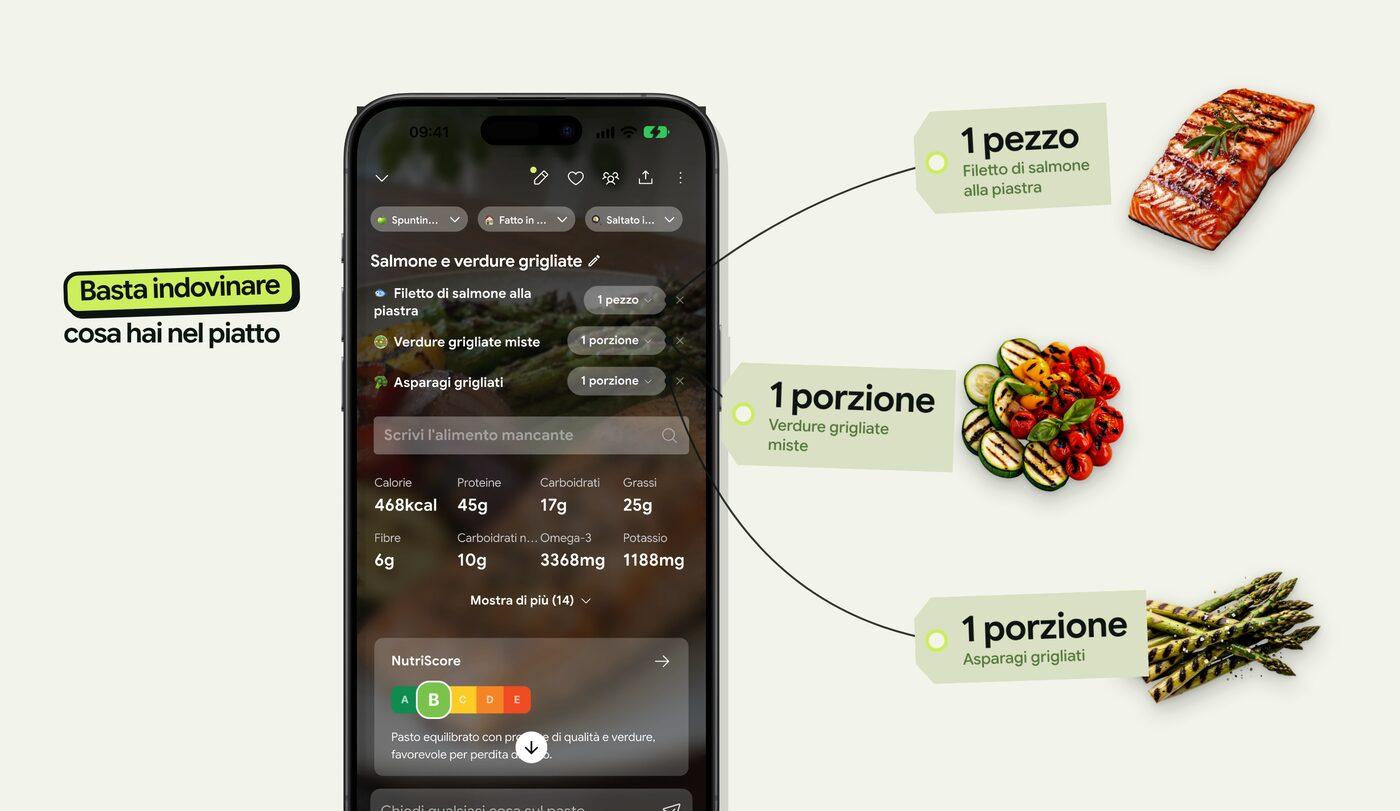
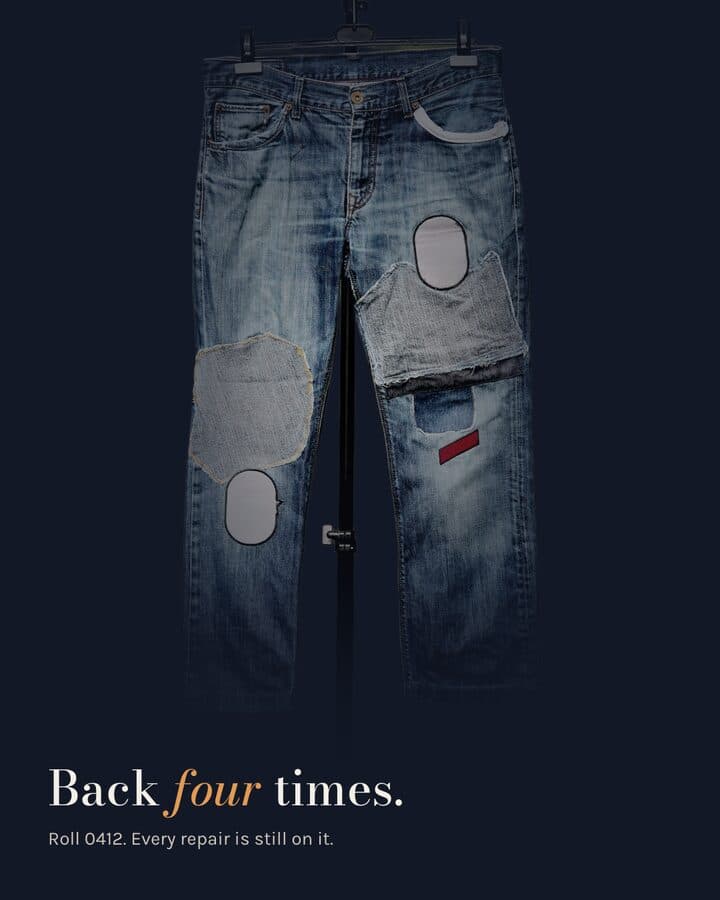
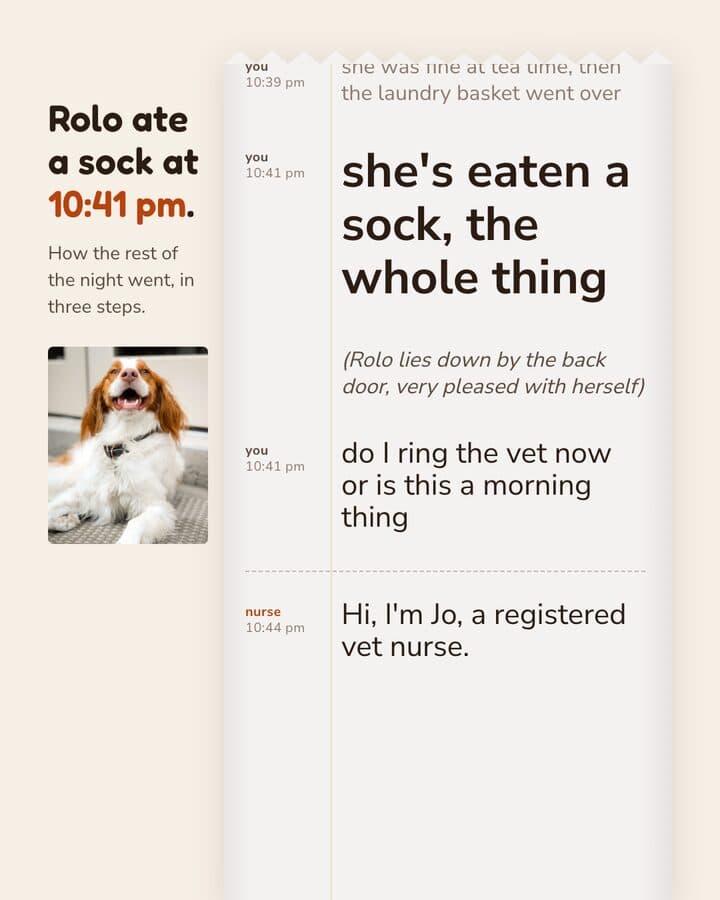
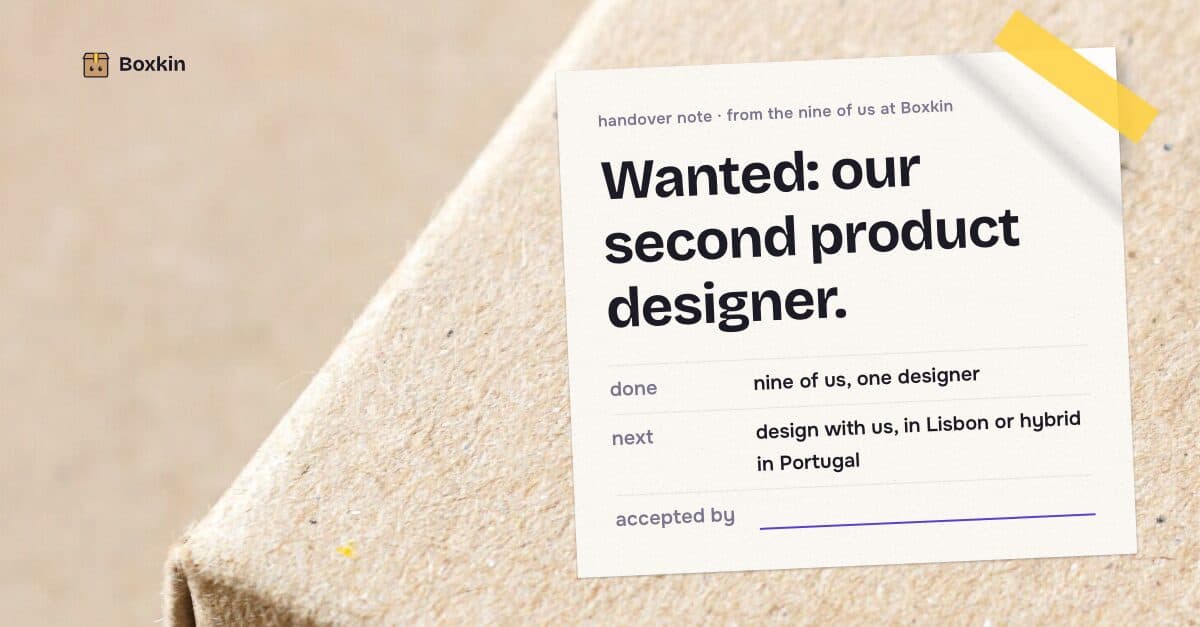
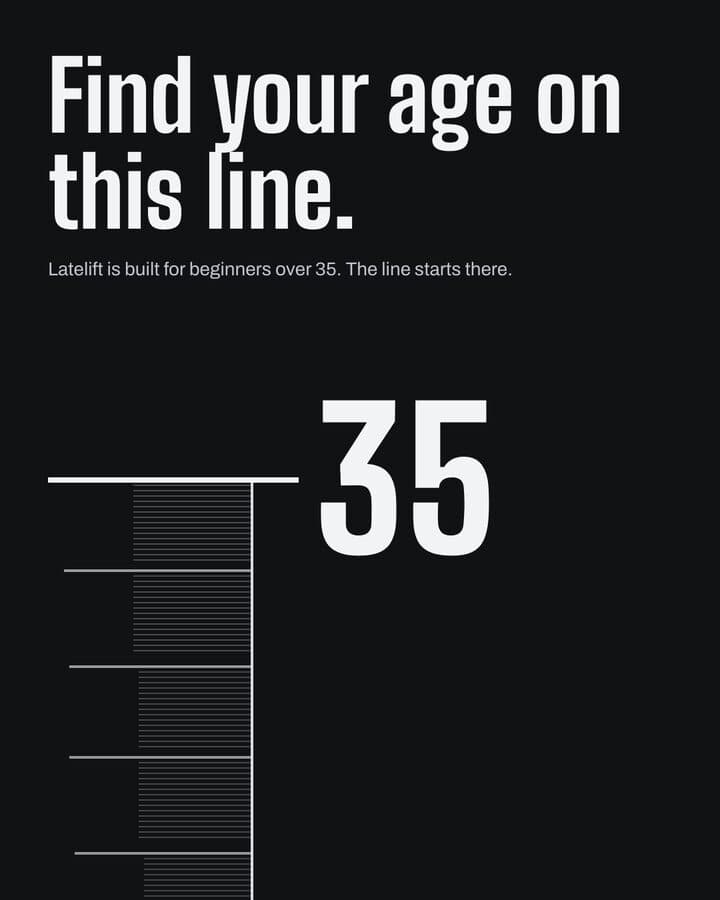
Every piece here was built in Kamply at the size it ships. Sample brands are labelled as such.
 1 / 6
1 / 6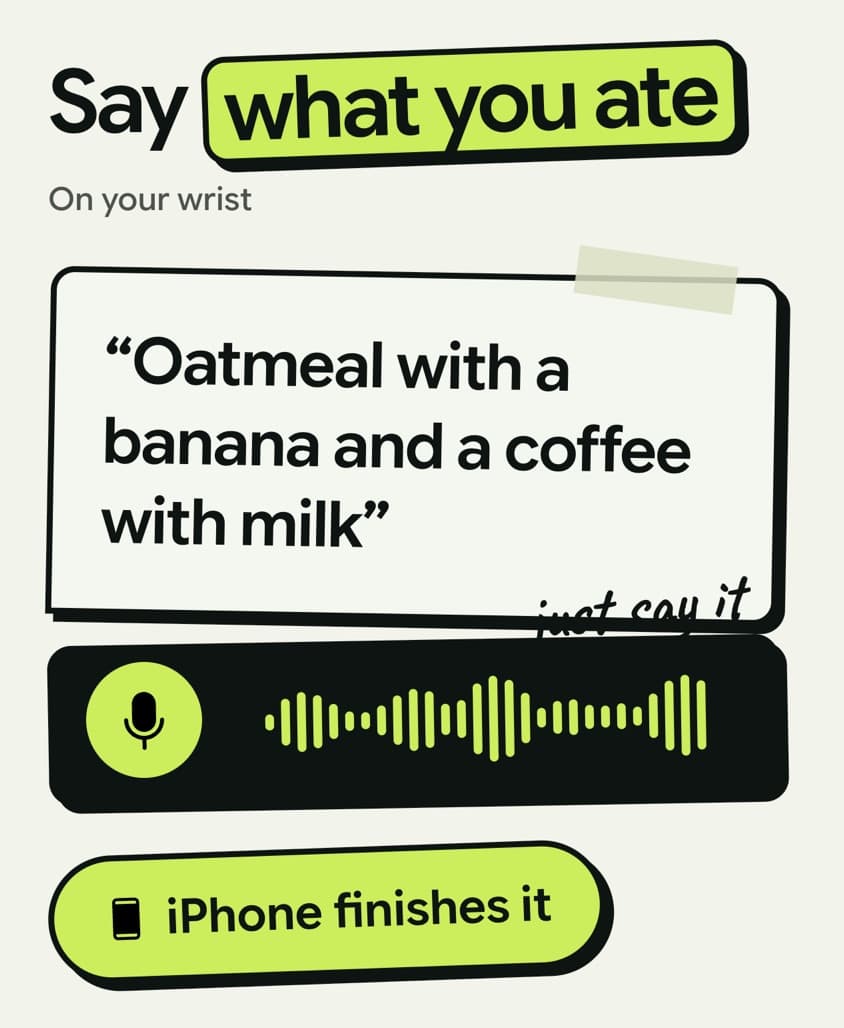 1 / 5
1 / 5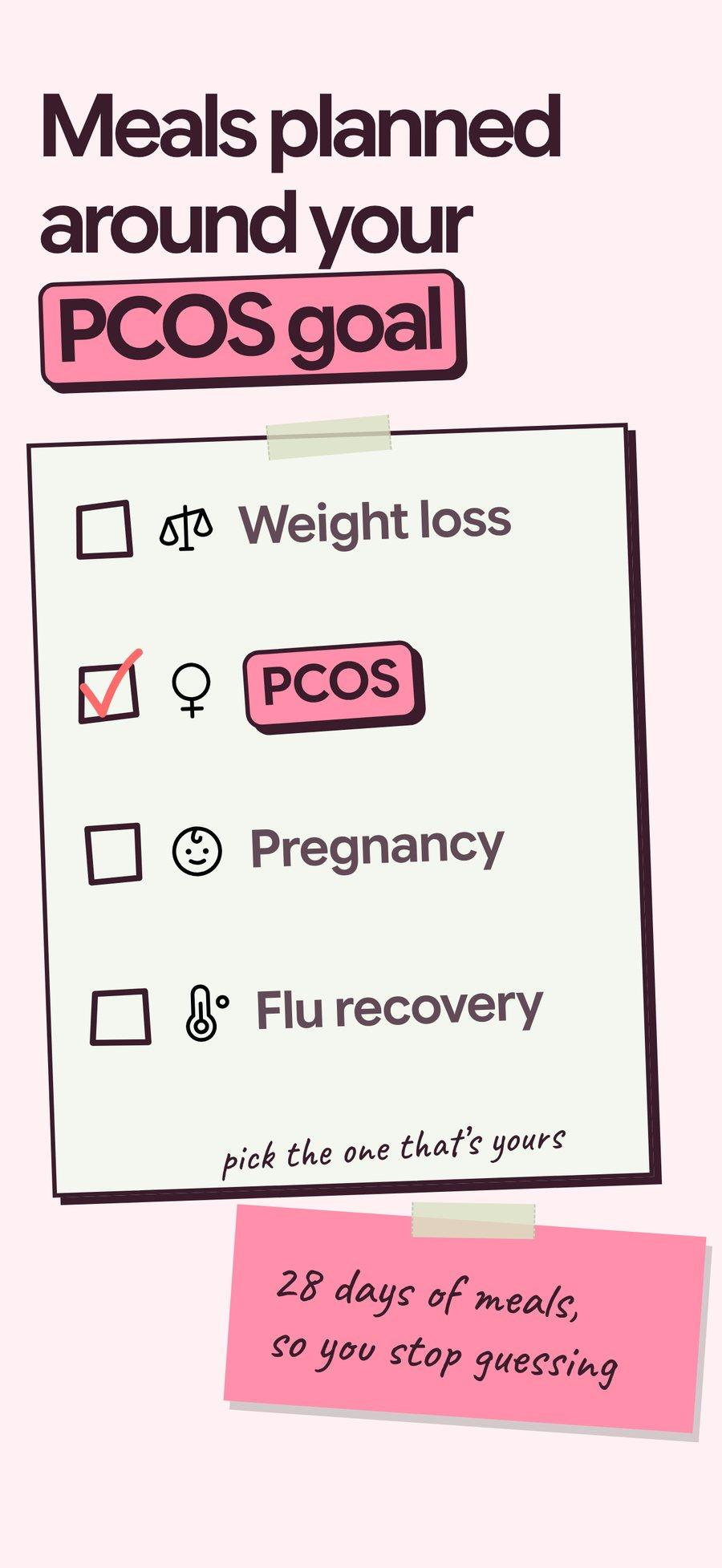 1 / 8
1 / 8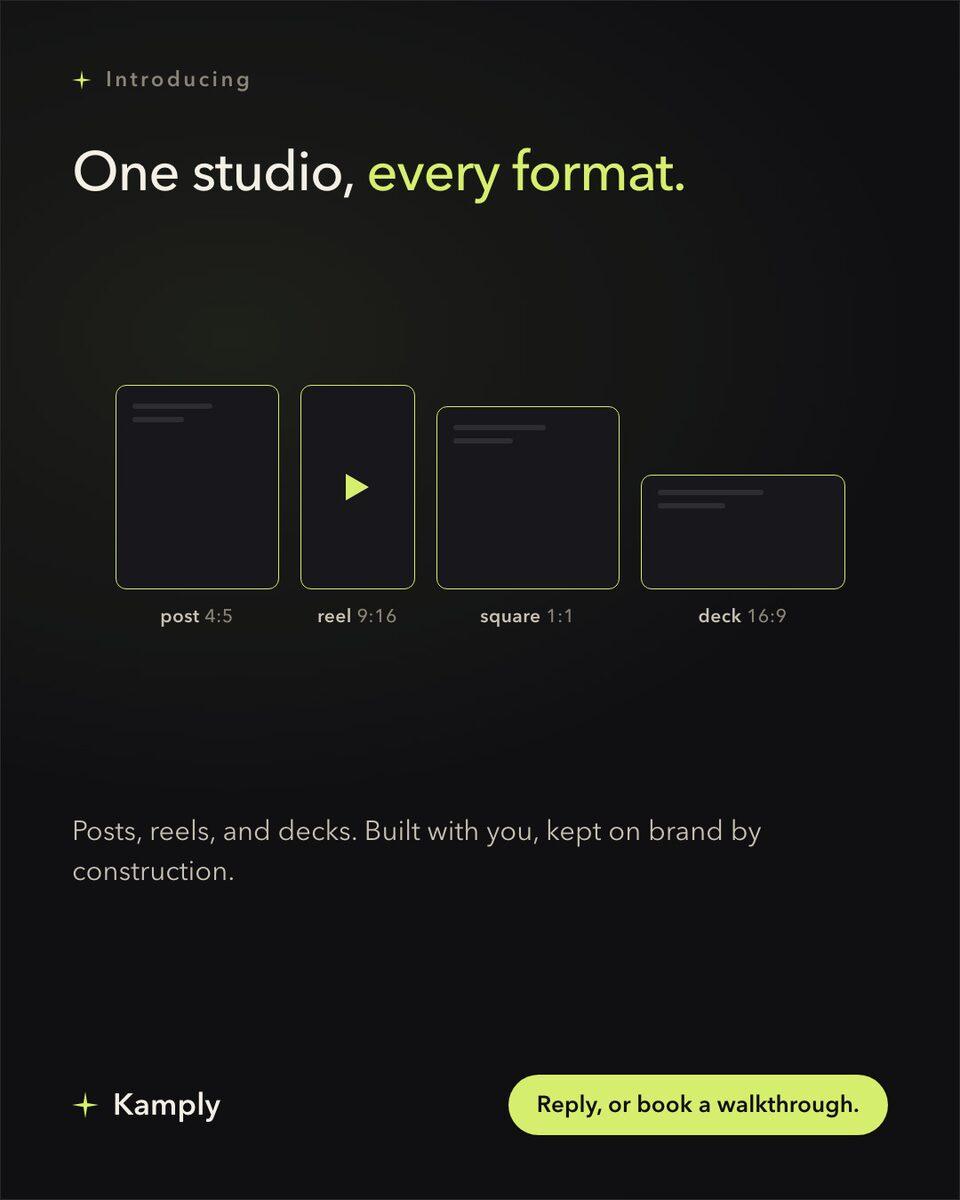
Sample brands from the app’s library
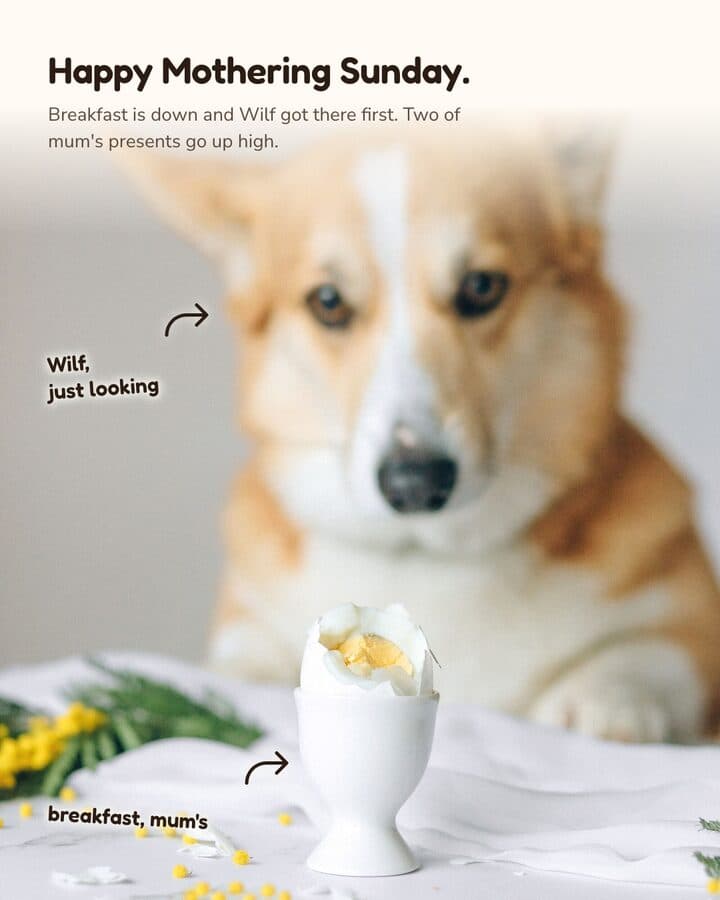
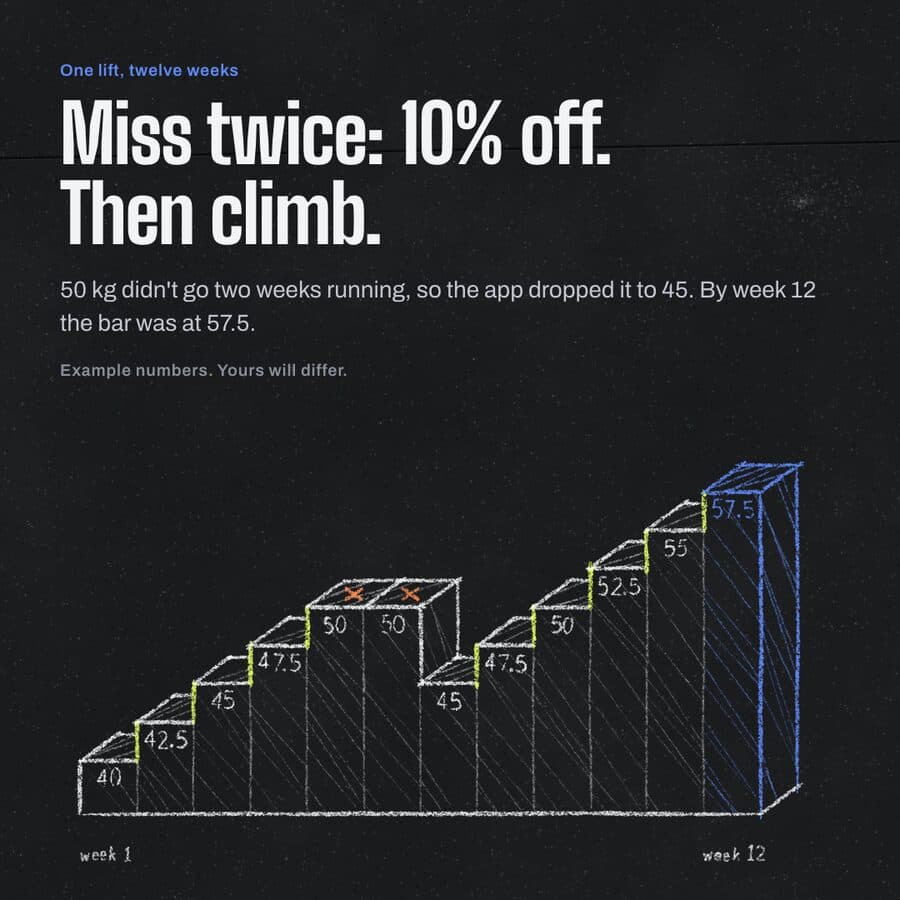
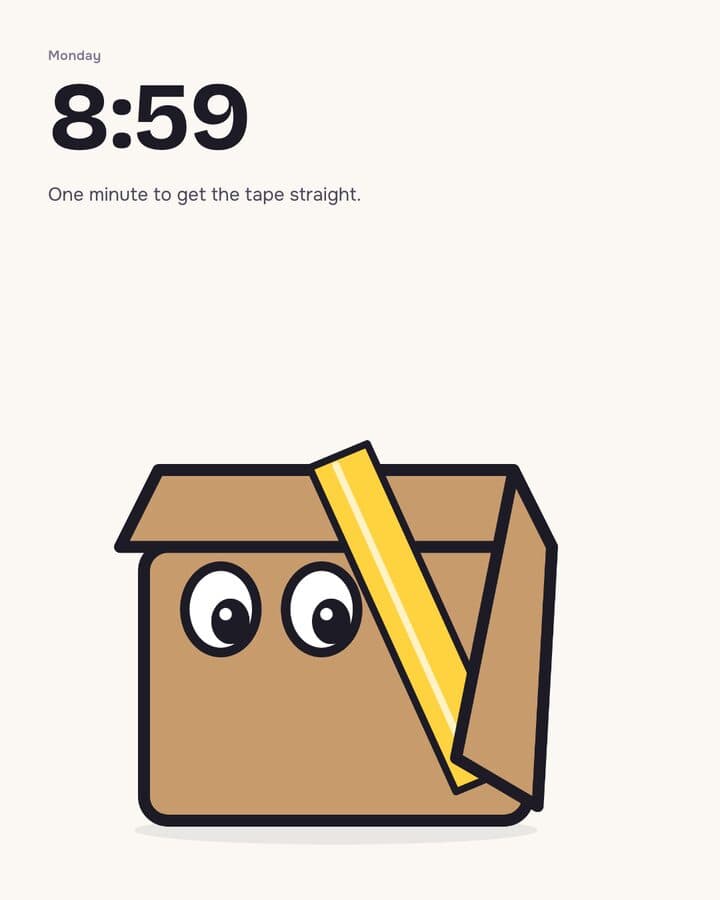
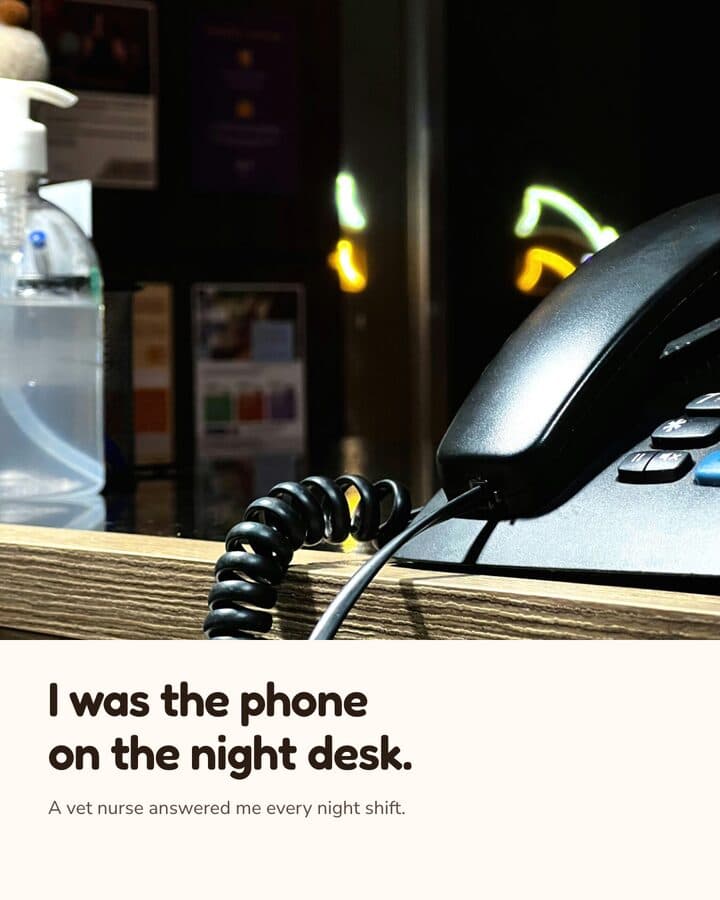
Darnfold, Boxkin, Woofstead and Latelift are invented brands, so every figure in their work is fictional.
 sample brand
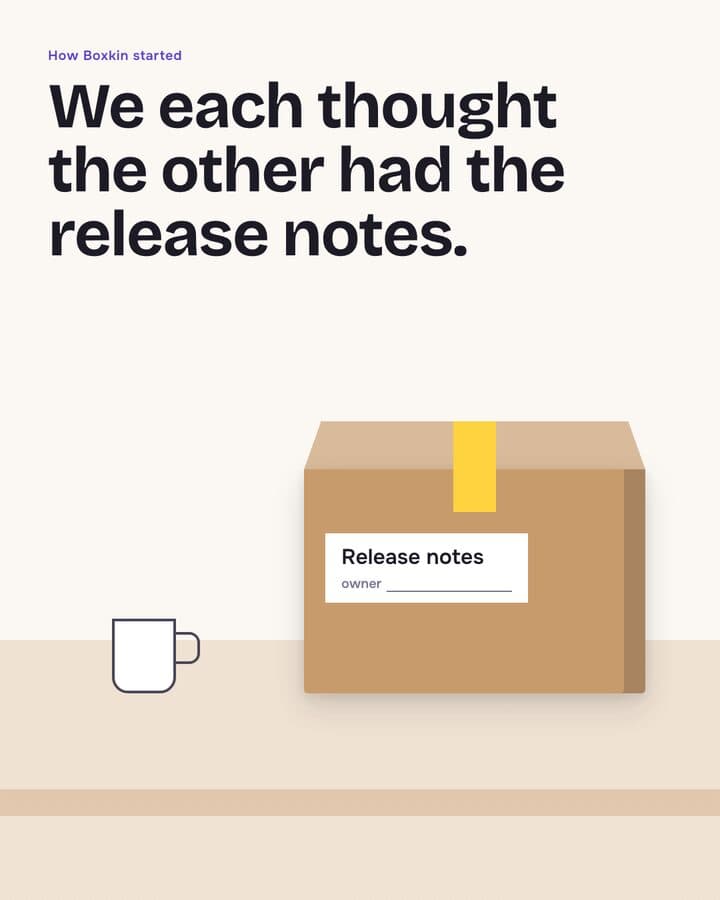 sample brand1 / 6
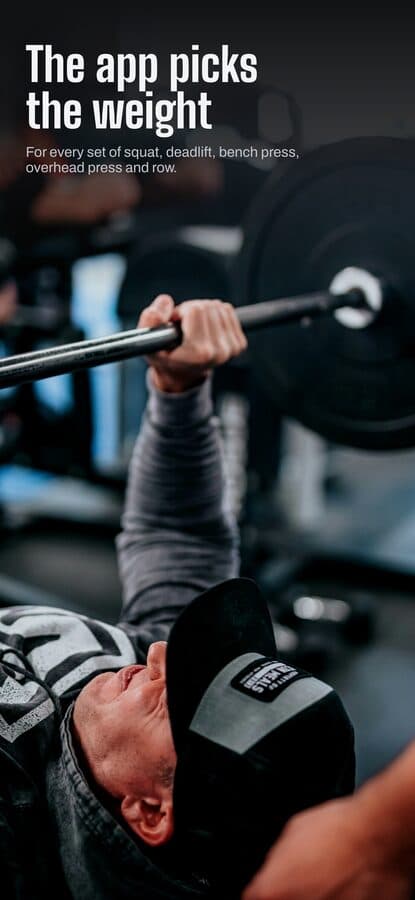 sample brand1 / 5
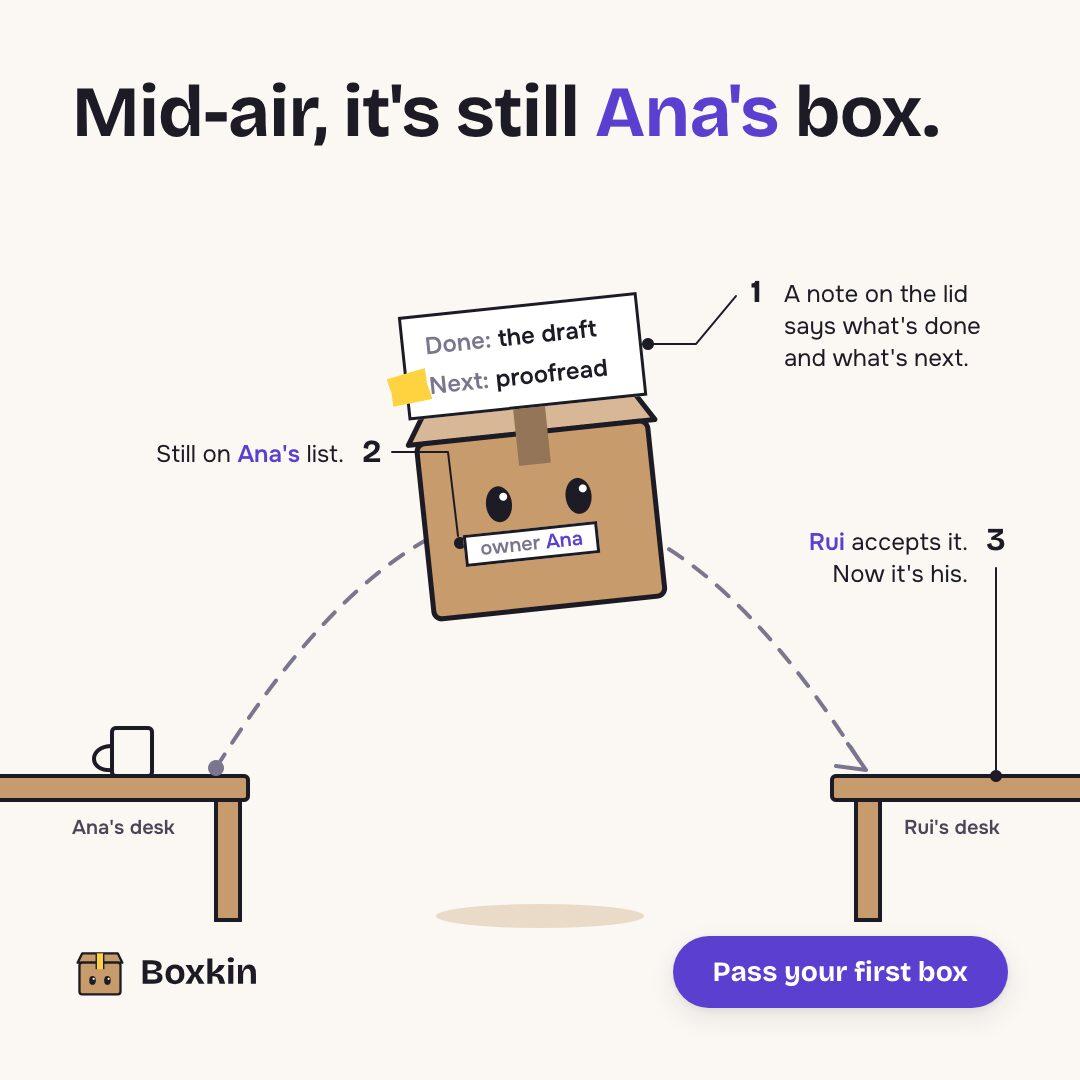 sample brand
 sample brand1 / 5
 sample brand1 / 5
 sample brand
 sample brand
 sample brand1 / 5
 sample brand1 / 4
 sample brand1 / 4
 sample brand1 / 3
 sample brand1 / 4
 sample brand1 / 3
 sample brand1 / 3
 sample brand1 / 3
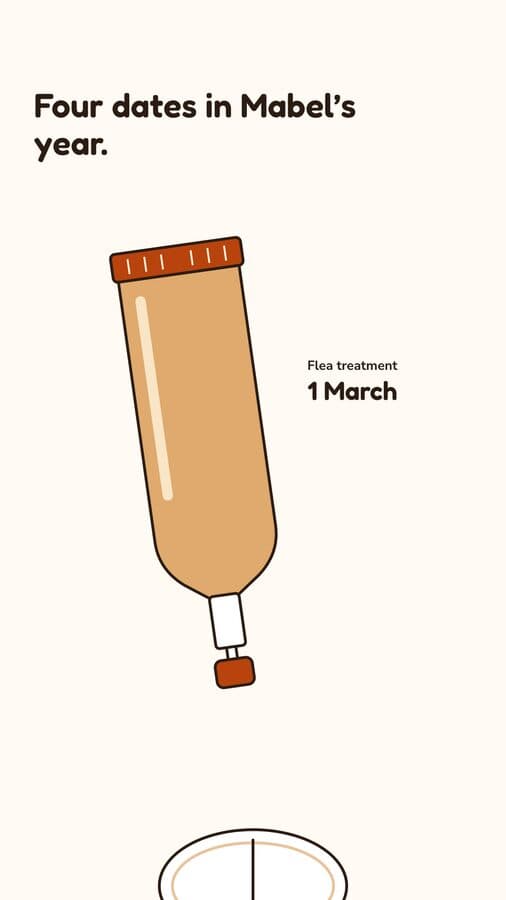 sample brand1 / 4
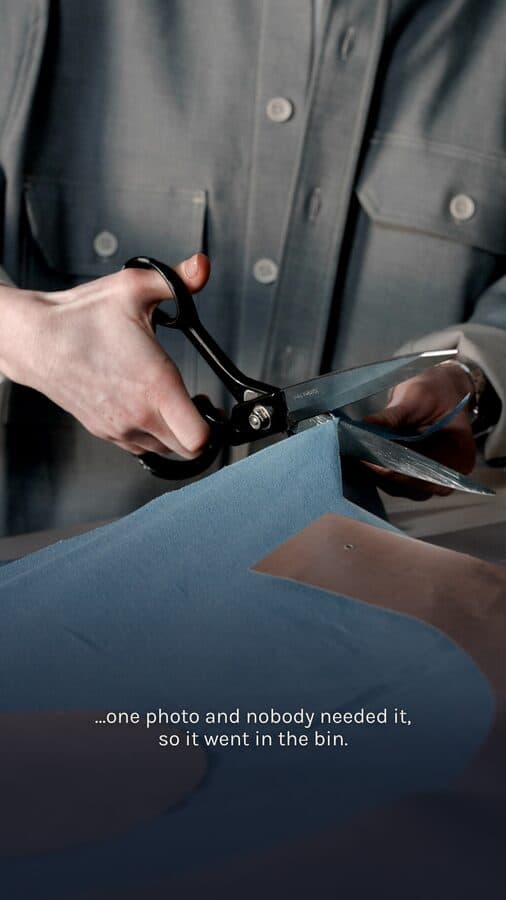 sample brand1 / 4
Bring one brief to the walkthrough.
We build the first direction with your brand during the walkthrough.