Kamply is a Mac app whose crew builds your marketing: posts, reels, ads, decks and more, in your branding. It runs on the Claude Code or Codex plan you already pay for.
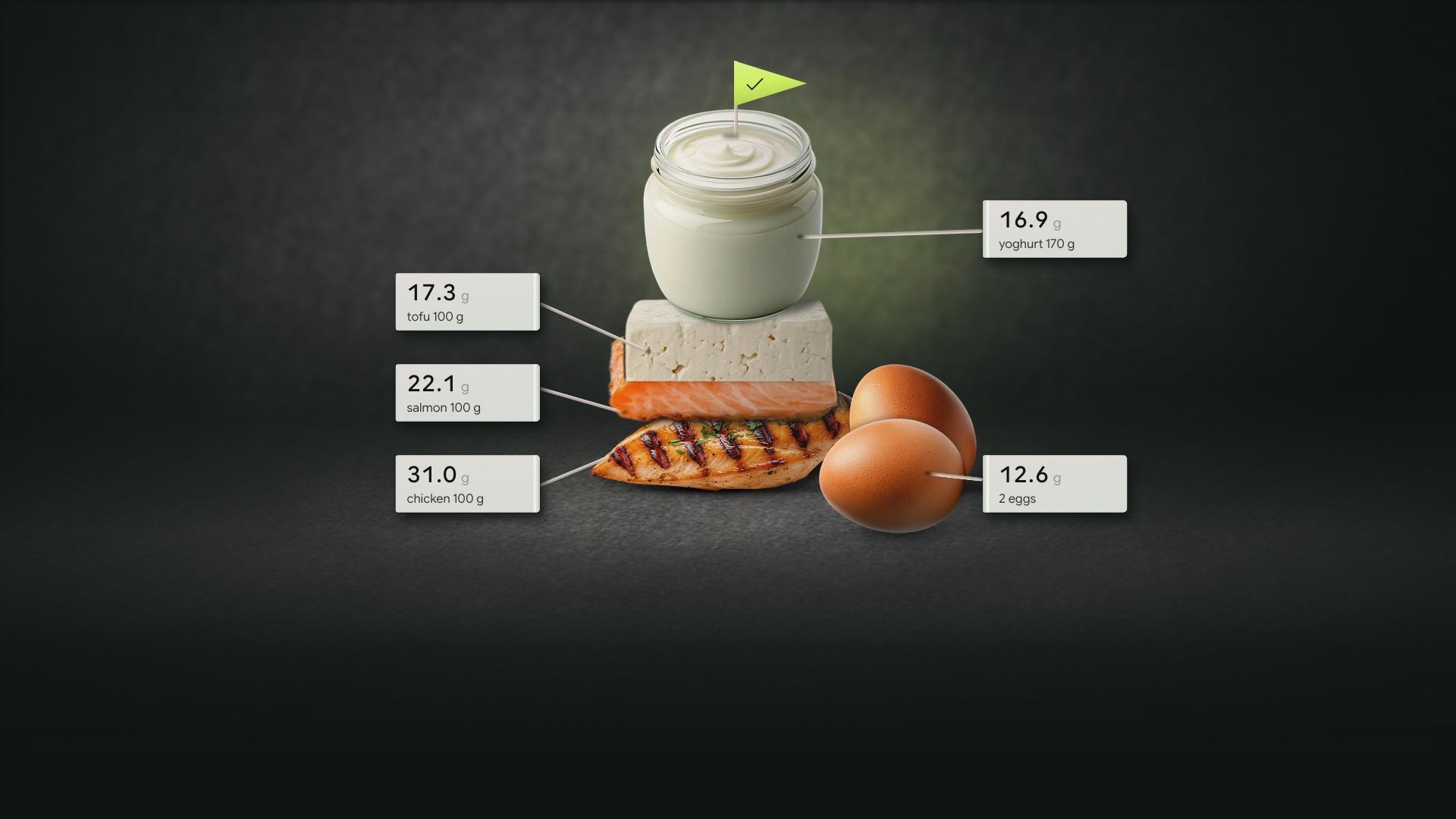
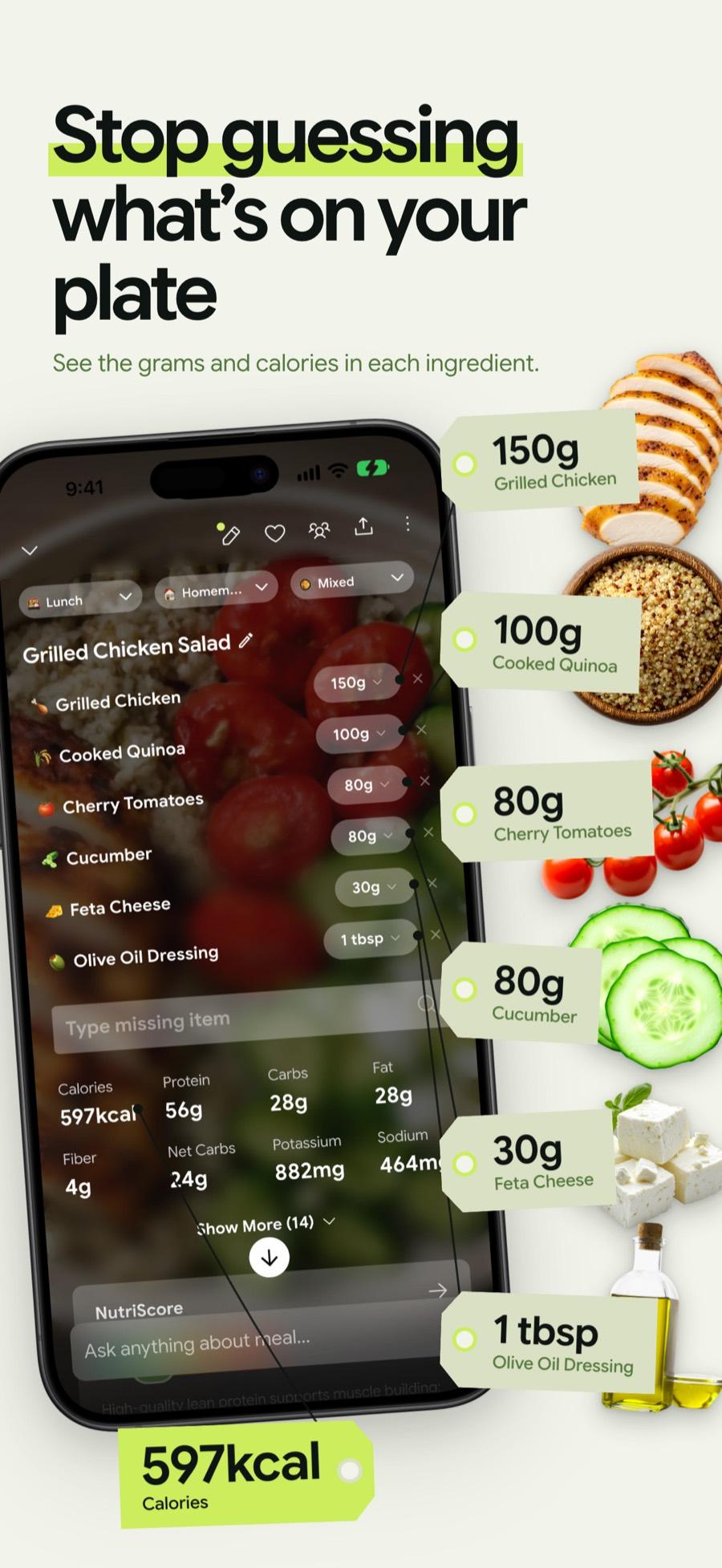
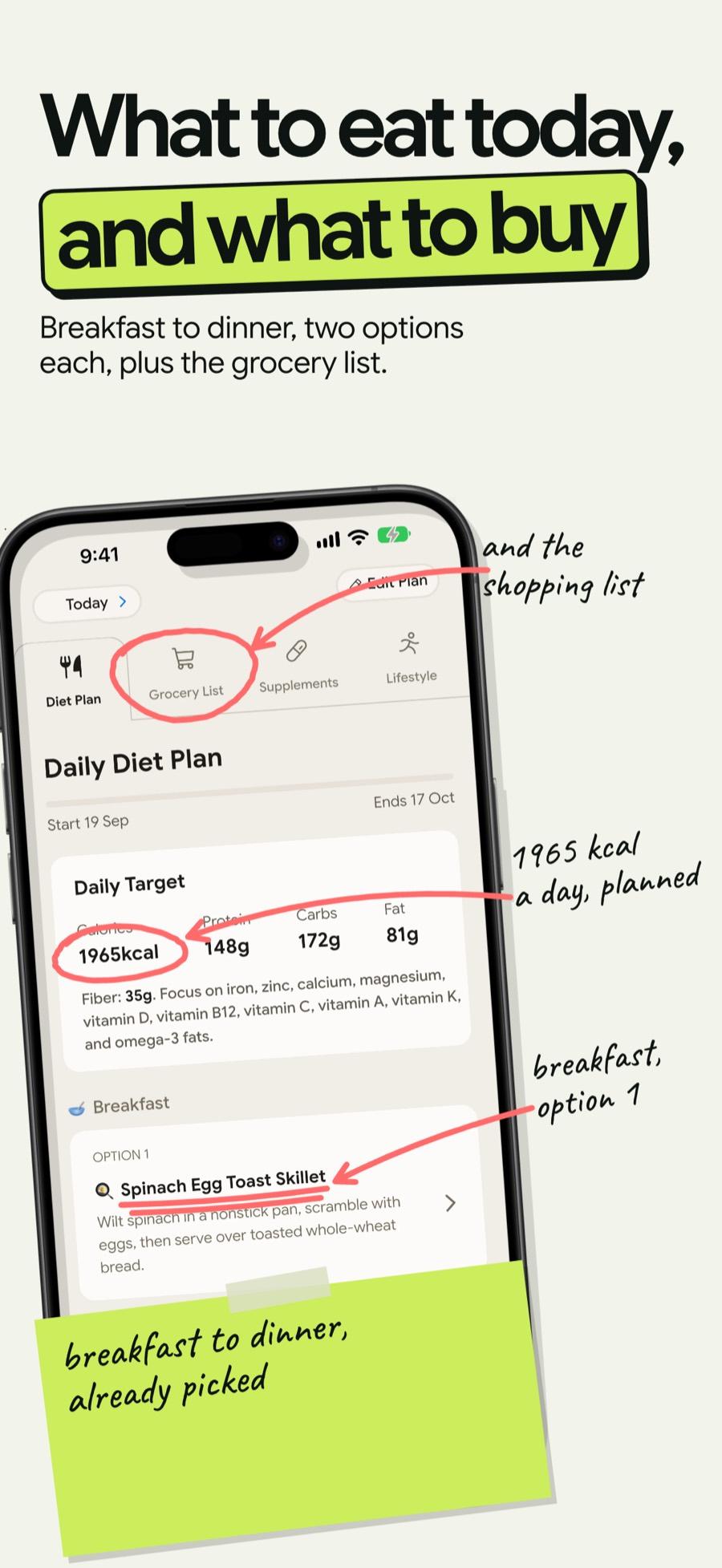
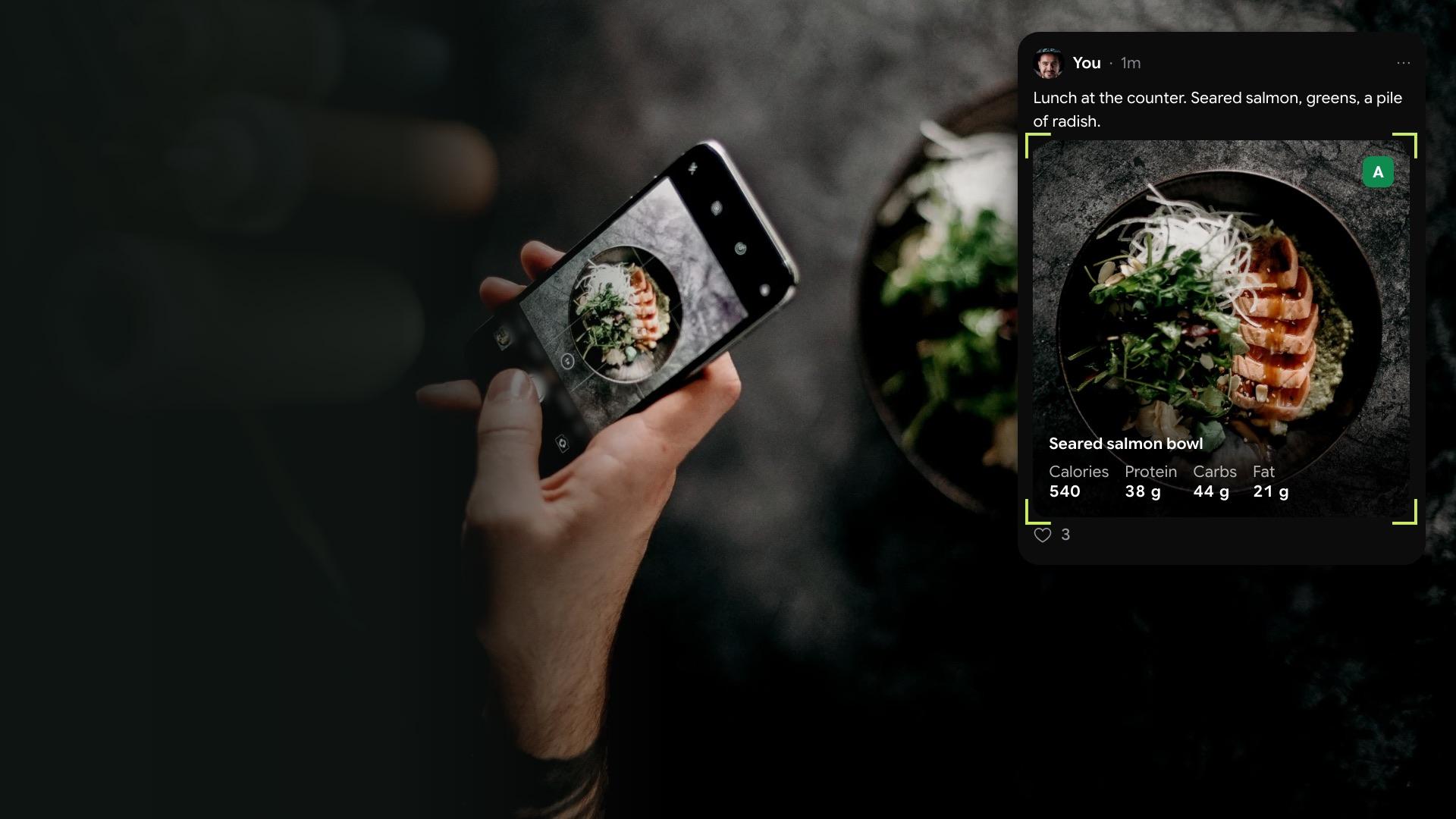
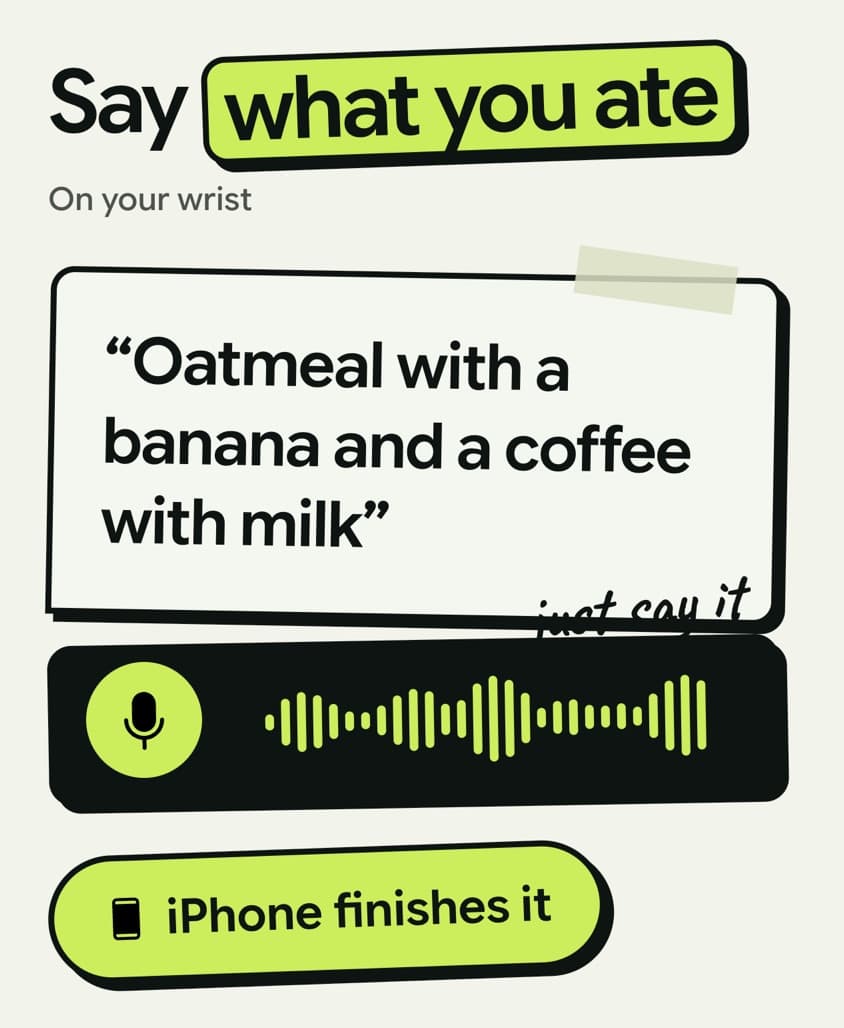
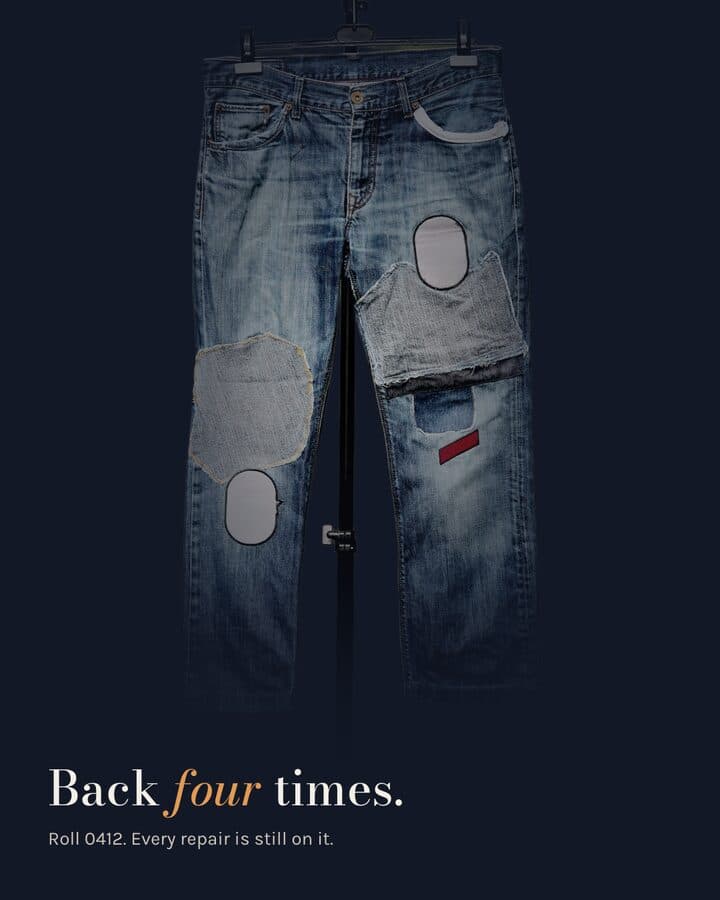
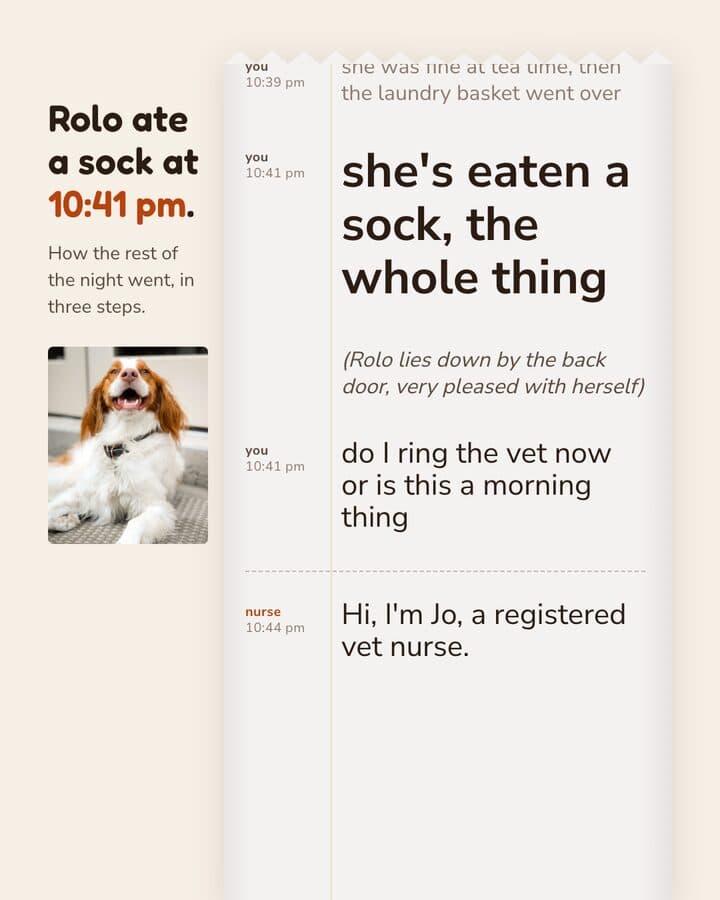
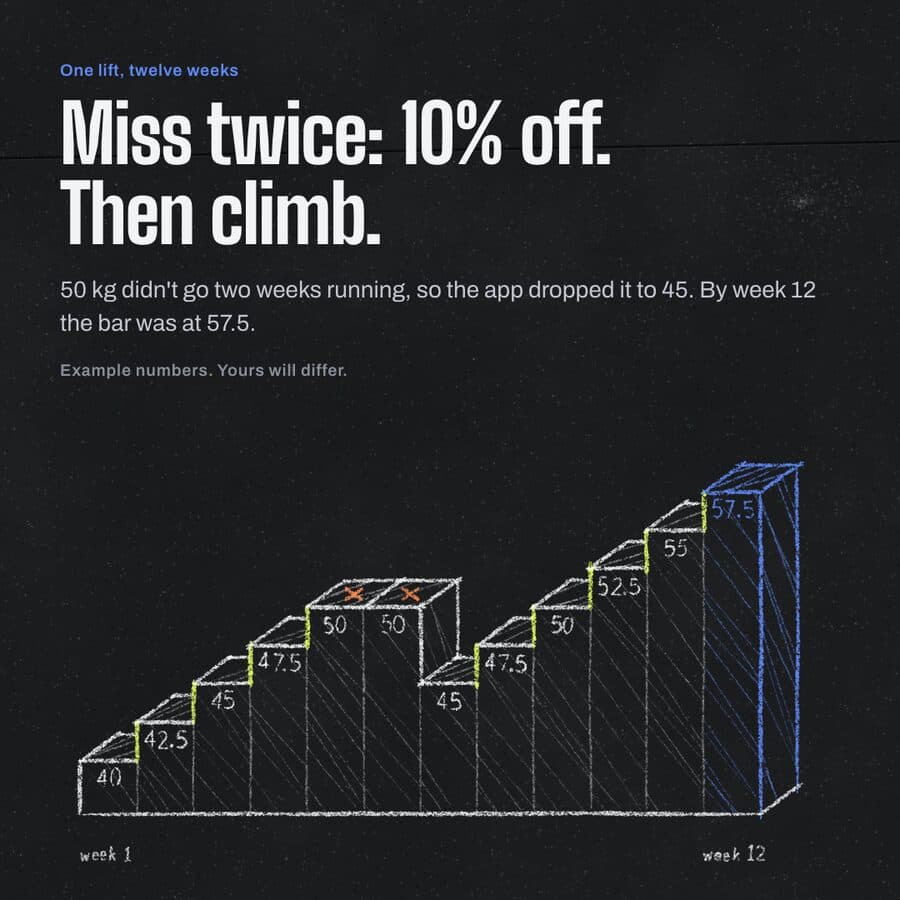
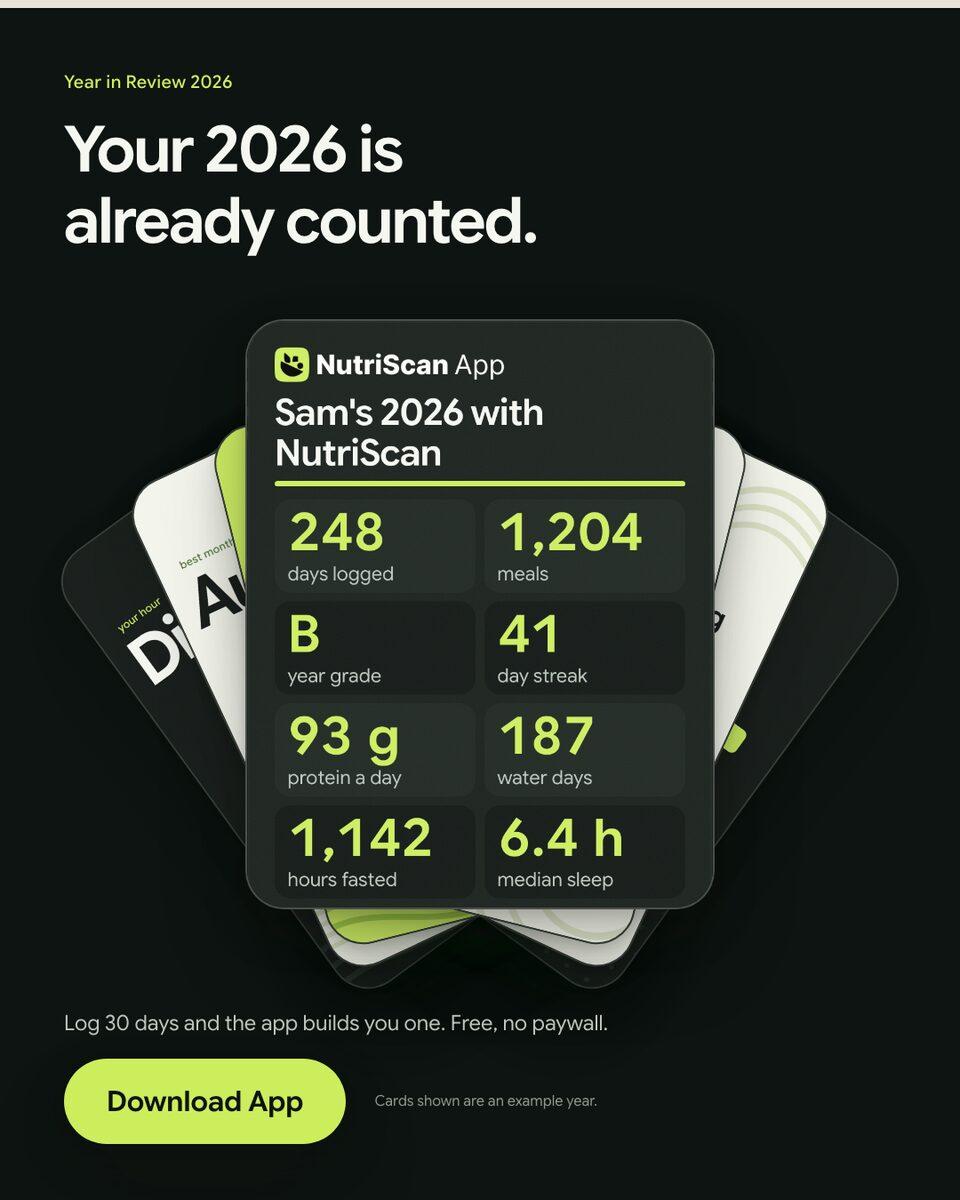
NutriScanYear in review · 9:16 reel
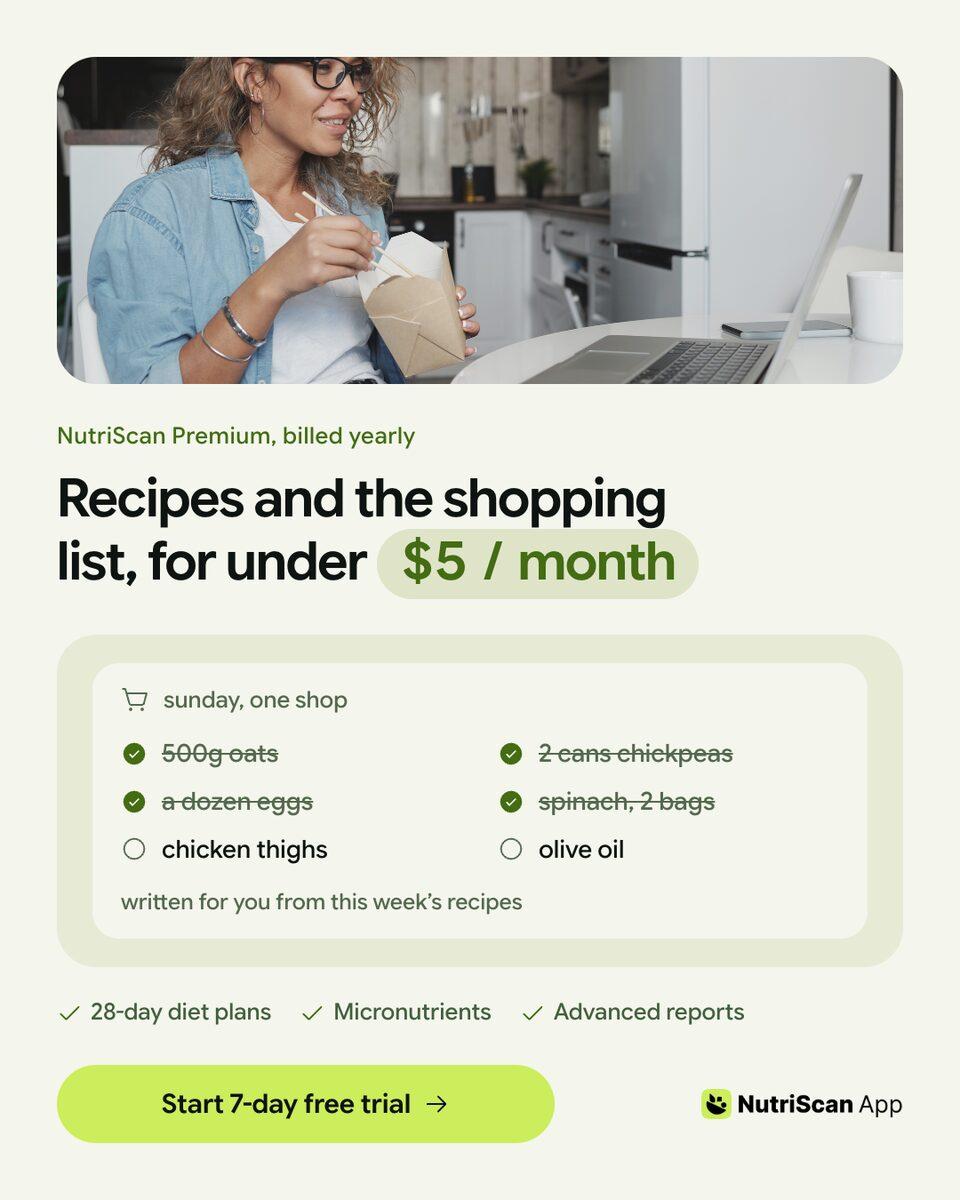
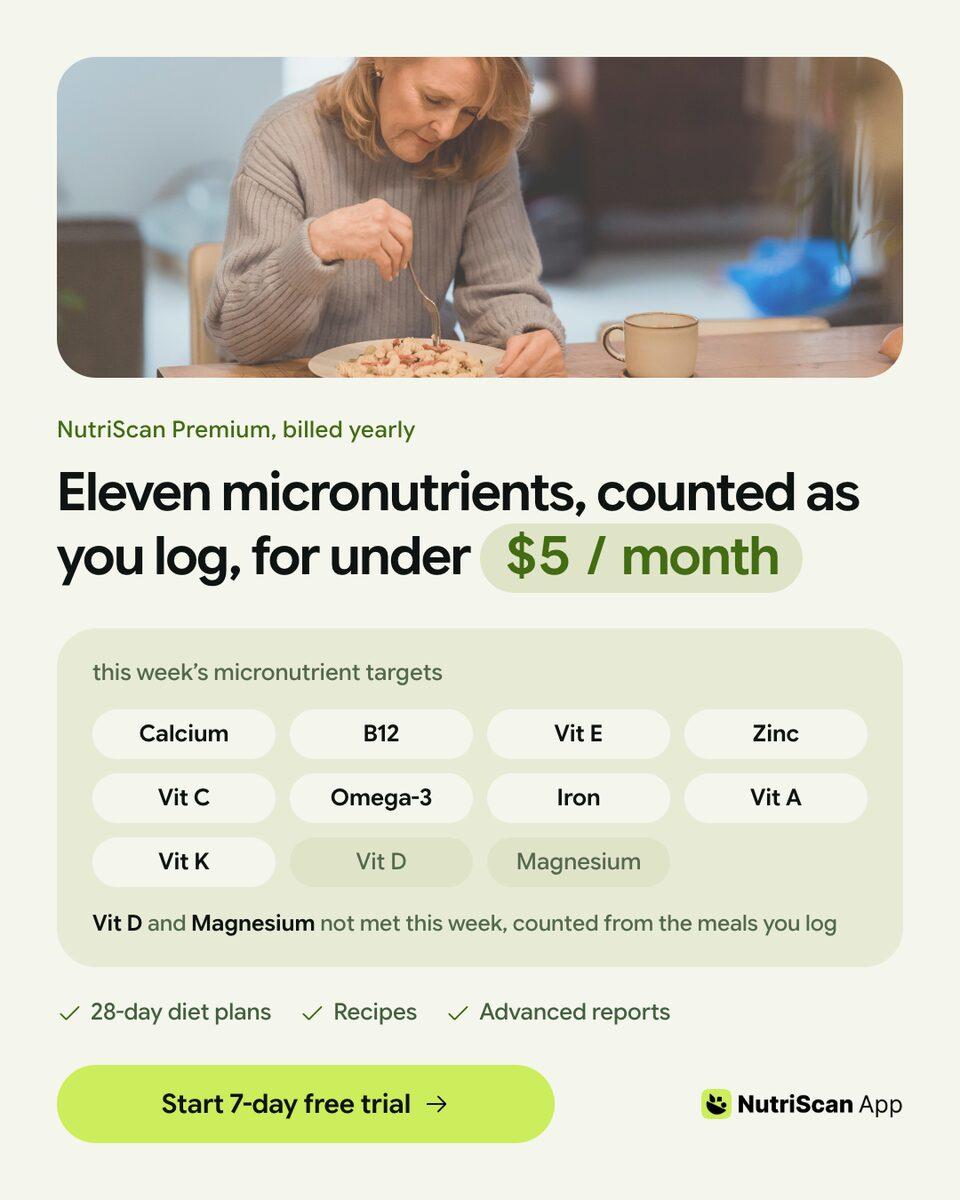
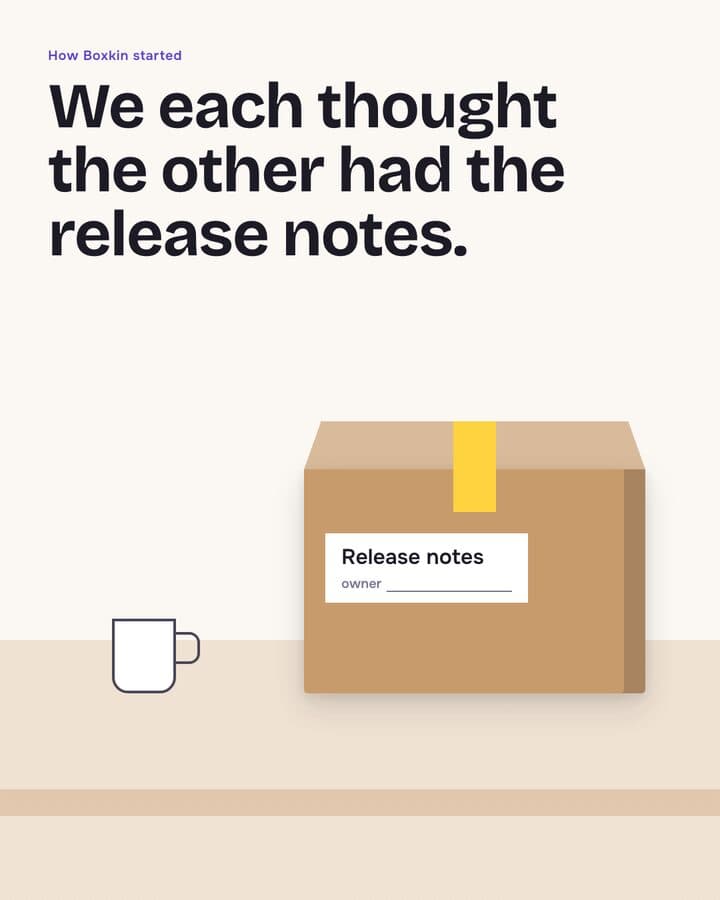
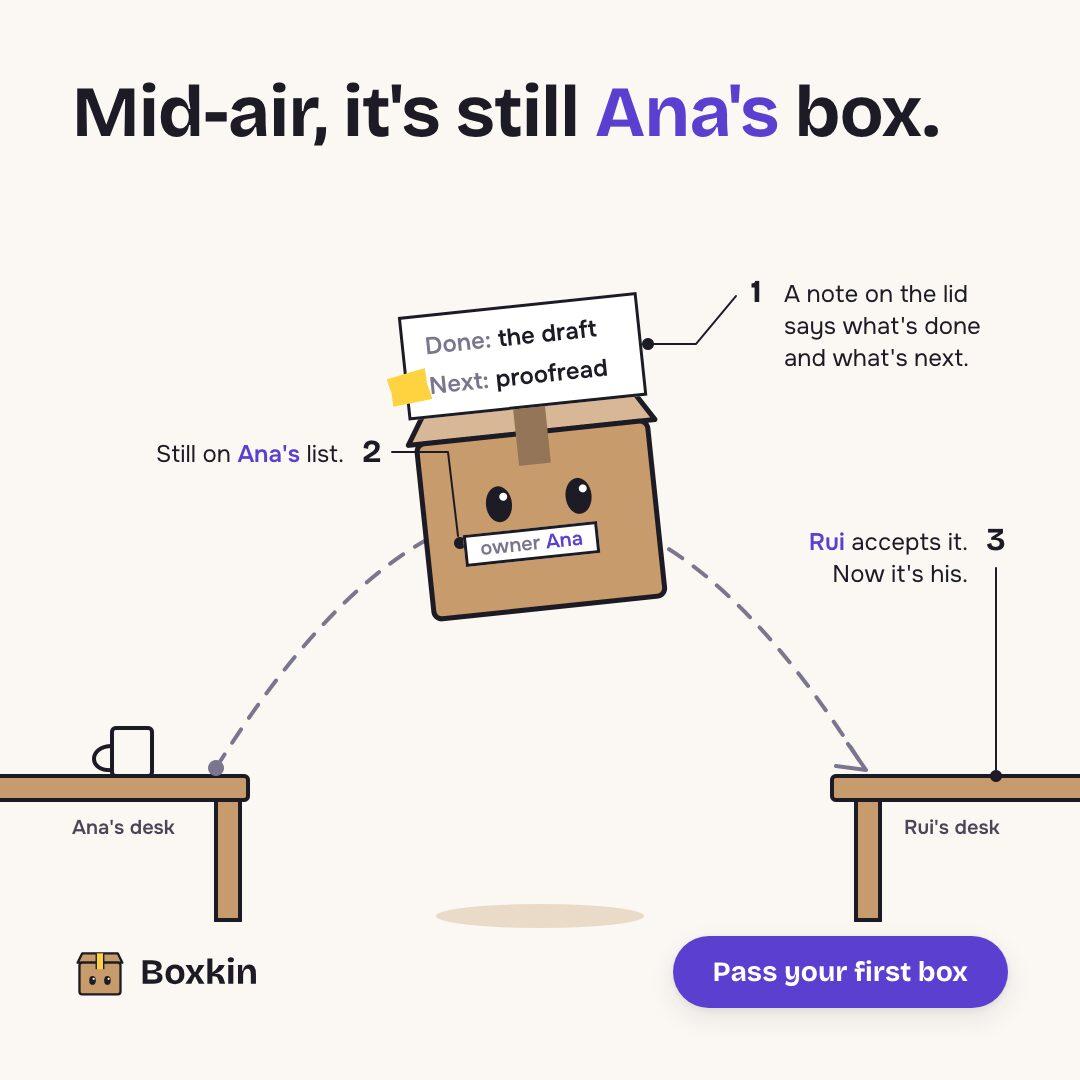
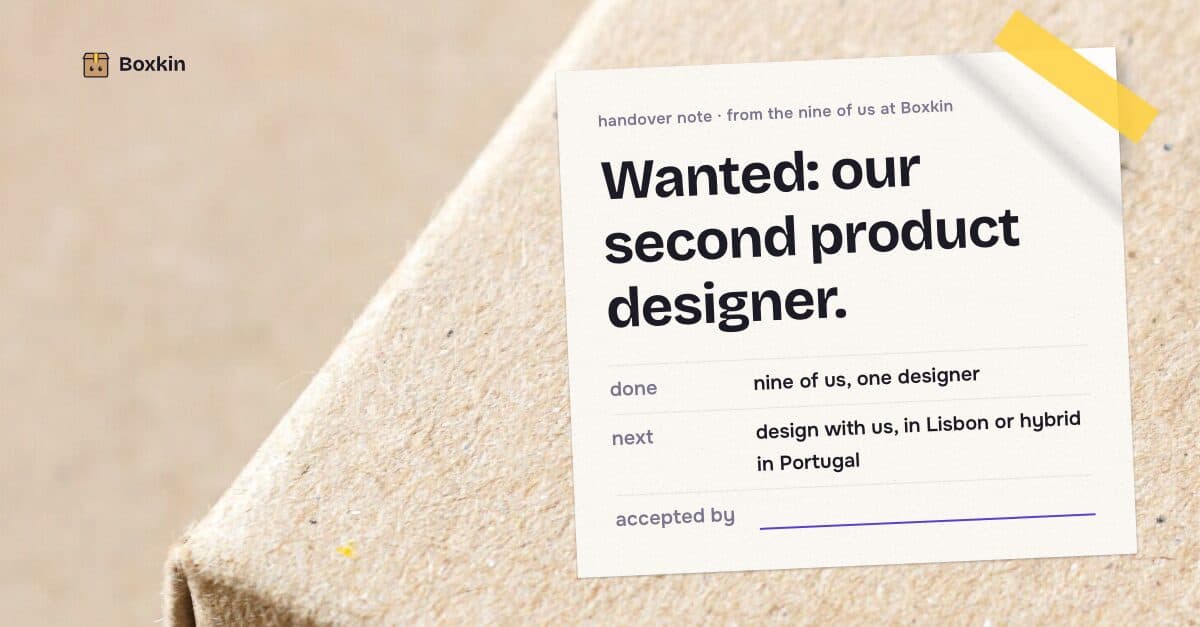
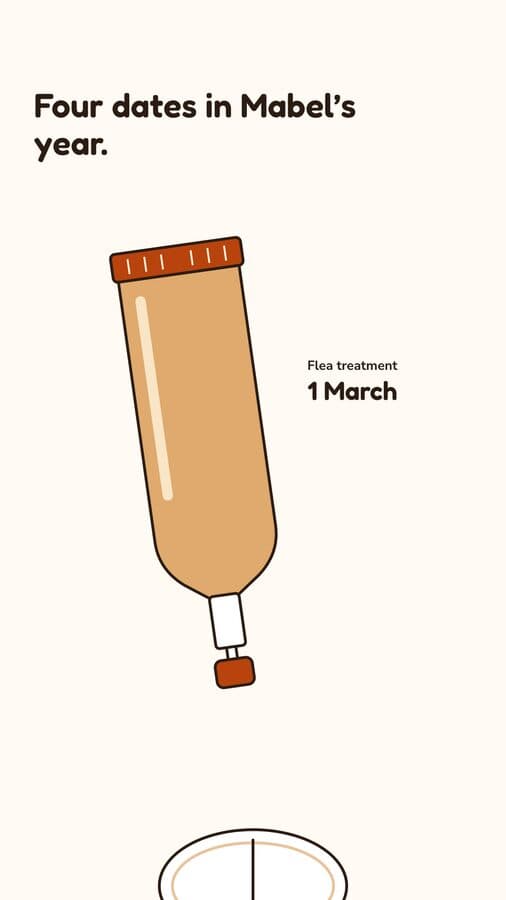
KamplyFeed creative · 4:5
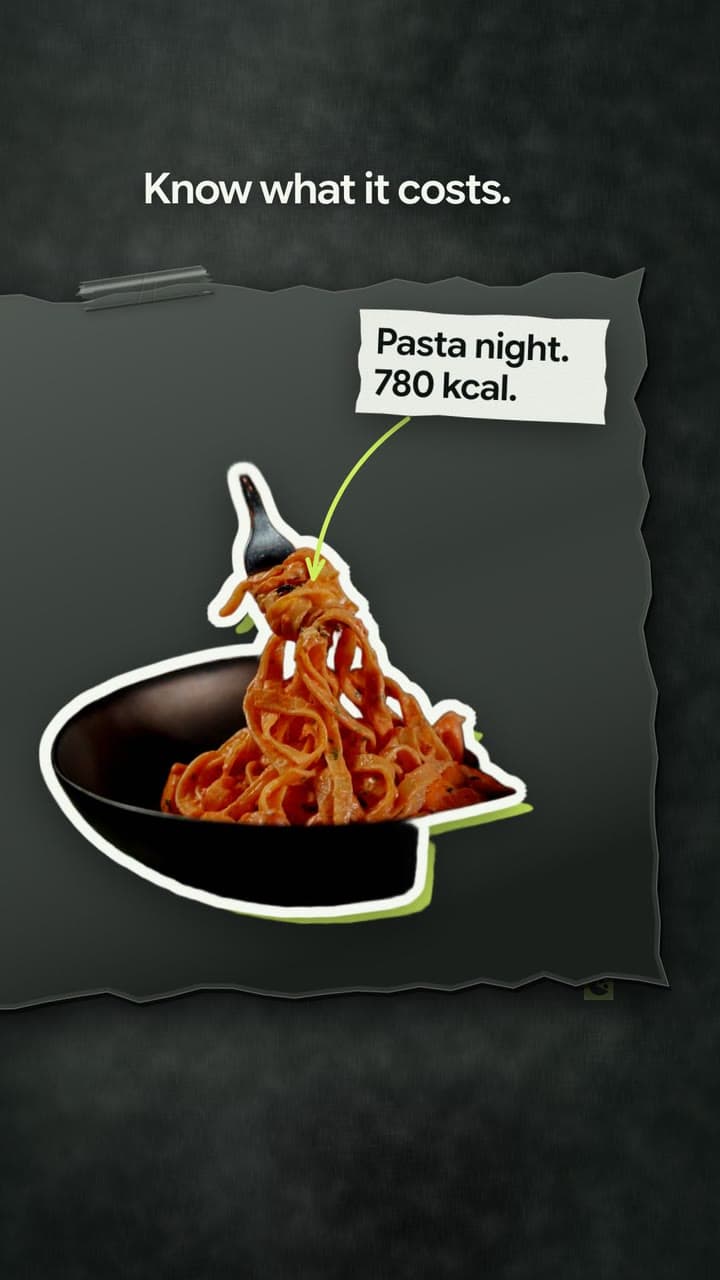
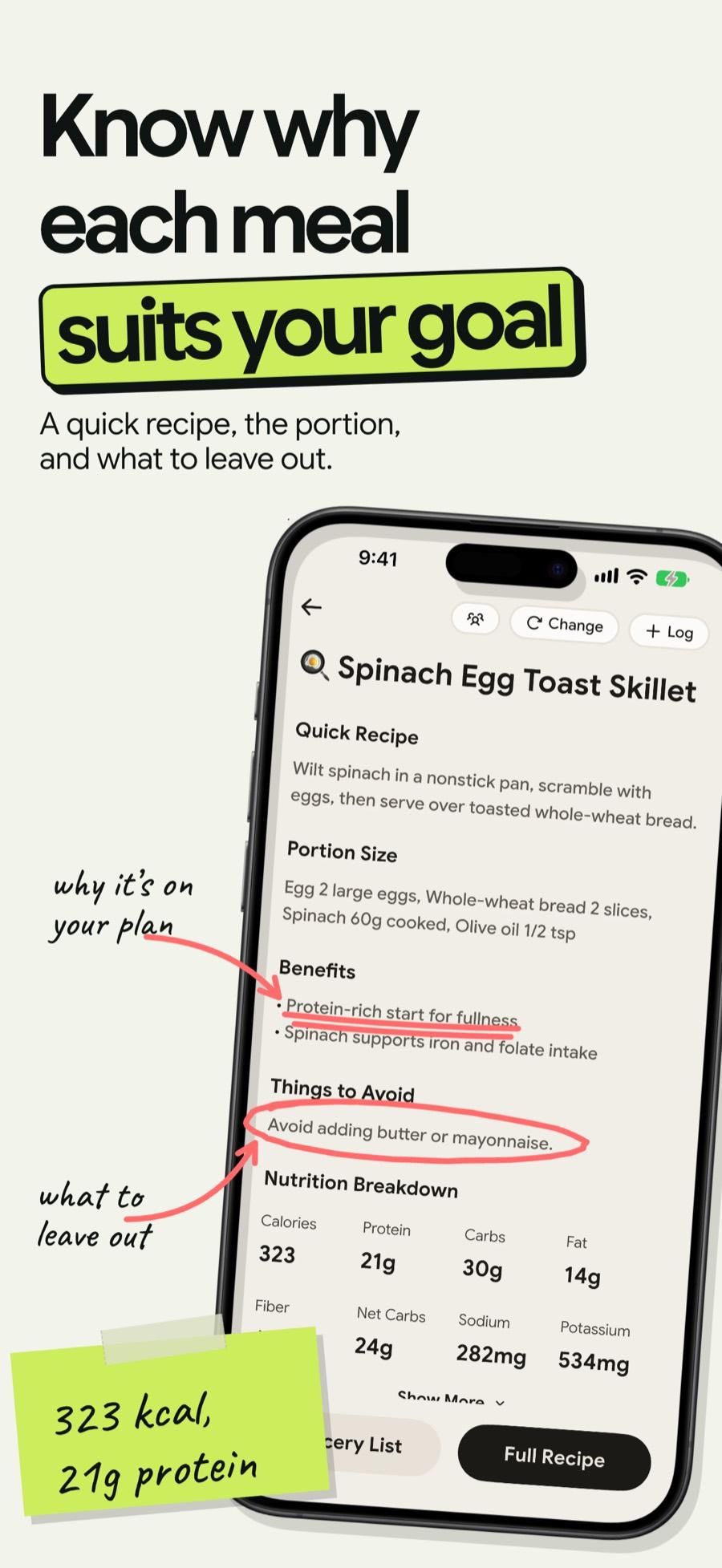
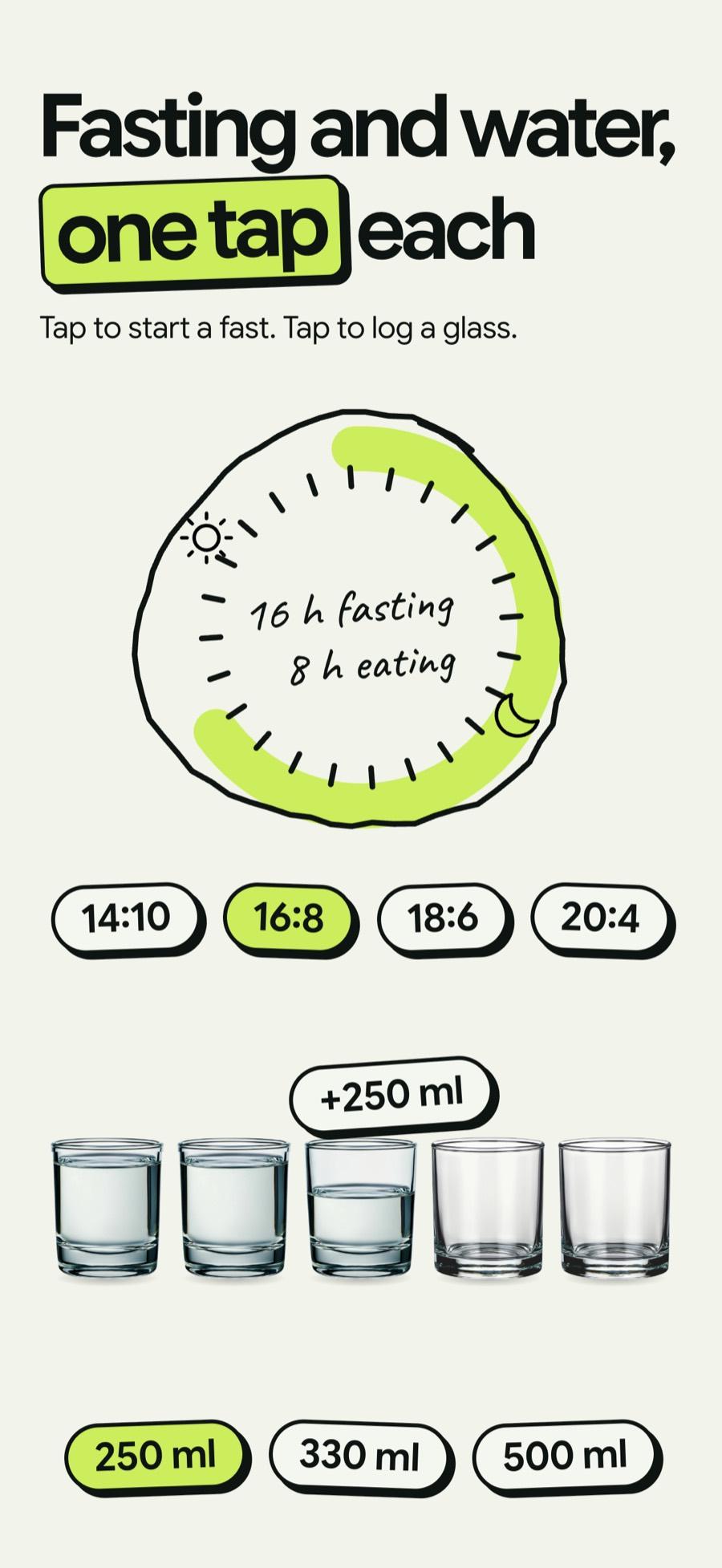
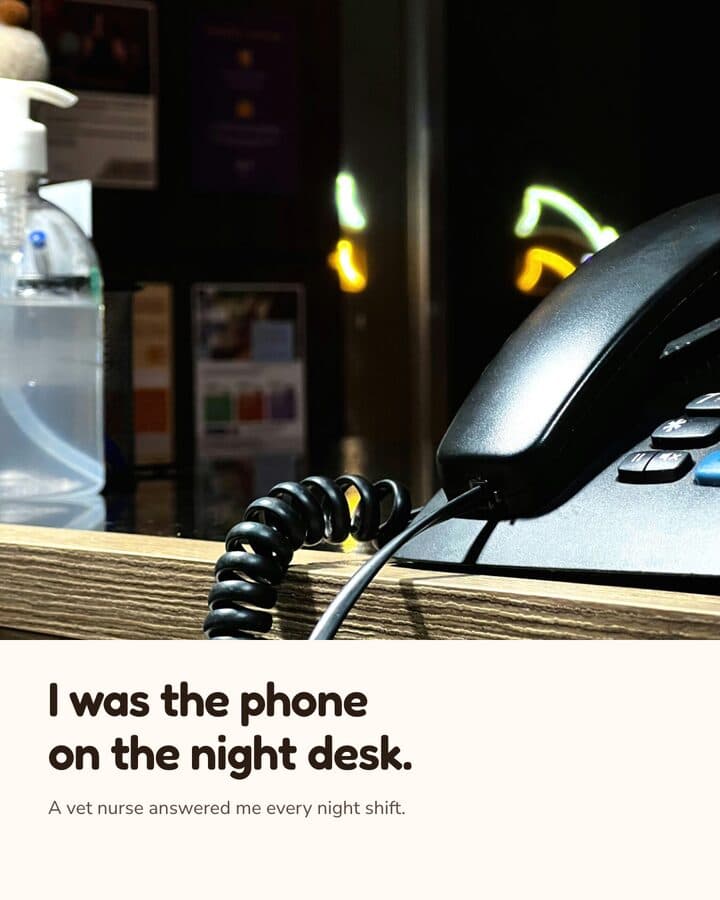
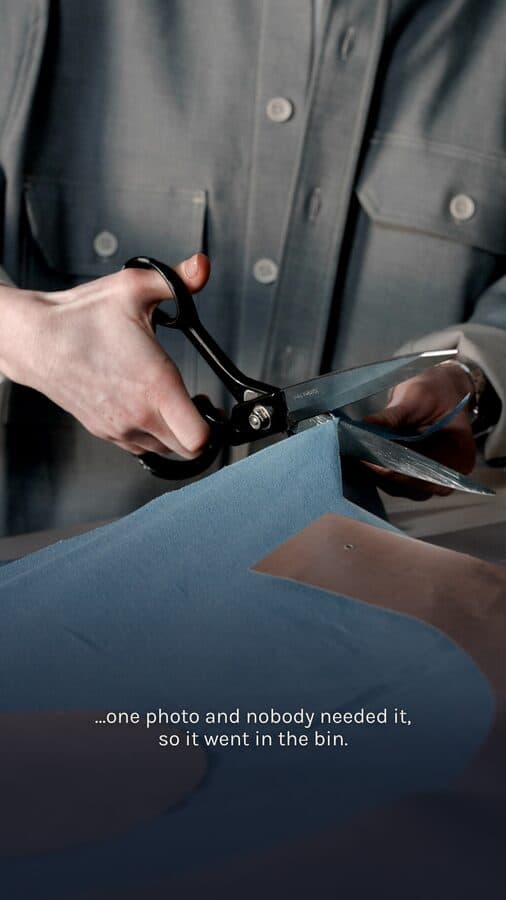
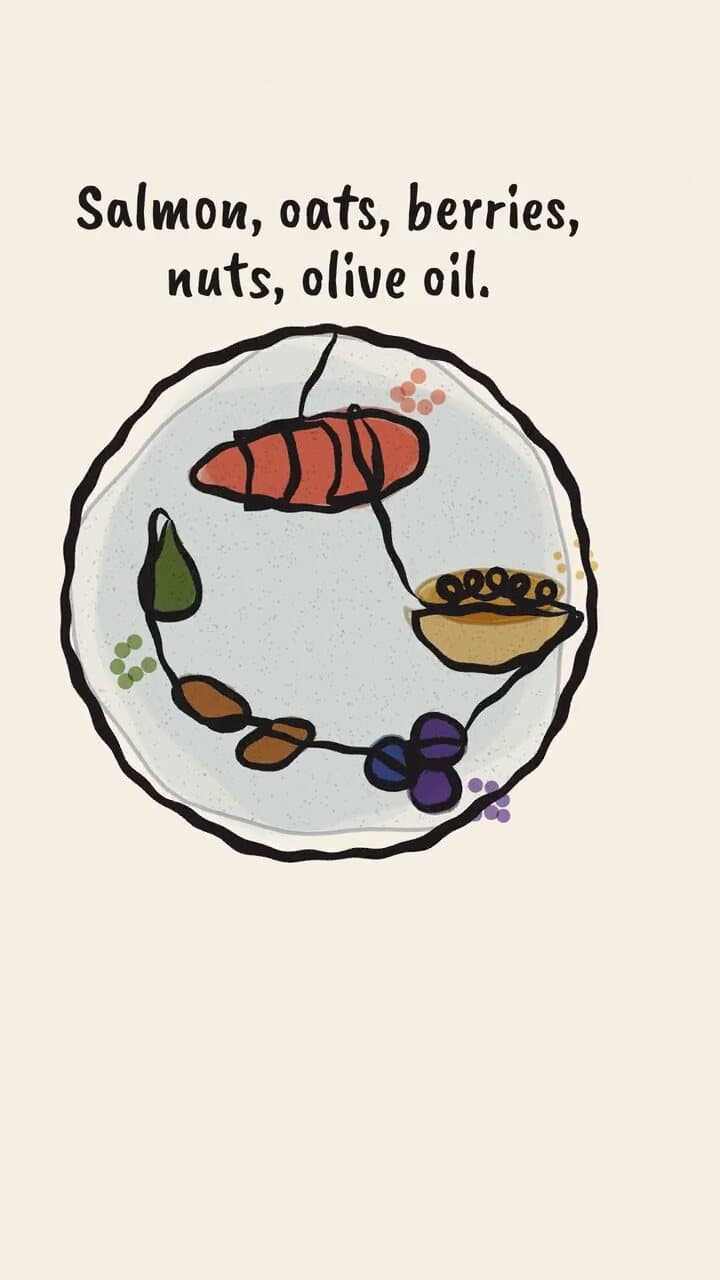
NutriScanProduct story · 9:16 reel
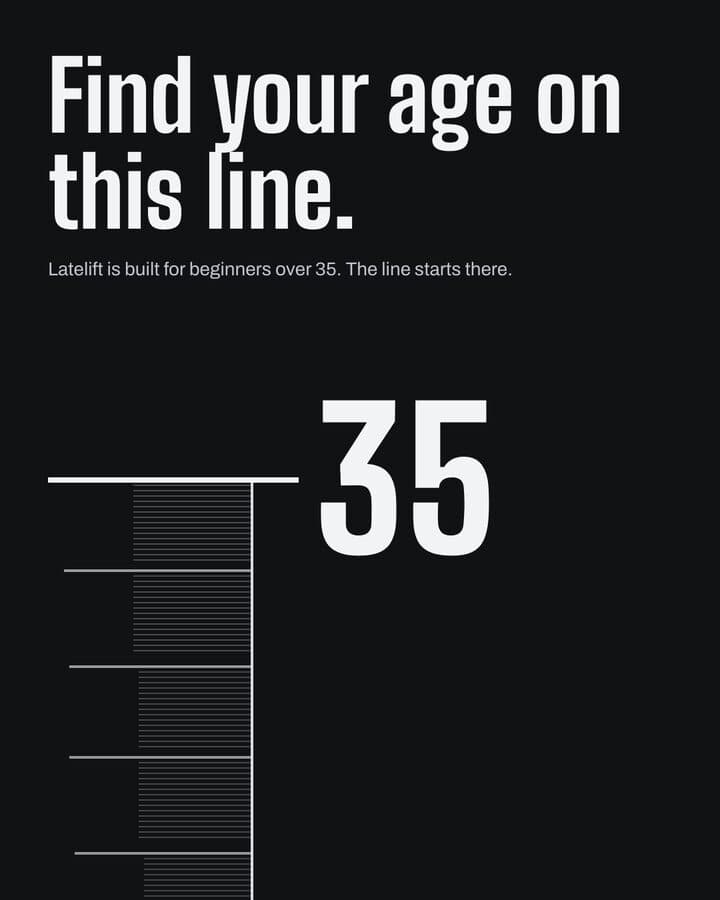
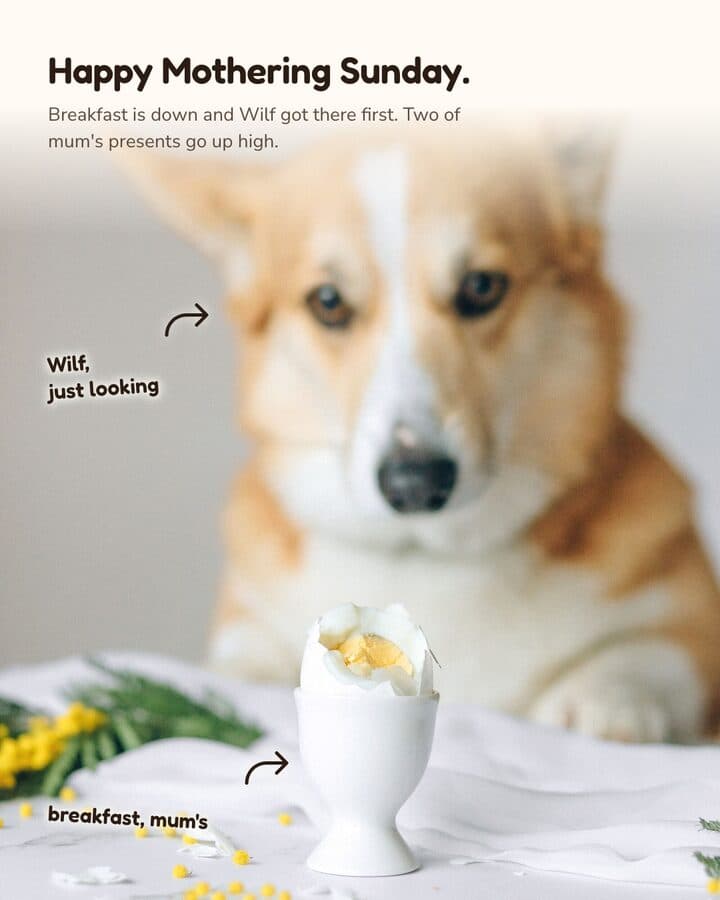
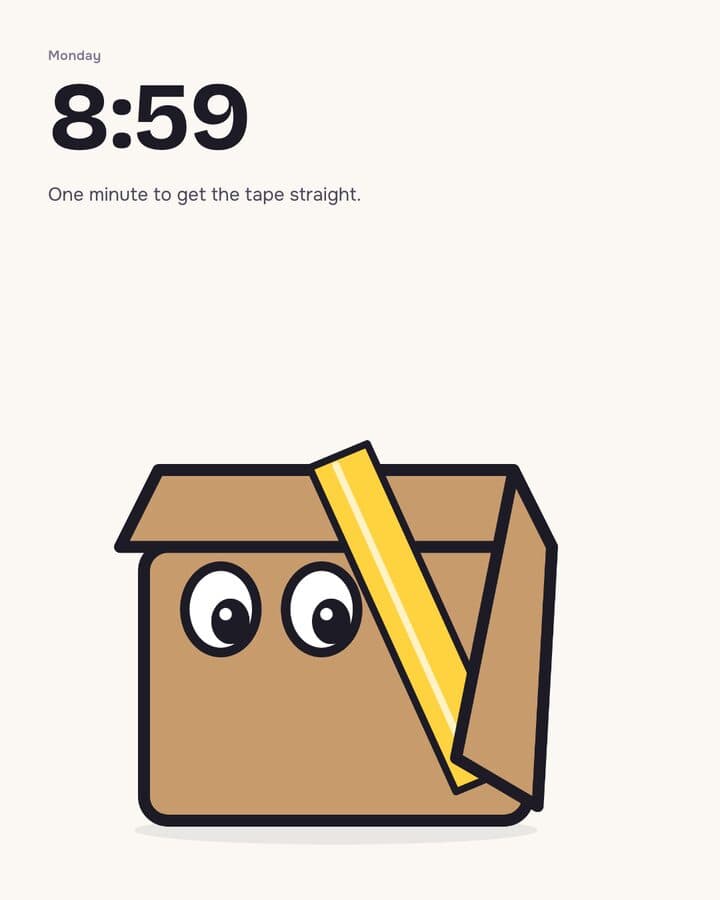
KamplyFeed post · 4:5
Finished work, straight out of the app.
Posts, carousels, reels, App Store sets and ads. NutriScan is a nutrition app. Darnfold, Boxkin, Woofstead and Latelift are invented brands from the app’s sample library, so every figure in their work is fictional.
Two or more variants at 4:5, built from a brief you approve.
How it is built
Kamply asks who the post is for, what its one idea is and what imagery it needs, then writes your answers down as a brief. It builds two or more variants side by side at 4:5 (1080×1350), each led by a different visual idea; a carousel stacks its slides down the same column.
One approved plan sheet, then a single render to a 9:16 MP4.
How it is built
You approve one plan sheet holding the script, the voice takes, the music and the key frames, and no scene is built before that. Take lengths are measured with ffmpeg and every cut comes from a Whisper transcript of the recorded voiceover, then the reel renders once to a 9:16 MP4 at 1080×1920.
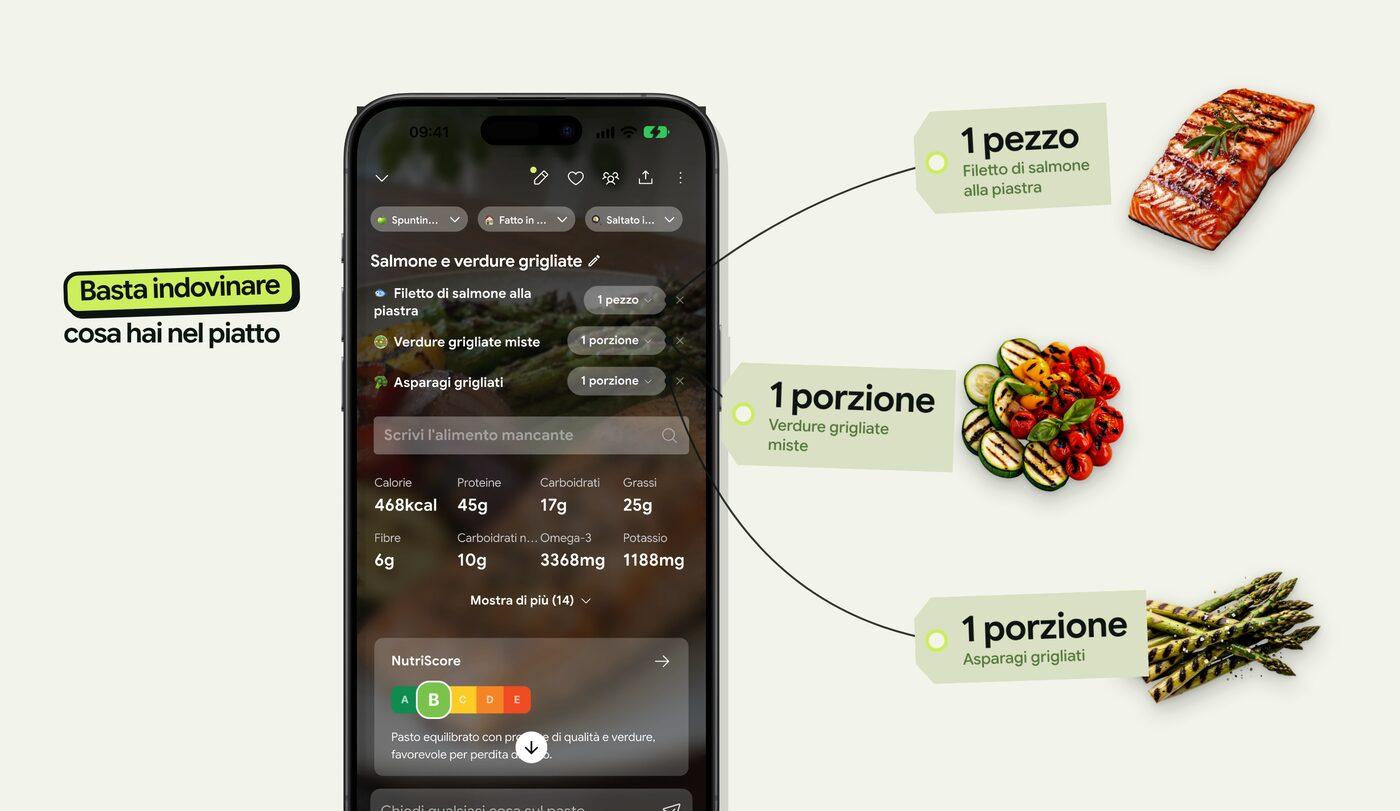
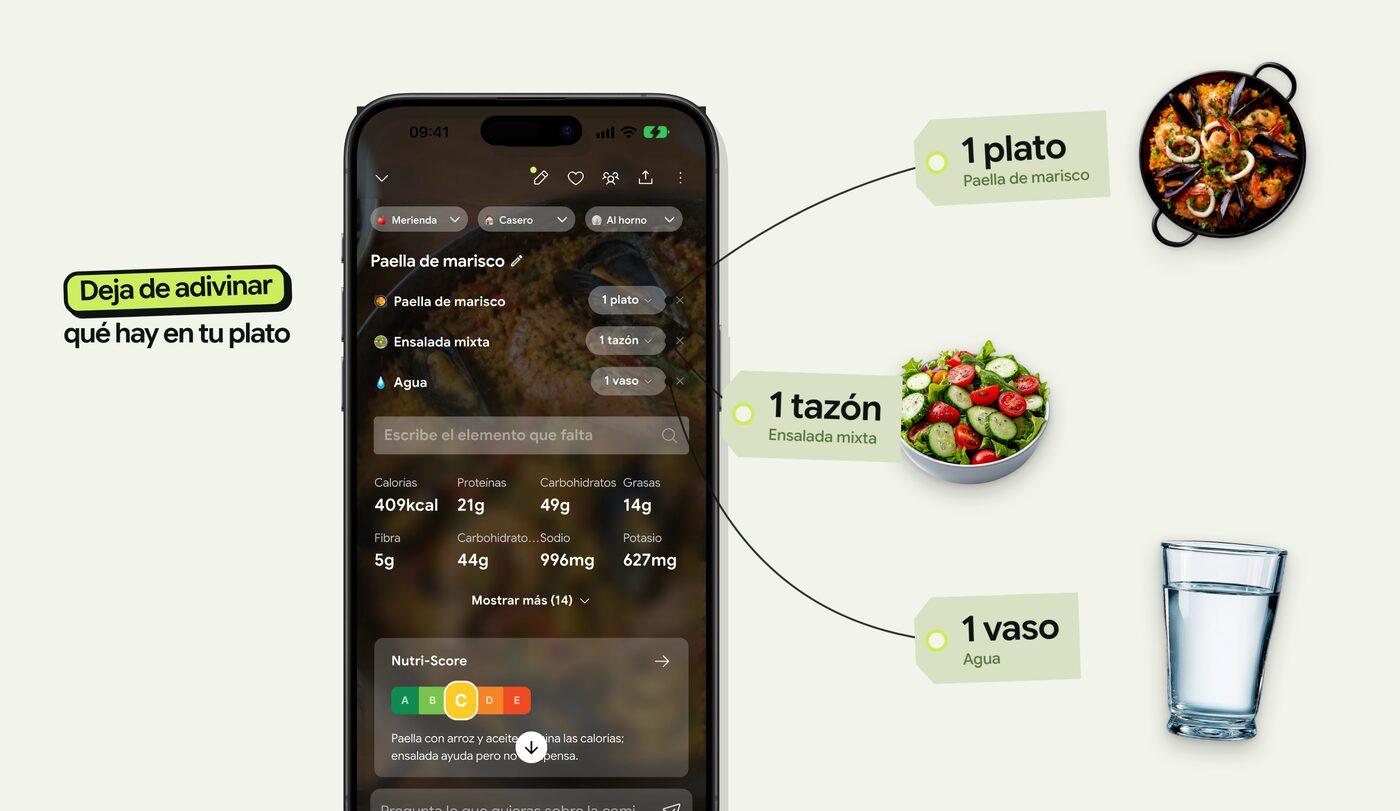
Every store size at its exact pixels, written per language.
How it is built
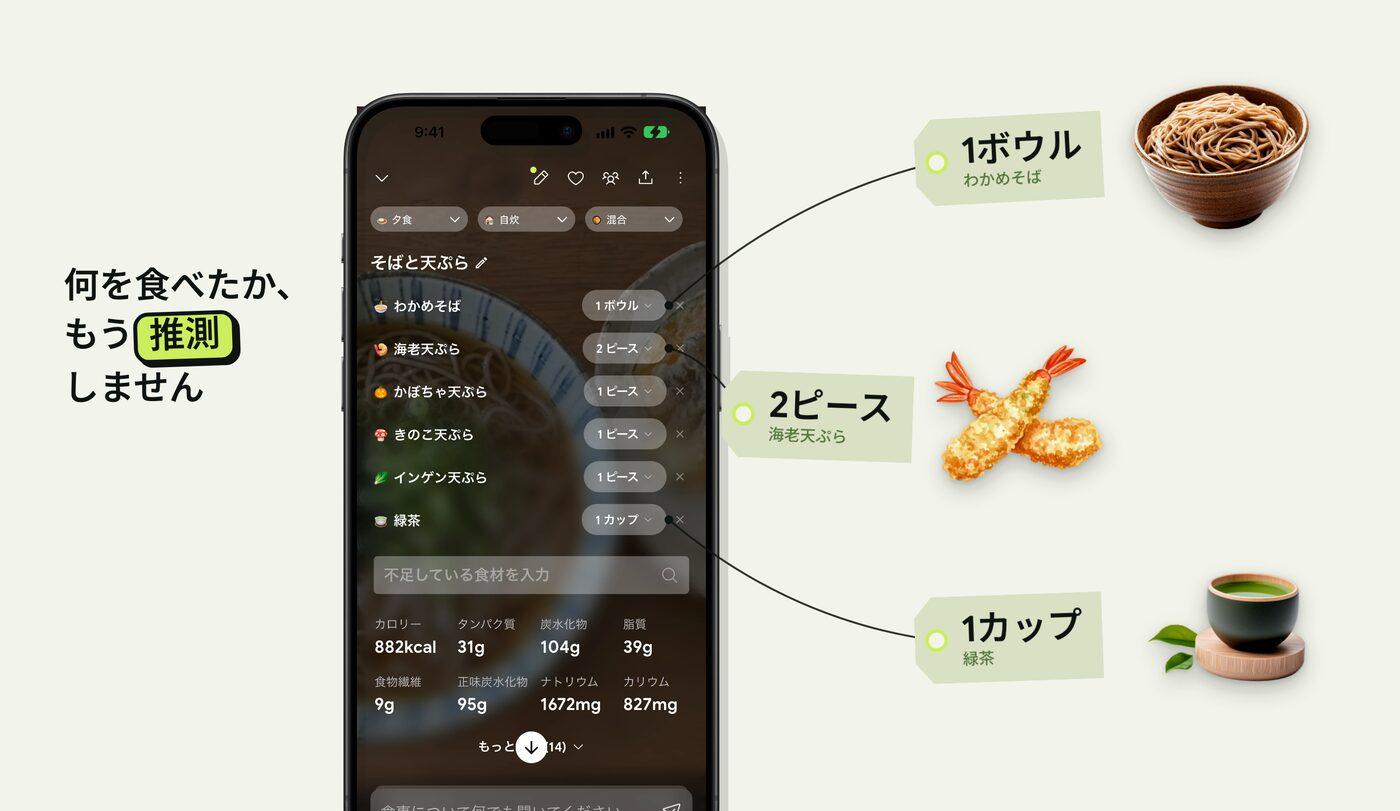
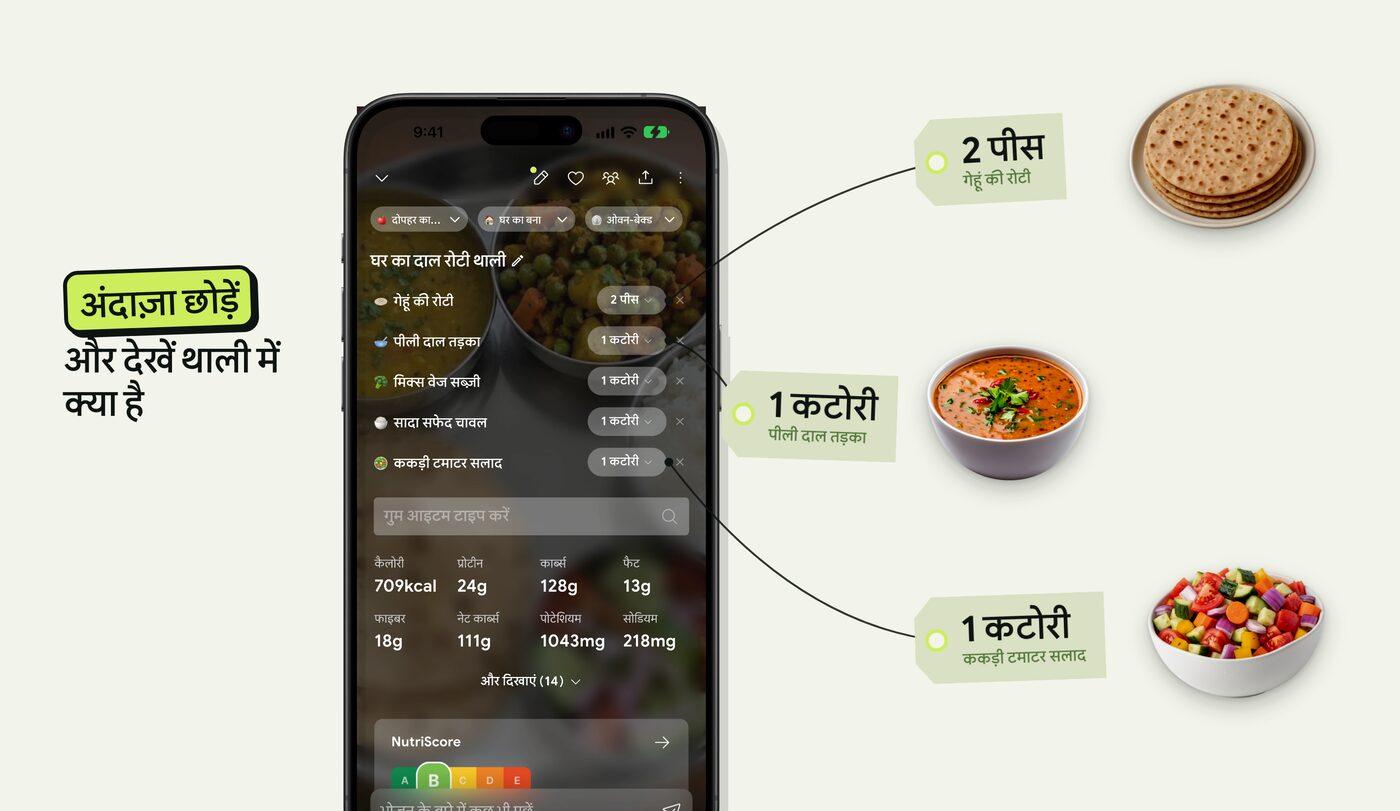
Each store size is its own slide at the pixels the store asks for: iPhone, Google Play at 1080×1920 with its 1024×500 feature graphic, and Apple Watch at 422×514. Each language is written on its own for its market, down to the example dish; NutriScan’s Apple Watch set was exported in 12 languages, 60 screenshots in all.
One header from NutriScan’s App Store campaign in Spanish, Japanese and Hindi, cropped
A batch of posts under one brief, built in parallel.
How it is built
A campaign is a batch of posts under one brief: one interview sets the audience, the angle and the shared look, and the posts then build in parallel. Each post has to pass the checks on its own, and you pick every winner in one sitting.
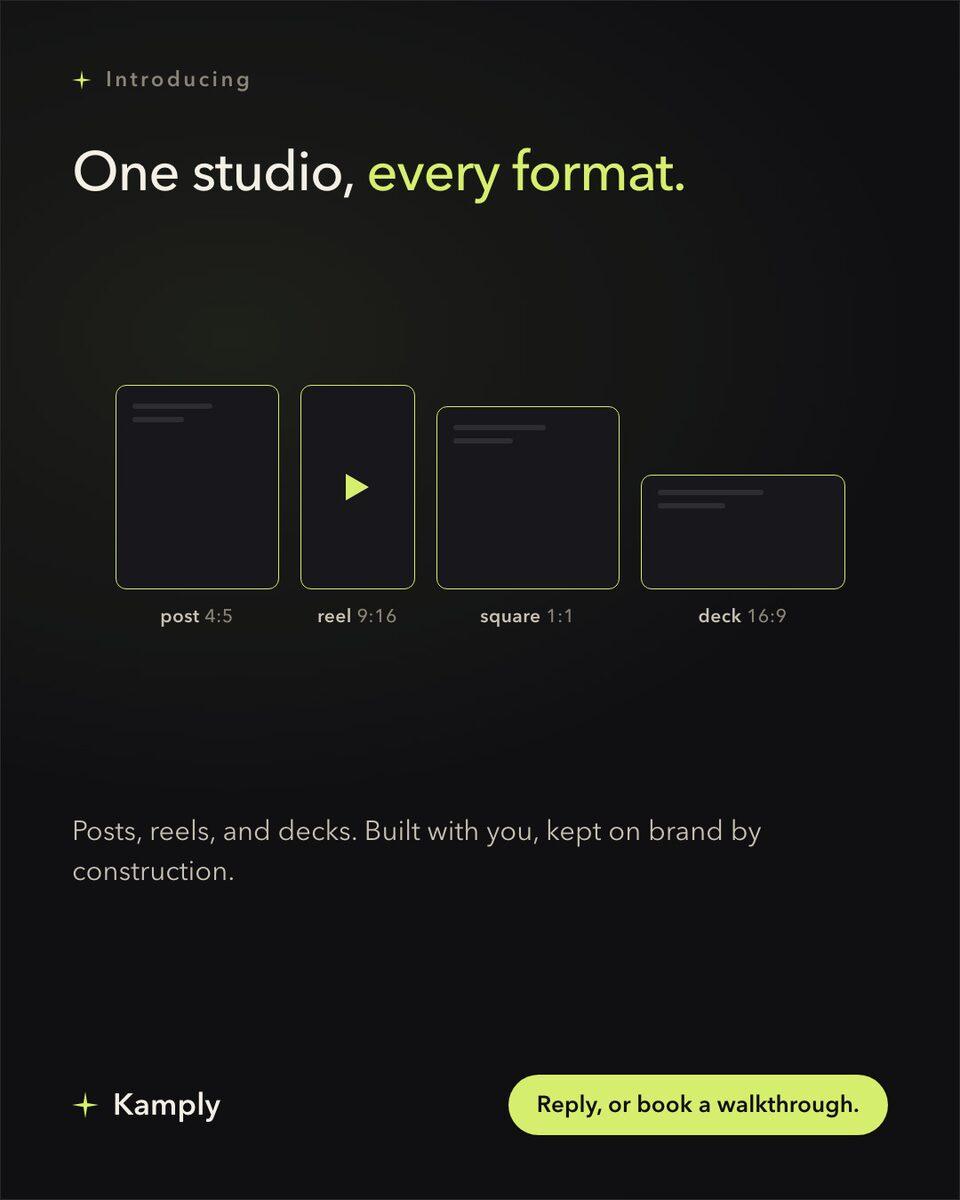
Anything with a pixel size, built at that exact size.
How it is built
Anything with a pixel size is built at the exact size from one format registry, and each entry names the platform spec it came from. An ad set is authored size by size with no shared master, and Kamply stops at the files: you upload them to the ad platform yourself.
The NutriScan work shown here is from one of Akash’s own products, built in Kamply.
The app is one window.
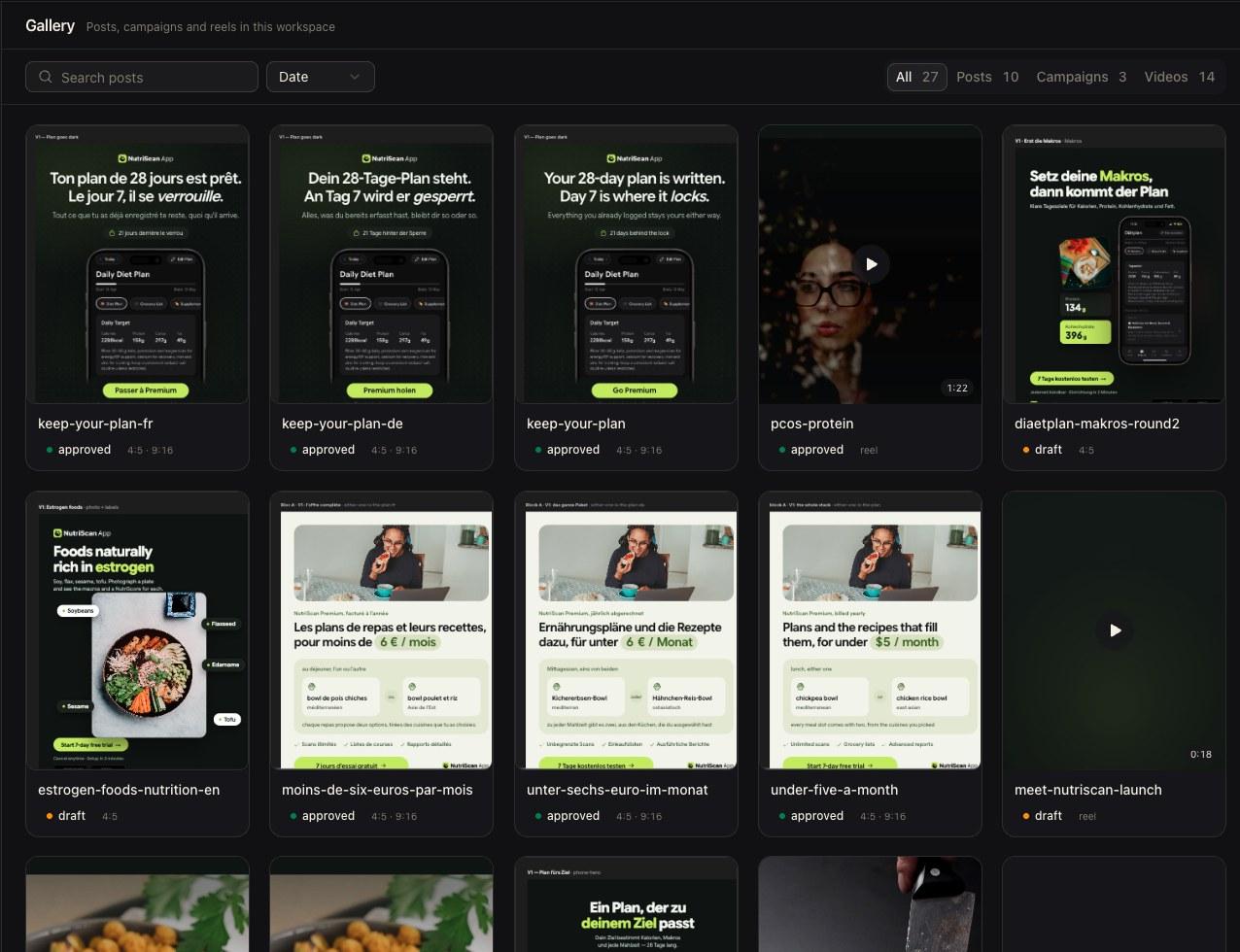
Posts, campaigns and reels land in one gallery, each card showing its status and ratio.
Kamply · gallery
A real workspace holding NutriScan work, one of Akash’s own products.
Works with your AI agents
Kamply runs on your Claude Code or Codex
Kamply is the app and the tool accounts; the agent and its subscription are yours.
Claude Code
Runs inside Kamply
Codex CLI
Runs inside Kamply
One source of truth for every agent.
Kamply keeps its instructions, briefs, brand rules, and checks in ordinary project files. Claude Code and Codex CLI both run inside the app, reading the same workspace.
AGENTS.md explains how the workspace should be handled
The locked brief records what the work must do
Brand files hold the colours, type, voice, and logo
Quality gates decide when a deliverable is actually done
What an agency, a hire and Kamply cost
Published agency and hiring benchmarks, next to Kamply's setup time and its one timed reel build.
Agency, in-house team and Kamply cost and production comparison
Benchmarks: WebFX agency pricing, Glassdoor US salary data, SHRM and LinkedIn hiring data, Vidico and D-MAK video rates. Full breakdown on the comparison page.
Kamply is $69 a month, plus your Claude or Codex plan from $100 a month, so from $169 in total. See pricing
Motion graphics with mapsAn animated map. For a route, a border, or a spread.
Doodle stick figureRough stick figures. For a joke or an awkward admission.
Ambient loop, lofiA calm scene that loops. For a background or a holding screen.
Screen capture plus textA screen recording with captions. For showing that something happened.
Scrapbook documentaryTorn paper and archive scraps. For a subject with a history.
Kinetic typographyWords animated on flat colour. For when you have no footage.
Illustrated character explainerOne drawn character acts it out. For a behaviour or a feeling.
Flat infographicFlat shapes and labels. For a process that has to stay legible.
Paper cutCut paper, layered on screen. For a made-by-hand feel.
Hand-drawn doodle artInk diagrams drawn by hand. For structure worked out on the page.
Charts and data vizAnimated charts. For a claim that only lands with the number.
WhiteboardA hand drawing on a whiteboard. For explaining how something works.
Text overlay and excerptsA page of type, read line by line. For quoting a source.
Samples play muted; swipe the row or use the arrows.
Frequently asked questions
If yours isn't here, ask it in the walkthrough.
What is Kamply?
A Mac desktop app that puts your own Claude Code or Codex CLI beside a live gallery of your work. Kamply is the app plus the tool accounts it wires in; you bring the agent, and it builds your marketing with you: posts, carousels, reels, decks, and campaign batches.
What does it cost?
One plan, the whole app: $69 a month or $499 a year, billed through Polar. These are founding rates and hold for subscriptions started by October 15, 2026 at 11:59 PM UTC. You sign in with Google to subscribe and manage everything from your account page. Enterprise teams book a walkthrough and price against their real volume.
What happens in a walkthrough?
We build the first direction with your brand, live. You leave knowing exactly what Kamply would make next. Book one with the form below. It goes straight to a human inbox.
What does it actually produce?
Post mockups at exact platform ratios (4:5, 1:1, 9:16) exported as PNG or PDF, finished MP4 reels timed to a voiceover or a music track, and campaign batches that share one look. The posts and reels on this page came out of it.
How is it different from a design tool with an AI assistant?
It behaves like a senior designer: it interviews you before it designs, locks a brief so the work can't drift, proposes labelled variants, and runs hard quality checks before anything is called done. You approve; nothing ships itself.
How long does a reel take, and who has the final say?
One timed reel build took about an hour, in June 2026. Nothing is final until you approve it: every variant is shown to you first, and nothing ships itself.
How does it stay on my brand?
Brand onboarding is built in. It derives colour tokens, typography, voice, and logo from your website plus a short interview, and every deliverable after that references those tokens. On-brand by construction, not by reminder.
Where do the numbers on this page come from?
The old-way figures are published 2026 benchmarks: WebFX agency pricing, Glassdoor salary data, SHRM and LinkedIn hiring data, Vidico and D-MAK video rates, printed as the ranges they are. Kamply's own times are two figures: about 10 minutes to set up, from its setup guide, and about an hour for the one reel build it has timed, in June 2026. The comparison page names a source under every figure. Your work runs the same way: facts come from you at the brief stage, and a claim it can't trace to a source is blocked before design starts.
Who is it for?
Startup founders doing their own marketing, small marketing teams, and enterprise marketing orgs. For enterprise buyers the pitch is the governance already built in: locked briefs, gated quality, and named approval stops before anything ships.
What does it run on?
It's a signed and notarized Mac desktop app for Apple silicon on macOS 11 or later. The download page fetches the latest public release automatically. You sign in and start working; the tool accounts it needs are provisioned for you, so there's no API-key paperwork.
Can I use Claude Code or Codex with it?
Yes. Claude Code and Codex CLI both run inside Kamply, reading the same brief, brand rules, and quality gates. Either one works; which you use is your own subscription, not something Kamply provides.
Do I need my own Claude or Codex subscription?
Yes. Kamply's plan covers the Mac app and the tool accounts it provisions: stock imagery, voice, background removal, competitor intel. The AI agent that does the work, Claude Code or Codex CLI, is your own subscription running inside the app.
Who made this page?
Kamply did: the posts, the reels, the cost table, and the brand it's all wearing. The page is the product's own portfolio.