

ShowcaseNutriScan
An iPhone set, marked up by hand
App Store screenshots · iPhone. Built at 1320 × 2868 px.
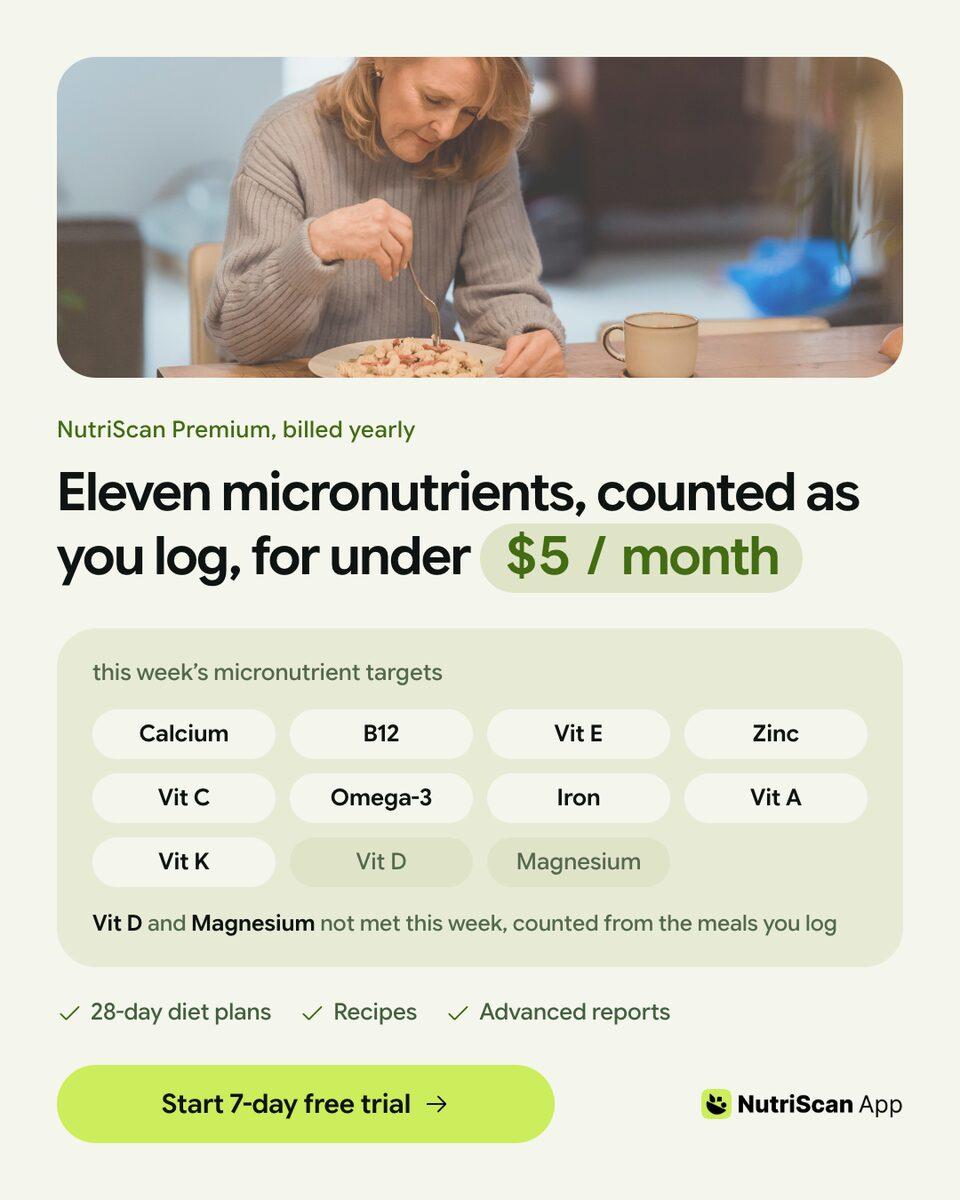
NutriScan is a real nutrition app, and this is work made for it in Kamply.
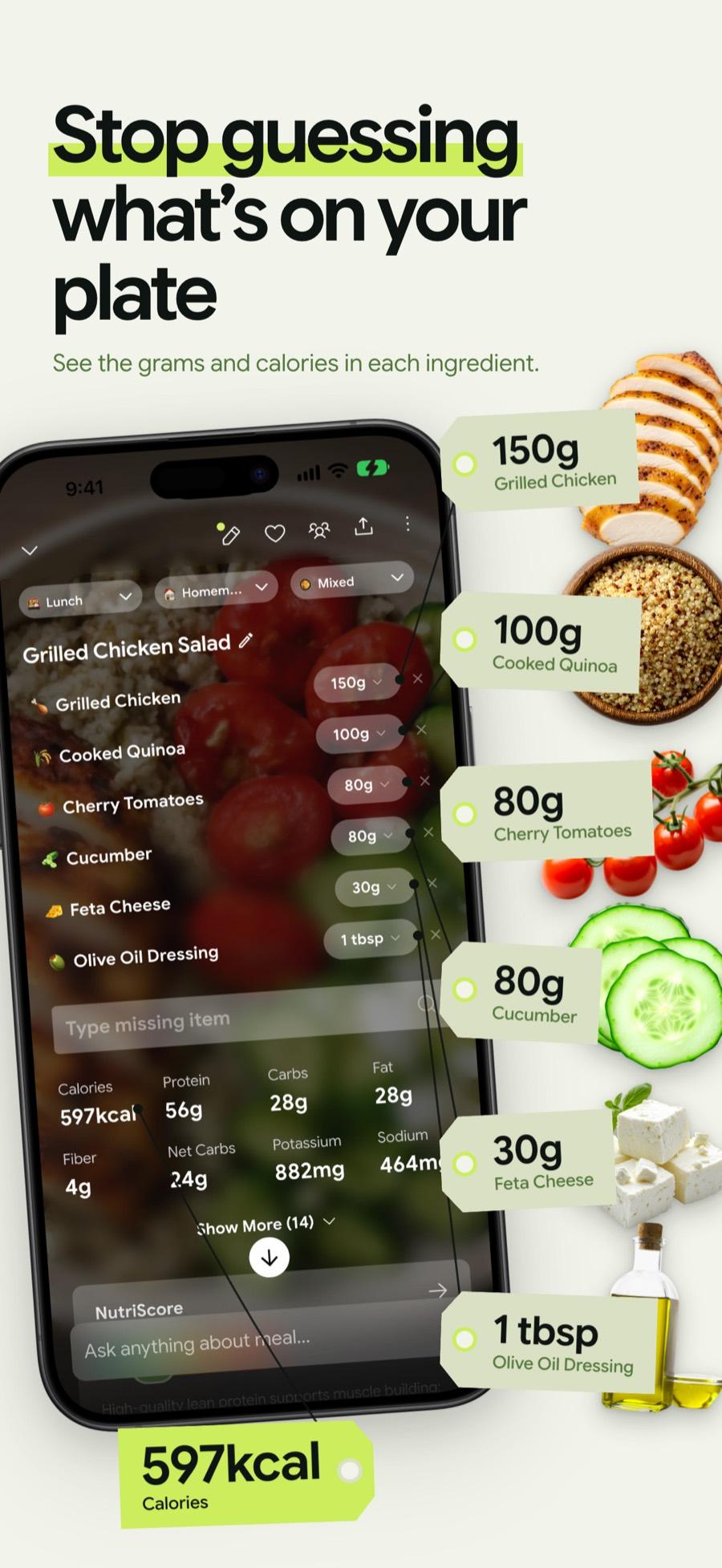
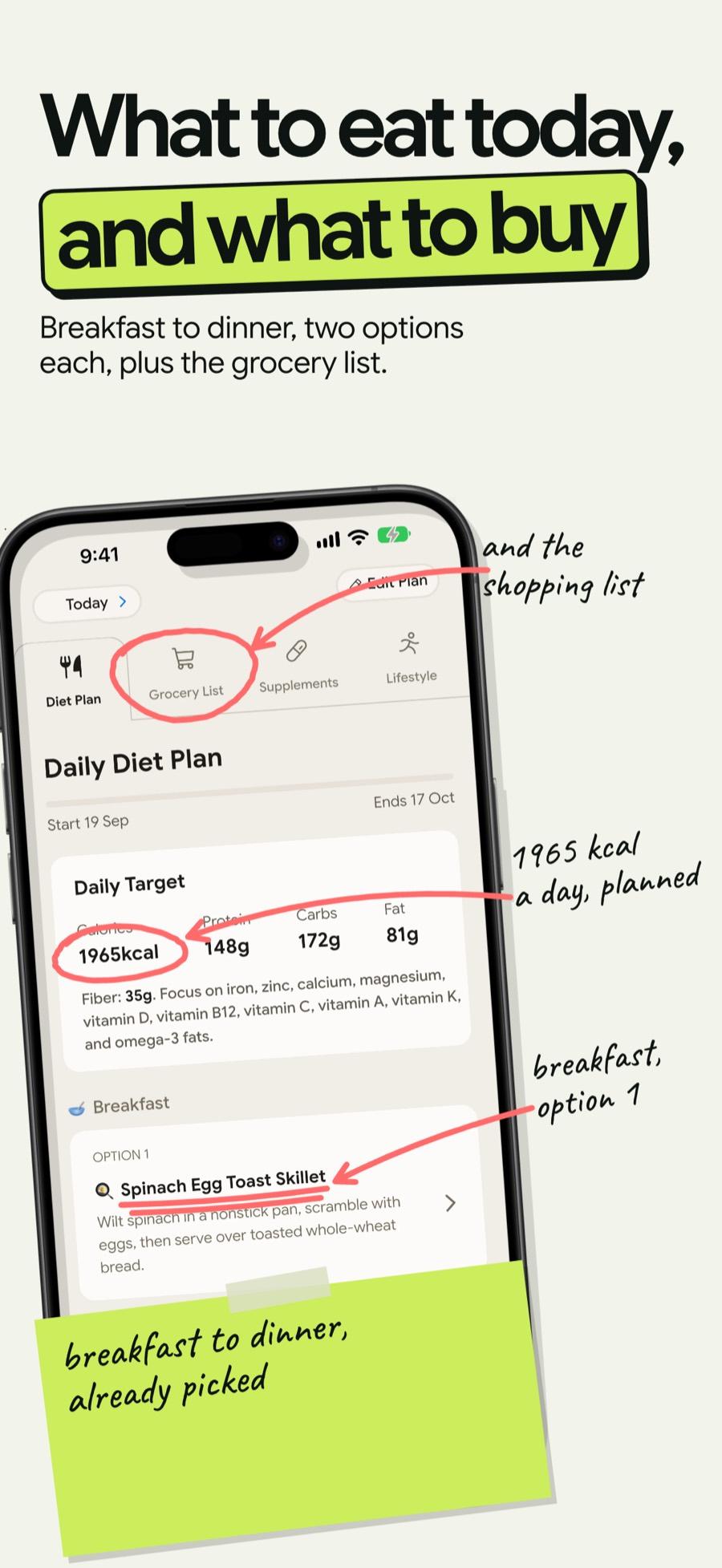
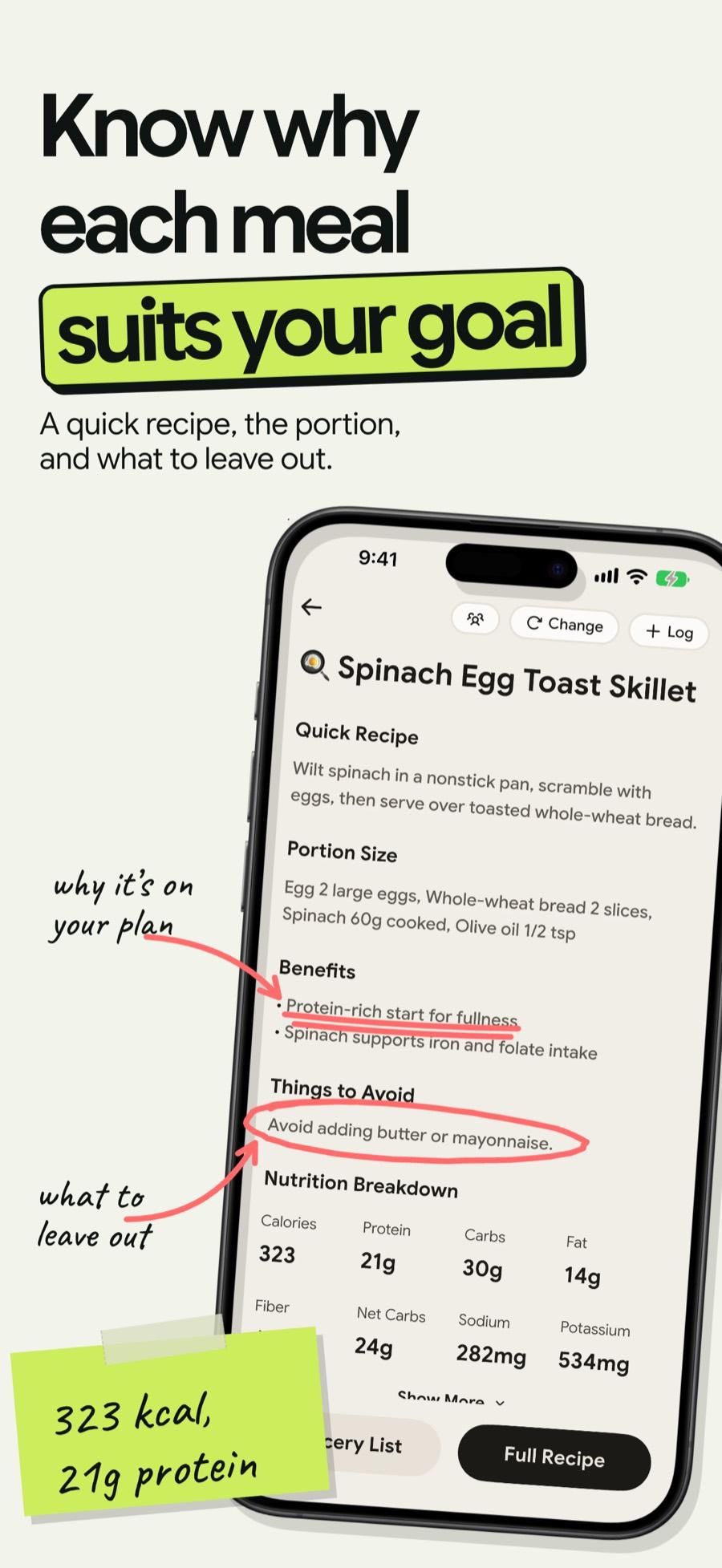
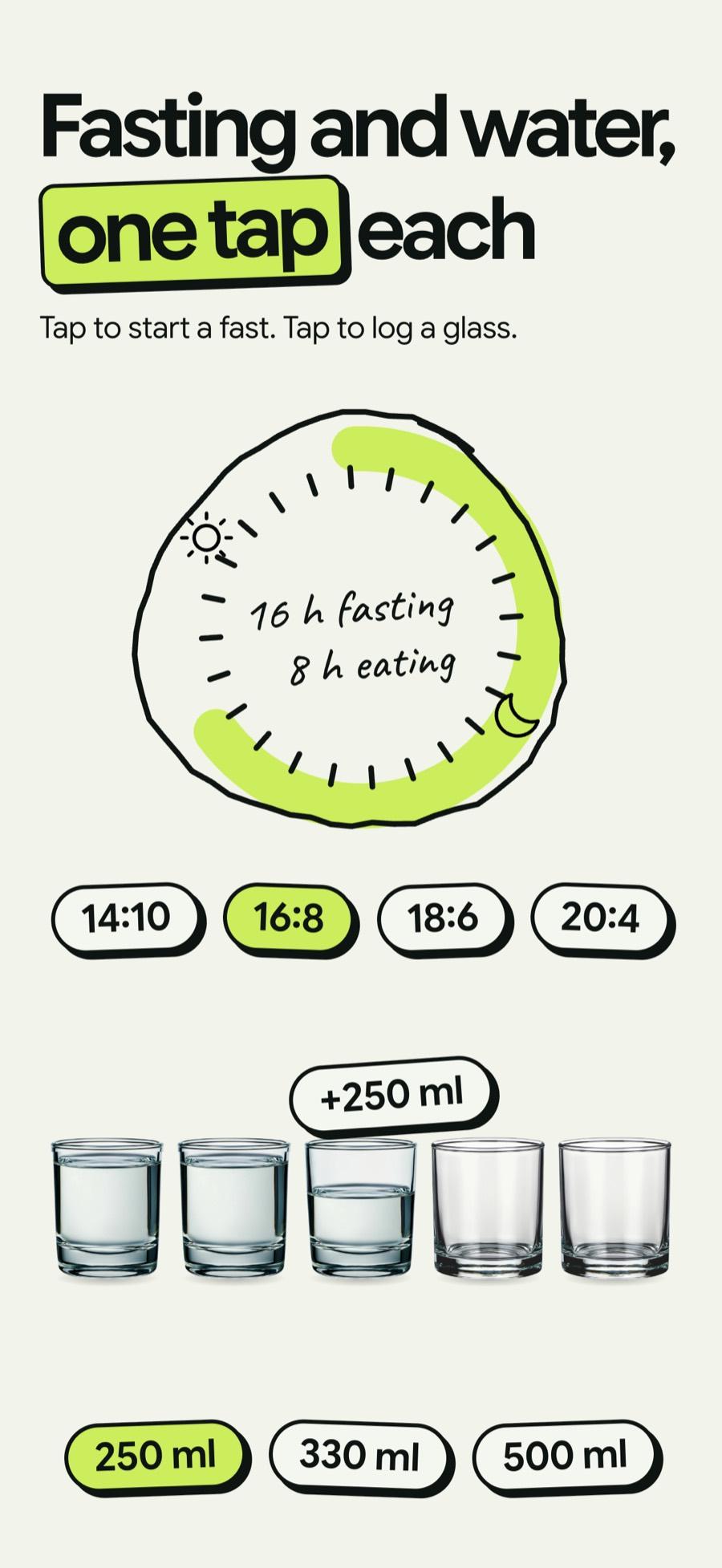
4 of the 10 frames in the finished set are shown here.
What was built.
Written from the build's own files. Sizes and counts were read off the exported files.
From l10n/README.md, l10n/strings.en.json, copy.md, the export folder.
- Slides
- 10 per language
- Export size
- 1320 × 2868 px, RGB PNG with no alpha, the 6.9 inch iPhone slot
- Languages
- 12: English, German, Spanish, French, Hindi, Italian, Japanese, Polish, Portuguese, Russian, Swedish and Vietnamese
- Files exported
- 120 PNGs, 10 in each language folder
- Slide order
- Scan, goal plan, today and grocery list, ratings, why this meal, NutriBites, off day, ten weeks, fasting and water, progress
The set is one board. The English column was approved first. The eleven other languages were then built as columns beside it on the same board and exported from it.
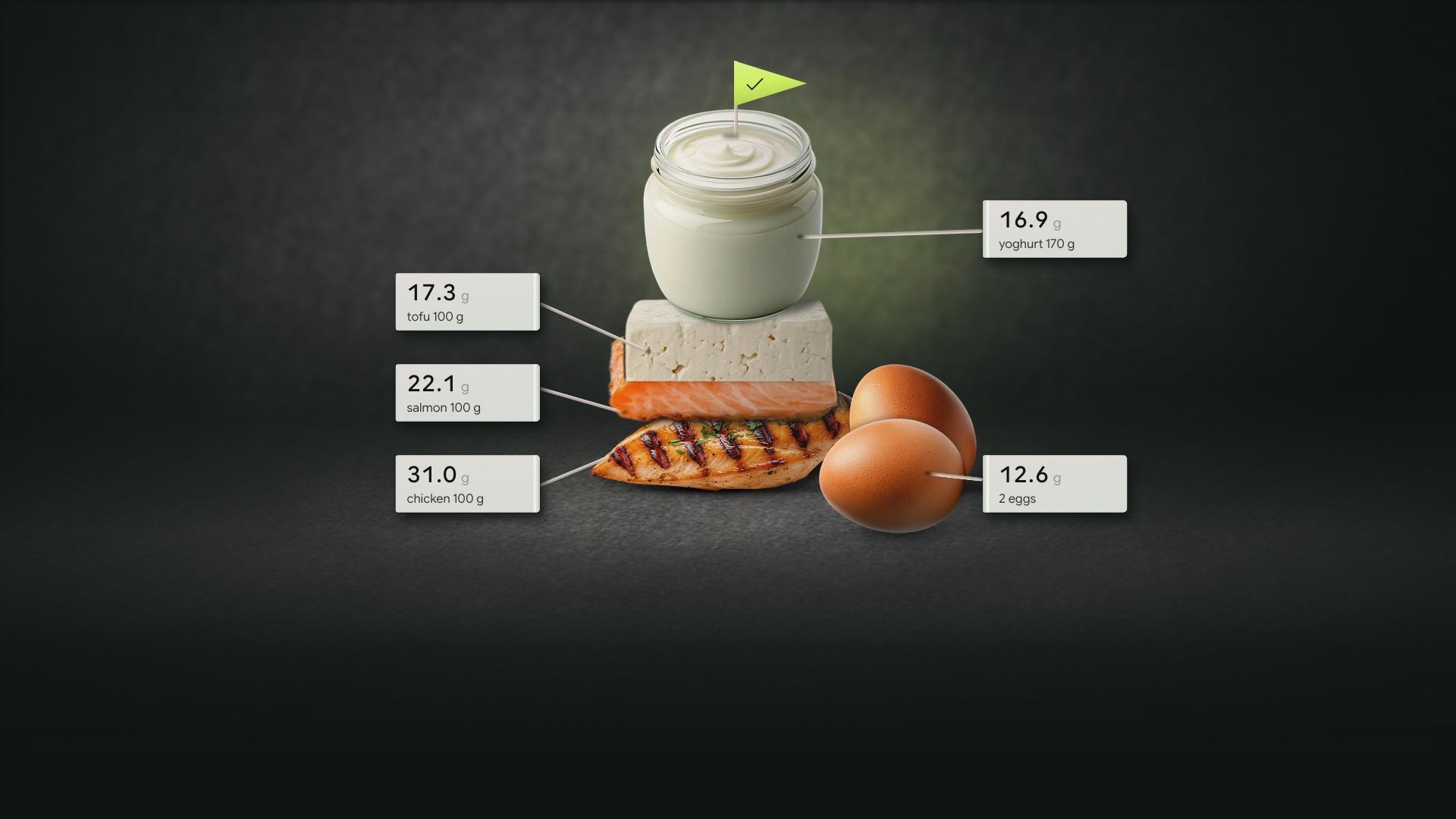
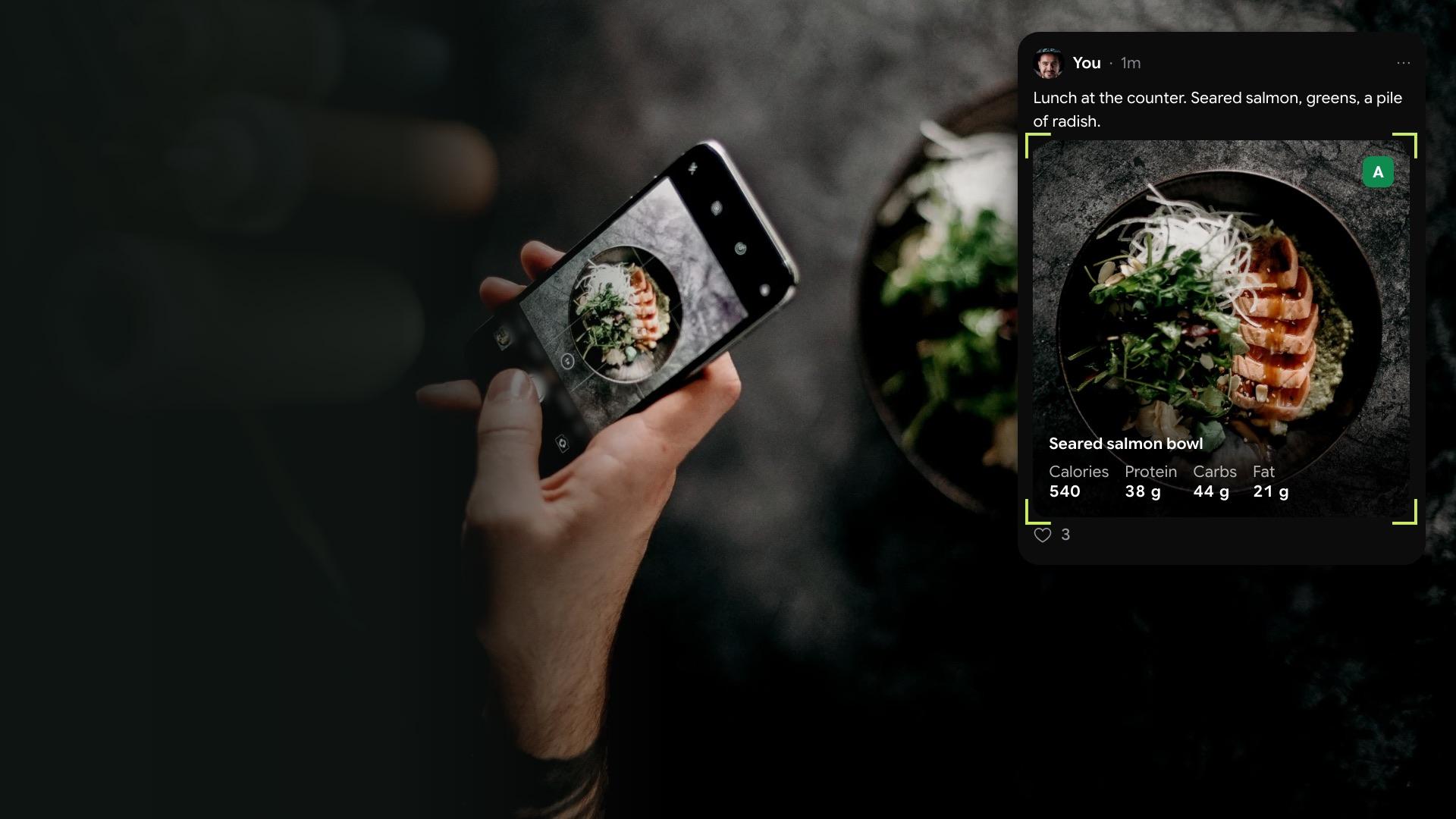
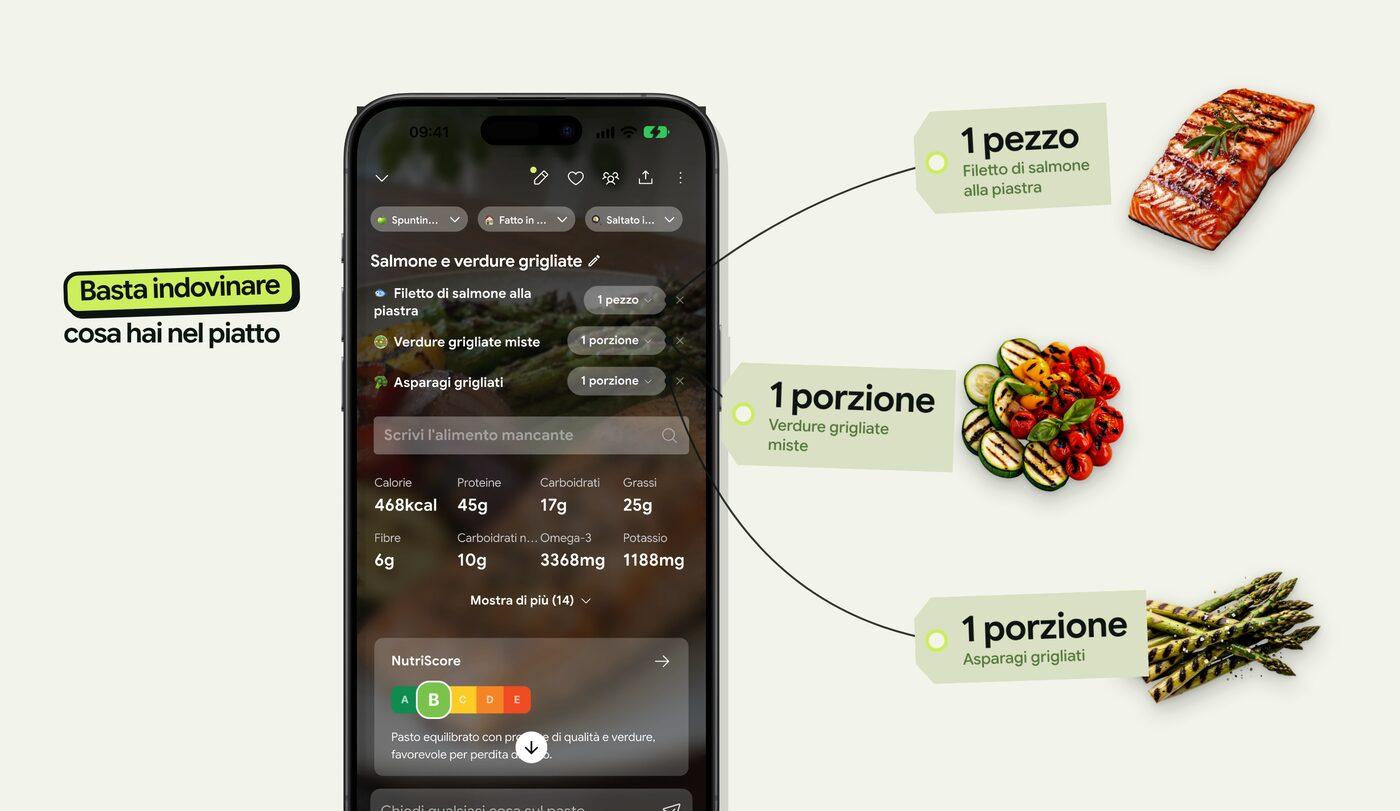
Each language was written for its market instead of translated from English. Slide 1 shows a dish that market eats, scanned in the app in that language, and the weight tags around the phone come from that capture. The food cutouts were sourced again for each dish and reused only where the ingredient matched. Slide 4 carries a handwritten count of the ingredients in one photo, and that count follows each language's dish.
The screens on the phones are real captures of the app in each language. The look is a light field with lime highlighter marks on the headline, handwritten margin notes and hand-drawn red arrows that point at the one number each slide is about.
The gallery shows four of the ten English slides: scan, today and grocery list, why this meal, and fasting and water. The slides that carry store ratings, reviewer quotes or a before and after are part of the set and are left out here.
The food cutouts are stock from Vecteezy. The build's copy.md credits each one by its id, and the same id is in each image's file name.
Kamply is $69 a month or $499 a year. It runs on your own Claude Code or Codex subscription.
Keep looking.
More from NutriScan
 1 / 6
1 / 6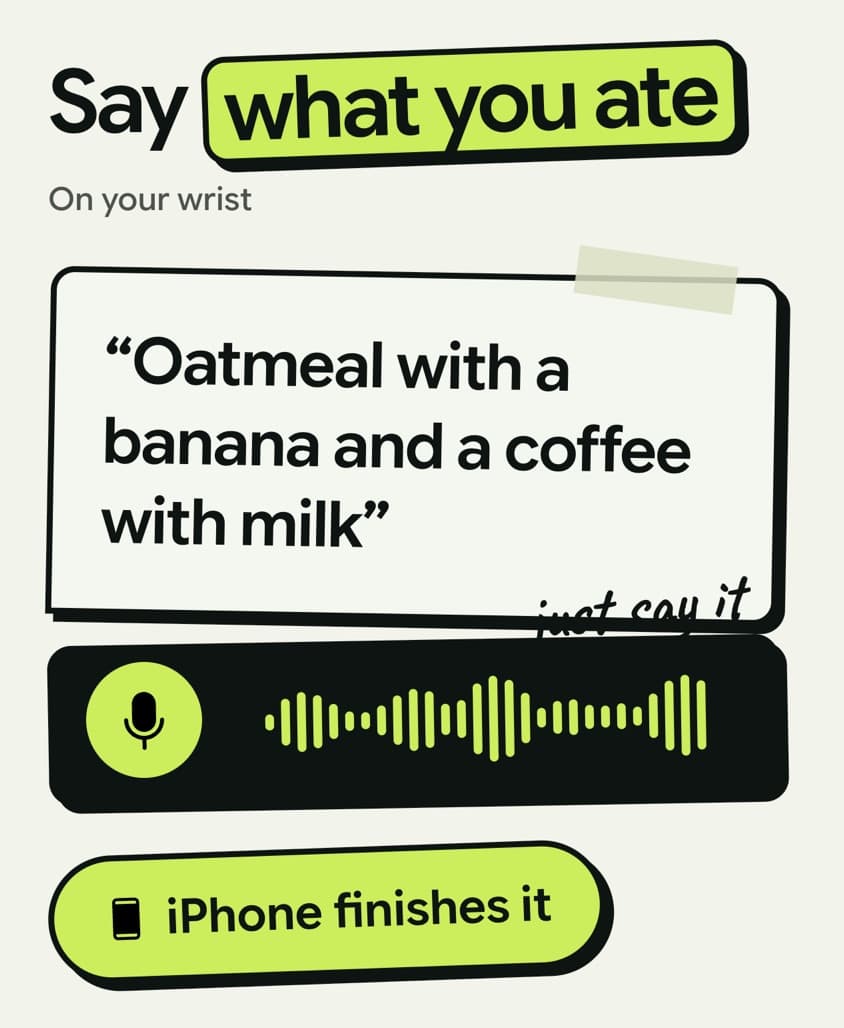 1 / 5
1 / 5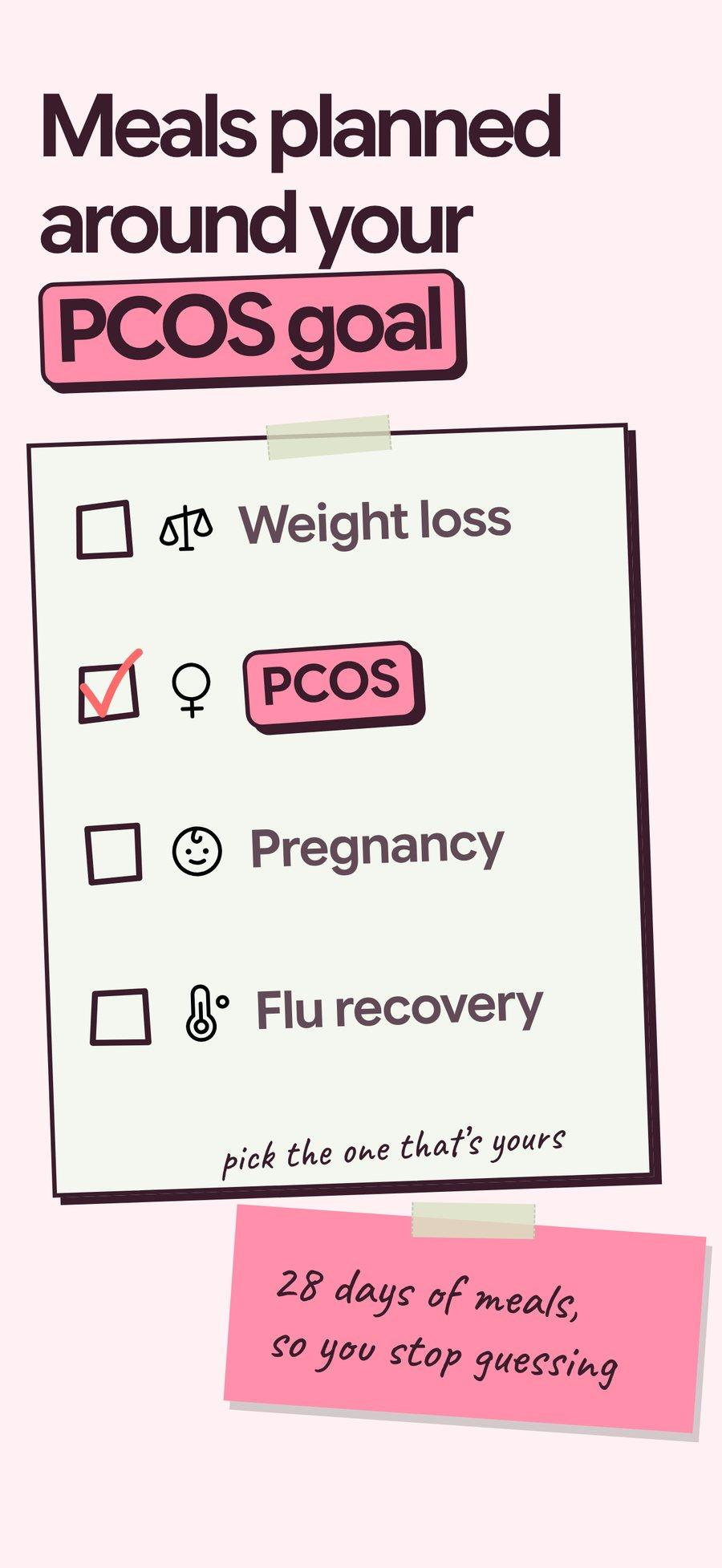 1 / 8
1 / 8
Bring one brief to the walkthrough.
We build the first direction with your brand during the walkthrough.