

ShowcaseNutriScan
Five screens for Apple Watch
App Store screenshots · Apple Watch. Built at 422 × 514 px.
NutriScan is a real nutrition app, and this is work made for it in Kamply.
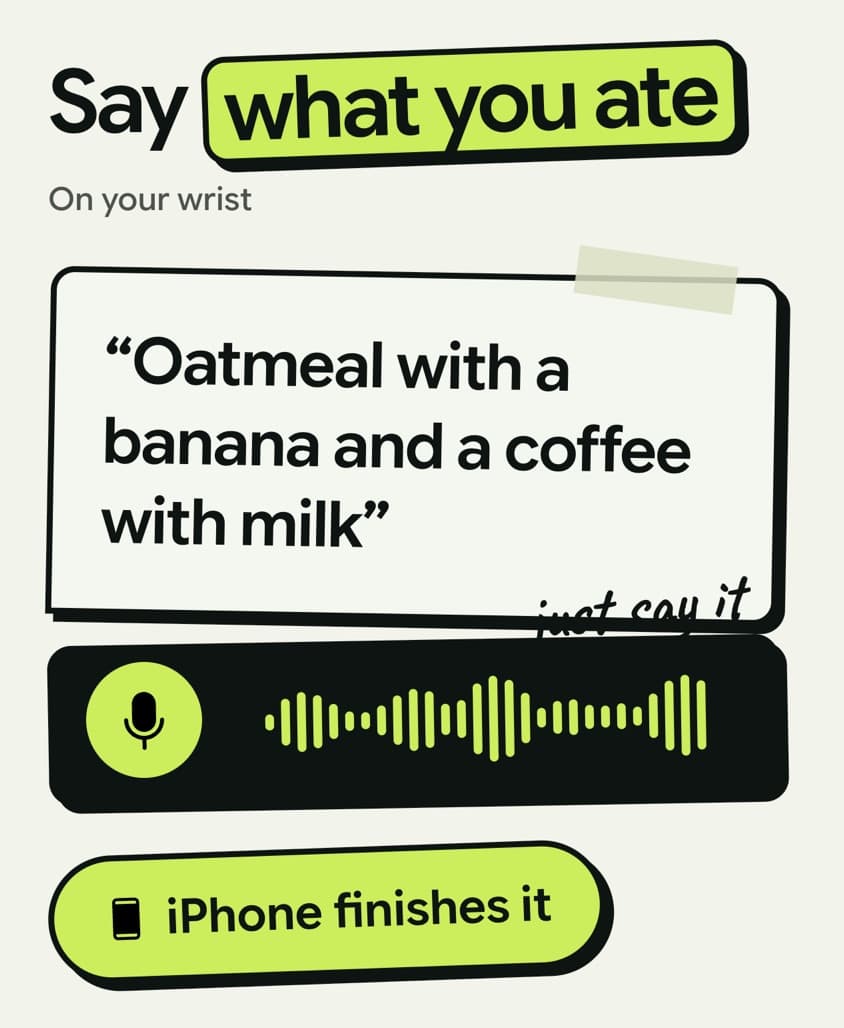
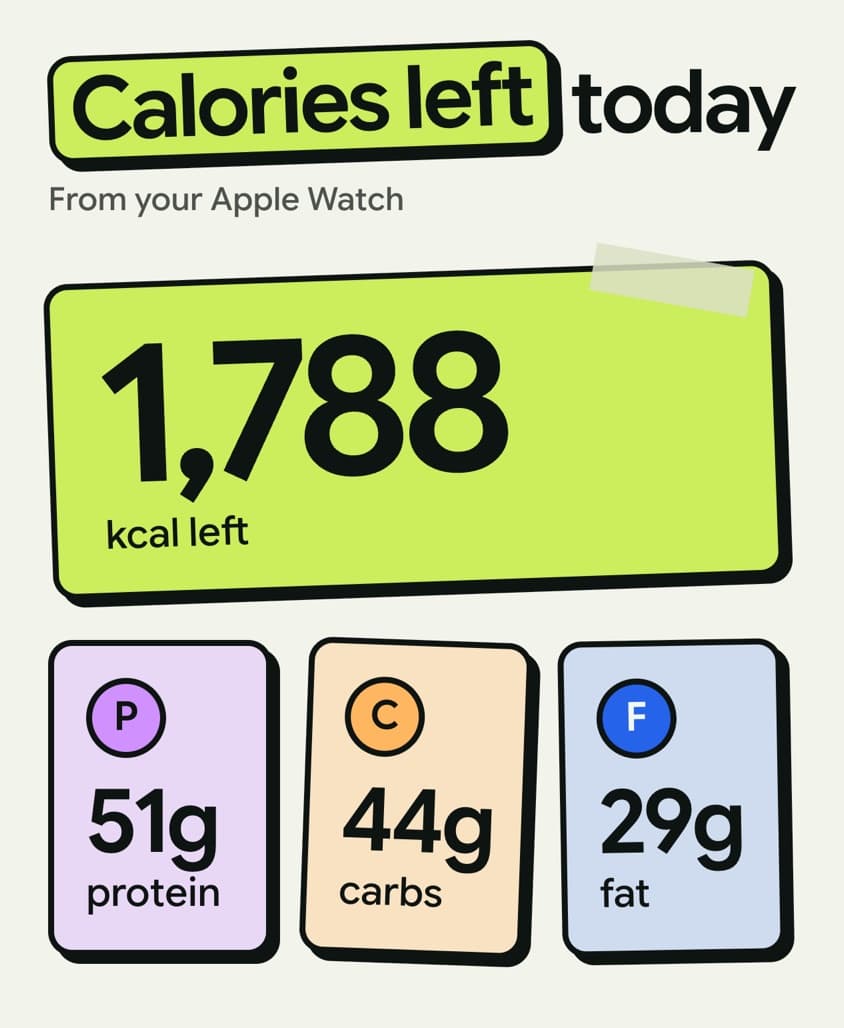
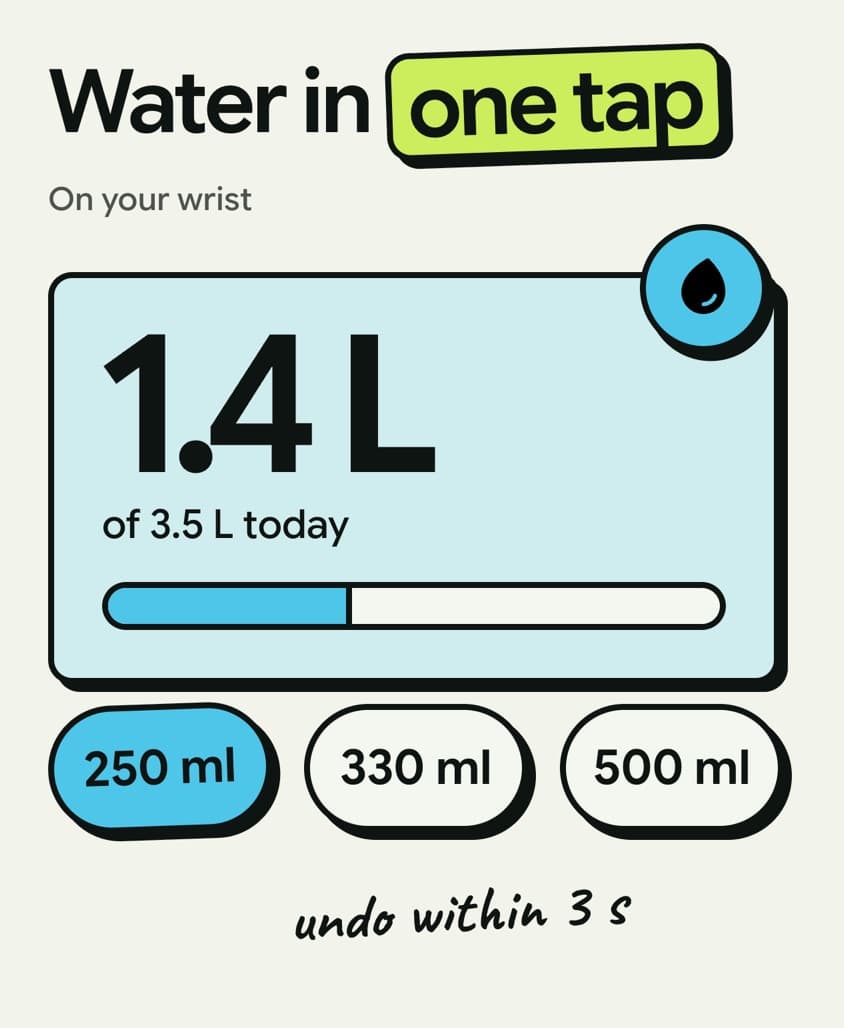
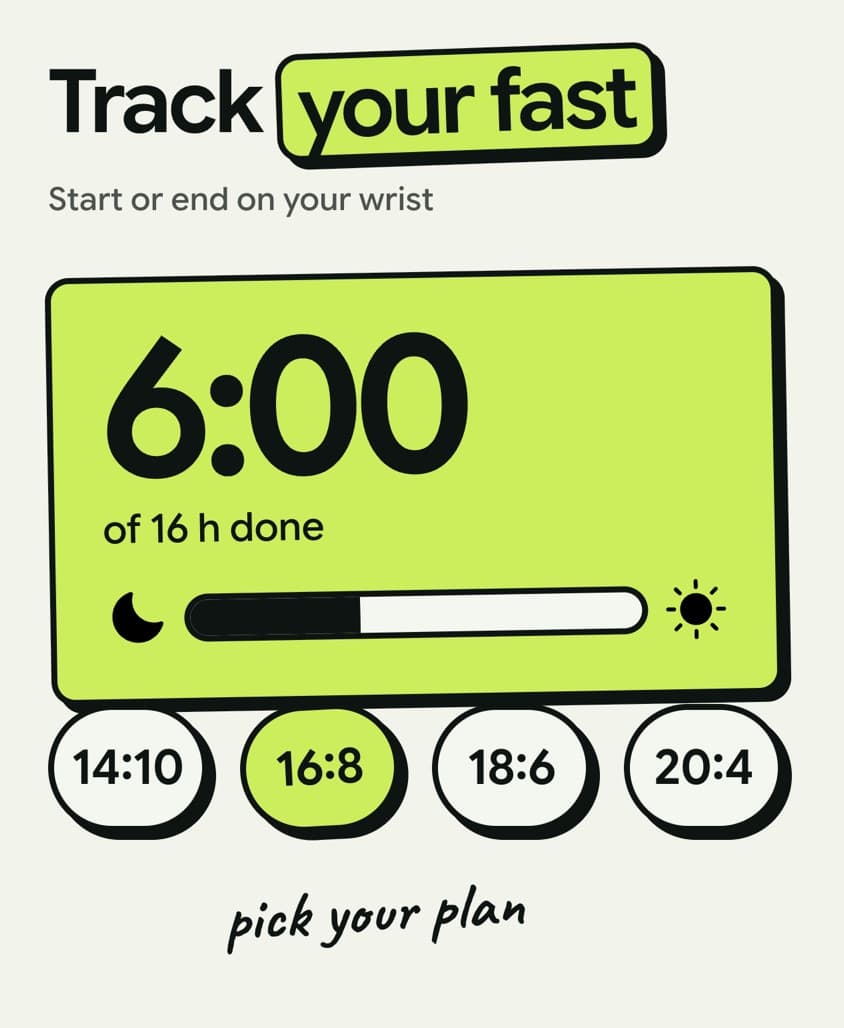
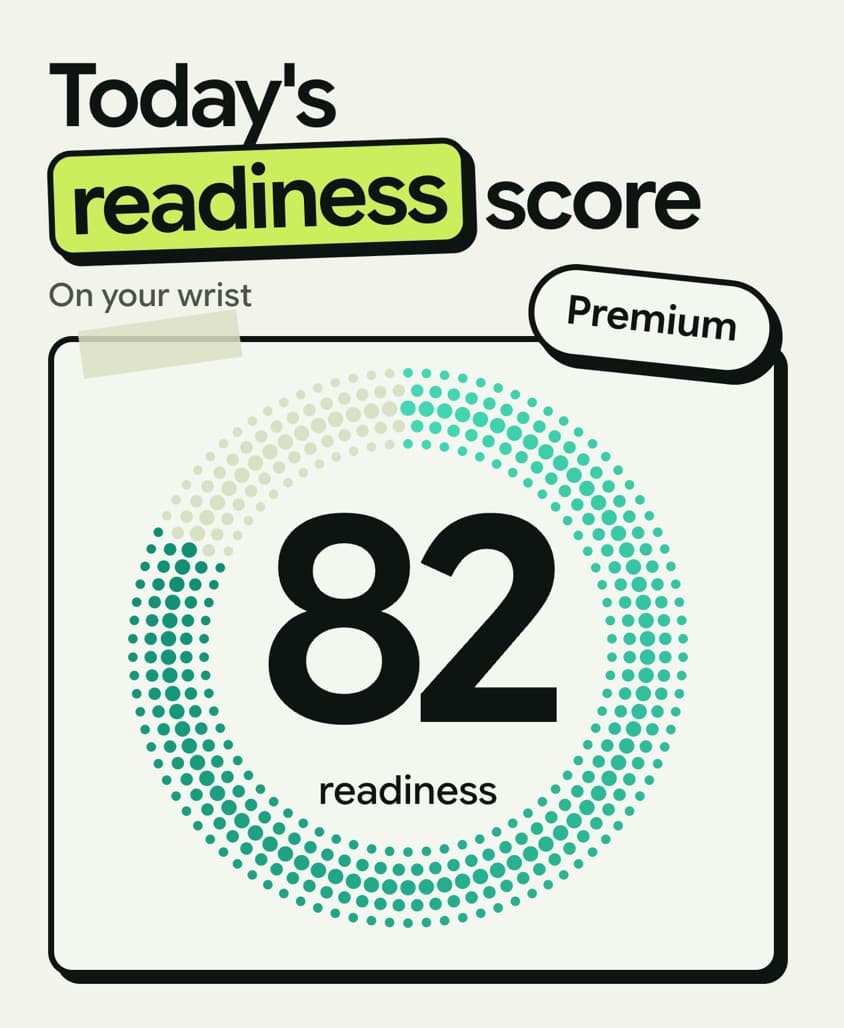
English master, one of 12 languages
What was built.
Written from the build's own files. Sizes and counts were read off the exported files.
From brief.md, patterns.json, NOTES.md, the export folder.
- Slides
- 5 per language
- Export size
- 422 × 514 px, the Apple Watch Ultra size. Apple asks for one watch size across every language, so all of them ship at this size
- Languages
- 12: English, German, Spanish, French, Hindi, Italian, Japanese, Polish, Portuguese, Russian, Swedish and Vietnamese
- Files exported
- 60 PNGs, 5 in each language folder
- Headlines
- Say what you ate. Calories left today. Water in one tap. Track your fast. Today's readiness score
Six looks were built before one was kept. The first five are quoted further down; the kept one is the sixth, V7. It shows no watch interface. Each slide draws its feature's number large as a sticker or a card, in the colour the app gives that feature: purple for protein, orange for carbs, blue for fat, cyan for water and lime for fasting. The readiness slide is a mint halftone dot circle around the score.
The eleven other languages each had their own writing pass and then a line by line audit. The food in the voice logging slide changes by market, because a spoken example is content and each market has its own everyday dish.
One measured rule came out of this canvas: a two-line headline collides with the fixed line under it, so the first four headlines stay on one line at 30 px or larger.
What the brief asked for.
From brief.md, the written brief, locked before anything was designed.
Everything in the sections below is quoted from the files this build left behind. Nothing is summarised.
- Audience
- iPhone owners who wear an Apple Watch and open NutriScan's App Store page. Worldwide, English first, then the other 11 app languages.
- The one idea
- The watch handles the quick jobs (say what you ate, check calories left, add water, run a fast) so the phone stays in the pocket.
- Format
- app-store-watch
- Ratio
- 211:257
- Imagery
- brand-asset
- What success looks like
- At watch-listing thumbnail size a shopper reads one short line and sees one real watch screen per slot.
- The Route picked
- The files for this build record no Route pick, so none is shown here.
The lead visual device, and why.
From patterns.json, where each variant declares what it leads with.
V1
annotated-screen
the watch screen fills the frame; the key number gets a hand-drawn lime circle and a short handwritten note, the V16 house style
V2
wrist-photo
a real wrist photo with the watch screen placed on the watch face; the shopper sees it on a body like theirs
V3
callout-tags
light V16 field; the numbers on the watch screen are pulled out as outlined lime tags and hand notes around it, like the iPhone scan slot
V5
value-stickers
no watch UI: each slot is the feature's number drawn big as V16 stickers and cards (1,788 kcal left, P/C/F bars, 250/330/500 ml pills, 6:00 of 16 h, 82 score)
V6
prop-illustration
no watch UI: one real cutout prop per slot (oatmeal bowl, plate, glasses, mug, shoes) carrying the values as hand notes and tags, like the V16 fasting-water slot
What the record says
The approval lines from production/signoffs.md, the file where each approval is written down, and the checks stored with the kept sample.
- brief-locked: 2026-09-26
- winner-approved: 2026-09-27 · winner: V7
Kamply is $69 a month or $499 a year. It runs on your own Claude Code or Codex subscription.
Keep looking.
- How Kamply makes thisAI content generator
- The size specApple Watch App Store screenshot
- Every pieceThe whole showcase
More from NutriScan
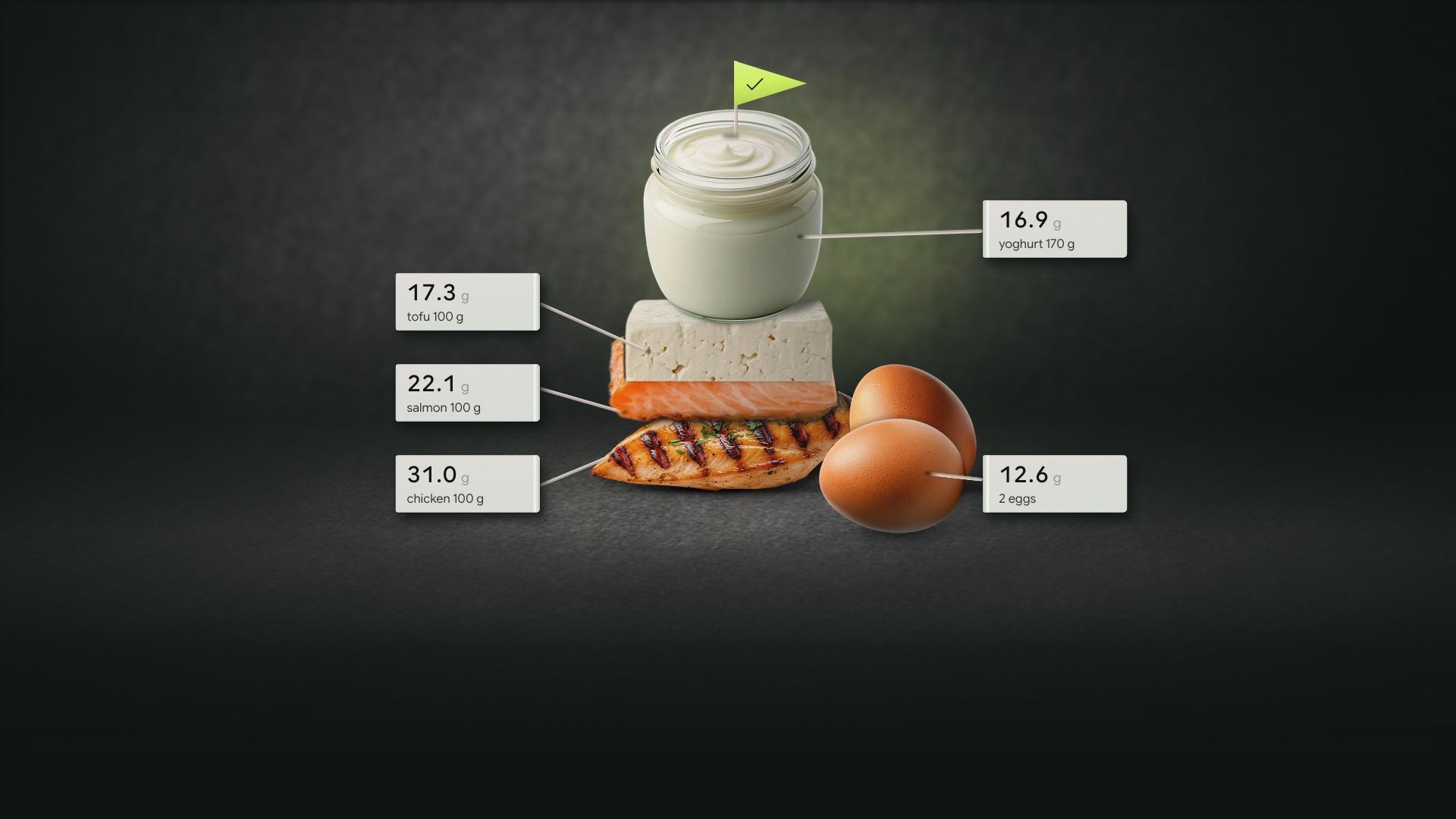
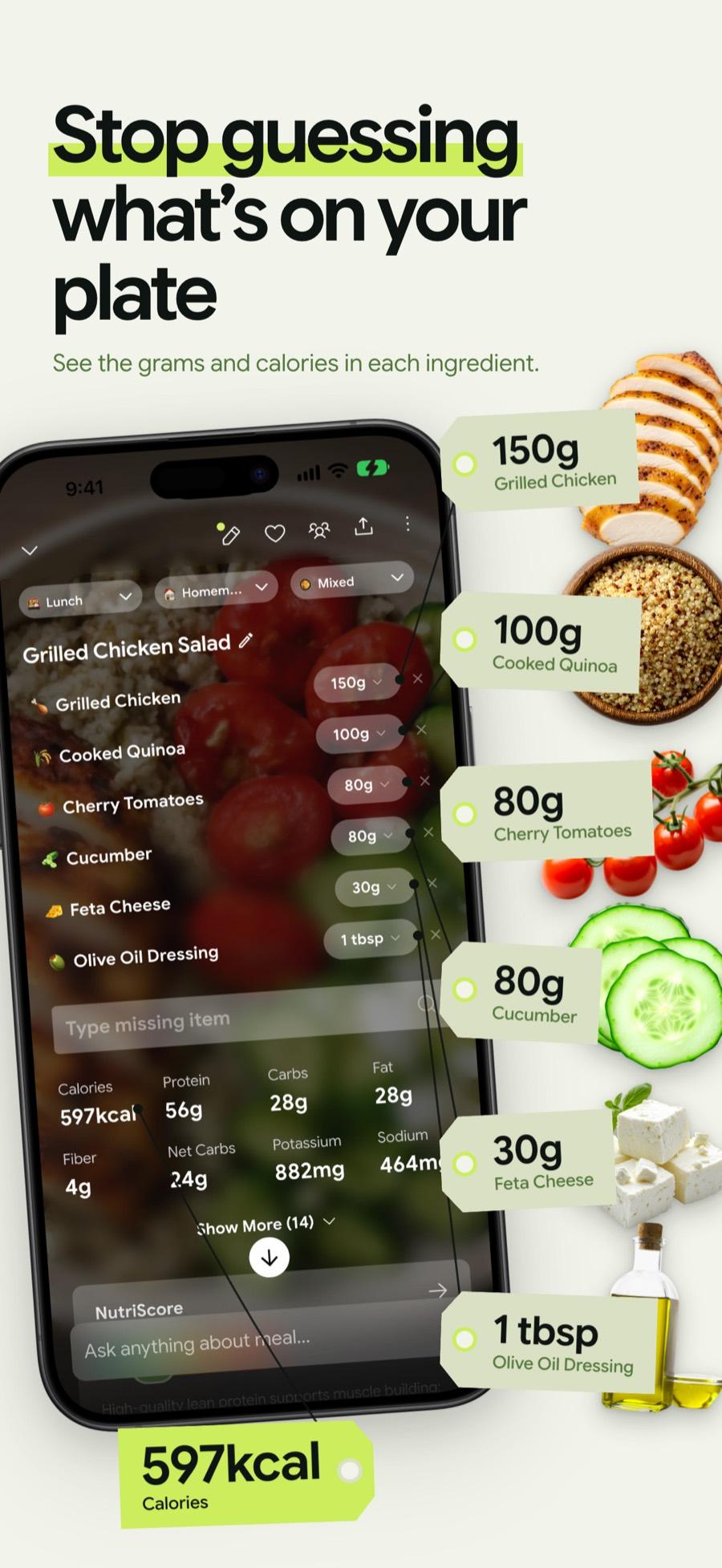
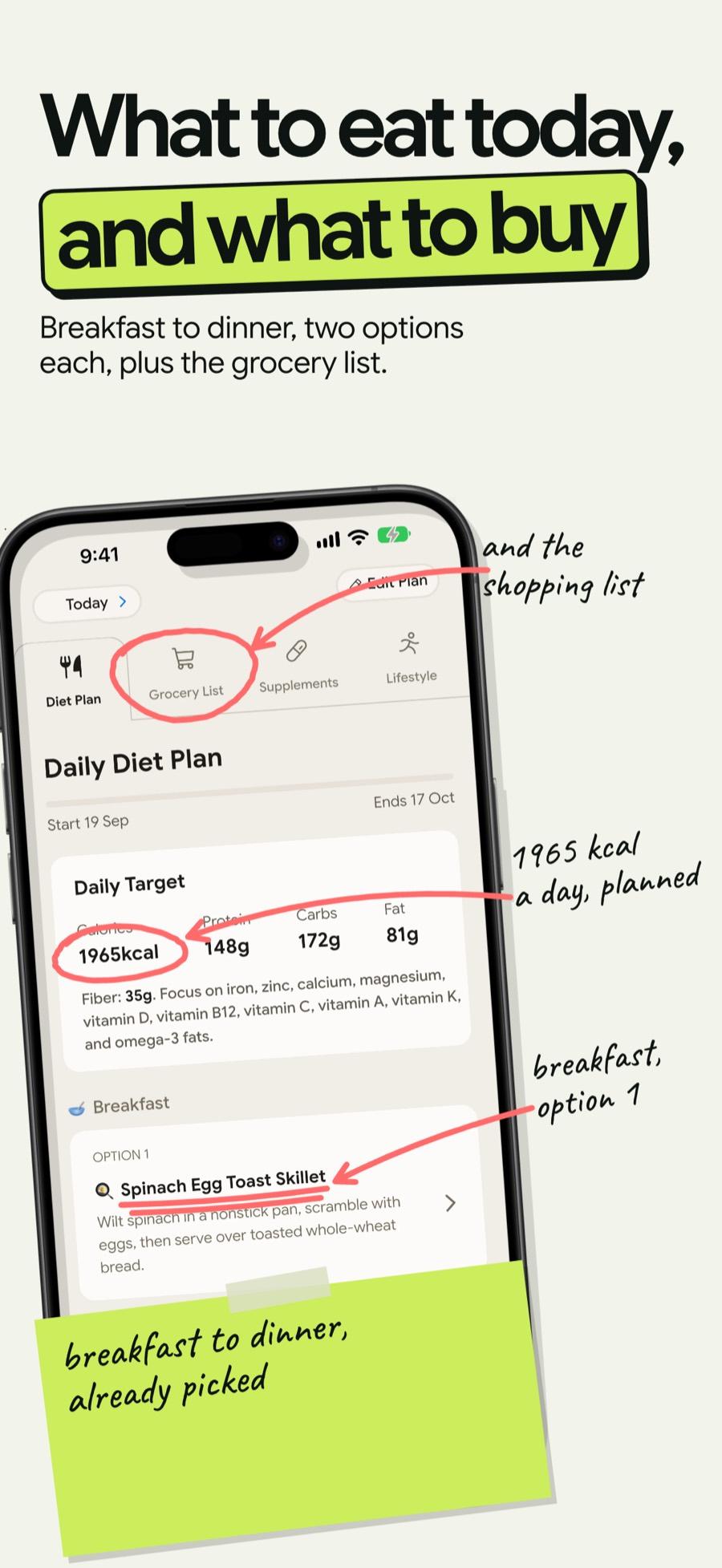
 1 / 6
1 / 6 1 / 8
1 / 8
Bring one brief to the walkthrough.
We build the first direction with your brand during the walkthrough.