

Built for agencies running many brands
Every client brand keeps its own look
Kamply is a Mac app.
The longer description
You onboard a client brand from its own website plus a short interview, and every post, carousel, deck and reel after that references the colour tokens, typography, voice and logo it derived.
Finished work, built in the app.
Every piece here was built in Kamply at the size it ships. Sample brands are labelled as such.
 1 / 6
1 / 6 1 / 5
1 / 5 1 / 8
1 / 8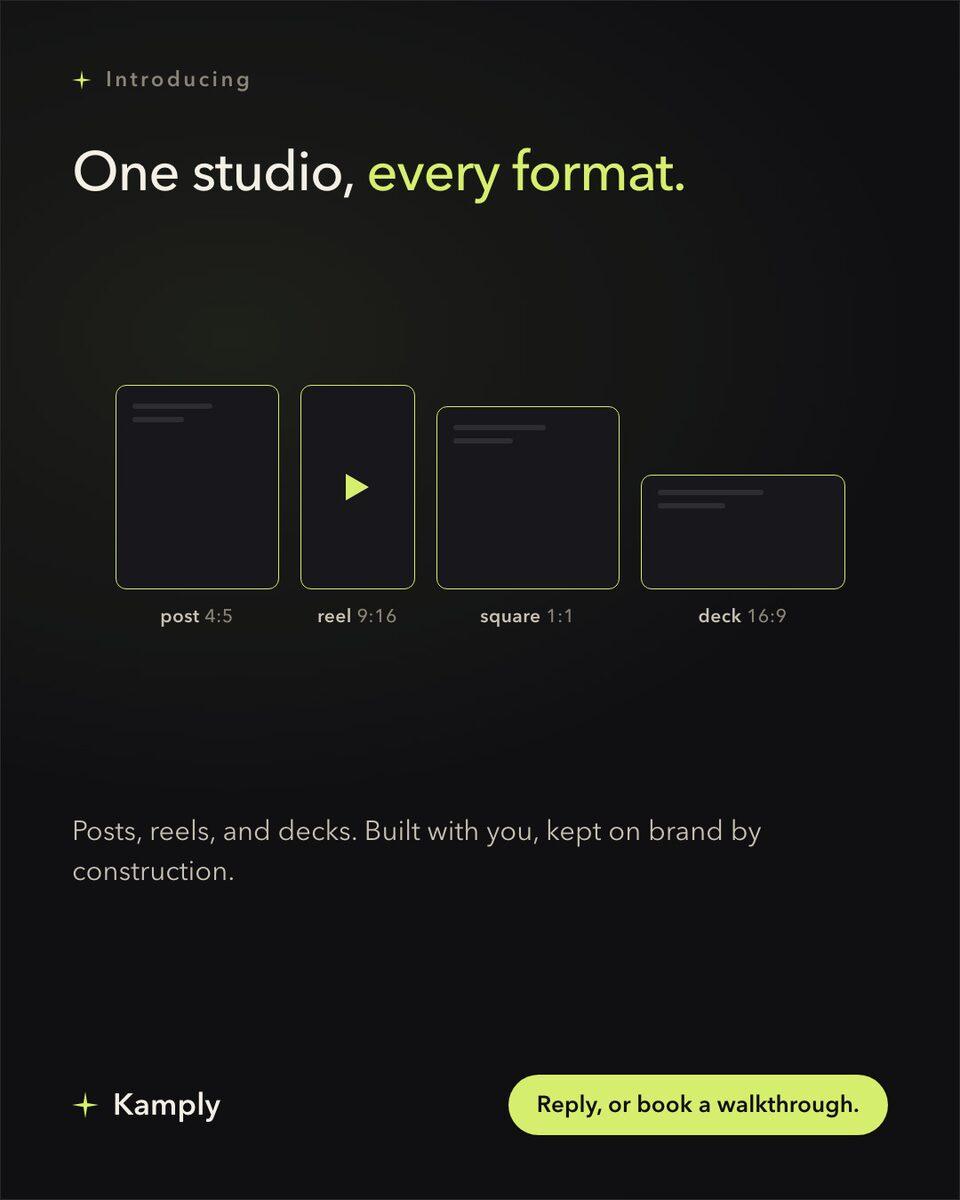
Sample brands from the app’s library
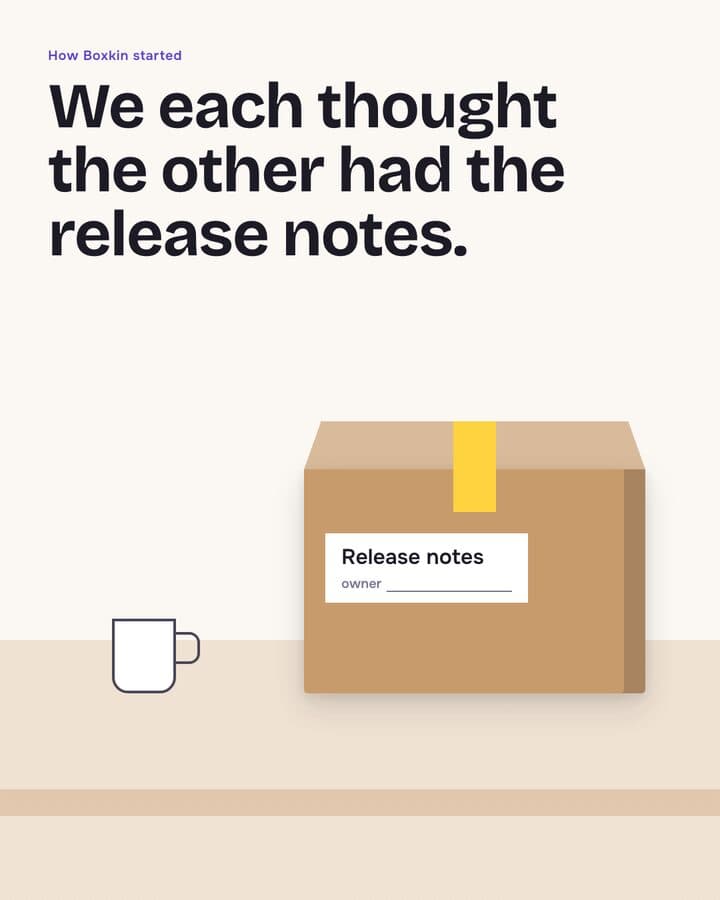
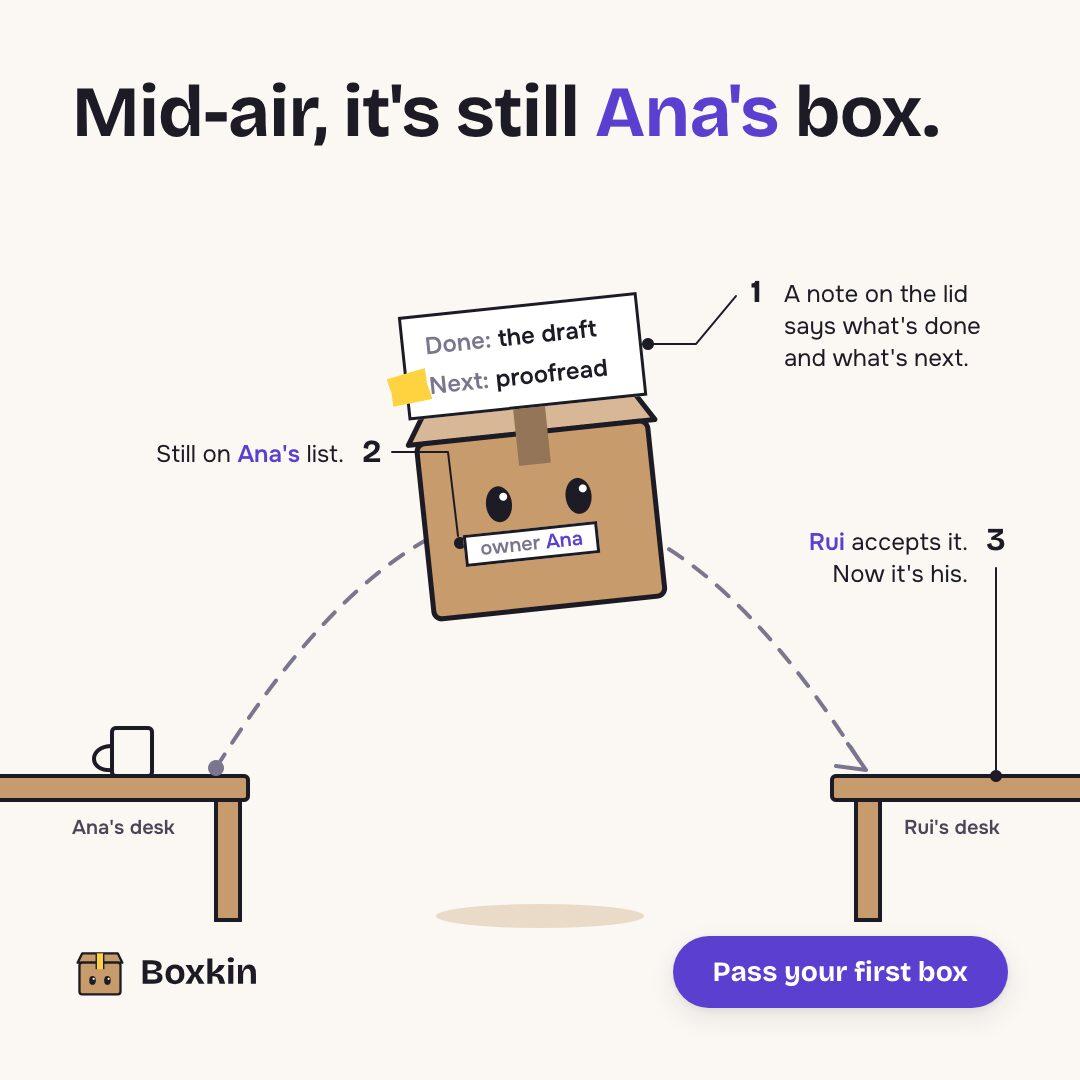
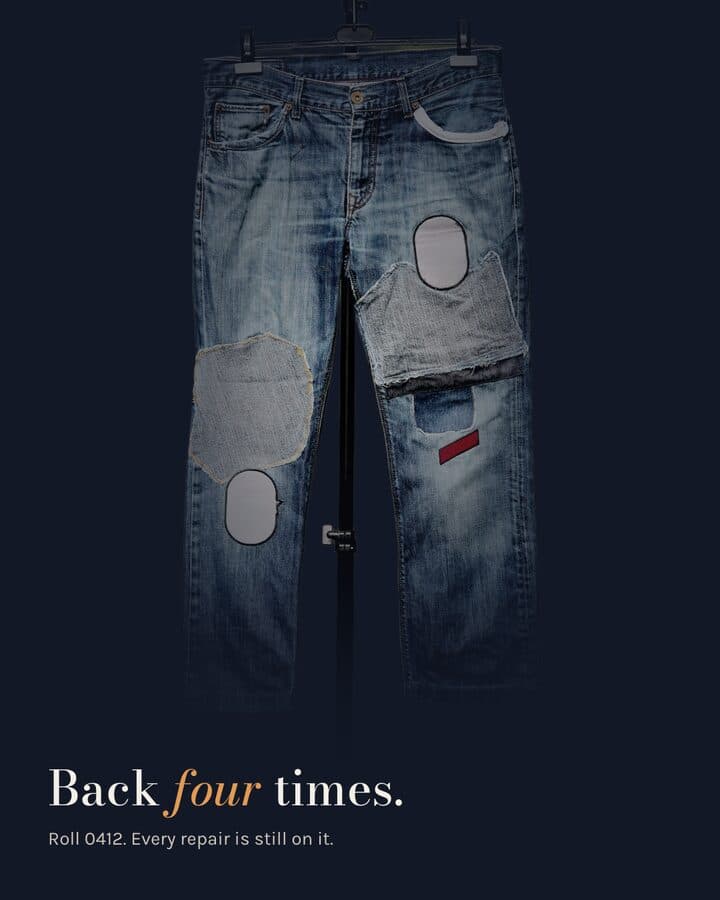
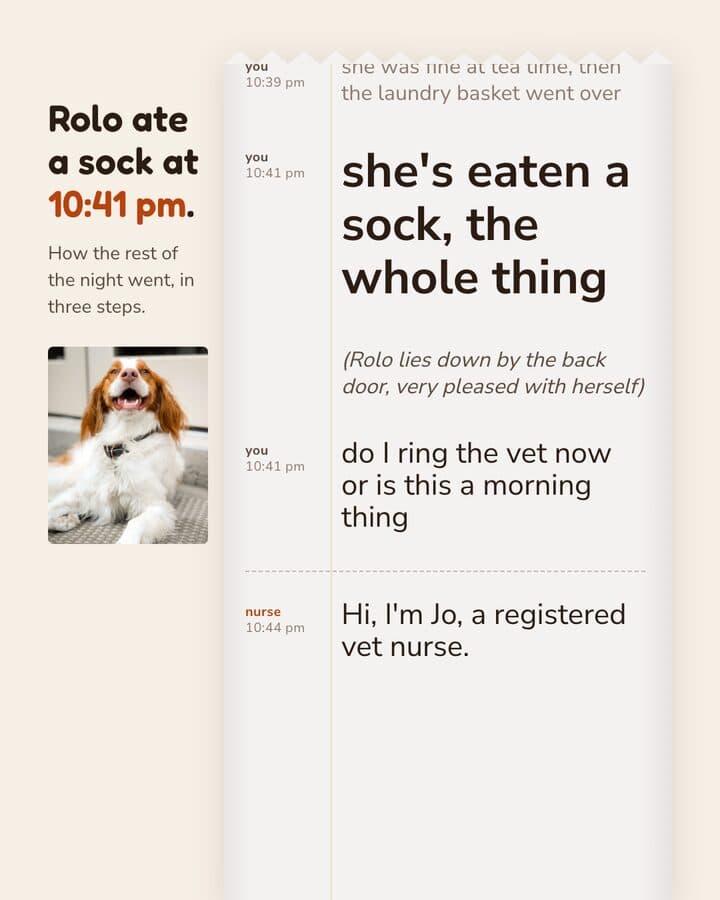
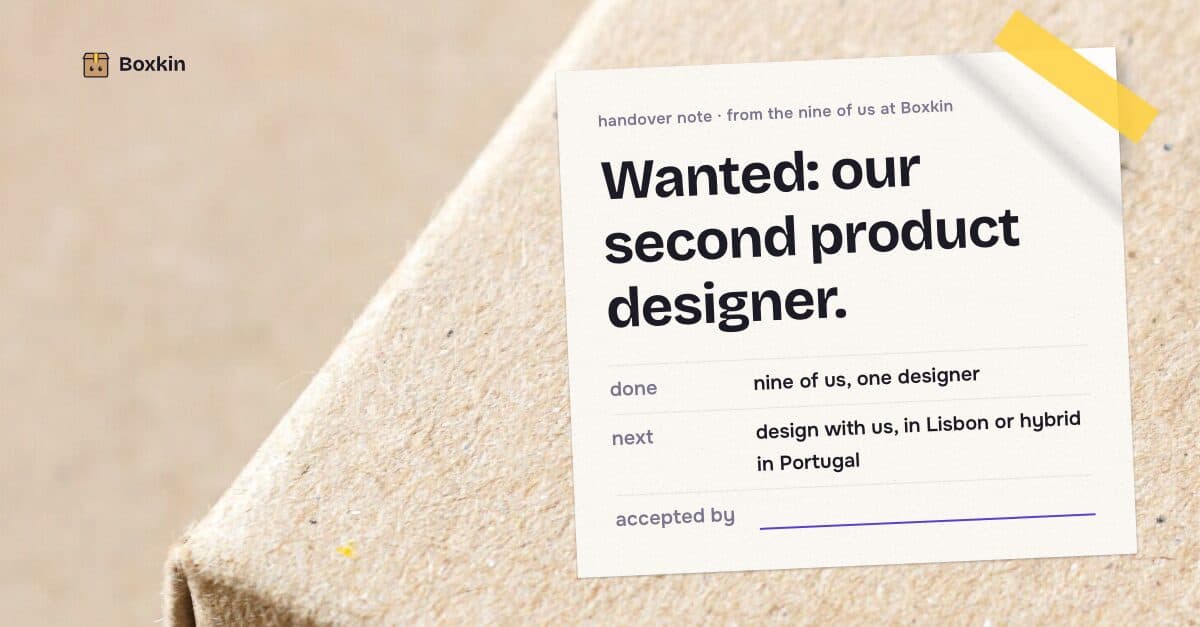
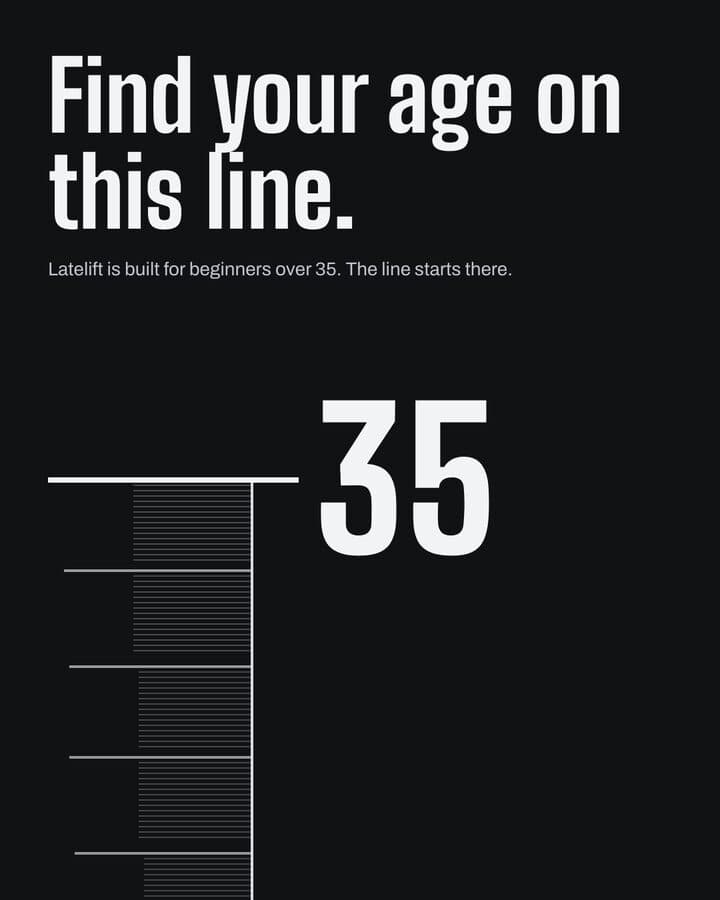
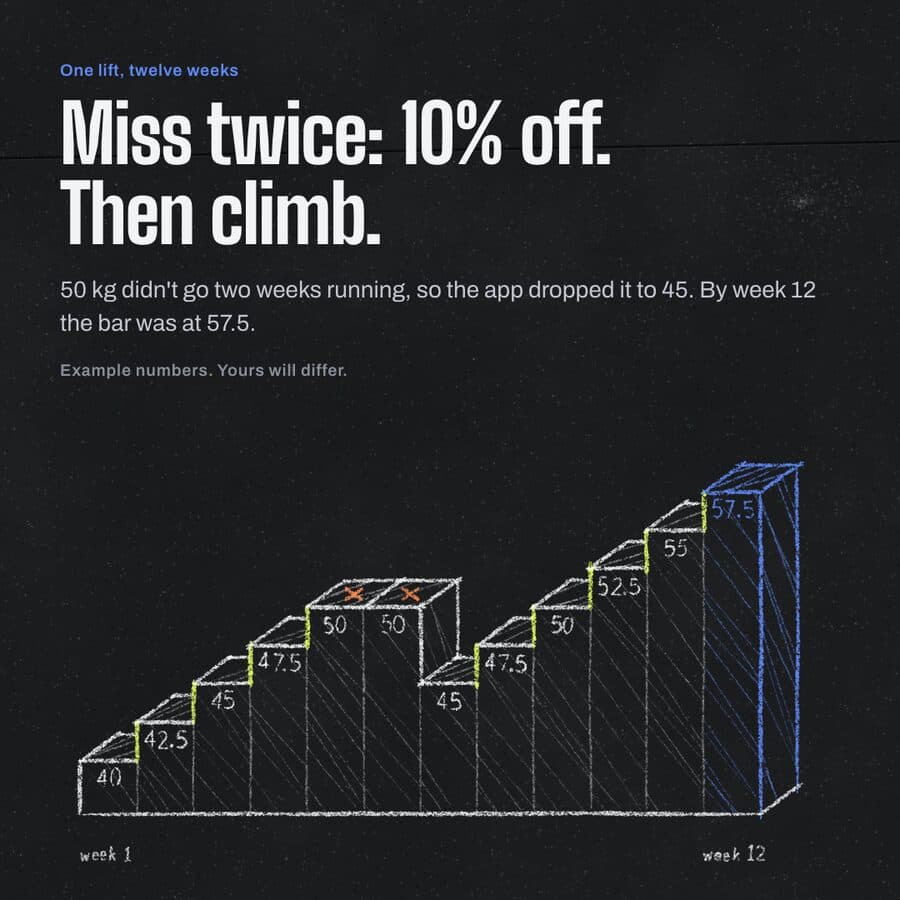
Darnfold, Boxkin, Woofstead and Latelift are invented brands, so every figure in their work is fictional.
 sample brand
 sample brand1 / 6
 sample brand1 / 5
 sample brand
 sample brand1 / 5
 sample brand1 / 5
 sample brand
 sample brand
 sample brand1 / 5
 sample brand1 / 4
 sample brand1 / 4
 sample brand1 / 3
 sample brand1 / 4
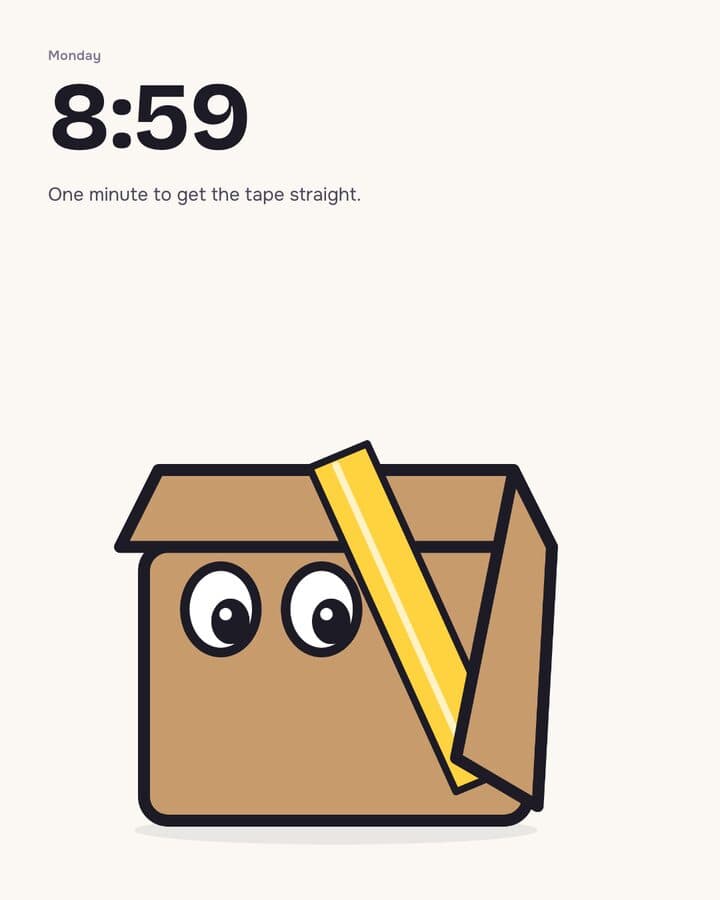 sample brand1 / 3
 sample brand1 / 3
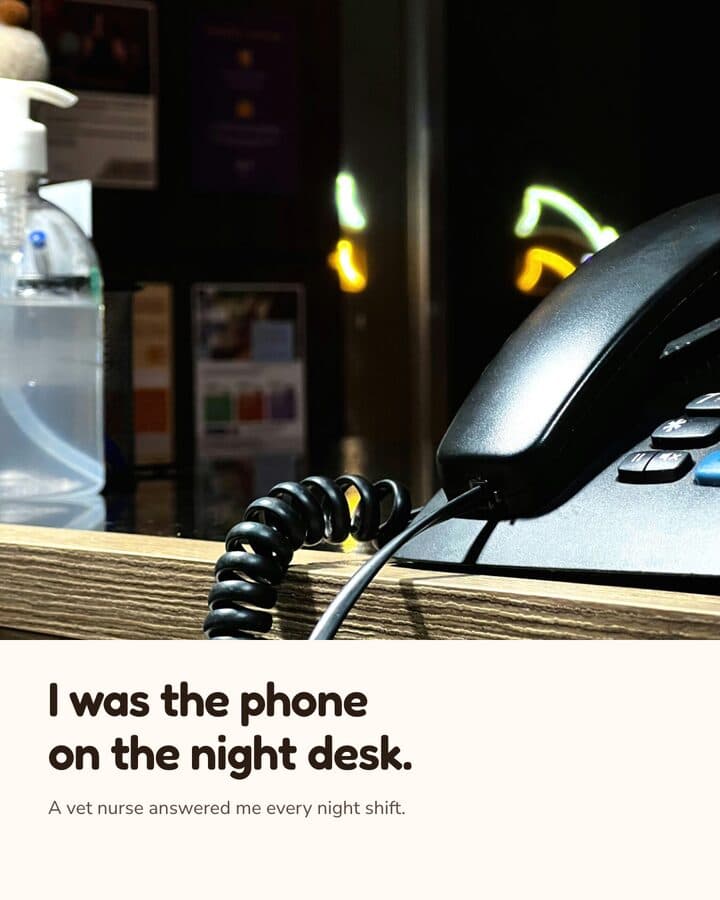 sample brand1 / 3
 sample brand1 / 4
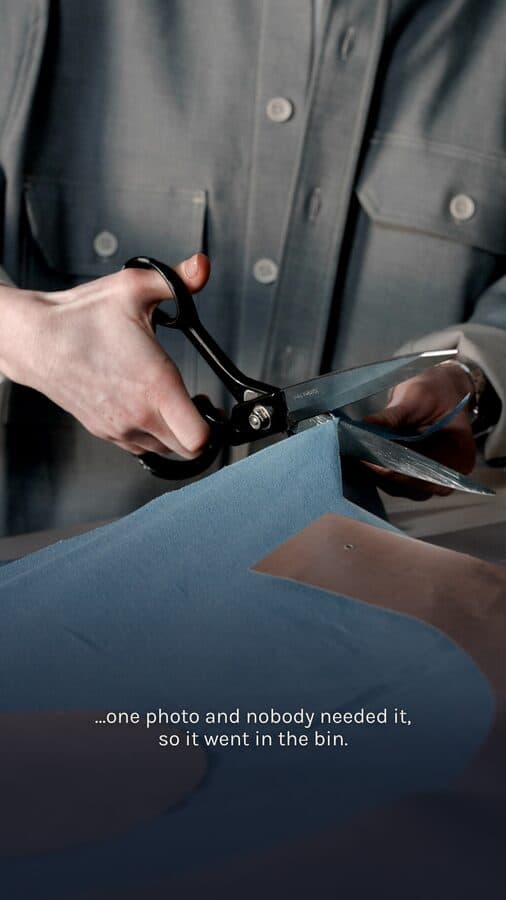 sample brand1 / 4
What you publish, drawn at its real size.
- no fixed ratioMonthly batch for one client4:5 posts, 1080x1350, PNGOne locked brief, one campaign batch, every post on that brand's tokens.
- 9:161080 × 1920 pxCampaign launch set4:5, 1:1 and 9:16 posts, PNGOne brief, the same campaign at three exact platform ratios.
- 9:161080 × 1920 pxClient reel9:16 reel, MP4Voice-over or music timed. One timed build took about an hour, in June 2026.
- no fixed ratioNew business pitch deckPresentation deck, PDF exportDeck slides built on the tokens onboarding derived from that brand's site.
- 1:11080 × 1080 pxCarousel explainer1:1 carousel, 1080x1080A multi-slide carousel you approve at named stops before you export it.
You work in someone else's voice all day
An agency moves between brands, and nothing you make goes out under your own name.
The rule in full
Kamply ties the look to the brand rather than to the app: onboarding derives colour tokens, typography, voice and logo from that brand's own website plus a short interview, and every deliverable you build after that references them. Its own rules hold whichever brand you are in. When a real product shot exists it has to be embedded, and app UI on a device screen has to be a real screenshot, so a client's product never appears as something you drew.
Embeds the real photo or screenshot, grades it, and places it at the exact export size.
Will not build, fake or mock up a product image or an app screen. Missing the shot means shooting it, not generating it.
Three steps, in that order.
The same order every time, whatever you hand it.
Set up, then onboard the brand
Setup takes about 10 minutes, per Kamply's setup guide. Point Kamply at the client's website and answer a short interview, and it derives their colour tokens, typography, voice and logo. That set is what the work is built on from then on.
Brief first, then variants
Kamply interviews you and locks a written brief before it designs anything, with no TBD fields left in it. Then it proposes labelled variants, V1 and V2 and so on, rather than handing you one output to accept or argue with.
Approve, export, hand it over
Hard preflight gates block a deliverable from being called done, and you approve at named stops. Nothing ships itself. Export PNG, PDF or MP4 and send it on to the client, or upload it yourself.
What it actually does
Kamply is a Mac desktop app with Claude sitting beside a live gallery of your work.
What it does, in detail
You onboard a client brand from its website plus a short interview, and it derives that brand's colour tokens, typography, voice and logo; the files stay on your own Mac. From there it builds social posts at exact ratios, multi-slide carousels, presentation decks, campaign batches and finished MP4 reels, all referencing those tokens. The plan covers the app and the tool accounts; Claude Code or Codex CLI is your own subscription.
Do not buy it for this
Kamply is a Mac desktop app and the work sits on the Mac running it.
What it leaves to you
There is no web app, no Windows build and no way for a client to log in and sign off. If your account managers and clients need to review and approve inside a shared tool, this is not that.
Questions from this industry.
If yours isn't here, ask it in the walkthrough. The form below reaches a human.
How does it keep a client's look right?
Onboarding reads that brand's website, asks a short set of questions, and derives colour tokens, typography, voice and logo from it. Every post, carousel, deck and reel you build after that references those tokens instead of you matching a palette by eye.
Can my whole team work in it?
Kamply is a Mac desktop app and the files stay on the Mac it runs on. There is no web app, no Windows build and no mobile app, so nobody is working in it from a browser or a phone.
Can clients review and approve inside Kamply?
No. Approval happens in the app, at named stops, with whoever is operating it, and there is no web side for a client to log into. You export PNG, PDF or MP4 and send it to the client the way you send things today.
Does it post to client accounts or run their ads?
No. Kamply does not publish or schedule anything, does not connect to ad accounts or buy placements, and does no analytics or performance reporting. It makes the file. You or your client uploads it.
What does it cost?
One plan: $69 a month or $499 a year. There is no free plan and no free trial. Larger agency or enterprise setups go through the Enterprise lane, which books a walkthrough.

Bring one brief to the walkthrough.
We build the first direction with your brand during the walkthrough.