

Kamply for law firms
Firm marketing with a written record behind it
Kamply is a Mac desktop app with a marketing crew inside.
The longer description
It interviews you, writes the brief down and locks it, proposes labelled variants, and holds the work until a person at your firm approves it.
Finished work, built in the app.
Every piece here was built in Kamply at the size it ships. Sample brands are labelled as such.
 1 / 6
1 / 6 1 / 5
1 / 5 1 / 8
1 / 8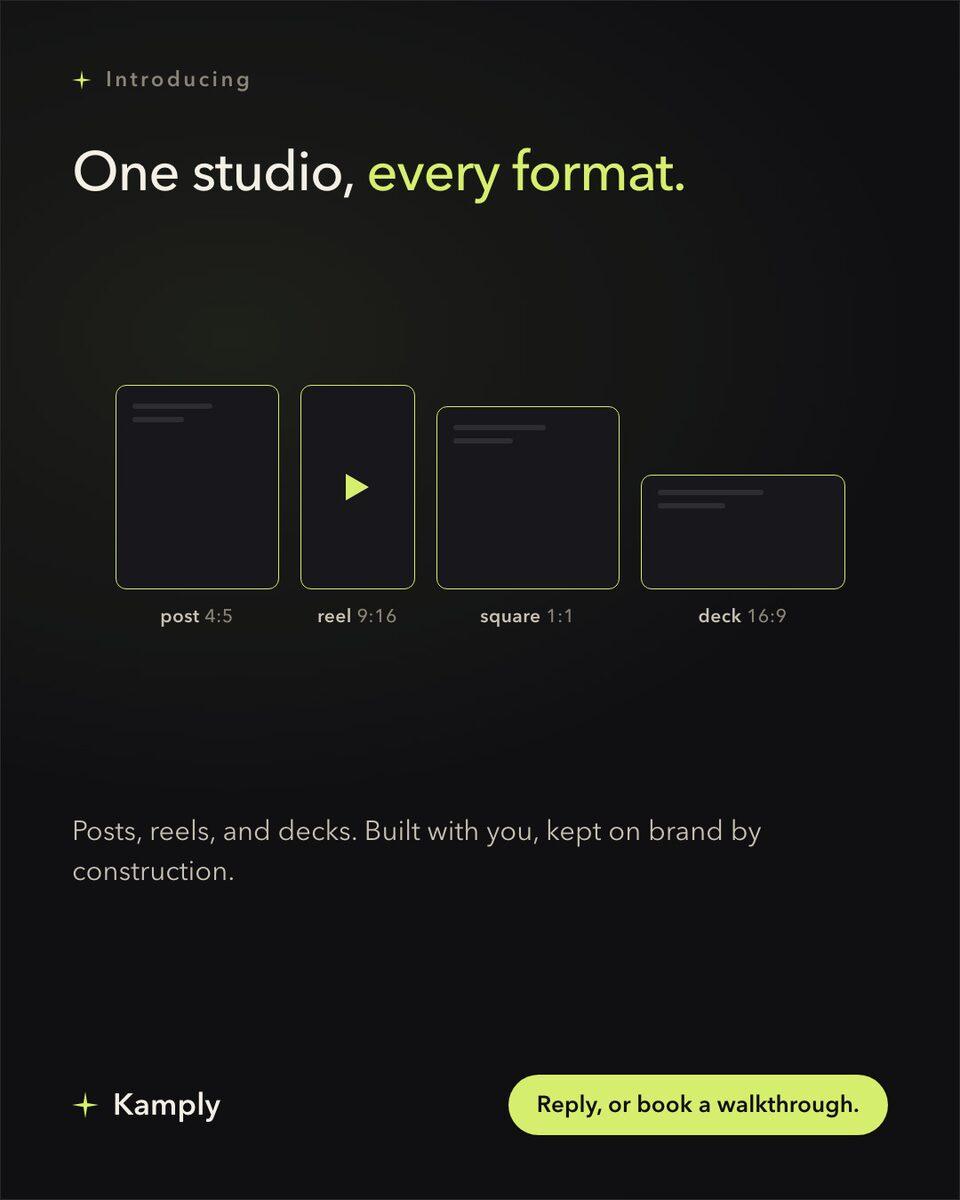
Sample brands from the app’s library
Darnfold, Boxkin, Woofstead and Latelift are invented brands, so every figure in their work is fictional.
 sample brand
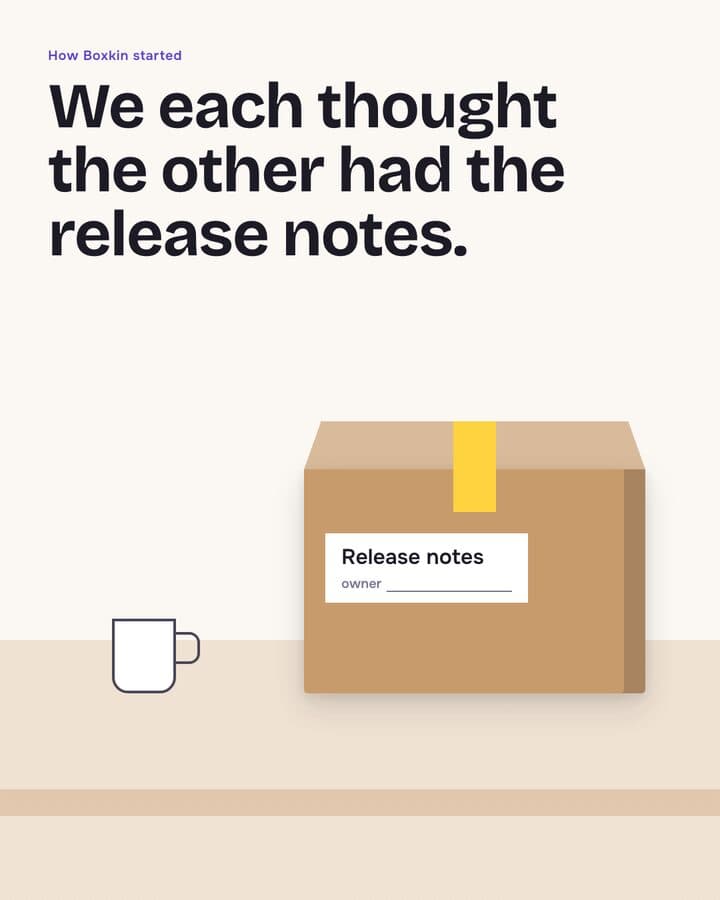 sample brand1 / 6
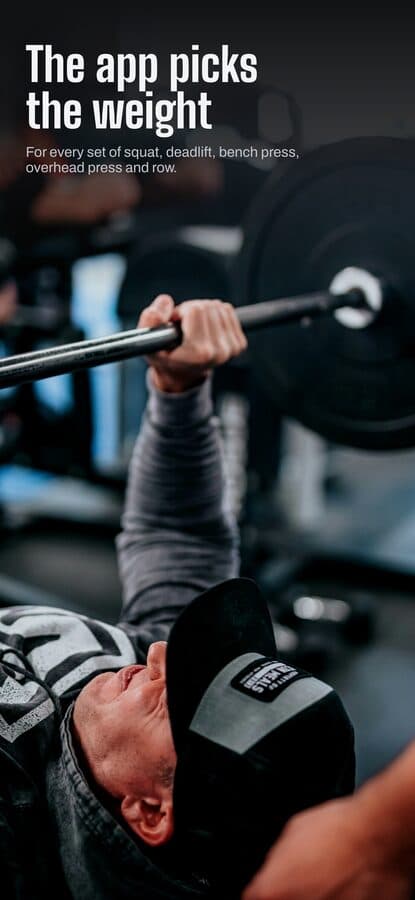 sample brand1 / 5
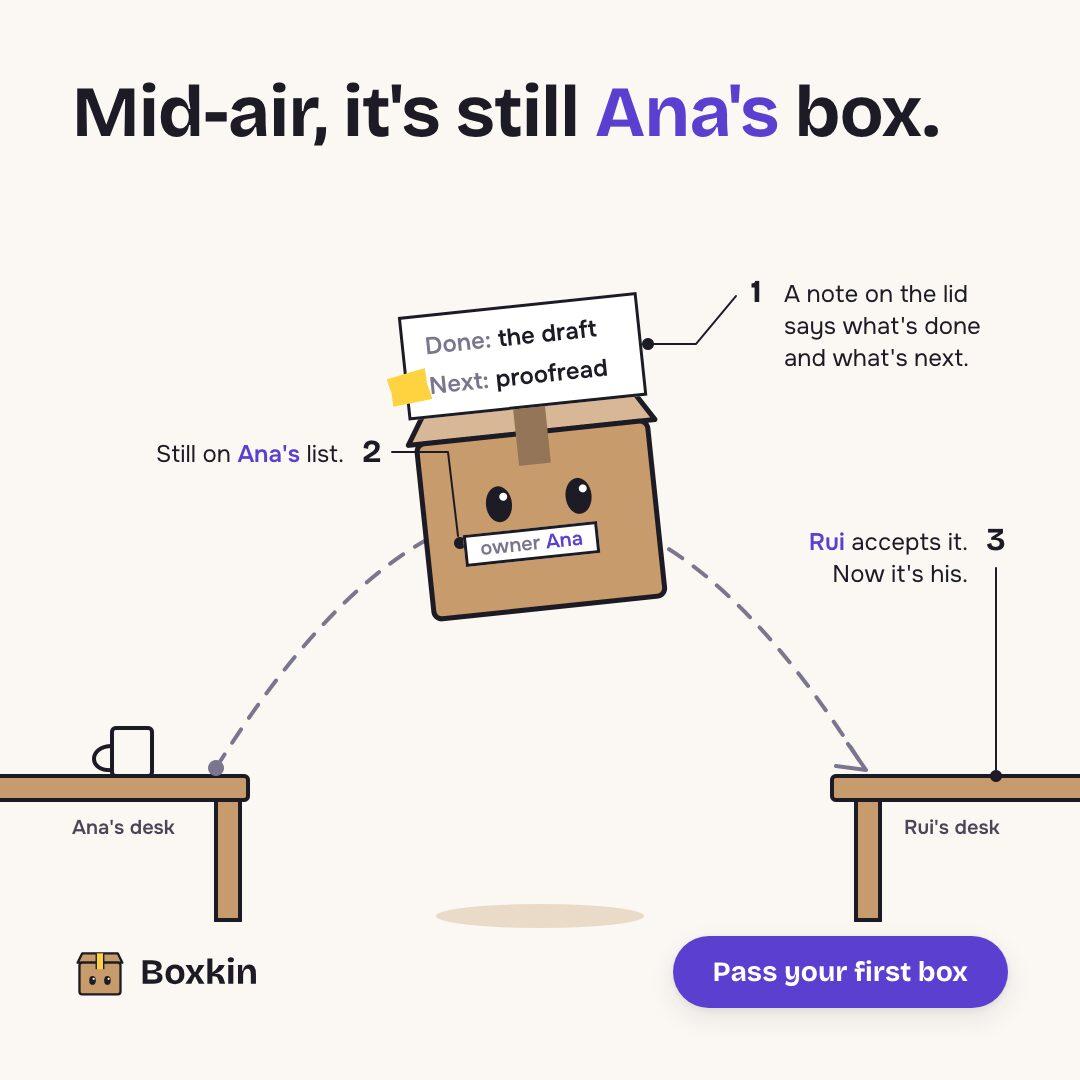 sample brand
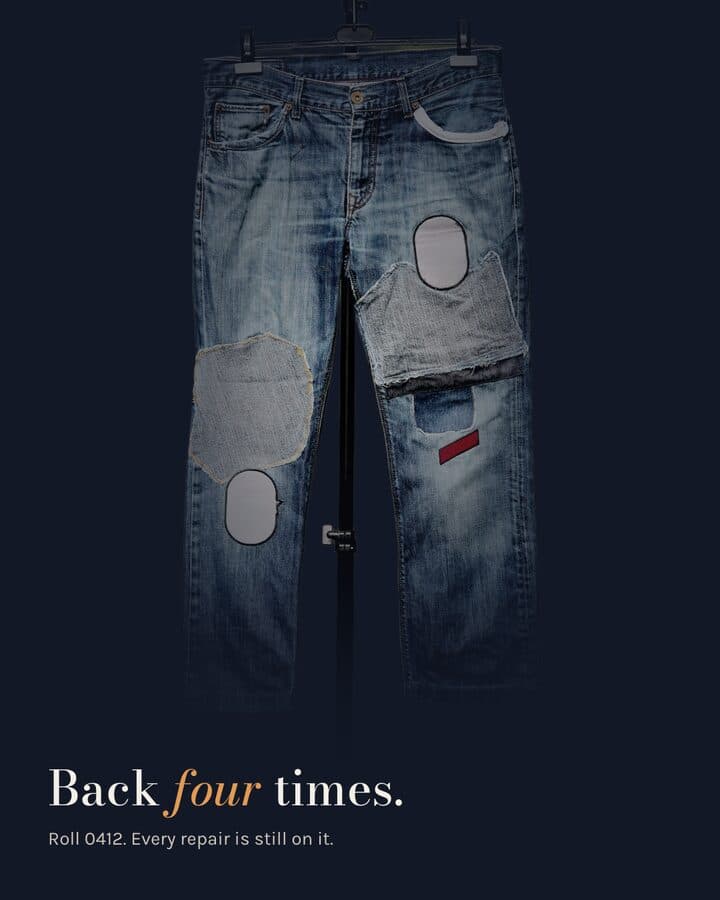 sample brand1 / 5
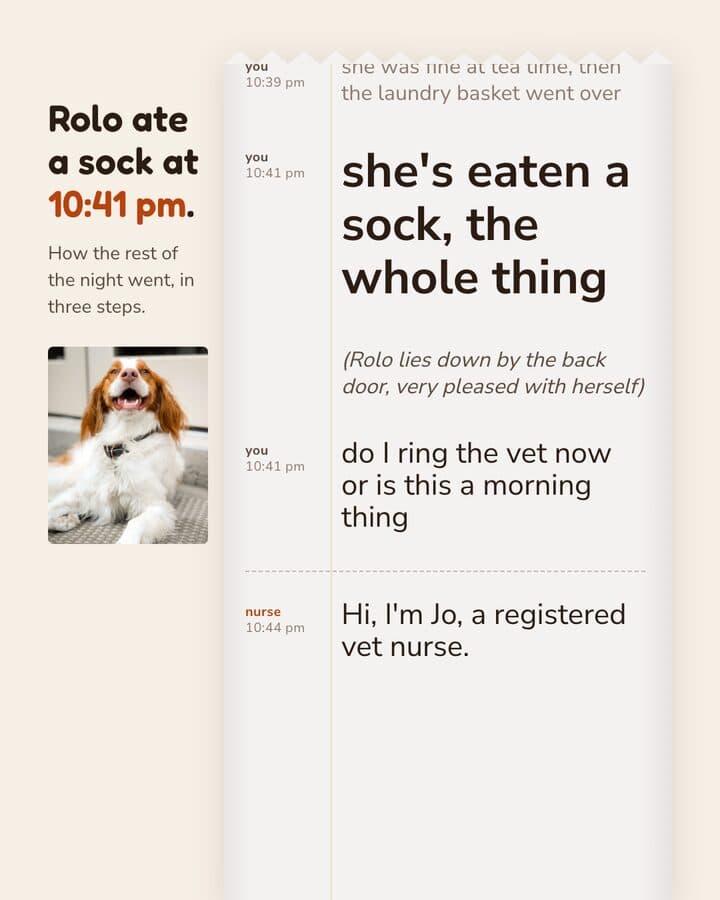 sample brand1 / 5
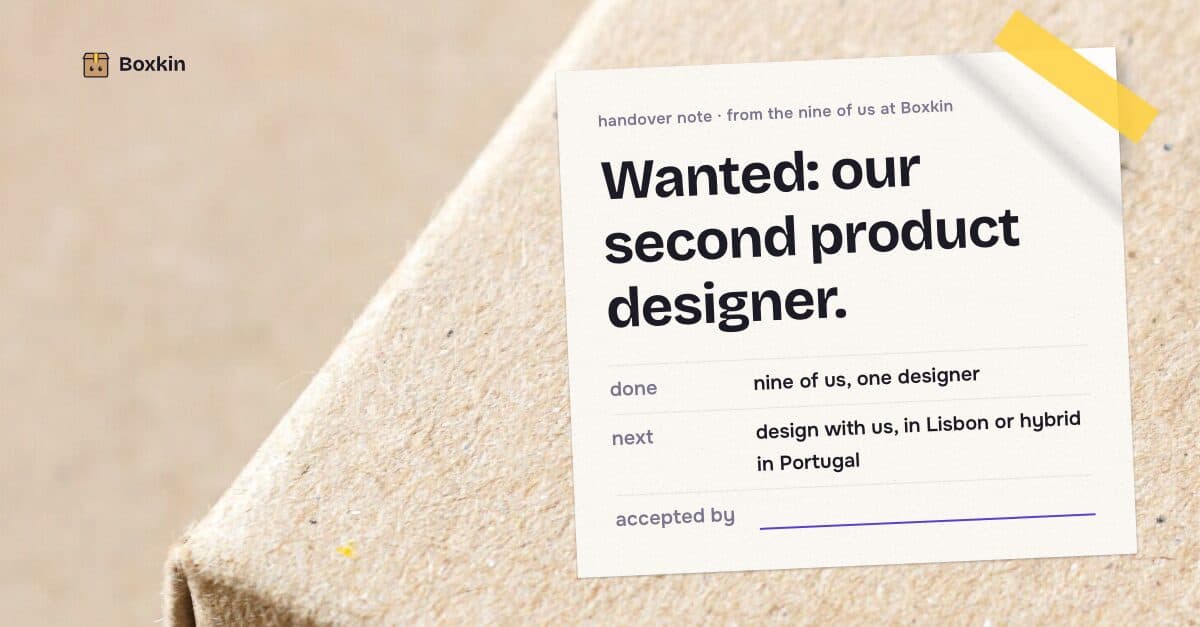 sample brand
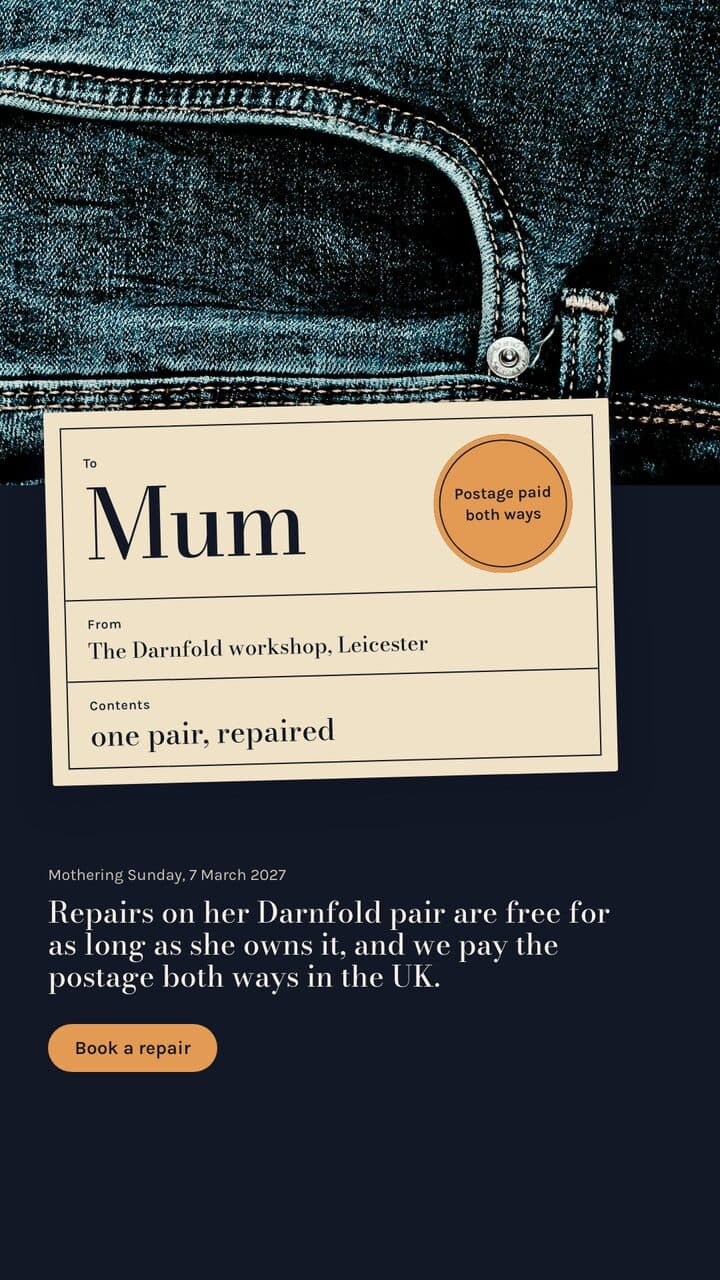 sample brand
 sample brand1 / 5
 sample brand1 / 4
 sample brand1 / 4
 sample brand1 / 3
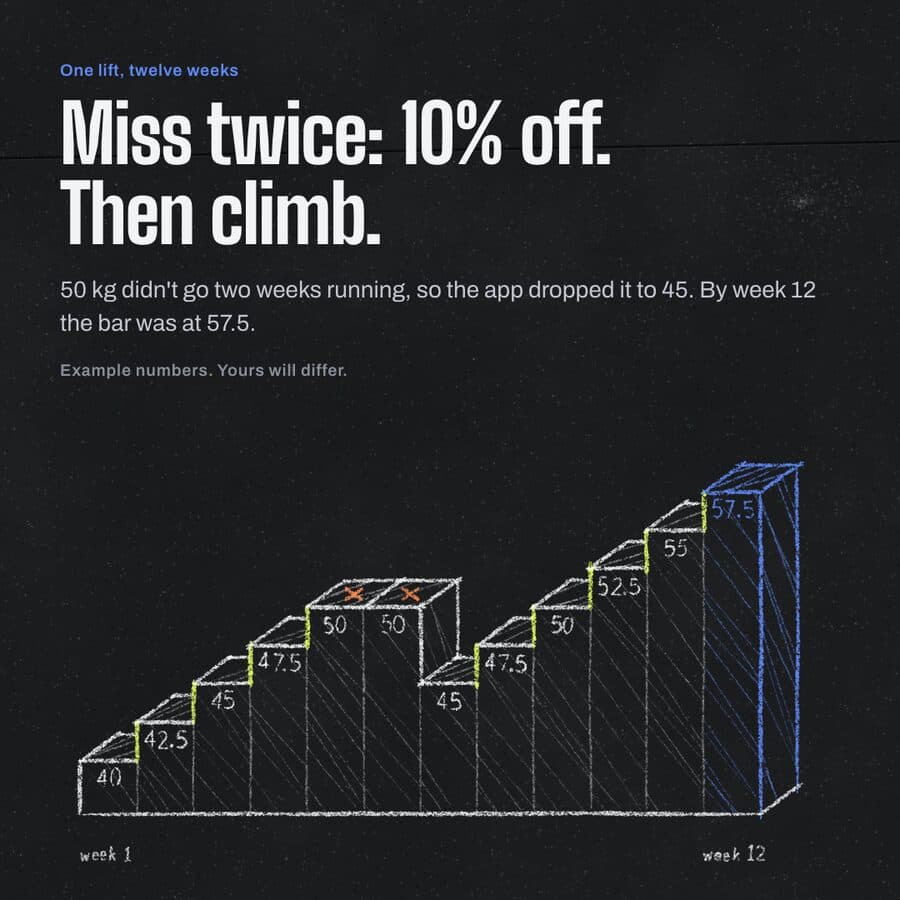 sample brand1 / 4
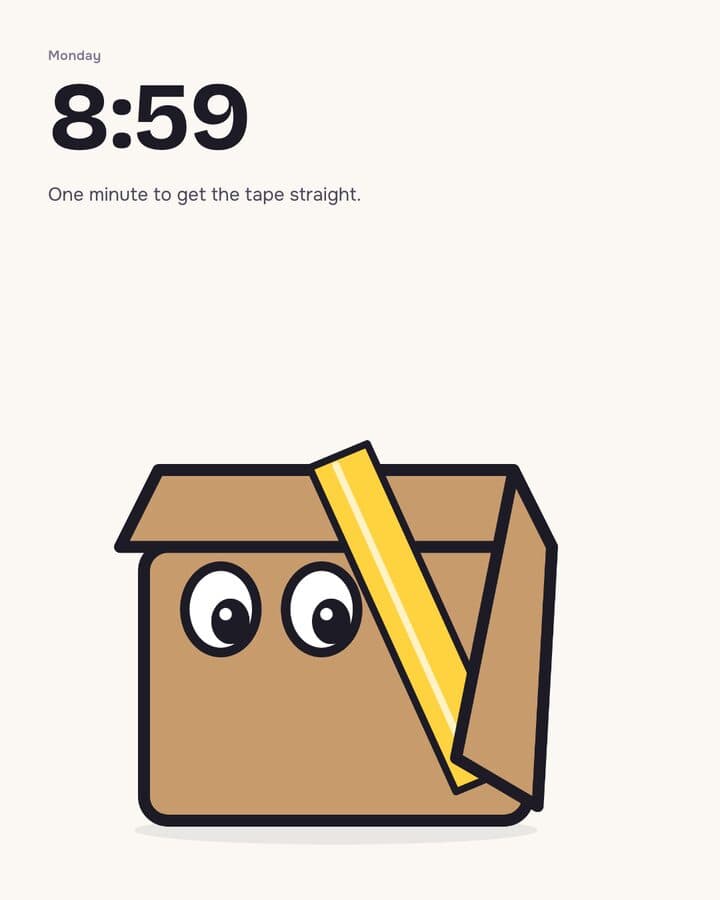 sample brand1 / 3
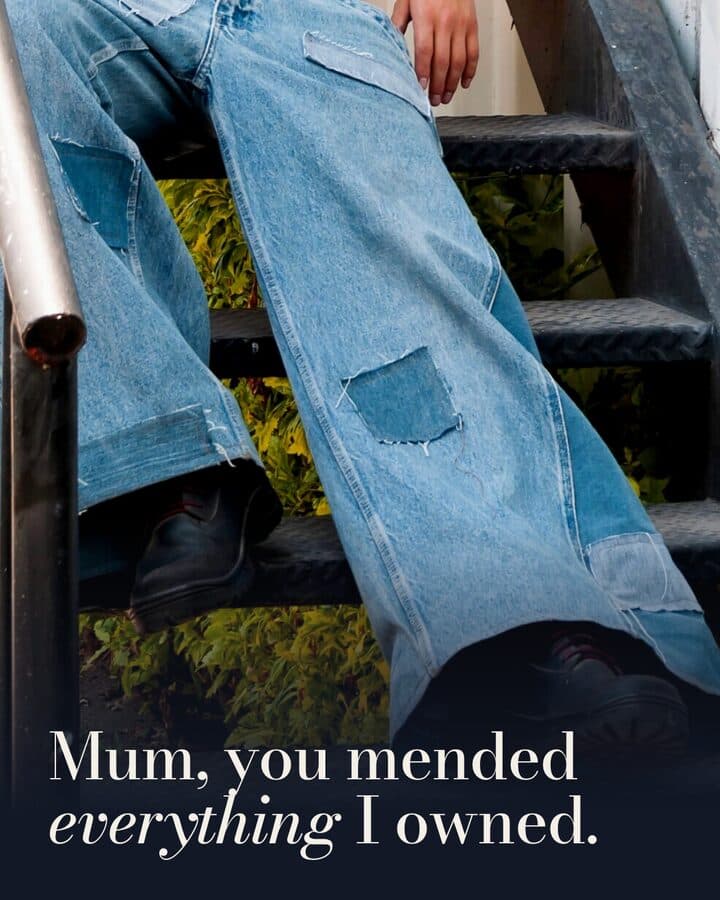 sample brand1 / 3
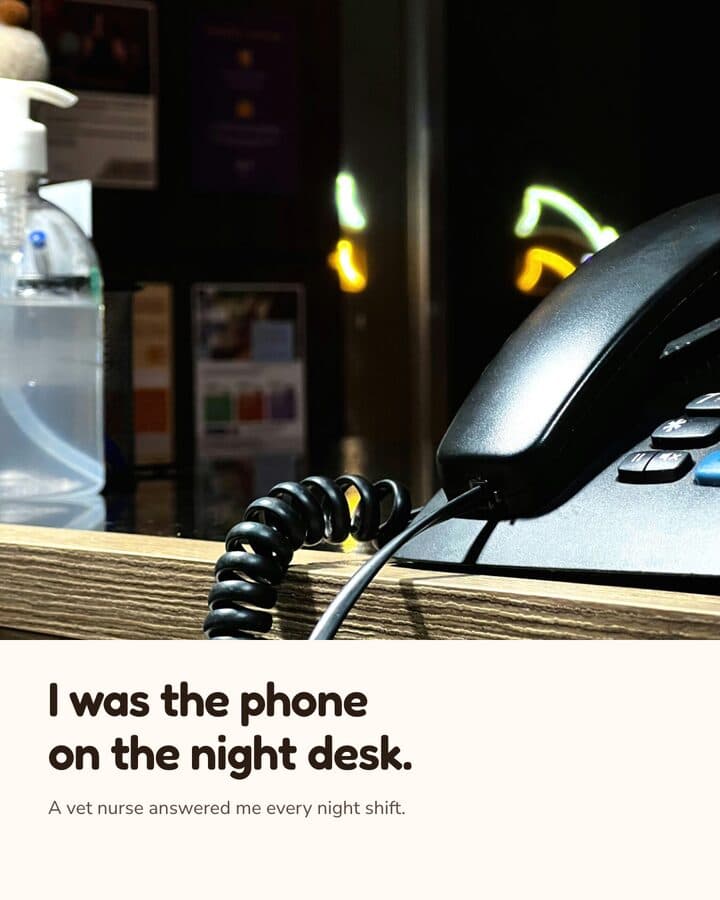 sample brand1 / 3
 sample brand1 / 4
 sample brand1 / 4
What you publish, drawn at its real size.
- 4:51080 × 1350 pxCase result announcement4:5 post, 1080x1350, PNG exportThe claim and its qualifier are fixed in the locked brief before design starts.
- 4:51080 × 1350 pxPractice area explainerMulti-slide carousel, PNG or PDFLabelled variants (V1, V2) so a partner picks the version, not a single take.
- 9:161080 × 1920 pxAttorney introduction reel9:16 reel, MP4, voice-over-timedOne timed reel build took about an hour, in June 2026.
- 1:11080 × 1080 pxSeminar or webinar invite1:1 post, 1080x1080, PNG exportDate, venue and disclaimer wording are written into the brief first.
- no fixed ratioFirm capability deckPresentation deck, PDF exportUses the colour, type and logo tokens derived at onboarding.
Your advertising is governed by conduct rules, so the claim has to hold
Lawyer advertising sits under the bar's professional conduct rules.
The rule in full
Lawyer advertising sits under the bar's professional conduct rules: a result you cite has to be accurate, and some claims need a qualifier next to them. Kamply's part of that is the paper trail. The brief is written before anything is designed and cannot carry a blank field, so the wording of a claim and its qualifier are settled in text, not decided inside a layout. Kamply never invents testimonials, user counts or traction numbers, and it will not fake a screenshot of a product or app screen. A person at your firm approves at a named stop; nothing ships itself. Reading that brief against your bar's rules is still your firm's job.
Embeds the real photo or screenshot, grades it, and places it at the exact export size.
Will not build, fake or mock up a product image or an app screen. Missing the shot means shooting it, not generating it.
Three steps, in that order.
The same order every time, whatever you hand it.
Set up the firm's brand once
Kamply reads your firm's website and asks a short set of questions, then derives colour tokens, typography, voice and logo. It takes about 10 minutes, per the setup guide. Everything designed after that references the same tokens.
Answer the interview, lock the brief
Before it designs anything, Kamply interviews you and writes the brief down: the format and ratio, the claim being made, the qualifier that has to sit with it. No field can be left blank. Then it proposes labelled variants rather than one output.
Approve, export, post it yourself
Hard preflight checks block a piece from being called done, and a person at your firm approves at a named stop. You export PNG, PDF or MP4 from your own Mac and upload it wherever it goes. Kamply does not publish or schedule.
What it actually does
Kamply designs the marketing your firm posts: social mockups, carousels, decks and finished MP4 reels.
What it does, in detail
Kamply designs the marketing your firm posts: social mockups at 4:5, 1:1 and 9:16, multi-slide carousels, presentation decks, and finished MP4 reels timed to a voice-over or to music. Onboarding derives colour tokens, typography, voice and logo from your firm's website plus a short interview, and every later piece references that same set. Every piece starts from a written brief with no blank fields, moves through hard preflight checks, and stops at a named human approval before it can be called done. The plan covers the app and the tool accounts; your own Claude Code or Codex CLI does the work.
Do not buy it for this
Kamply is not a compliance review and not a lawyer.
What it leaves to you
It has a compliance role in its build crew that reads a brief for unsupported claims and missing qualifiers, but it does not check anything against your bar's advertising rules and it approves nothing for a regulator. If you want software that clears an ad for you, this is the wrong purchase.
Questions from this industry.
If yours isn't here, ask it in the walkthrough. The form below reaches a human.
Does Kamply check our ads against bar advertising rules?
No. It has a compliance role in its build crew that flags unsupported claims and missing qualifiers inside a brief, and that is the limit of it. Kamply is not a lawyer, does not read your jurisdiction's rules, and approves nothing for a regulator. A person at your firm is the reviewer.
Will it write client testimonials or case numbers for us?
No. Kamply never invents testimonials, user counts or traction numbers. If a case number or a client quote belongs on a piece, you supply it in the interview and it goes into the written brief, where you can read it before anything is designed.
Can it post to the firm's LinkedIn and Instagram?
No. Kamply does not publish, schedule or post anything, and it does not connect to ad accounts or report on performance. It makes the file. Someone at the firm uploads it.
What do we need to run it?
An Apple silicon Mac on macOS 11 or later. The app is signed and notarized, and the project files stay on that Mac. There is no web app, no Windows build and no mobile app.
What does it cost?
One plan: $69 a month or $499 a year. Firms that want a walkthrough first can book one through the Enterprise lane. There is no free plan and no free trial.

Bring one brief to the walkthrough.
We build the first direction with your brand during the walkthrough.