

Checked 2026-08-26, both sides
Kamply vs Canva
Canva is a browser-based design tool with a large template library for social posts, presentations, videos, docs and print.
- Kamply only
- 4
- Both or neither
- 8
- Canva only
- 5
Counted from the 17 capability rows below, price excluded. A row counts for one side only when that product does the thing and the other does not.
Who should buy Canva
Anyone who wants to start free, design from any device including a phone, and hand files to teammates who edit the same design at the same time.
Who should buy Kamply
You want the work made for you against a locked brief and checked by automated gates, with brand tokens pulled from your own site instead of a template you style yourself.
You pay for Claude Max or ChatGPT Pro ($100+ a month). Kamply runs on it; AI usage is not included.


Where Canva is the better buy.
If one of these is the job you need done, buy Canva.
It starts from a template library
Canva has a large library of templates for social posts, presentations, videos, docs and print, and you restyle one yourself. Kamply interviews you first and builds each piece from a locked brief.
Teammates edit the same design together
Several people can work in one Canva design at the same time. Kamply is a Mac desktop app, and you approve the work before it is called done.
It runs in a browser and on a phone
Canva works in a browser and in mobile apps, and it has a free plan. Kamply is a Mac app for Apple silicon. It has no web version, no mobile app and no free plan.
It posts to your accounts
Canva can publish a design to your social accounts. Kamply stops at your approval and hands you the files, so you still need a scheduler or you post by hand.
Kamply exports the files to a folder on your Mac and does not schedule or auto-post, so you upload them yourself or through a scheduler you already use.
Finished work, built in the app.
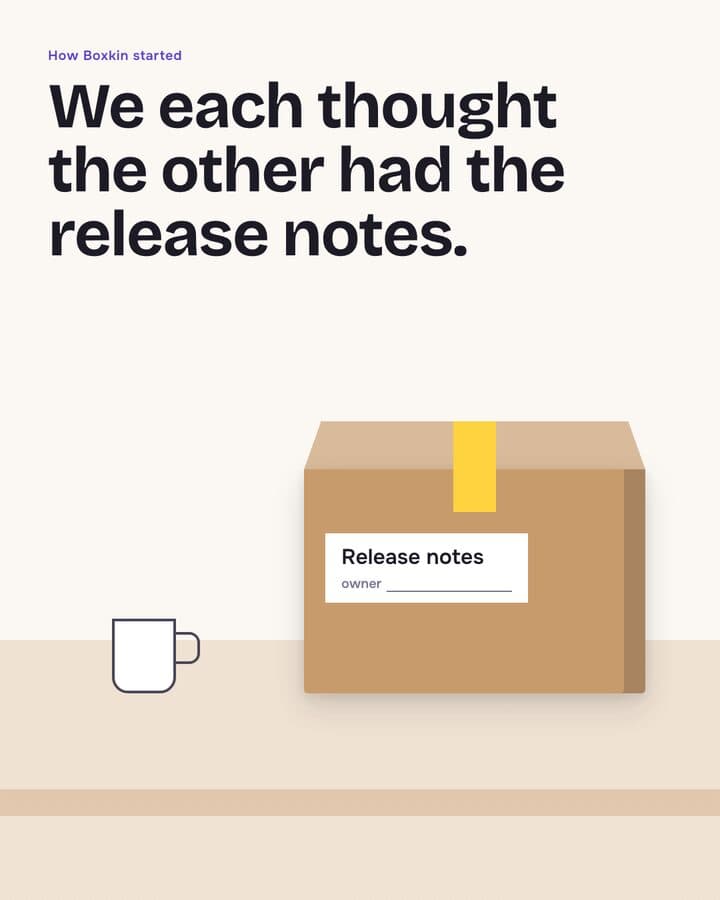
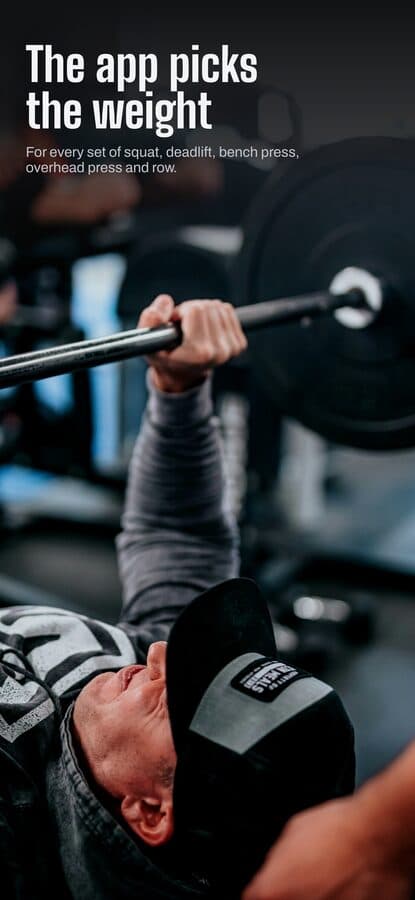
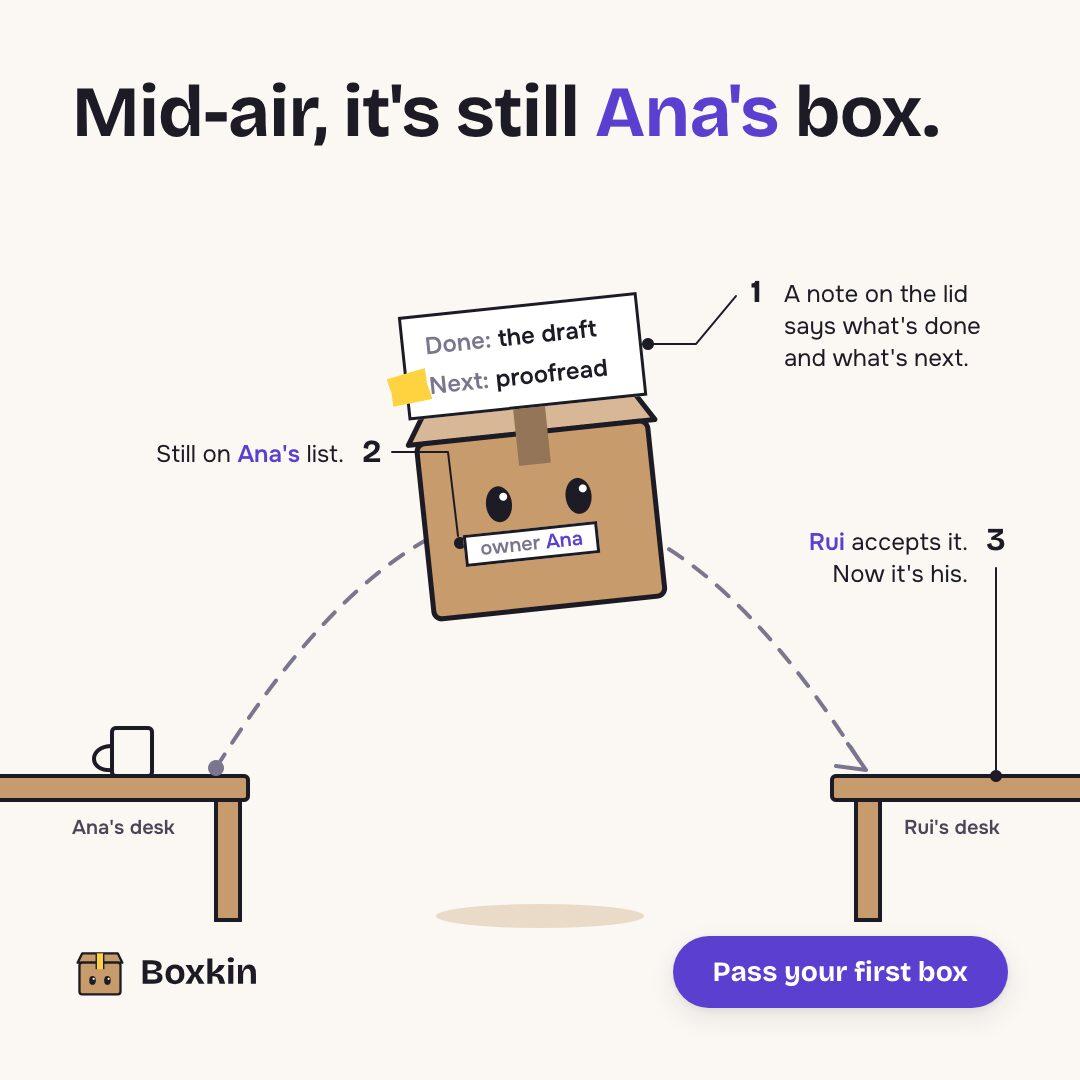
Every piece here was built in Kamply at the size it ships. Sample brands are labelled as such.
 1 / 6
1 / 6 1 / 5
1 / 5 1 / 8
1 / 8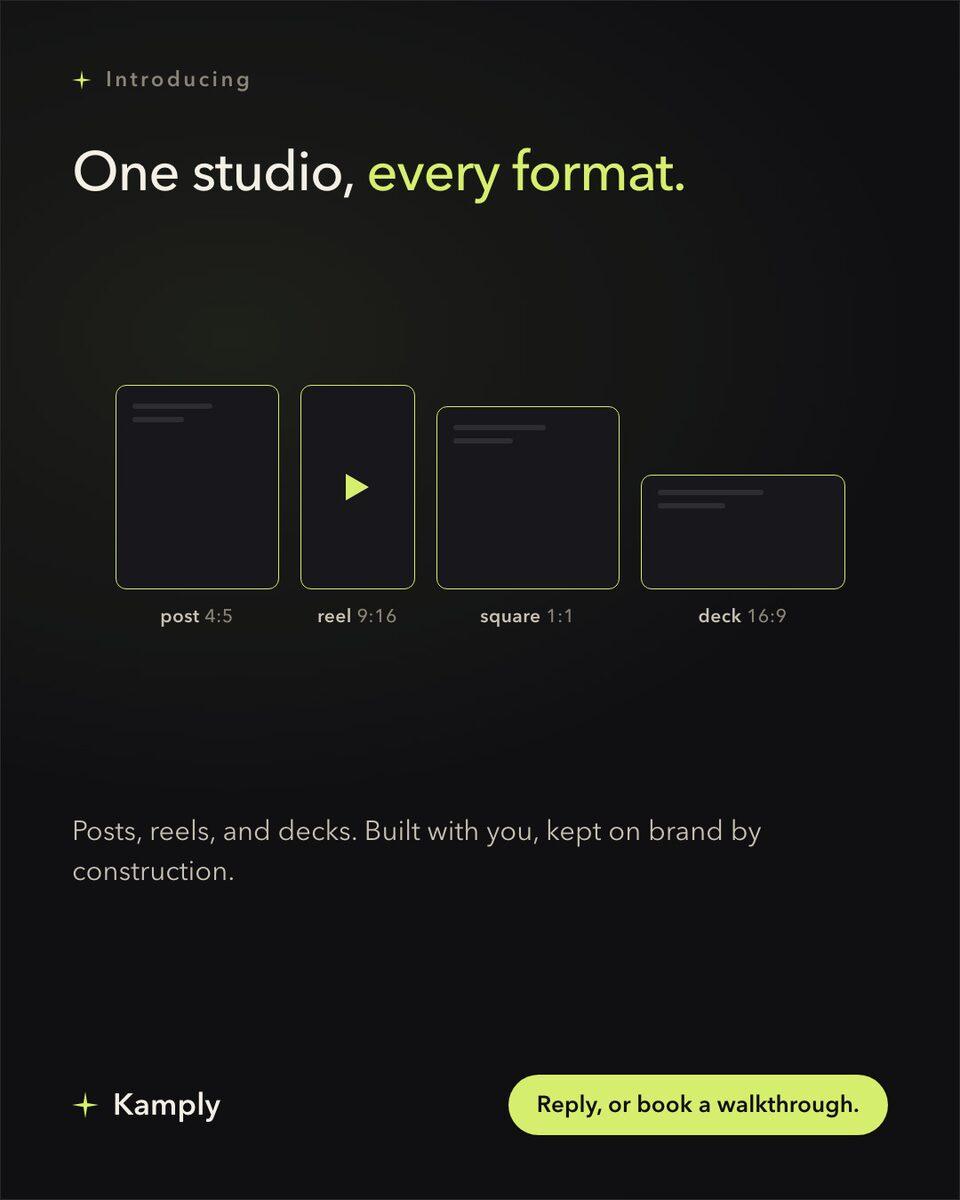
Sample brands from the app’s library
Darnfold, Boxkin, Woofstead and Latelift are invented brands, so every figure in their work is fictional.
 sample brand
 sample brand1 / 6
 sample brand1 / 5
 sample brand
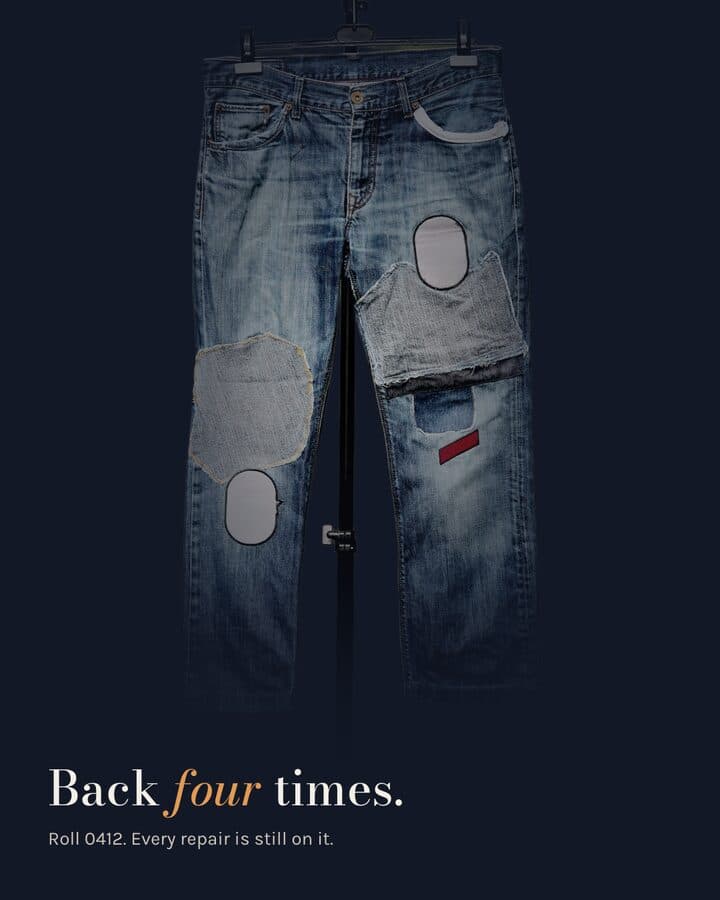 sample brand1 / 5
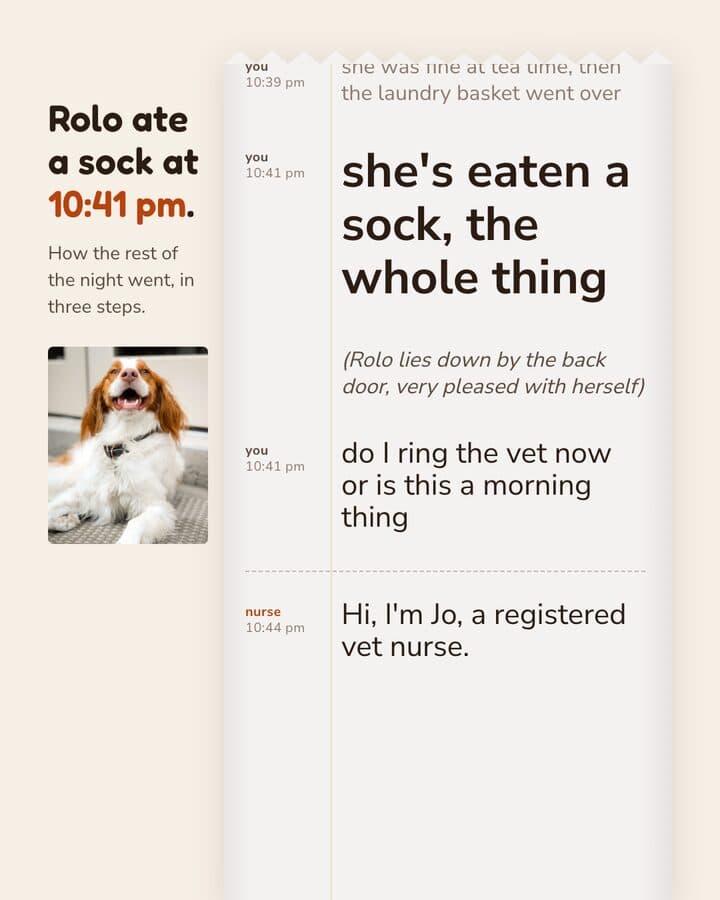 sample brand1 / 5
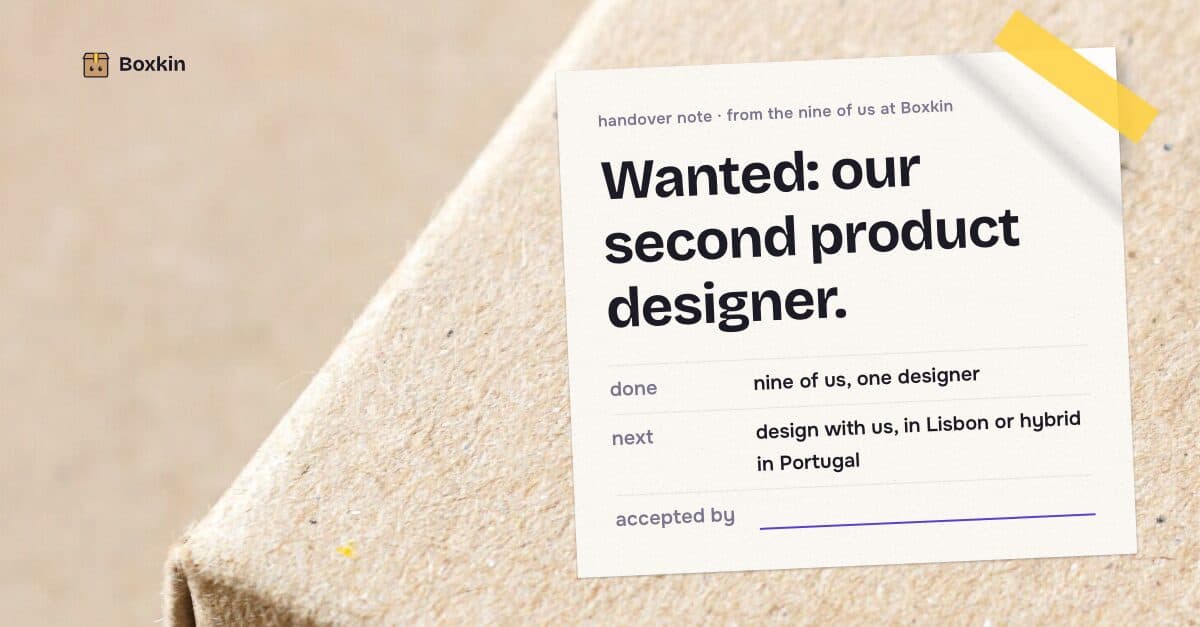 sample brand
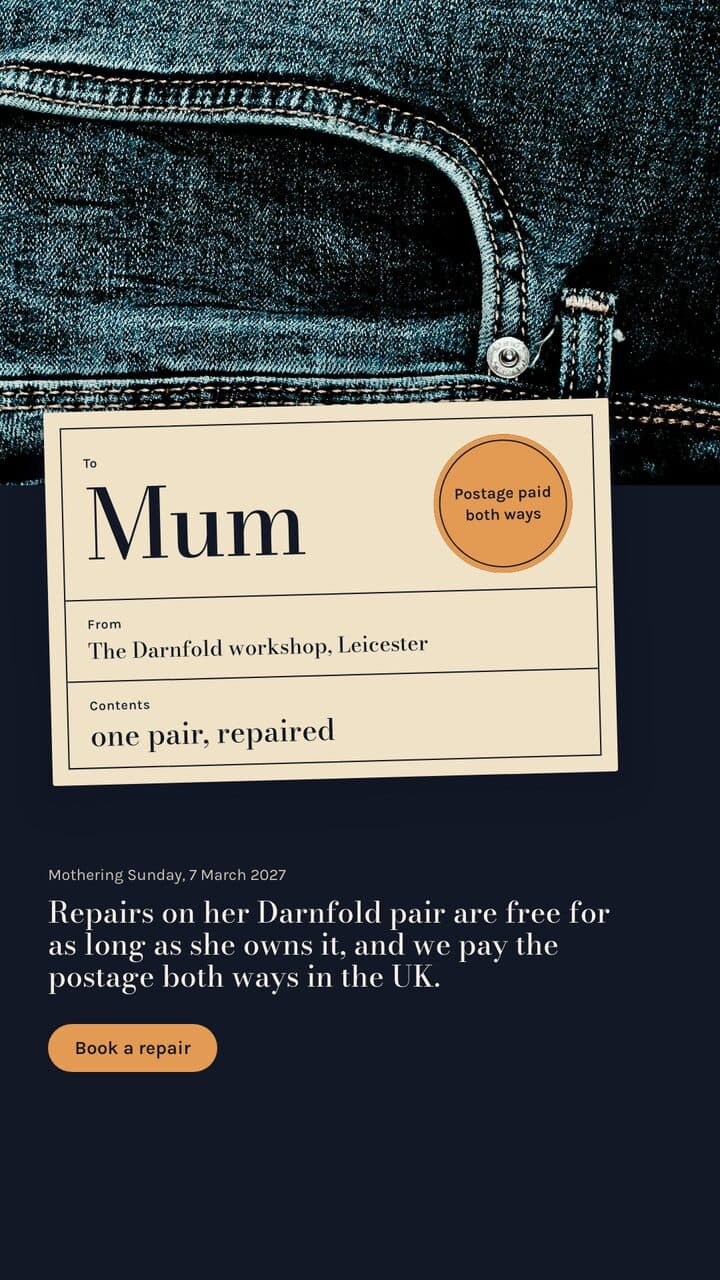 sample brand
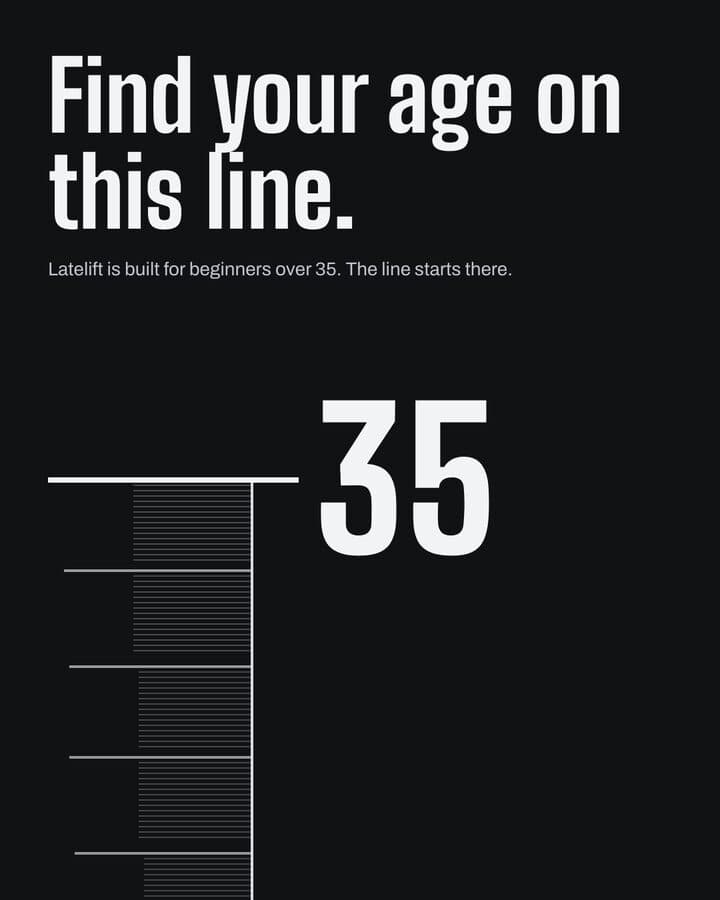 sample brand1 / 5
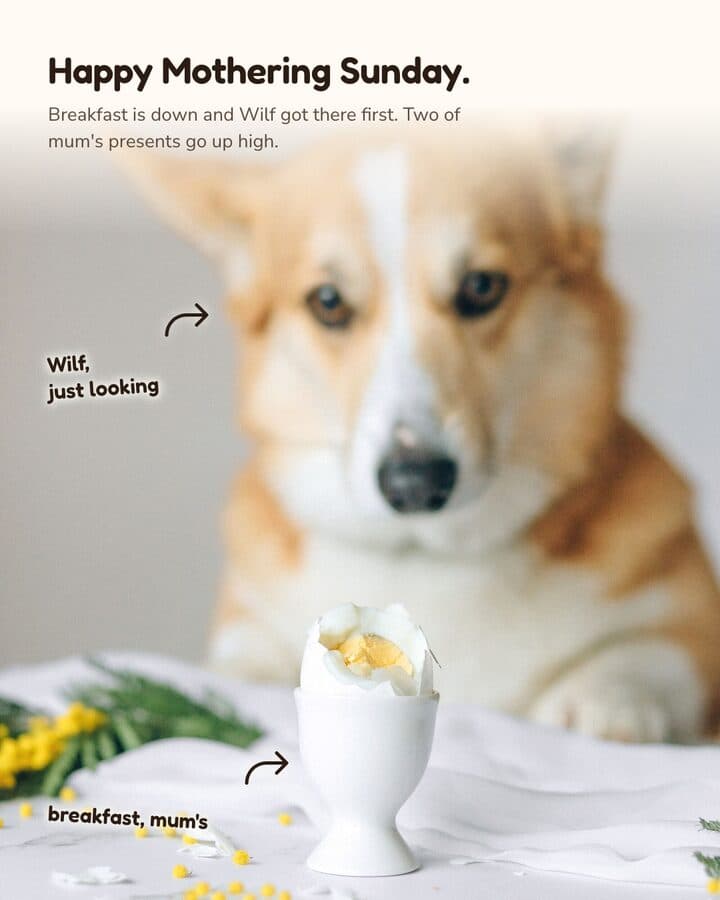 sample brand1 / 4
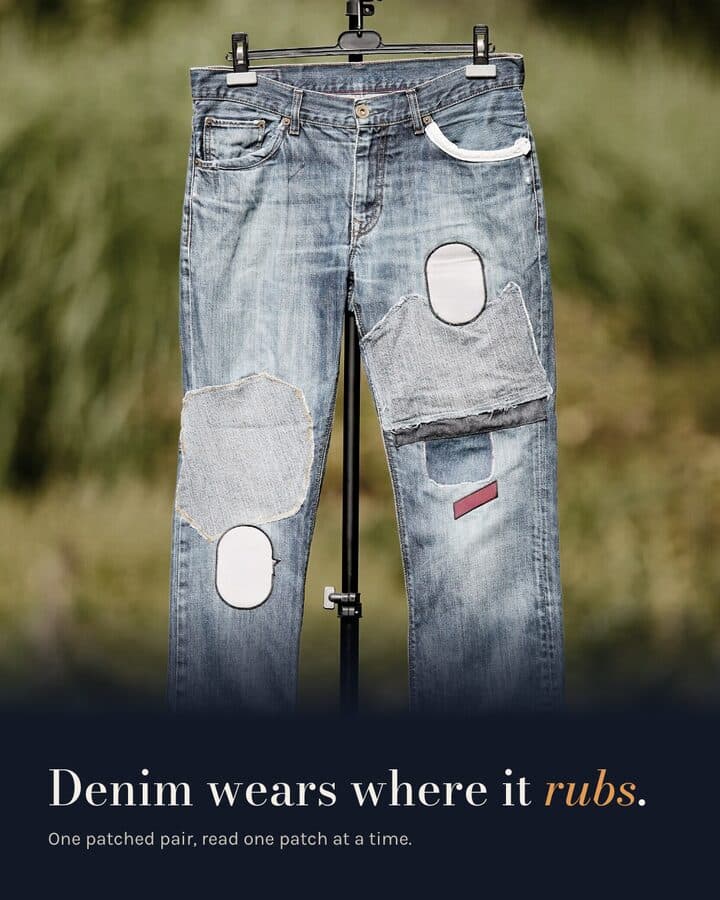 sample brand1 / 4
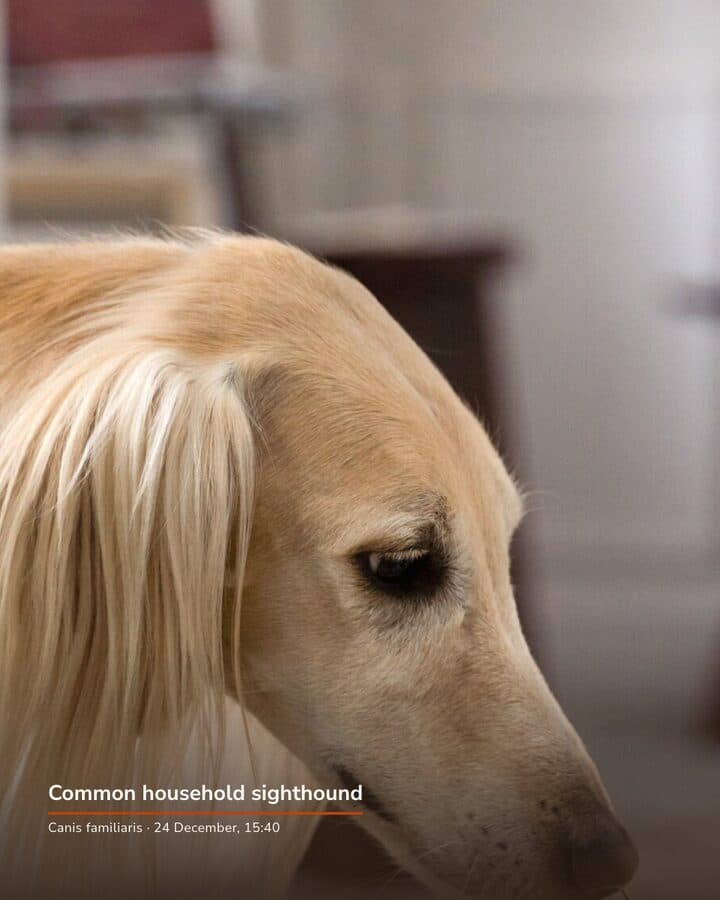 sample brand1 / 3
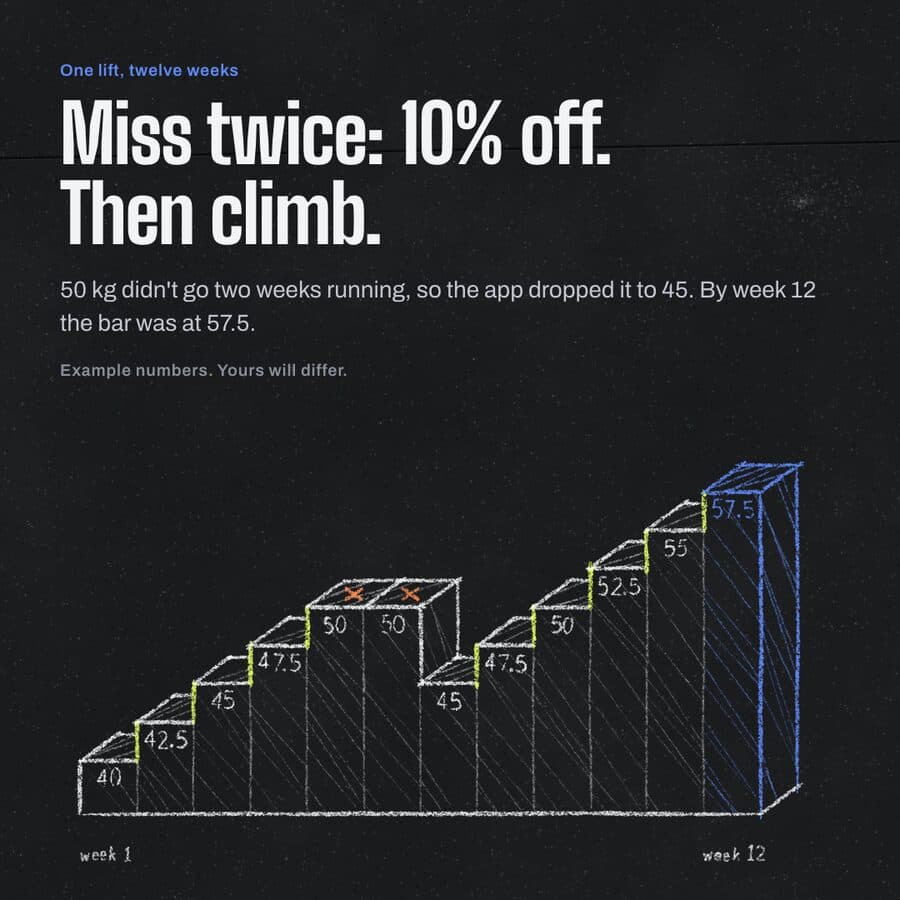 sample brand1 / 4
 sample brand1 / 3
 sample brand1 / 3
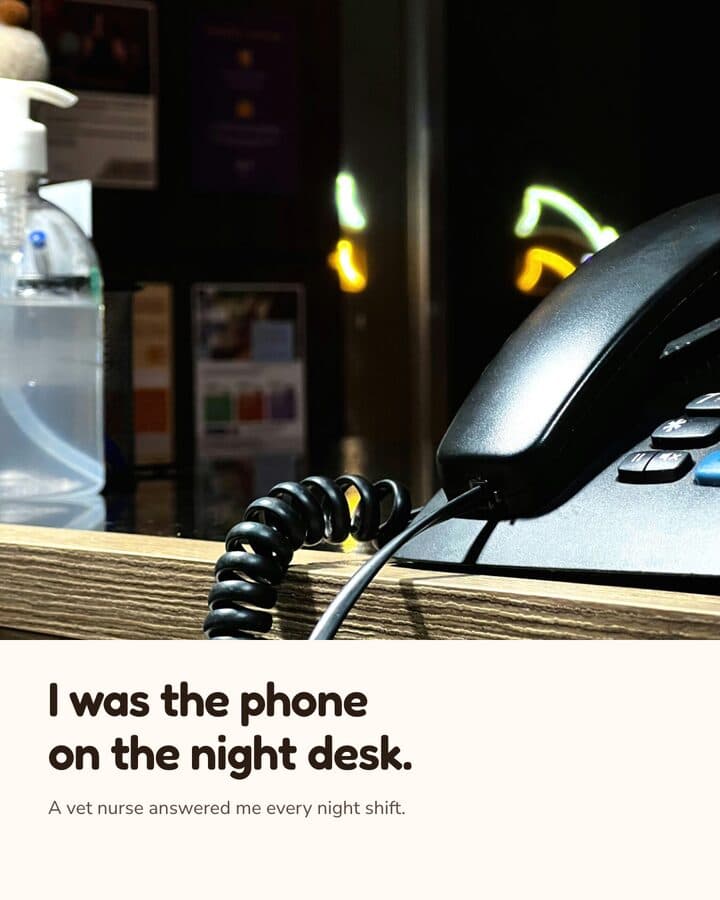 sample brand1 / 3
 sample brand1 / 4
 sample brand1 / 4
Row by row, including the ones we lose.
Where a product does not publish an answer, the cell says so rather than guessing.
| Checked 2026-08-26 | Kamply | Canva |
|---|---|---|
| Price | ||
| Cheapest paid plan | $69/mo | Not published |
| Free plan or trial | No | Yes |
| Where it runs | ||
| Mac desktop app | Yes | Yes |
| Runs in a browser | No | Yes |
| iPhone or Android app | No | Yes |
| Public API | No | Yes |
| What it makes | ||
| Posts at exact platform ratios | Yes | Yes |
| Finished video files | Yes | Yes |
| Multi-slide carousels | Yes | Yes |
| Presentation decks | Yes | Yes |
| Generates footage with AI models | No | Not published |
| How it stays on brand | ||
| Reads your site for colour and type | Yes | Partly: Brand kit, set by hand |
| Locks a written brief first | Yes | No |
| Blocks its own output on failed checks | Yes | No |
| What happens next | ||
| Publishes or schedules for you | No | Yes |
| Reports on performance | No | Not published |
| AI avatars or lip-sync | No | Not published |
| Files stay on your machine | Yes | No |
Kamply's price is the monthly interval; the yearly rate is on the pricing page. Product names and logos belong to their owners and are used here to identify the products being compared.
Questions before you pick.
If yours isn't here, ask it in the walkthrough. The form below reaches a human.
Does Kamply replace Canva?
Not row for row, and this page does not pretend otherwise. Anyone who wants to start free, design from any device including a phone, and hand files to teammates who edit the same design at the same time. You want the work made for you against a locked brief and checked by automated gates, with brand tokens pulled from your own site instead of a template you style yourself.
Is Kamply cheaper than Canva?
Canva does not publish a price we could verify, so this page leaves that cell blank rather than guess. Kamply is $69 a month, with a yearly rate on the pricing page.
Can I try either one for free?
Canva has a free plan. Kamply does not, and there is no free trial either. The way to see it on your own brand before paying is the walkthrough: Akash builds a first direction and you keep the files.
Does Kamply work in a browser like Canva?
No. Canva runs in a browser; Kamply is a Mac desktop app and nothing else. There is no web version, no Windows build and no mobile app. If you need to work from a phone or a PC, that is a real reason to pick Canva.
How current are the facts on this page?
Every cell was checked against the Canva site on 2026-08-26. Where the product does not publish an answer, the table says "Not published" instead of guessing. If something here is out of date, it is a mistake worth telling us about rather than a claim we are defending.

Bring one brief to the walkthrough.
We build the first direction with your brand during the walkthrough.