

Background removal in Kamply
Background removal that measures its own edge
BiRefNet runs on your Mac's GPU and writes a soft-alpha PNG beside the original.
The longer description
BiRefNet runs on your Mac's GPU, writes a soft-alpha PNG beside the original, and the alpha check reads coverage, halo and edge width, with the halo signed against your brand's canvas colour, before the cutout goes into a post.
Finished work, built in the app.
Every piece here was built in Kamply at the size it ships. Sample brands are labelled as such.
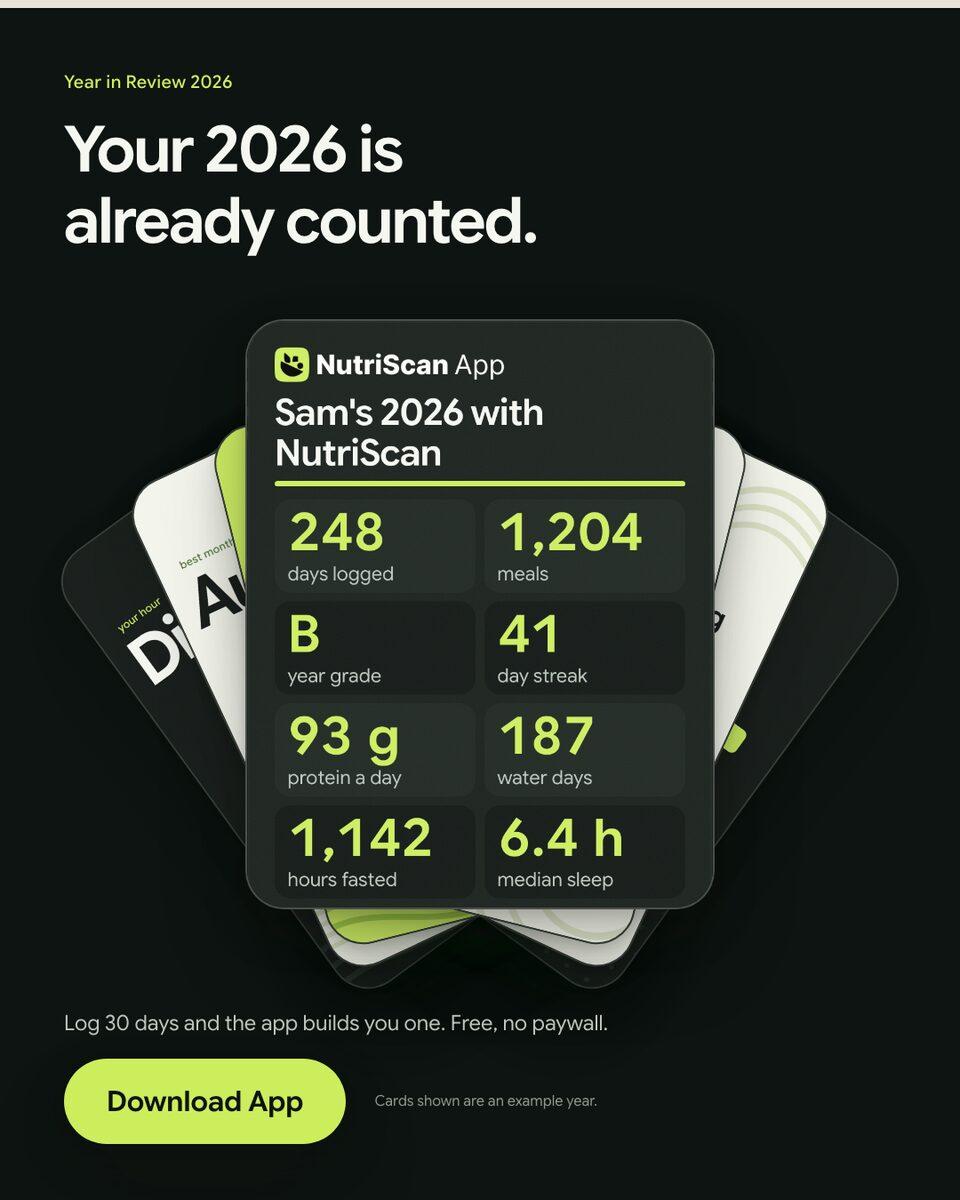
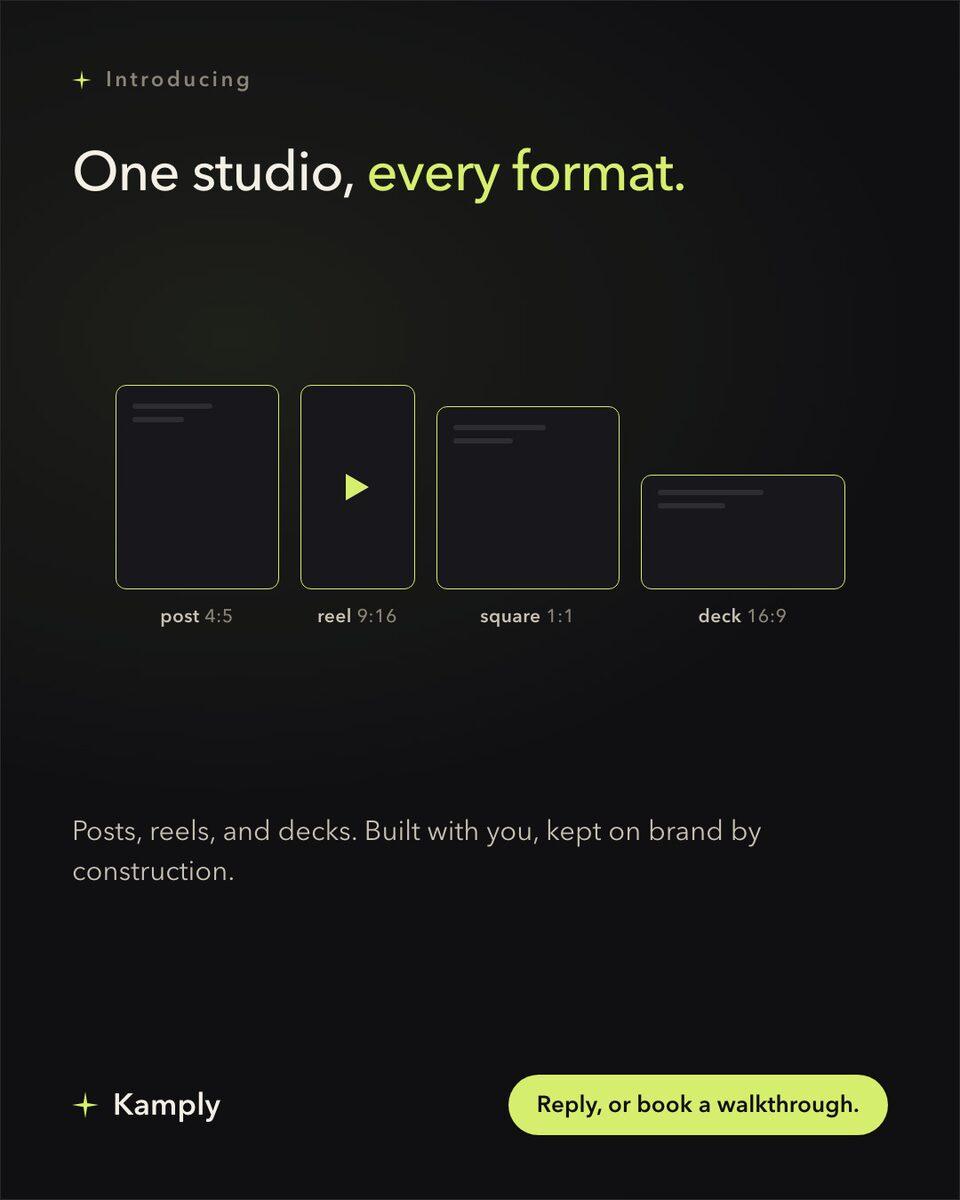
Sample brands from the app’s library
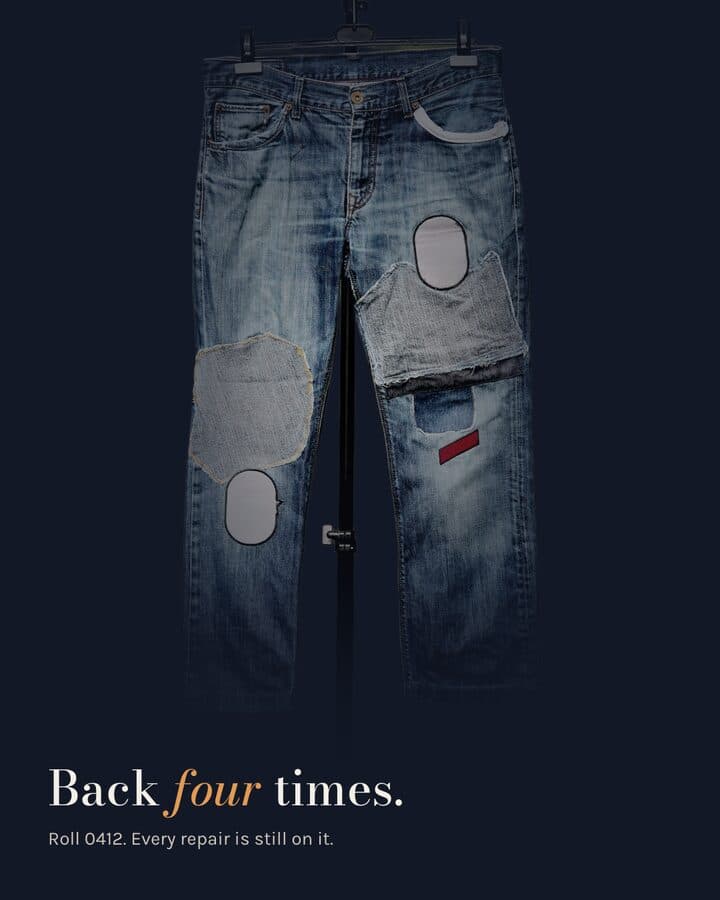
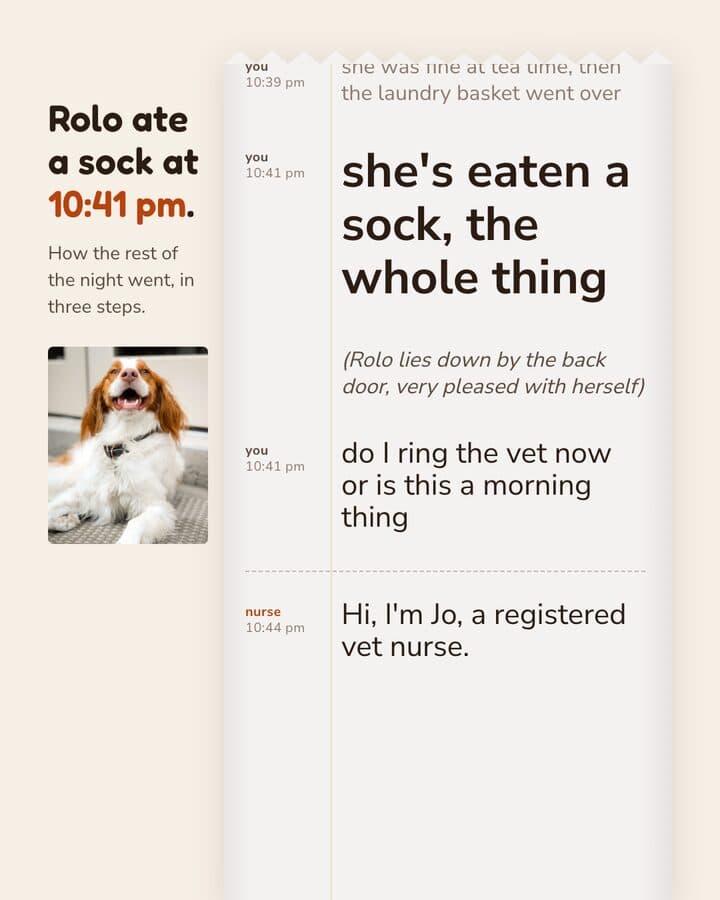
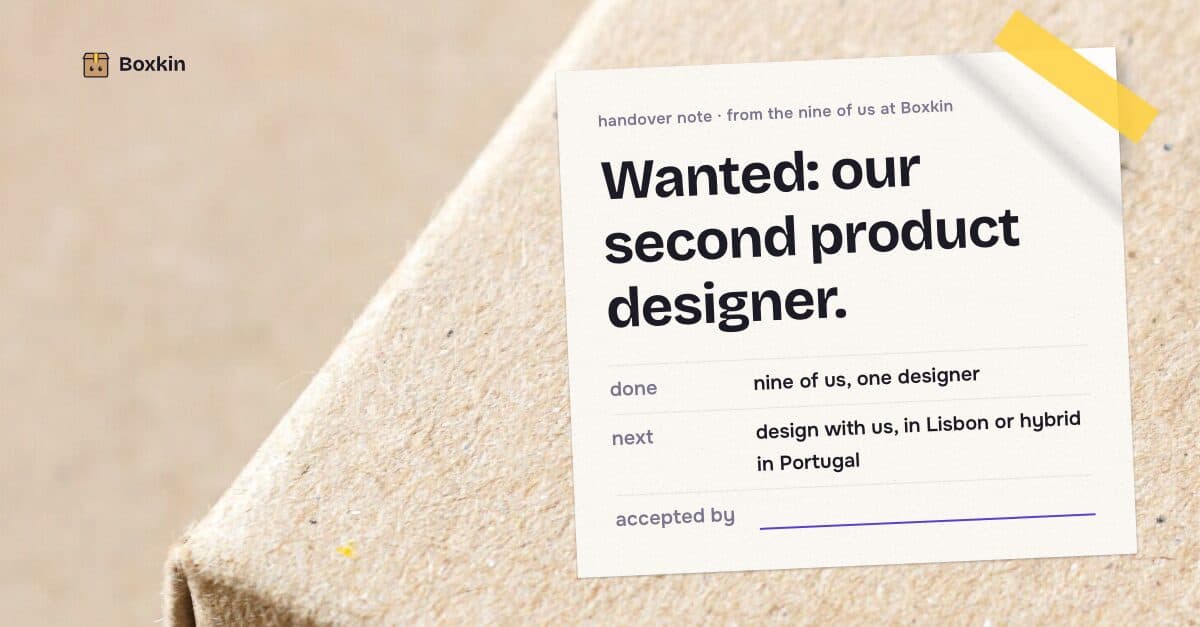
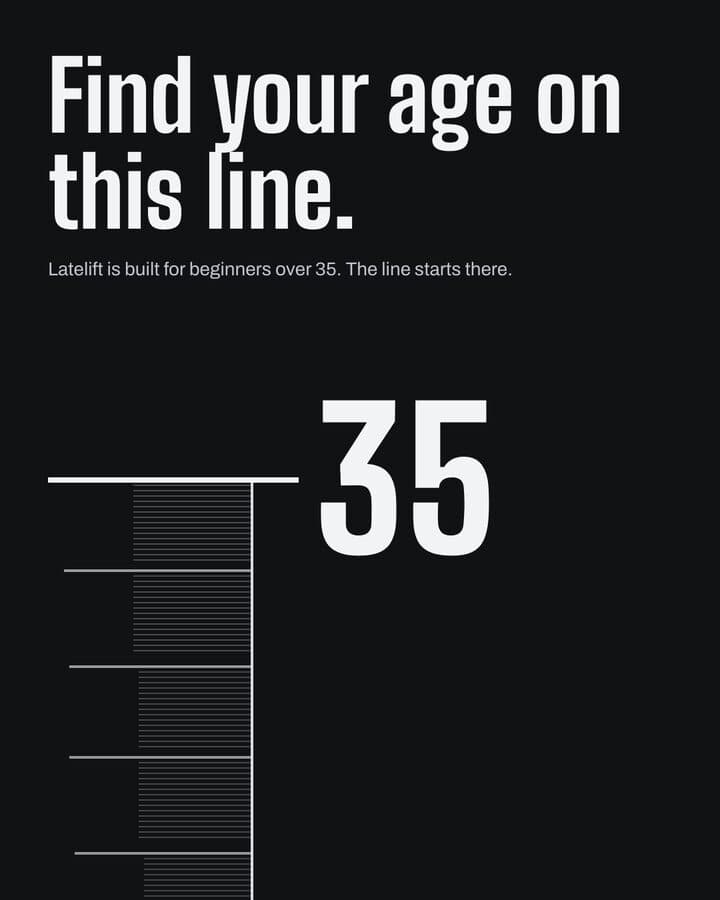
Darnfold, Boxkin, Woofstead and Latelift are invented brands, so every figure in their work is fictional.
 sample brand
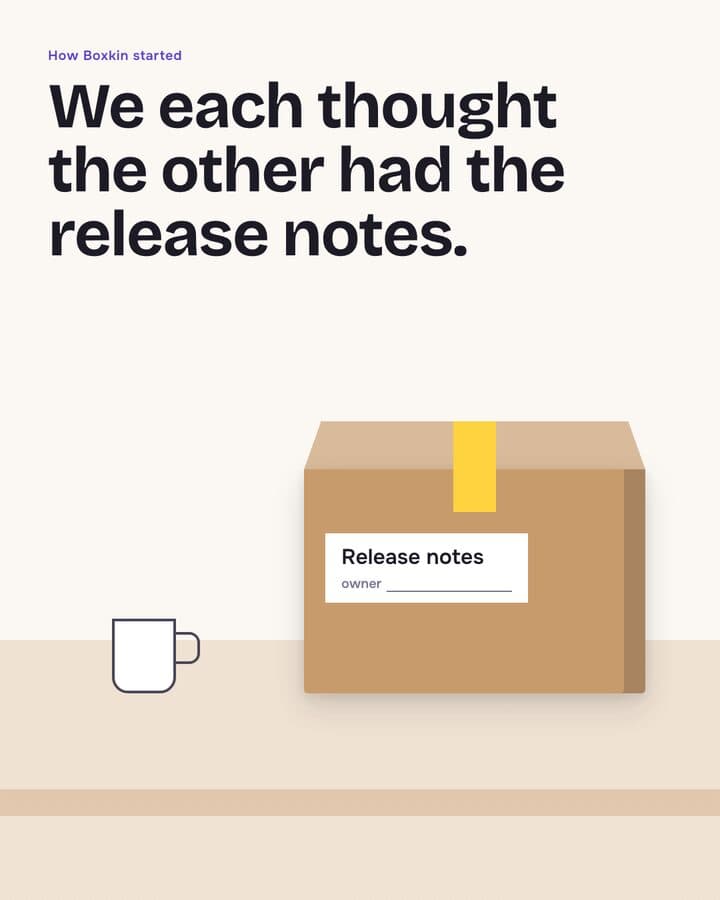 sample brand1 / 6
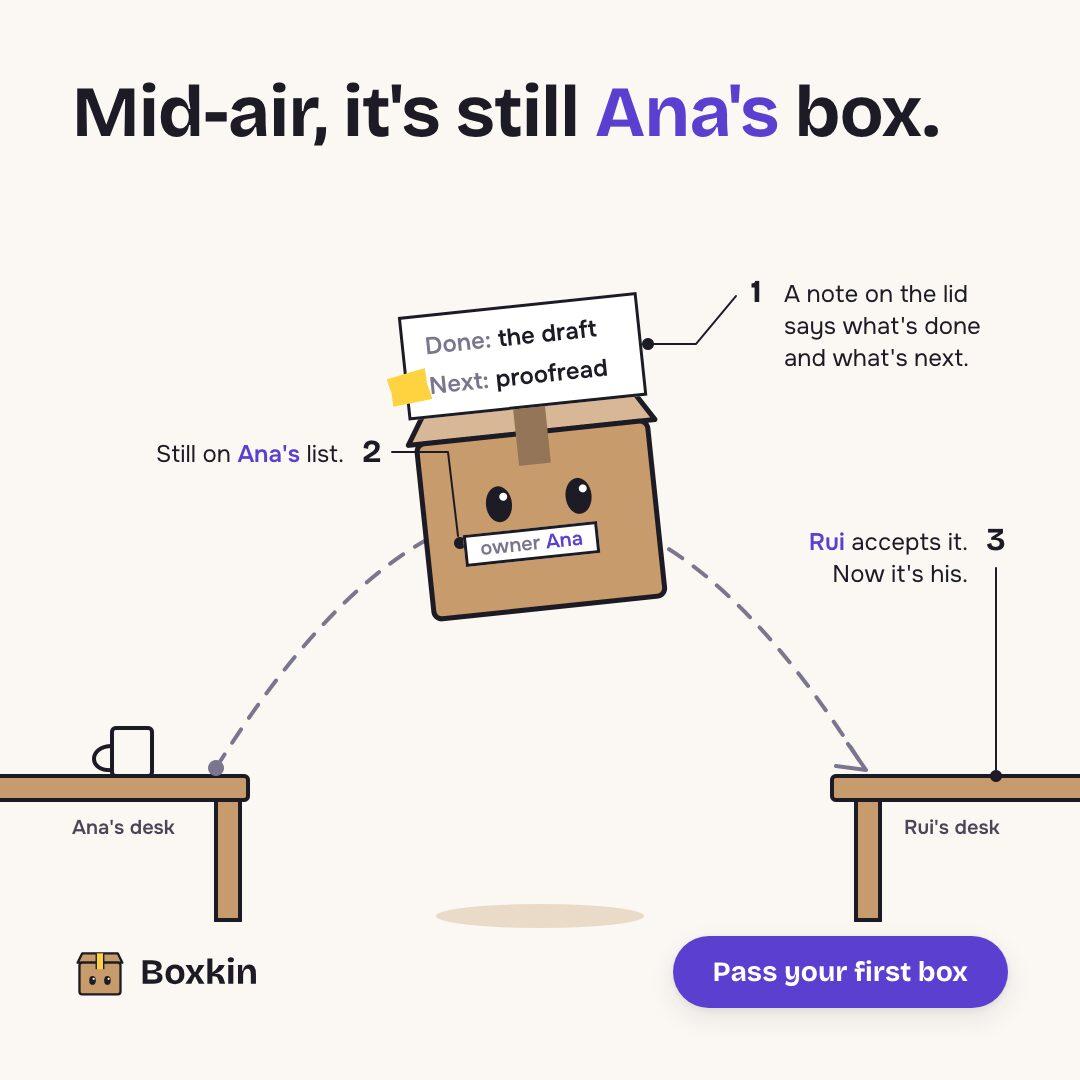 sample brand
 sample brand1 / 5
 sample brand1 / 5
 sample brand
 sample brand
 sample brand1 / 5
 sample brand1 / 4
 sample brand1 / 4
 sample brand1 / 3
 sample brand1 / 4
 sample brand1 / 3
 sample brand1 / 3
 sample brand1 / 3
 sample brand1 / 4
 sample brand1 / 4
What alpha-check reads before a cutout can go into a post
Negative means the fringe sinks into your canvas colour, which is what a clean matte usually reads.
Above 6.0 px it only warns: very soft, fine for hair and fur.
Every number on these rails is a constant in the engine's alpha_check.py, where coverage runs 0.02 to 0.98, a halo of +35 hard fails, and the edge band only warns below 0.6 px or above 6.0 px.
What it actually does
Kamply is a Mac desktop app.
What it does, in detail
Matting is not its default route to a cutout. The engine probes the ready-made PNG shelf first, and a matte has to record why the shelf lost. When it is the right call you ask in the embedded terminal, and nobg.sh loads BiRefNet locally, mattes at its 1024px training resolution, and writes name--nobg.png next to the original, which is never touched. About 2 to 6 seconds an image on an Apple M4. Then alpha-check measures the edge before the post gate will accept it.
What this is not
This is not a browser tool.
What it leaves to you
There is no upload box here and no remove background button in the app. The cutout happens on your Mac, in a paid desktop app, on a file already sitting in your project folder.
How it runs, start to finish
Three steps, in the order the app actually does them.
Ask for it in the terminal
There is no remove background button. You ask in the embedded terminal, and the crew runs nobg.sh on the image already in your project folder. For a person who has to mirror the viewer that is the right call. For an object or a plate of food the engine wants a ready-made cutout instead, and it makes you say why the shelf lost.
BiRefNet mattes it on your Mac
The model loads locally and runs on the Mac's GPU, about 2 to 6 seconds an image on an M4. The mask is resized back to the source's full width and height and applied with no threshold, so hair and fur keep their soft edge.
The edge gets measured
alpha-check reports coverage, halo and edge band width, and writes a peek PNG of the cutout on your brand's canvas colour. A halo names its own fix, imgedit.sh dehalo, which erodes the alpha inward and invents no colour.
The numbers, and where they come from
Every figure on this page comes from Kamply's build log or a named published source. Nothing is modelled.
- Model
- BiRefNet, run locally
- Time per image
- About 2 to 6 seconds
- Output
- PNG with 8-bit alpha
- Formats in
- jpg, jpeg, png, webp, bmp, tif, tiff
- Halo hard fail
- +35 on a 0 to 255 scale
- First run download
- About 2 to 3 GB, plus weights
What each number means
- Model
- ZhengPeng7/BiRefNet through transformers, on your own machine
- Time per image
- Measured on an Apple M4, 10-core, 16 GB, using the Mac's GPU
- Output
- Written beside the input as name--nobg.png. The original is never changed
- Formats in
- Any other still extension is refused by name instead of guessed at. Video files route to the clip path and come back as a ProRes 4444 alpha .mov
- Halo hard fail
- Signed towards your brand's canvas colour, read from tokens.css
- First run download
- torch and its dependencies, then 880 MB of BiRefNet weights on top. Never part of the app install
Questions people actually ask
If yours is not here, ask it in the walkthrough. The form below reaches a human.
Can I upload an image on this page and get a cutout back?
No. This site has one backend surface, the walkthrough form, so there is nowhere to send a file. The free tools here do their whole job in your browser, and background removal happens in the Mac app on a file already in your project folder.
Does the image leave my Mac?
No. BiRefNet runs on your machine through transformers, so the matte is computed on your Mac and the image itself is never uploaded anywhere. The only thing that comes over the network is the model: about 880 MB of weights, pulled once and then cached. The hosted version of this model was turned down in the decision record for exactly that reason, because it uploads every client image to a public third-party space. The model does no sampling, so the same file and the same weights give you the same PNG every run.
What does the alpha check catch, and what does it miss?
It hard-fails coverage at or above 98 percent, which means nothing was removed, coverage at or below 2 percent, which means the subject was destroyed, and a halo at or above +35 on a 0 to 255 scale. Edge width only warns. It does not catch segmentation mistakes, so a chopped arm or a scrap of floating debris passes every number. That is why every check writes the peek for you to look at.
Why would the same cutout pass for one brand and fail for another?
The halo is signed towards your canvas colour, read from tokens.css. A dark fringe sinks into a dark field and rings on a light one, so the verdict follows the background the cutout will actually sit on. Grade it against some other background colour and you learn nothing about the post it is headed for.
Can it sharpen a small or low-resolution image?
No. Kamply has no upscaler. The engine's rule runs the other way. Stock photos are fetched at original resolution, because the 1300px default was reading soft in a 1080 wide frame and a board got rejected over three 867x1300 photos. A small source gives you a small cutout.
What do I need to run it?
An Apple silicon Mac on macOS 11 or later. Kamply is a signed, notarized DMG, with no web version, no mobile app, no background removal API and no batch panel. Background removal is not installed with the app. The first run prints one pip install line and exits, then pulls about 2 to 3 GB of torch and 880 MB of weights, once.

Bring one brief to the walkthrough.
We build the first direction with your brand during the walkthrough.