

Only the agent writes files
One agent writes the files, you approve the render
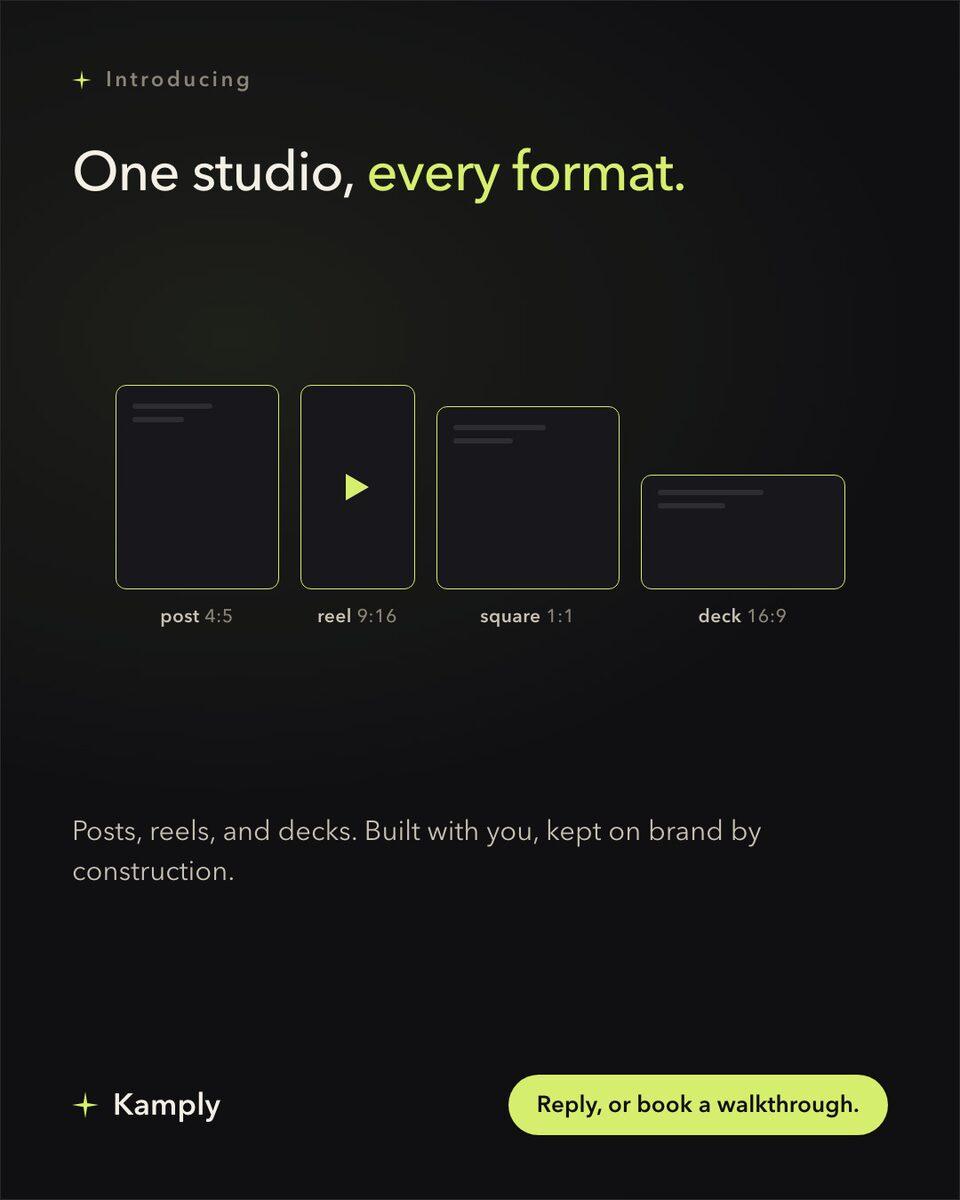
If you want a Cursor for marketing, Kamply is a Mac app where an agent writes every file.
The longer description
A terminal running the bundled Claude CLI sits docked beside a gallery of your posts, and every post, brief and caption changes by asking it. The window shows you the result and never edits the deliverable.
Finished work, built in the app.
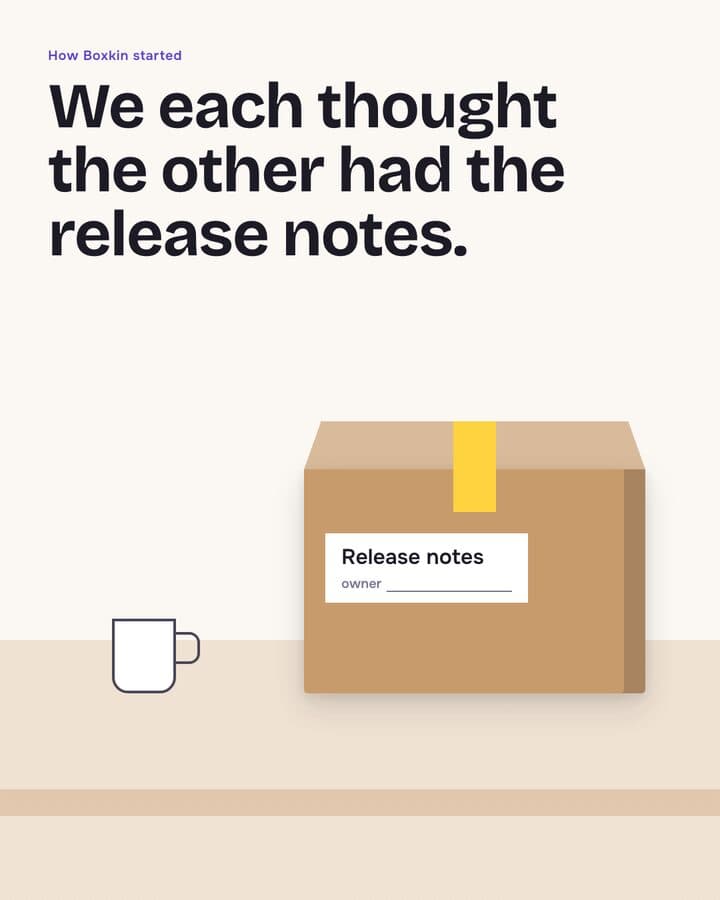
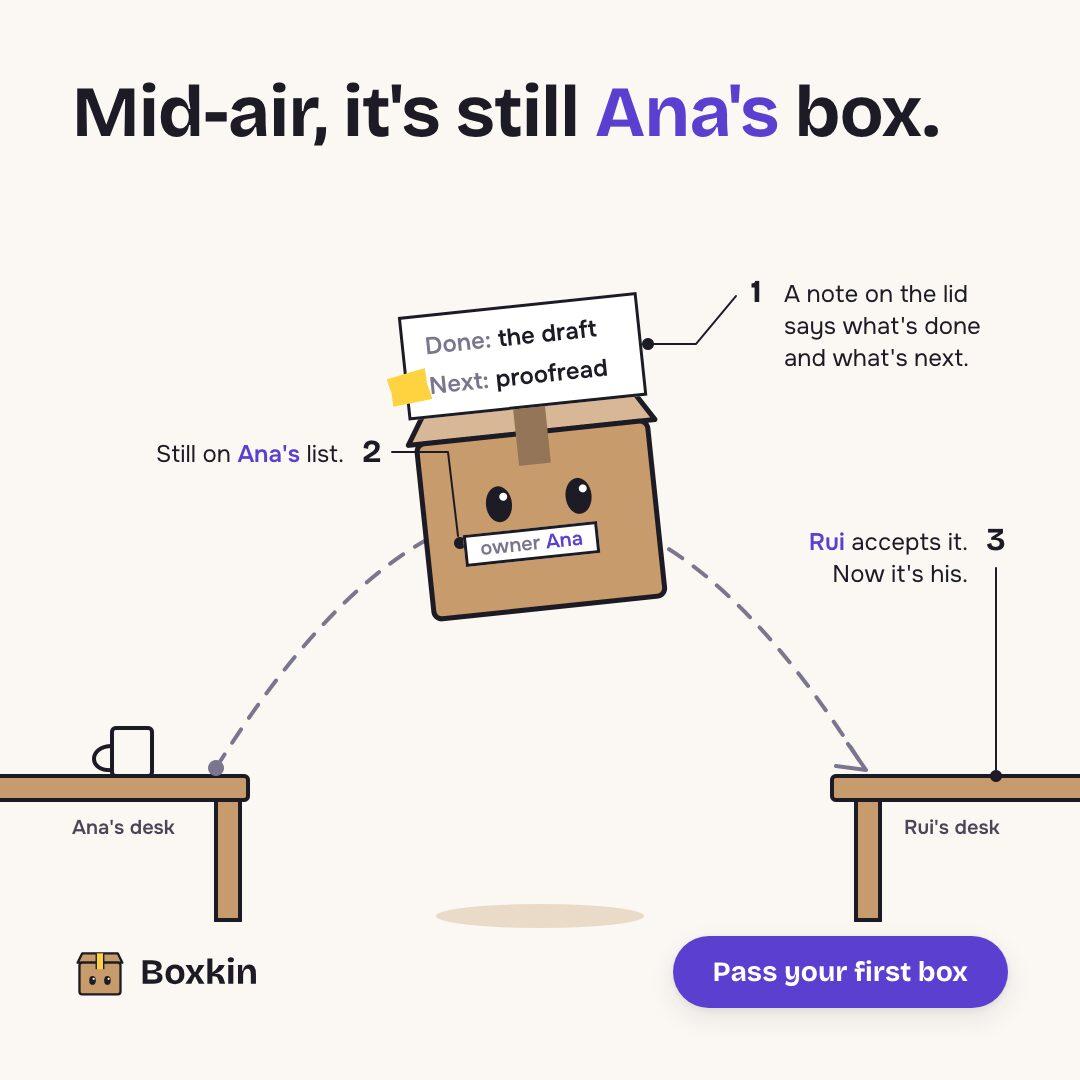
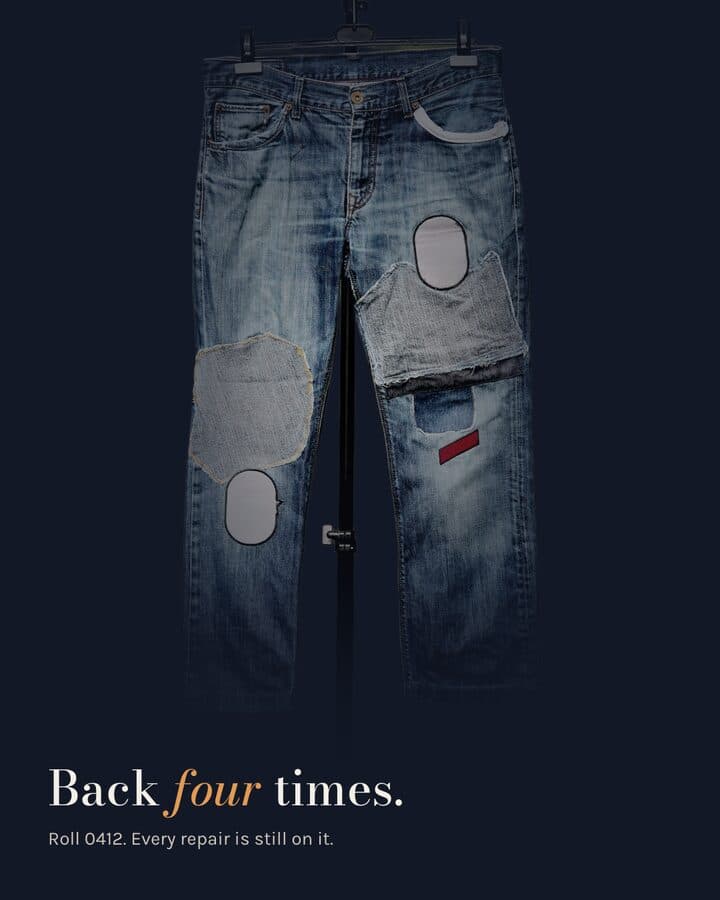
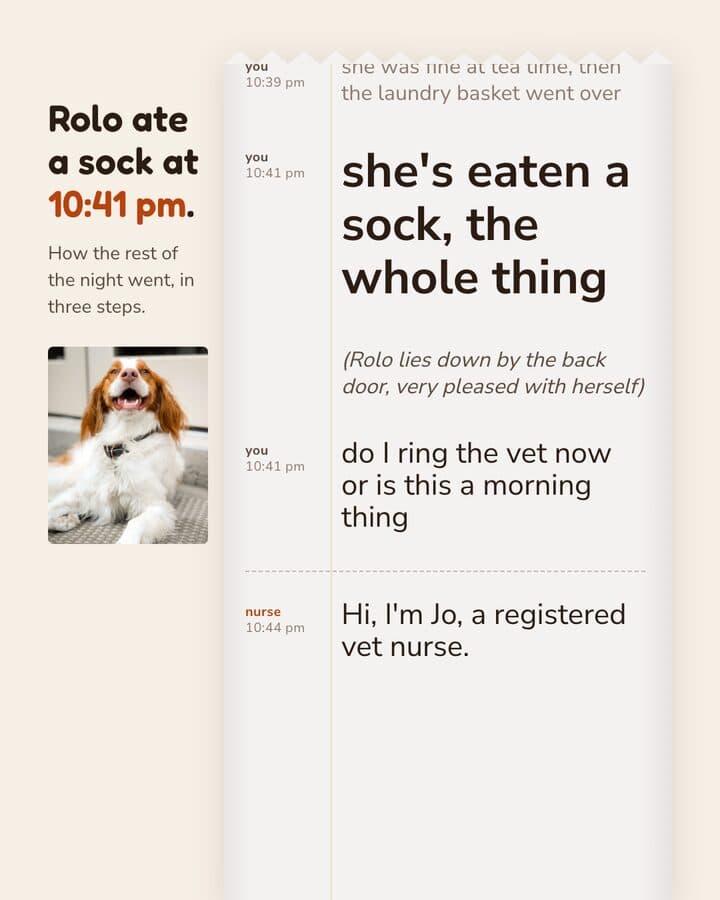
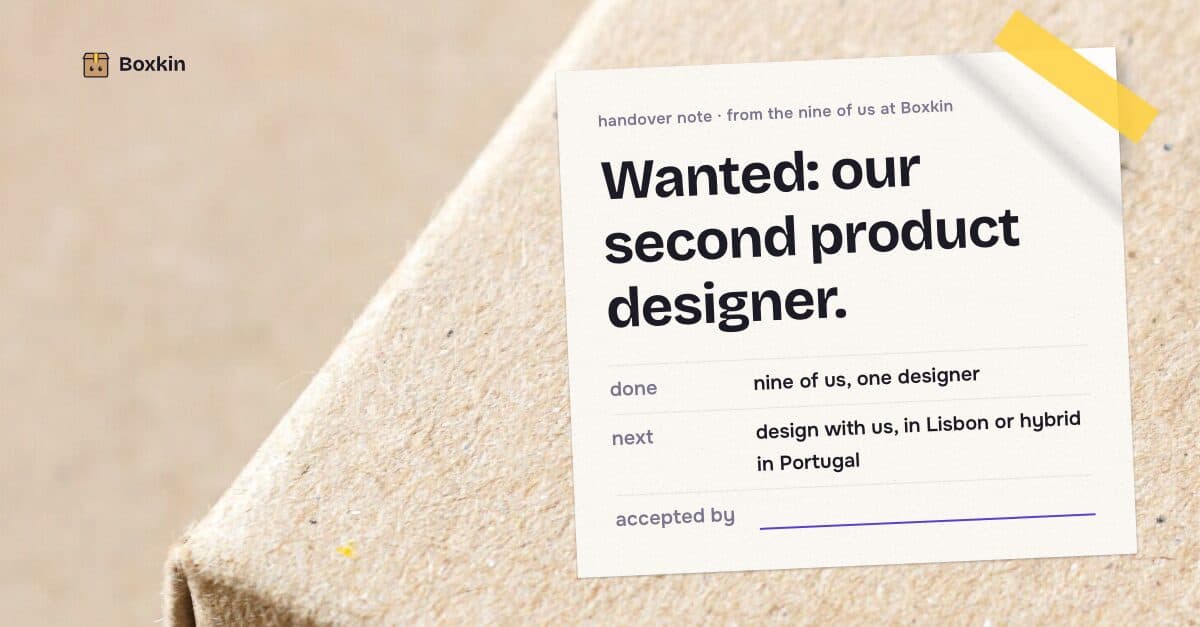
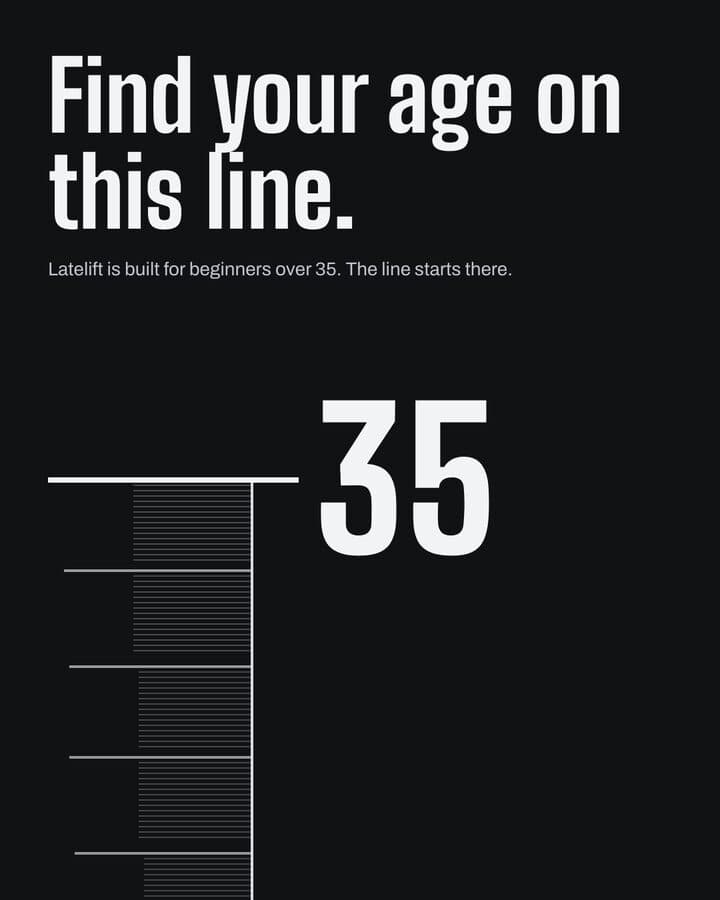
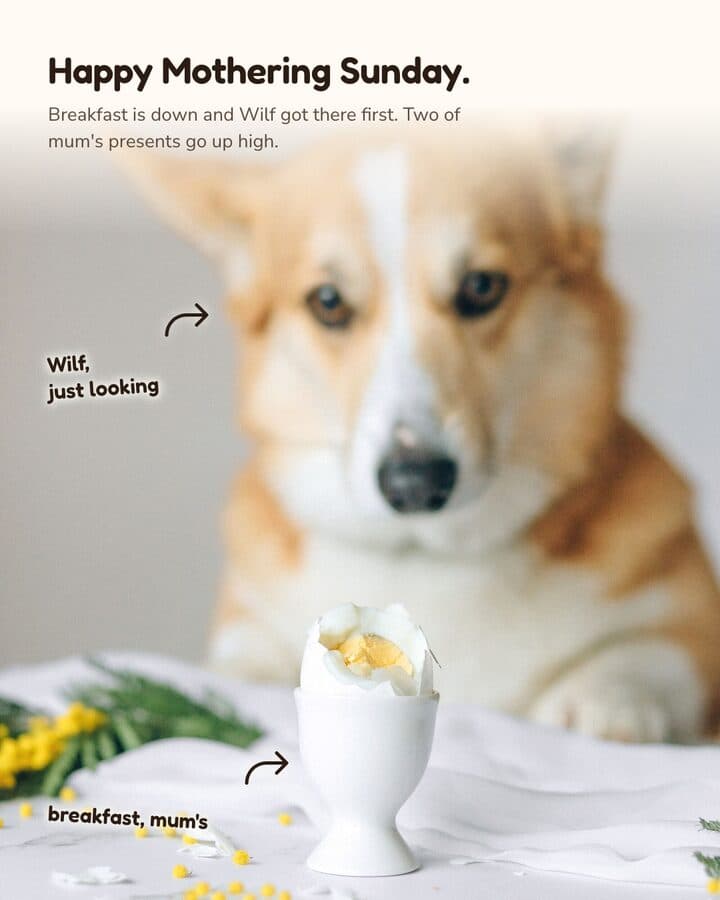
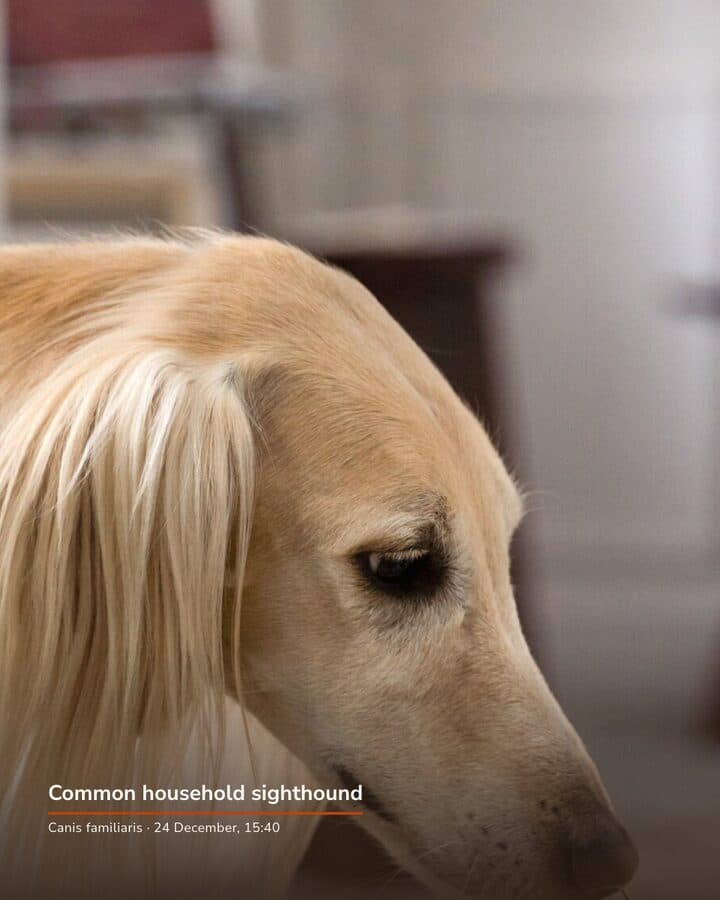
Every piece here was built in Kamply at the size it ships. Sample brands are labelled as such.
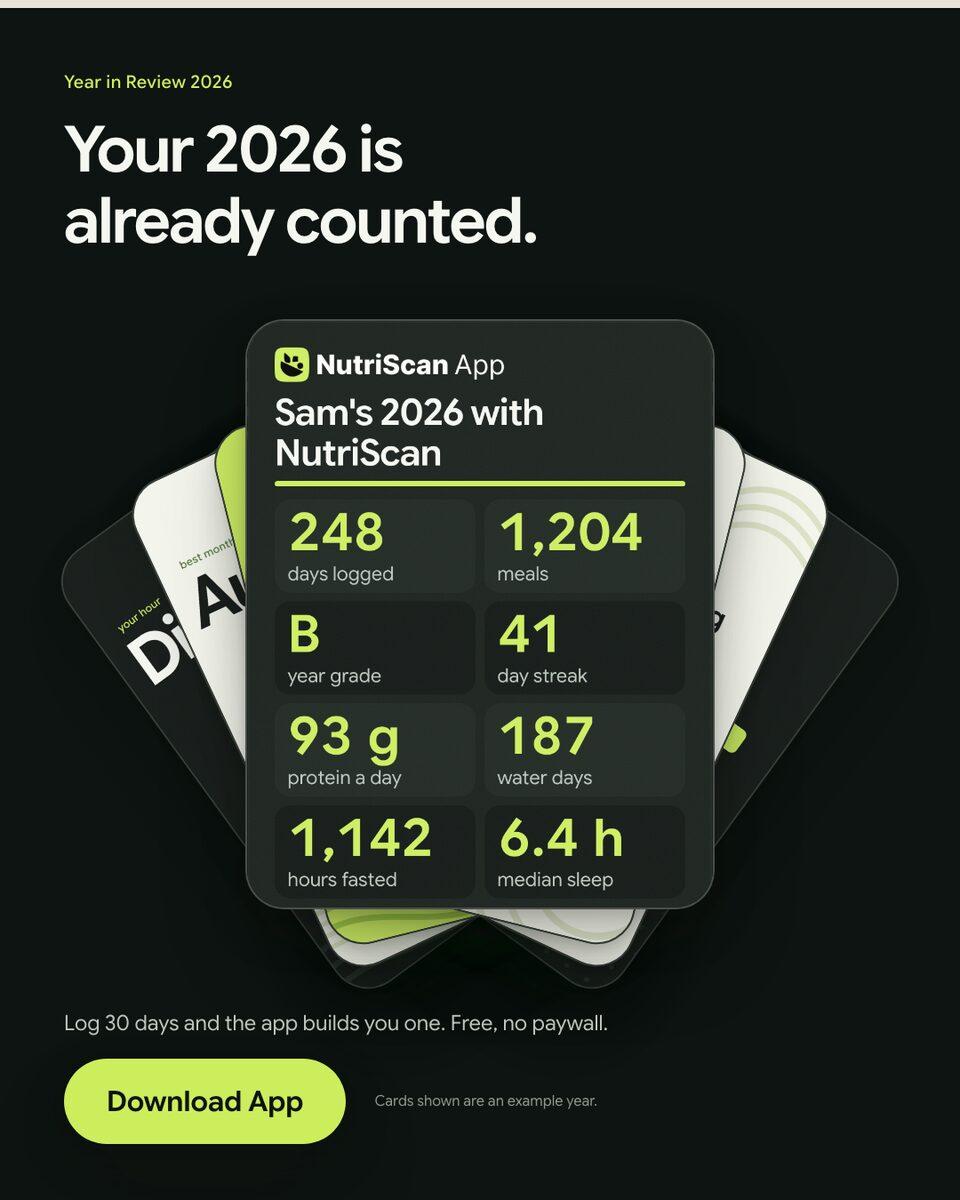
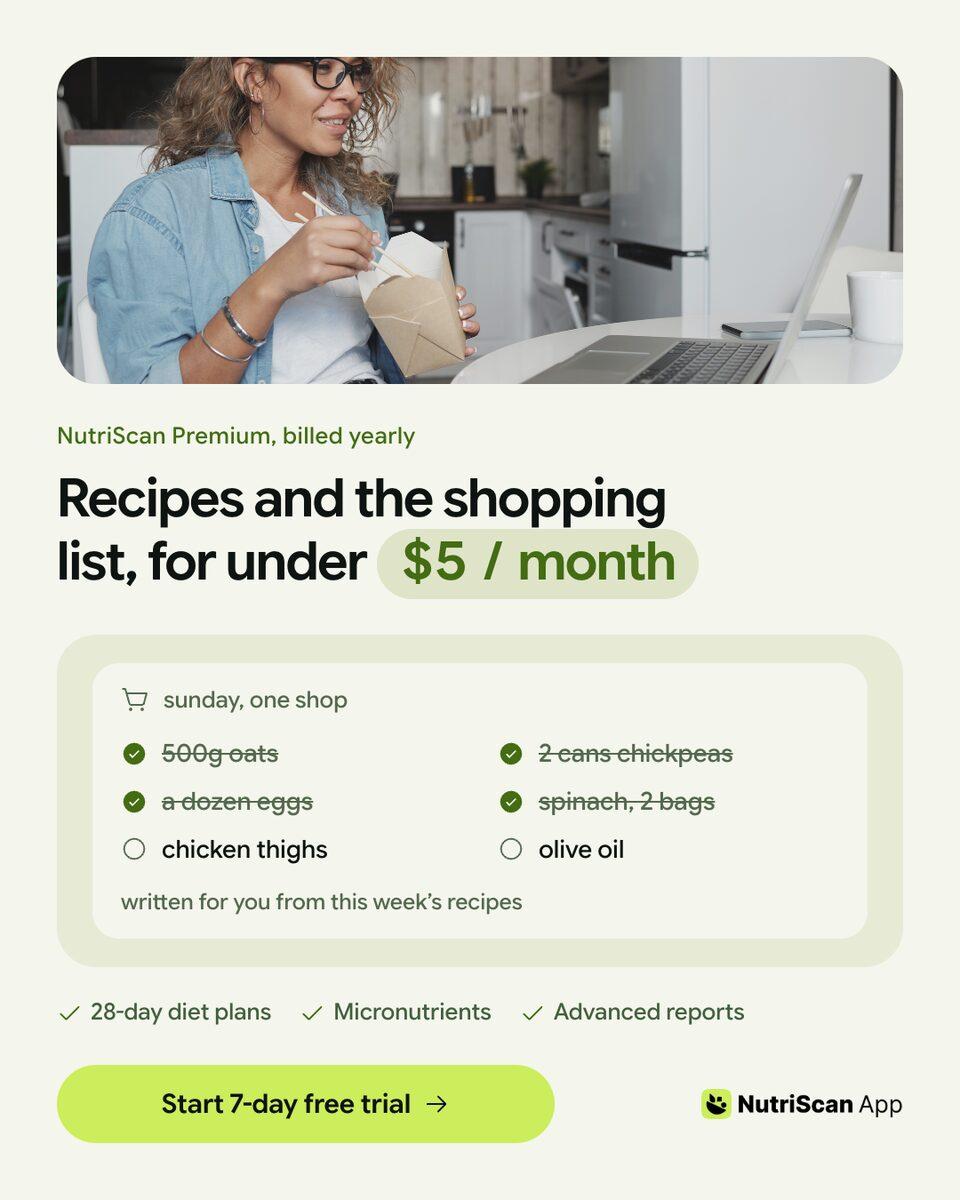
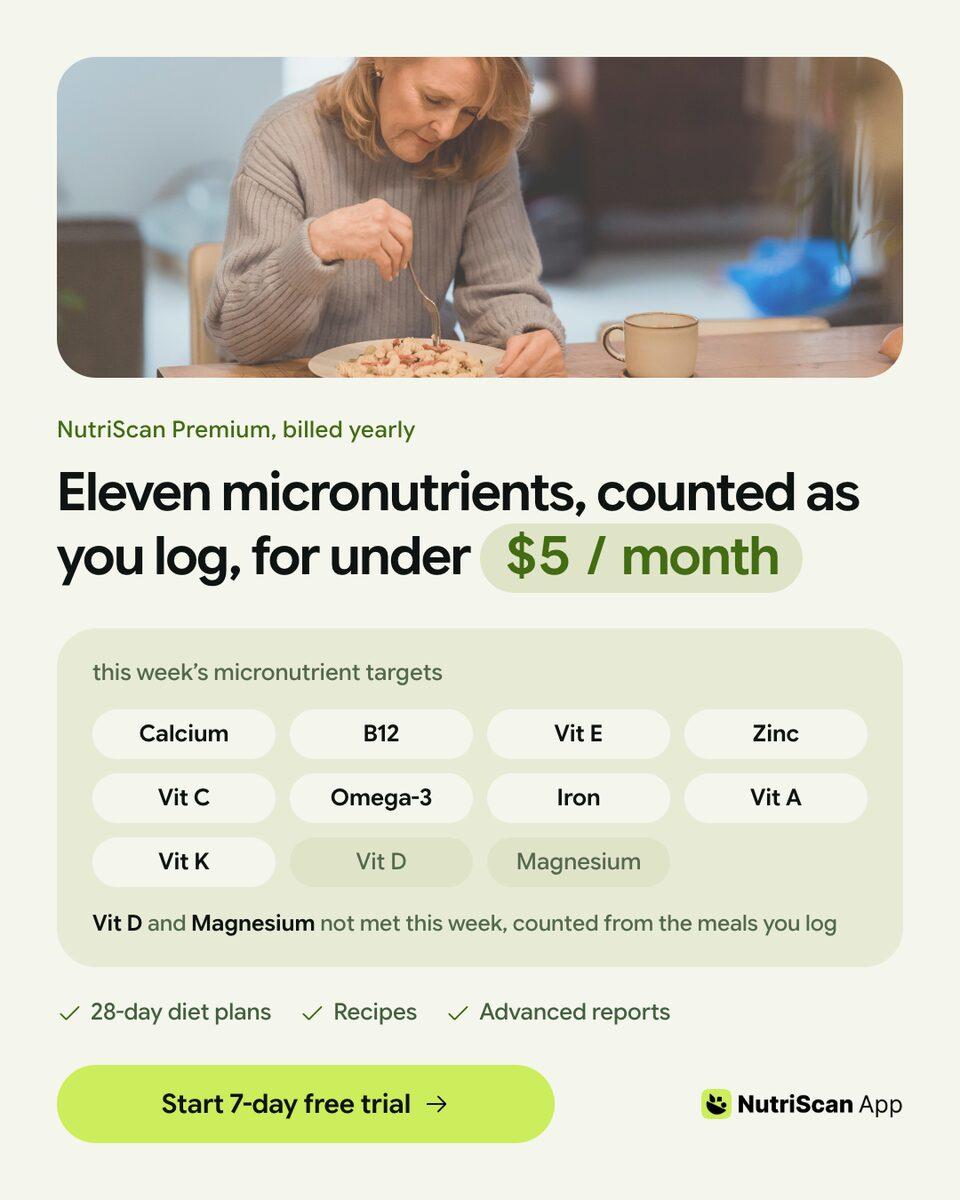
Sample brands from the app’s library
Darnfold, Boxkin, Woofstead and Latelift are invented brands, so every figure in their work is fictional.
 sample brand
 sample brand1 / 6
 sample brand
 sample brand1 / 5
 sample brand1 / 5
 sample brand
 sample brand
 sample brand1 / 5
 sample brand1 / 4
 sample brand1 / 4
 sample brand1 / 3
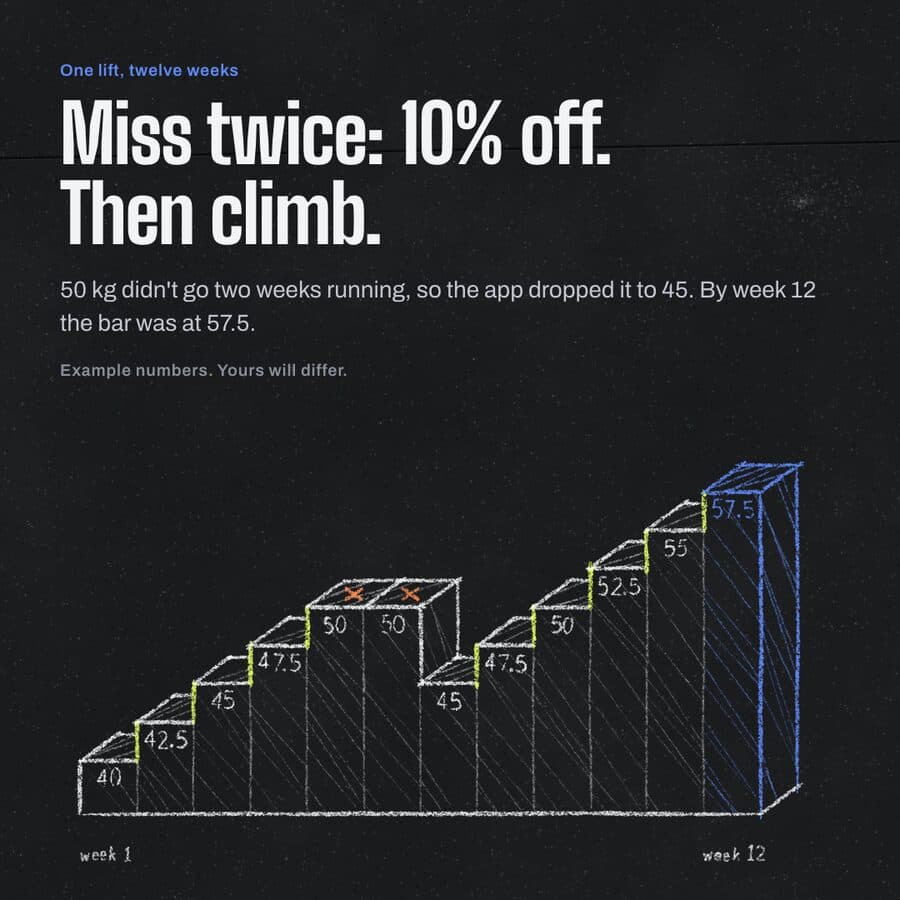 sample brand1 / 4
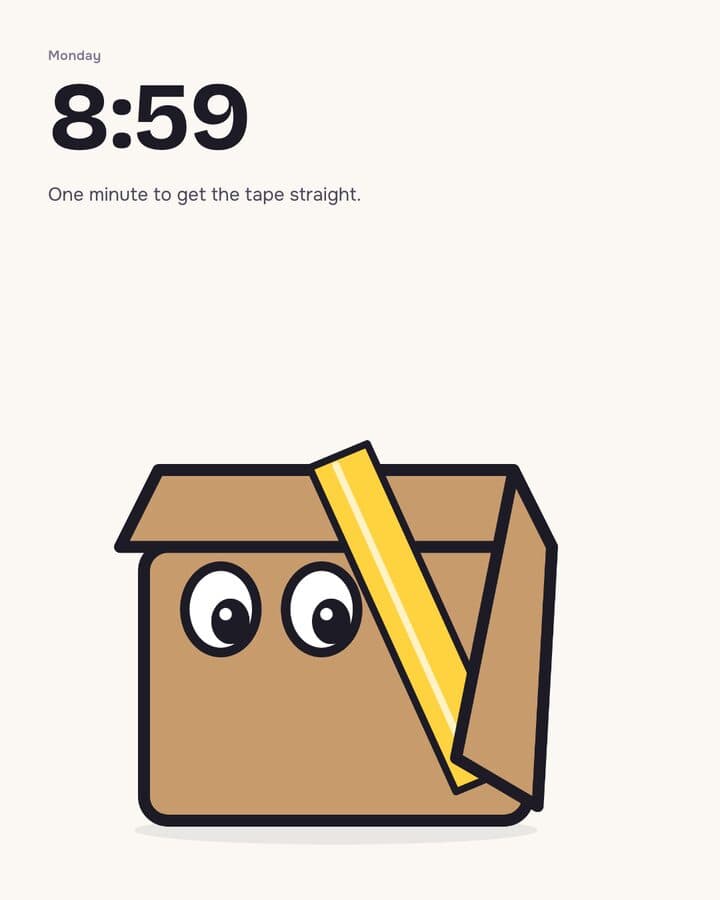 sample brand1 / 3
 sample brand1 / 3
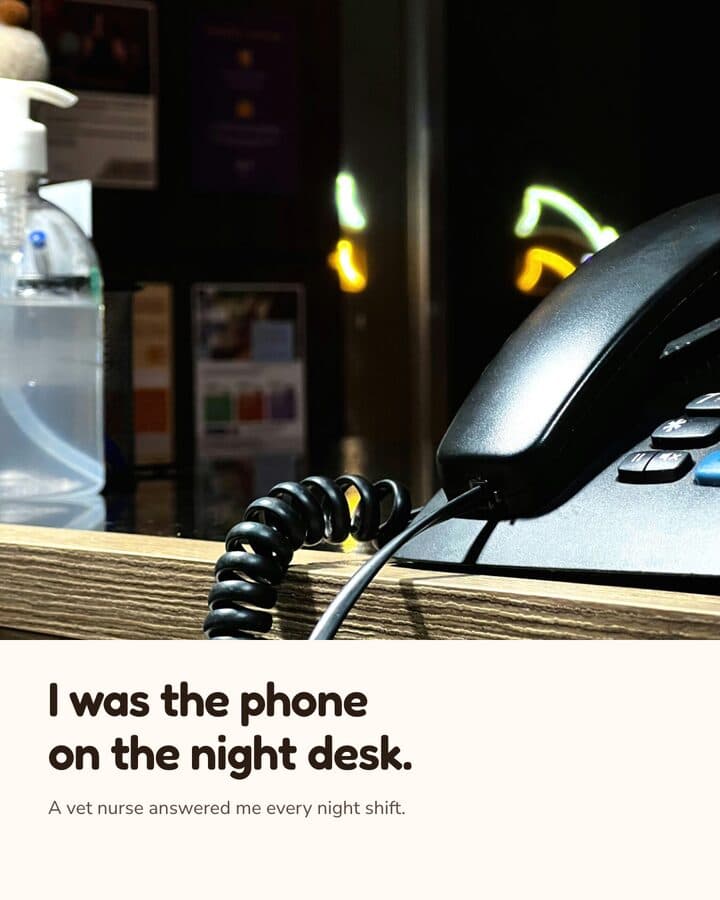 sample brand1 / 3
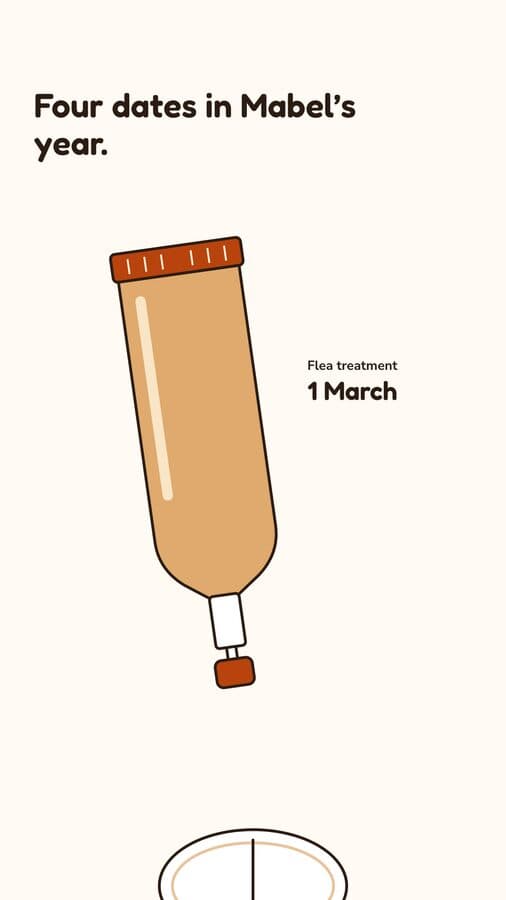 sample brand1 / 4
 sample brand1 / 4
You ask
docked terminal, bundled claude CLI
The agent writes
posts/<slug>/feed.html
The watcher fires
fs.watch, recursive
The view repaints
preview at the post's ratio
One writer, and it loops back to you
The window edits the post
No write path to the deliverable
The four steps are the app's own write path: the docked terminal is the only thing that edits workspace files, and the preview watches them with Node's recursive fs.watch.
What it actually does
Beside the terminal, the window shows your posts, a live preview, your brand and your assets.
What it does, in detail
Beside that terminal the window shows a gallery of your posts, a live HTML preview at the post's ratio, a brand viewer, an asset browser and a pattern library. You ask in the terminal, the agent writes files to disk, a watcher notices, and the views re-read from disk and repaint. The window never edits a deliverable, so the post HTML, copy.md, brief.md and your brand tokens change only when the agent changes them. Inside a post folder it writes only AI review candidates, under images/ai/, and its Save button exports a PNG to a folder you pick. What you review is the rendered comp rather than a patch.
What this is not
Kamply has no connection to Cursor, is not a code editor, and does not post or schedule anything.
What it leaves to you
Kamply has no connection to Cursor, is not a code editor and does not work on your codebase, and does not post, schedule or report on anything. It makes the files and you upload them yourself.
How it runs, start to finish
Three steps, in the order the app actually does them.
Ask in the docked terminal
The window runs the bundled Claude CLI in a real terminal next to your gallery, and every change goes through it. The GUI has no editing form, so a post only changes by asking, and the gate script still has to pass before that post ships.
It interviews, then locks a brief
The first stop is an interview about audience, format, ratio, imagery, scope and the facts you can stand behind. That becomes a written brief with no blank fields. Then one hero comp renders on your real brand tokens, and once you lock the look the agent stops asking design questions and logs its assumptions instead. Prices, product facts and claims stay the exception, where it stops and asks rather than guess.
Review the render, not a diff
Work comes back as labelled variants side by side in one file at true pixel size, two per round by default. You approve at named stops that record which file you were shown, and post-preflight.sh refuses the post until every numbered gate passes.
The numbers, and where they come from
Every figure on this page comes from Kamply's build log or a named published source. Nothing is modelled.
- Who writes deliverables
- The agent, only
- The loop
- Write, watch, repaint
- What you review
- A rendered comp
- Variants per round
- Two by default
- Quality gate
- post-preflight.sh, hard fail
- Rules file
- AGENTS.md, the same text as CLAUDE.md
What each number means
- Who writes deliverables
- The window never edits post HTML, copy.md, brief.md or brand tokens
- The loop
- A native recursive fs.watch notices the change and the view re-reads from disk
- What you review
- A labelled variant, a hero comp or a video plan page, never a patch
- Variants per round
- Labelled columns in one file; numbers are append-only, never reused
- Quality gate
- Gates 0 through 10, brief to stops; a waiver takes your ruling in chat, logged in signoffs.md, and still prints as a warning
- Rules file
- Cursor reads the same file; the scripted checks last passed 2026-08-02
Questions people actually ask
If yours is not here, ask it in the walkthrough. The form below reaches a human.
Is Kamply a Cursor plugin?
No. Kamply is a separate Mac desktop app with no affiliation with Cursor and no shared code. It does not run inside Cursor, does not install into it, and does not edit source files. The name appears on this page to describe a working model, and nothing more.
Can I drive the same workspace from Cursor?
Yes, as ordinary files. A Kamply workspace keeps its rules in AGENTS.md, which carries the same text as CLAUDE.md, and the quality gates are shell scripts that behave the same whichever agent runs them. That path was smoke-tested on 2026-08-02 against cursor-agent 2026.07.01 and both scripted checks passed. Call it workspace compatibility, not an integration.
Is there a diff view where I accept or reject changes?
No. Nothing waits for you to accept or reject a hunk. What you look at is the rendered file: a labelled variant at 1080 x 1350, a hero comp on your brand tokens, or a plan page for a video with its measured beat timeline and playable voice takes. You approve or redirect at a named stop, and the stamp records which file you were shown.
Can I edit a brief or a caption inside the window?
No. The GUI reads files and paints them. There is no brief editor, no copy editor, no new post wizard, and no path in the window that edits a deliverable. The Save button on a variant exports a PNG to a folder you pick and never writes back into the post. You ask the agent in the terminal and the view repaints when the file changes. Adding native editing forms was considered when the app was designed and rejected, because a form that writes straight to disk can produce a post that skipped the gates.
Does it publish or report on what I post?
No. Kamply makes files on your Mac: post HTML with its images in a folder, or an MP4 with the plan, the script and the voice takes beside it. It connects to no social or ad account, schedules nothing, and has no performance data to report. You upload the files yourself.
What do I need to run it, and what does it cost?
An Apple silicon Mac on macOS 11 or later, and a Google account: you sign in on launch and the app fetches your tool keys, so it is not an offline install. Kamply ships as a signed and notarized DMG, not a web app and not a mobile app. One plan: $69 a month or $499 a year, with an Enterprise lane that books a walkthrough. Founding rates end 2026-10-15.

Bring one brief to the walkthrough.
We build the first direction with your brand during the walkthrough.