

Creative testing in Kamply
Test one variable, not six at once
Kamply builds labelled variants against a single locked brief, so V1 and V2 differ where you decided they would.
The longer description
It does not run the test, spend the budget, or read the result back.
Finished work, built in the app.
Every piece here was built in Kamply at the size it ships. Sample brands are labelled as such.
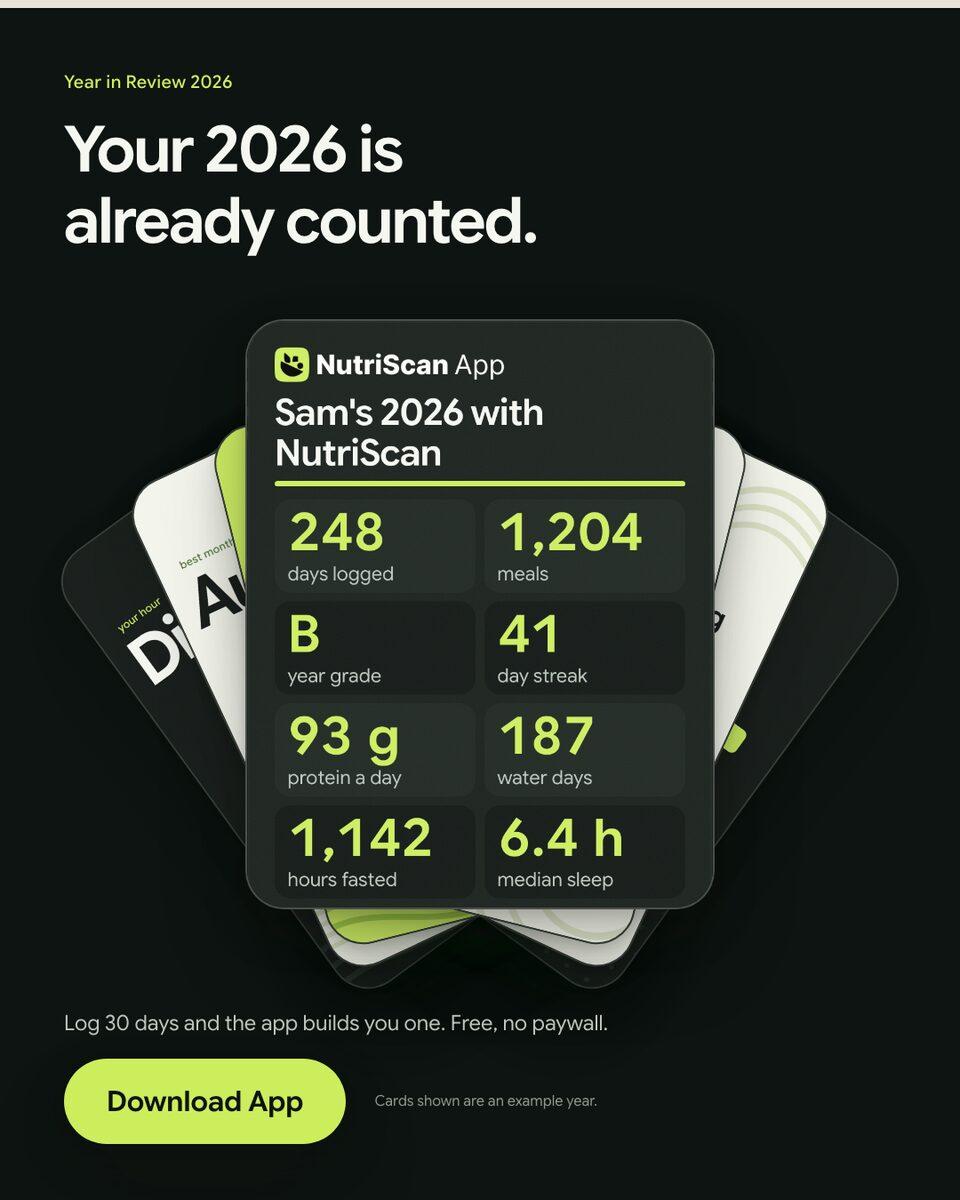
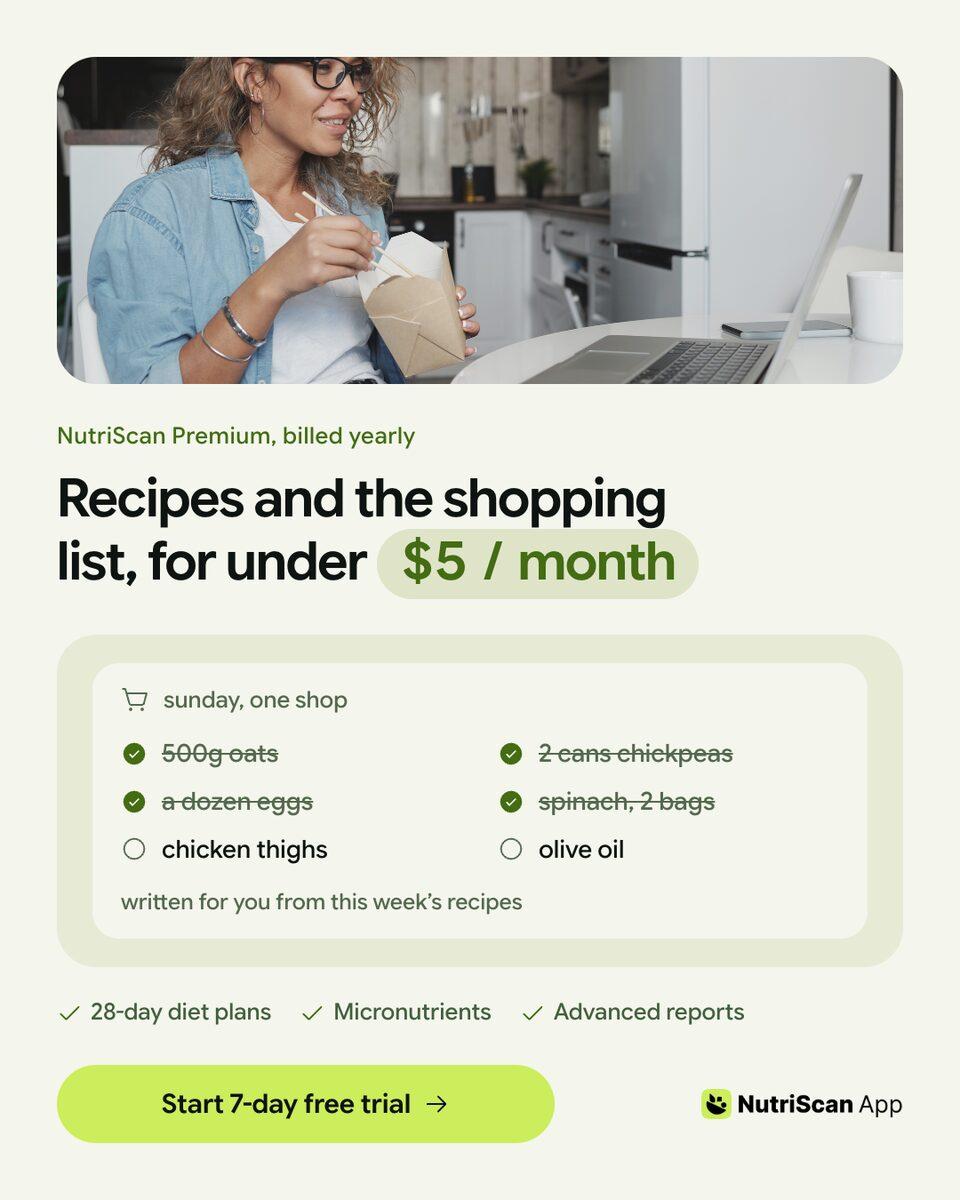
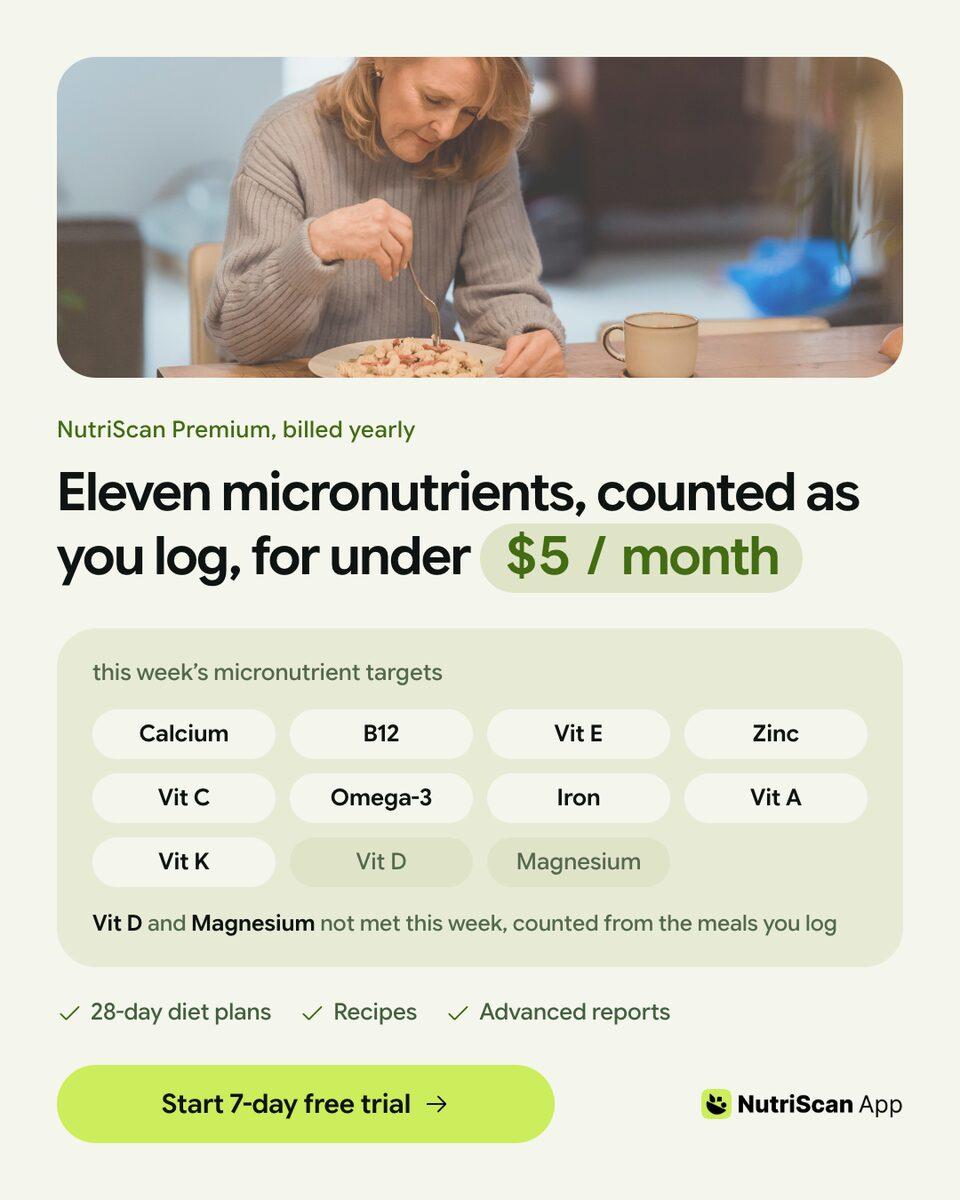
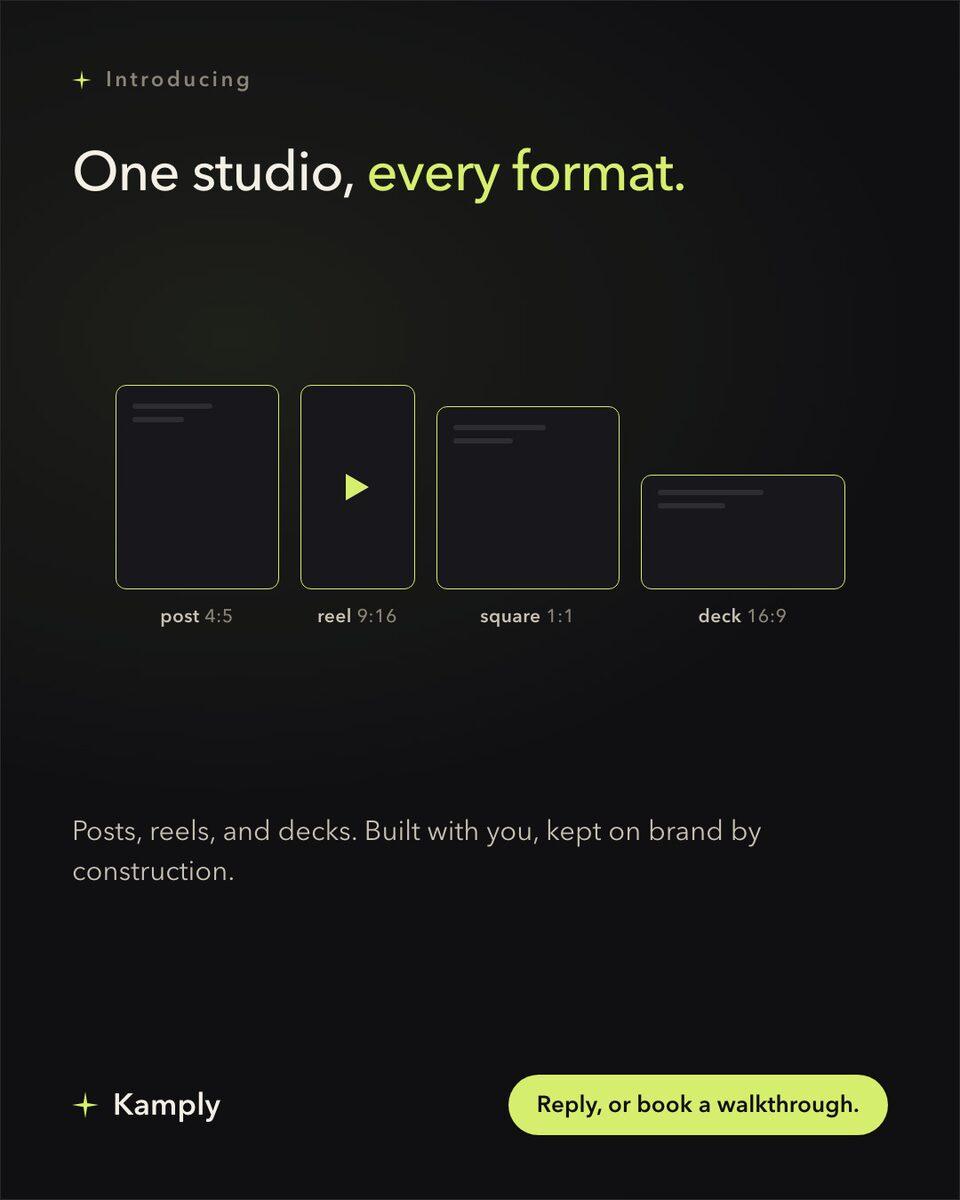
Sample brands from the app’s library
Darnfold, Boxkin, Woofstead and Latelift are invented brands, so every figure in their work is fictional.
 sample brand
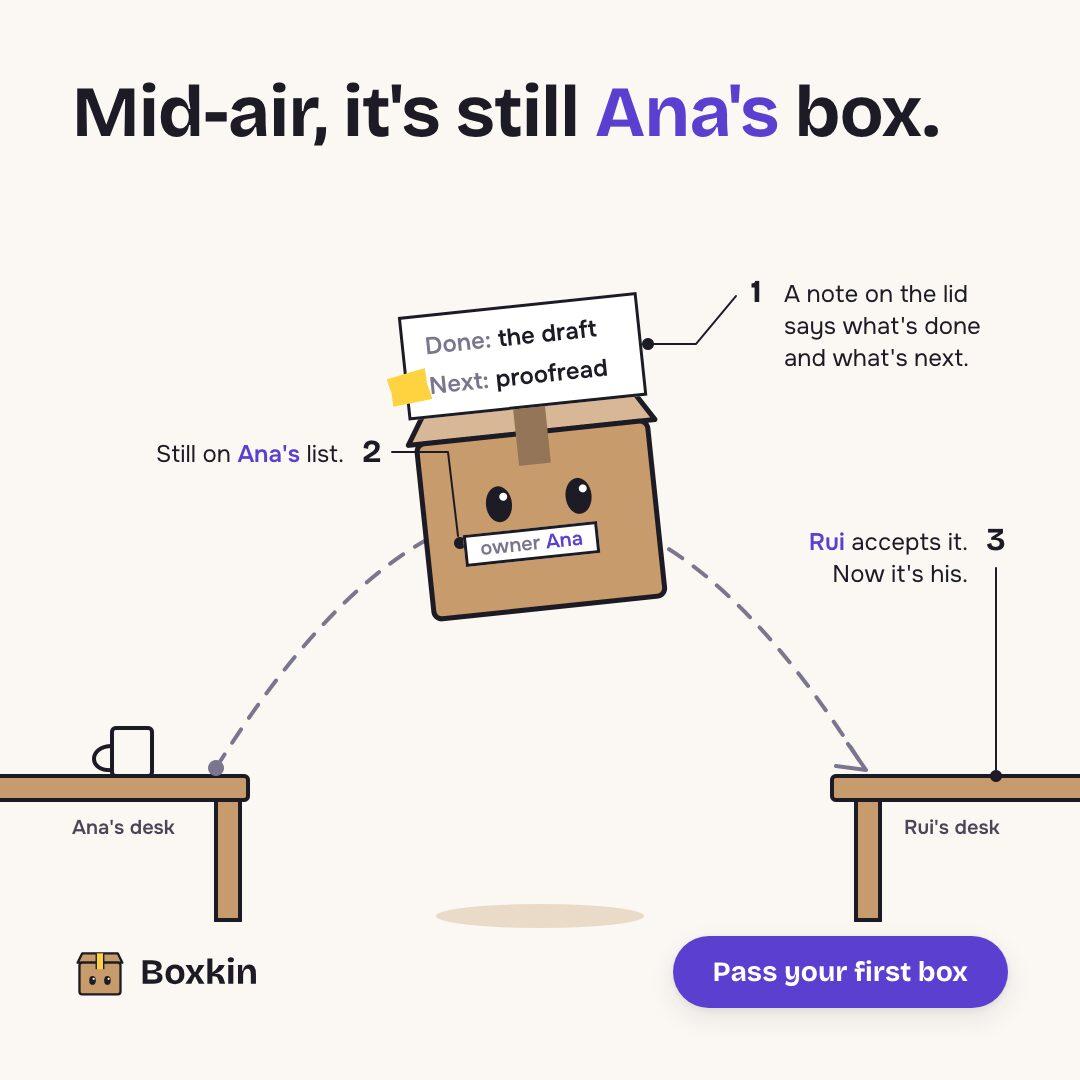 sample brand
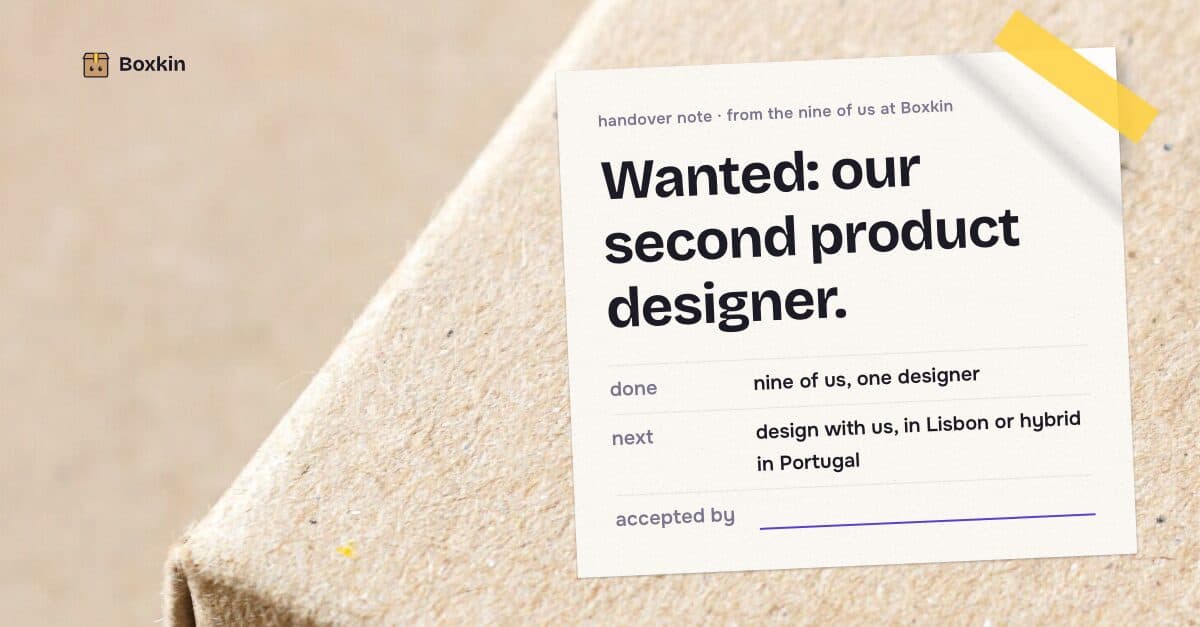 sample brand
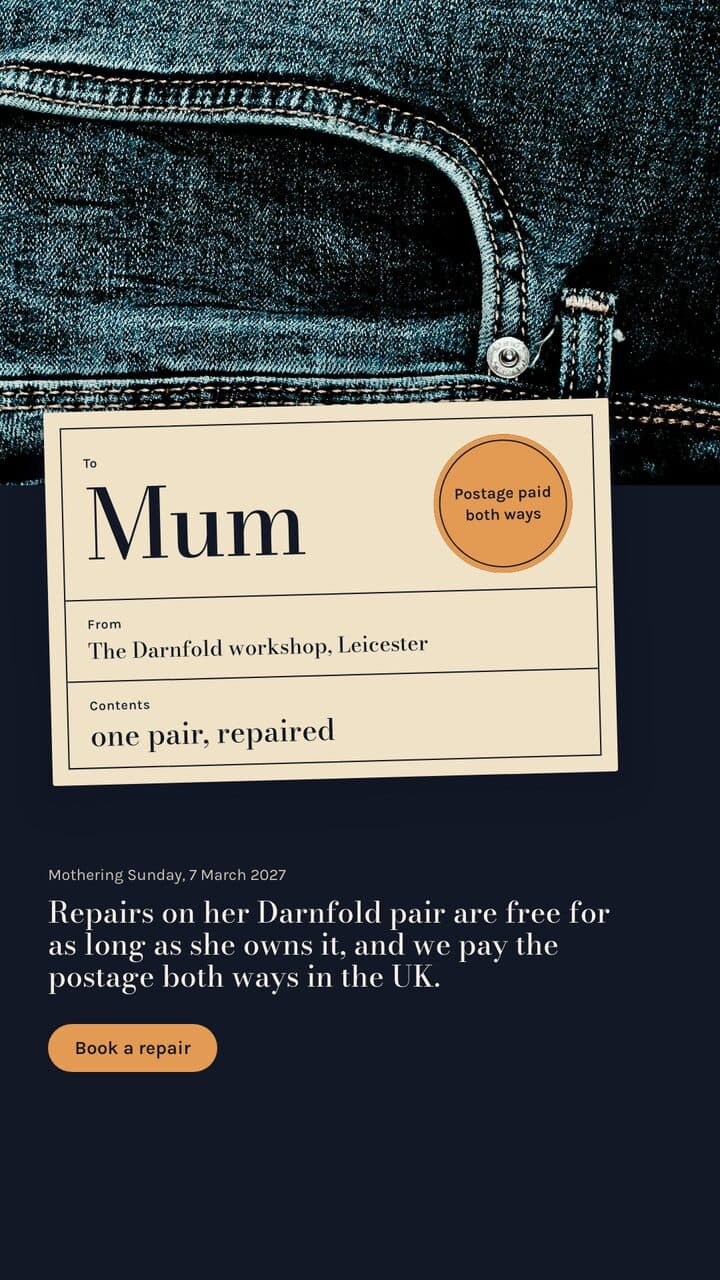 sample brand
| One brief, three variants | V1 | V2 | V3 |
|---|---|---|---|
| Opening linethe variable | different | different | different |
| Product shot | identical | identical | identical |
| Colour and type tokens | identical | identical | identical |
| Offer wording | identical | identical | identical |
| Export size | identical | identical | identical |
An illustration of the shape, not a real campaign. The rows are what a locked brief actually holds still: the brand tokens come from onboarding, and the brief names the one line that moves.
What it actually does
Kamply is a Mac app that makes the creative.
What it does, in detail
It interviews you, locks a written brief naming what is being tested, and proposes labelled variants (V1, V2, V3) rather than one output. Every variant references the same brand tokens, so the difference between them is the variable and not an accident of styling. You export the files and upload them into whichever ad tool you already use.
What this is not
It does not connect to Meta Ads Manager, does not spend budget, and reports nothing about which variant won.
What it leaves to you
Kamply builds the creative; the test itself happens somewhere else.
How it runs, start to finish
Three steps, in the order the app actually does them.
Name the variable in the brief
Before anything is designed, the interview settles what is being tested: the opening line, the product shot, the offer wording. The brief is written down with no blank fields, which is what stops three things drifting at once.
Take the labelled variants
Kamply comes back with V1, V2 and so on rather than a single option. Numbers are append-only, so a variant is never quietly replaced by a different design wearing its label.
Export, run it, bring back the answer
Preflight has to pass and you approve at a named stop. Then you export PNG, PDF or MP4 and run the test in your own ad account. When you know which one won, that answer becomes the next brief.
The numbers, and where they come from
Every figure on this page comes from Kamply's build log or a named published source. Nothing is modelled.
- Variants per brief
- V1, V2, V3, append-only
- Export sizes
- 1080x1350, 1080x1080, 1080x1920
- Ad account connection
- None
- Brand consistency
- Shared brand tokens
What each number means
- Variants per brief
- Numbers are never reused, so a label always means one design
- Export sizes
- The three ratios the engine writes; PNG and PDF for stills
- Ad account connection
- No Meta integration, no spend, no performance reporting
- Brand consistency
- Colour and type derived once at onboarding, referenced by every variant
Questions people actually ask
If yours is not here, ask it in the walkthrough. The form below reaches a human.
Does Kamply run the A/B test for me?
No. It has no connection to Meta Ads Manager or any other ad platform, spends no budget, and reports nothing back. It makes the creative and hands you the files. The test runs in whatever tool you already use.
How many variants will it propose?
Two by default, and more when the brief asks for more. The useful number is usually small: a test with six variants and one budget mostly measures noise.
Will it tell me which variant is likely to win?
No, and it will not pretend to. Kamply does not score creative and has no performance data to score it against. It makes the variants clean enough that your result means something.
How does it stop the variants drifting apart?
Brand onboarding derives your colour tokens, typography, voice and logo once, and every variant references them. The locked brief names the one thing being tested, so the rest is held constant by construction rather than by remembering.
Can I take a winning variant and build the next round from it?
Yes. That is what the brief is for. You write what won into the next brief as settled, name the next variable, and Kamply proposes against that instead.
Next, if this was not it

Bring one brief to the walkthrough.
We build the first direction with your brand during the walkthrough.