

Size spec
Apple Watch screenshot size, 422 × 514 px
The Apple Watch Ultra size for App Store screenshots. Apple accepts one watch size across every localization.
Kamply is a Mac app that builds posts, reels and store screenshots at these sizes. It works with your Claude Code or Codex subscription.
The frame, drawn to scale.
The boxes are the registry's numbers, placed in the frame's own pixels over a piece the engine made at this size.
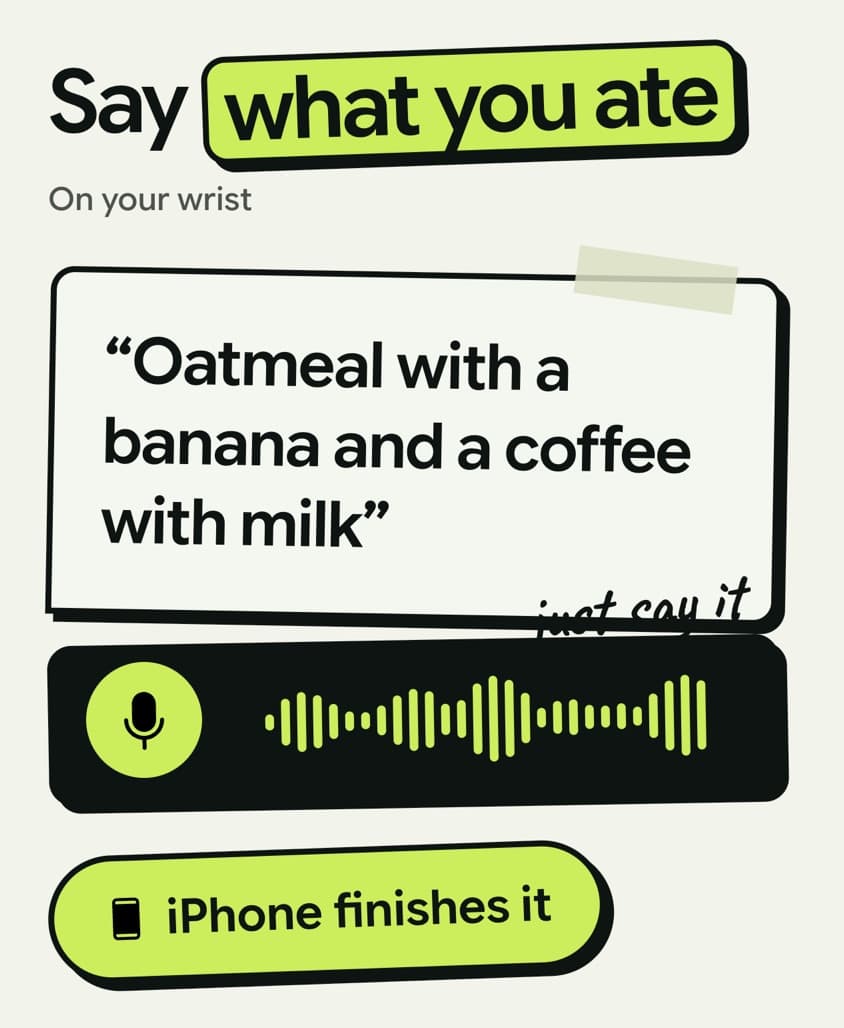
Apple Watch Ultra
422 × 514 px, 211:257
- Padding
- 24 px from every edge
- 374 × 466 px inside
The outer padding. Nothing that carries meaning sits inside it: no text, no button, no logo, no stat. A full-bleed photo or a background wash may cross it. The engine uses 72 px on a 1080 px wide frame and scales that for other widths, snapped to the 8 px grid.
Apple's screenshot specification, checked on 2026-09-27, lists 422 × 514 px for Apple Watch Ultra 4 and 3, 410 × 502 for Ultra 2 and Ultra, 416 × 496 for Series 10 to 12, 396 × 484 for Series 7 to 9, 368 × 448 for Series 4 to 6 and SE, and 312 × 390 for Series 1 to 3. Watch apps must supply one of them.
What the engine checks at this size.
A post is not called done until it passes these. Each one is a check the engine runs on the finished post.
Built at the exact pixels
Each frame is an artboard at the registry size at 1x, so the export is the size printed above with no scaling step. Posts export as PNG or PDF.
Text is measured against the boxes
The engine's GRID check measures every text box on the rendered post and fails one that crosses the padding, leaves the safe box or enters a covered margin. Gaps and line heights sit on an 8 px grid. It judges posts whose brief was approved on or after 2026-09-07.
Images are held to web weight
Every image a post embeds is held to 3000 px on its long edge and 4 MB. A PNG with no transparency fails and ships as a JPEG.
No image is stretched past its pixels
An image drawn above 1.25 times its own pixels fails, because it reads soft at feed size. This check judges posts approved on or after 2026-10-05.
Where the numbers come from
Every size Kamply builds to sits in one registry file, and each entry names the platform spec it was read from. This is the source line the registry holds for this size, as written:
developer.apple.com/help/app-store-connect/reference/app-information/screenshot-specifications (checked 2026-09-27): Apple Watch Ultra 4/3 422×514 (Ultra 2/Ultra 410×502, Series 12/11/10 416×496, Series 9/8/7 396×484, Series 6/5/4/SE 368×448, Series 3/2/1 312×390); required for Apple Watch apps; one watch size across all localizations

Bring one brief to the walkthrough.
We build the first direction with your brand during the walkthrough.